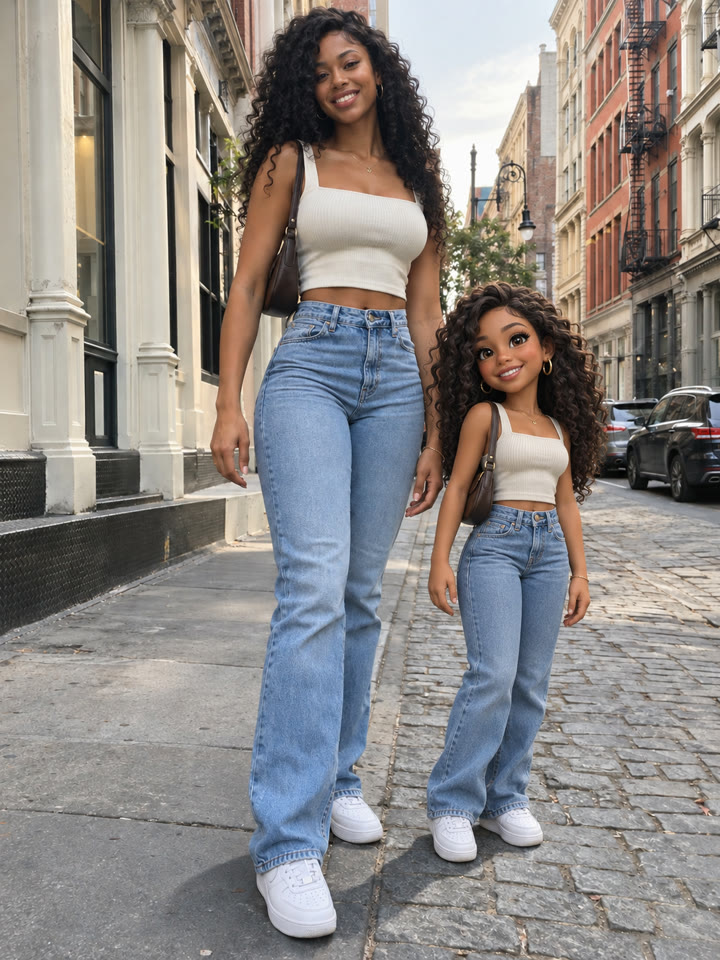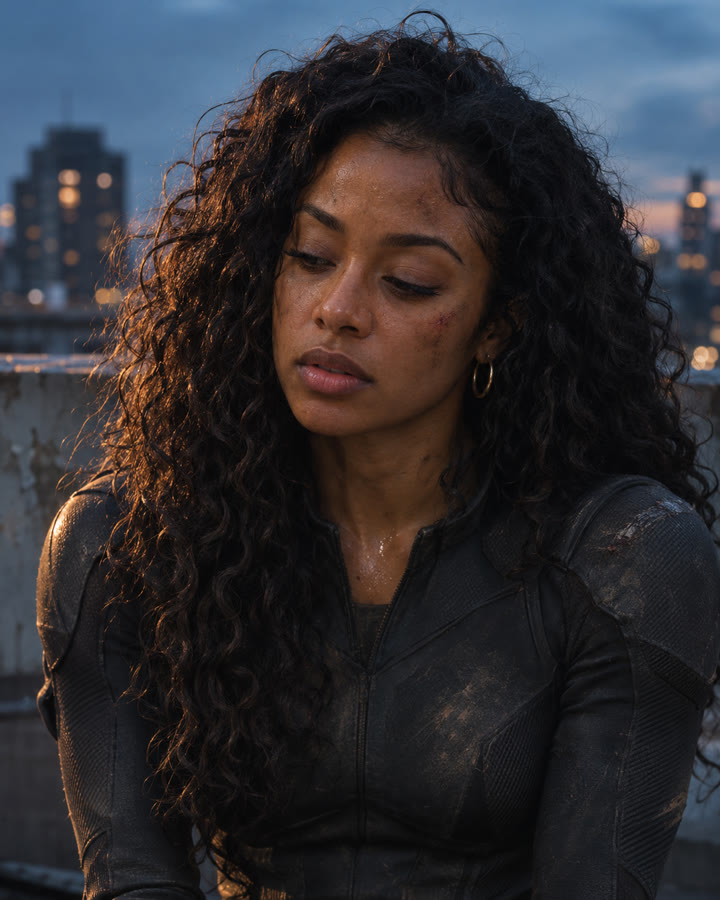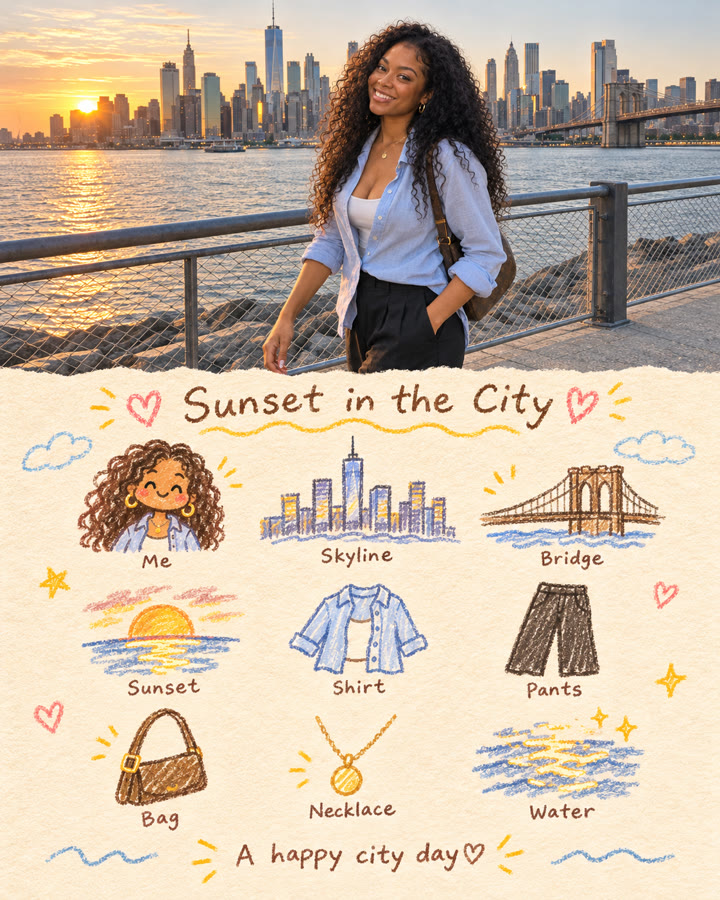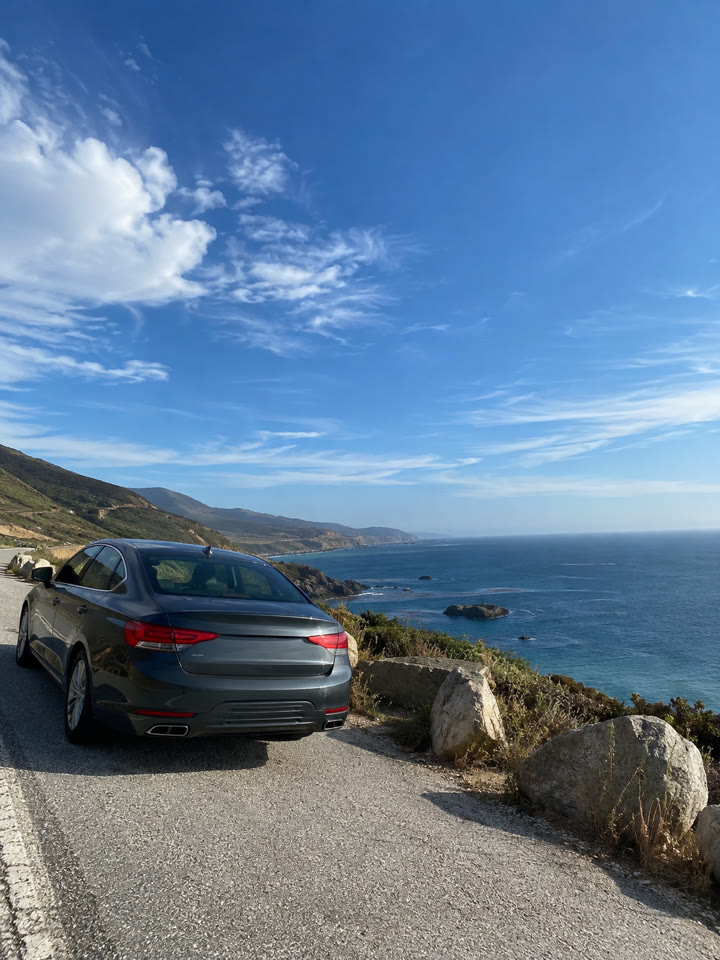
 BEFOREAFTER
Drag to compare
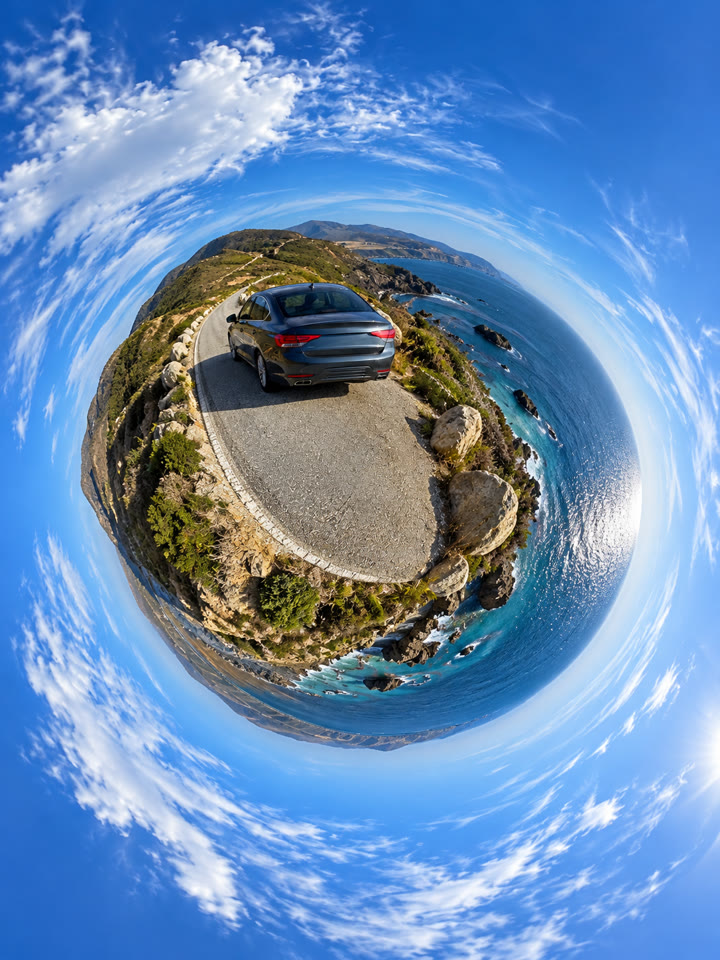
Turn a travel photo into a tiny planet
Start this set of five AI photo effects with /Tinyplanet. Upload a photo and try the short prompt to wrap the landscape into a globe-like scene.
The look
Tiny-planet viewCurved horizonTravel-photo twist
These are AI-generated examples. Results can vary with the input photo, model and settings; the prompt does not guarantee an identical result.
How to use it
- Open a ChatGPT chat with image generation.
- Upload the photo you want to edit.
- Paste the prompt from the box and send.
The prompt
PROMPT · EN
/Tinyplanet
Paste it in English exactly as written. It works best that way, even if you chat in another language.
Get five more ways to try it
Sign up by email for five variations of this prompt, plus the week's best prompts.
Results
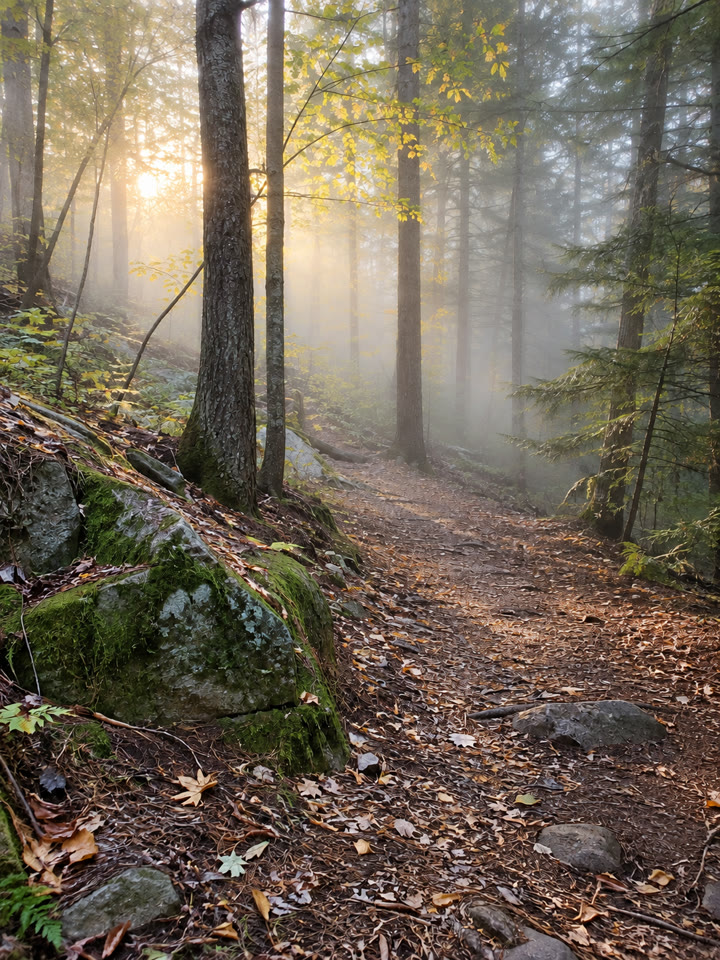
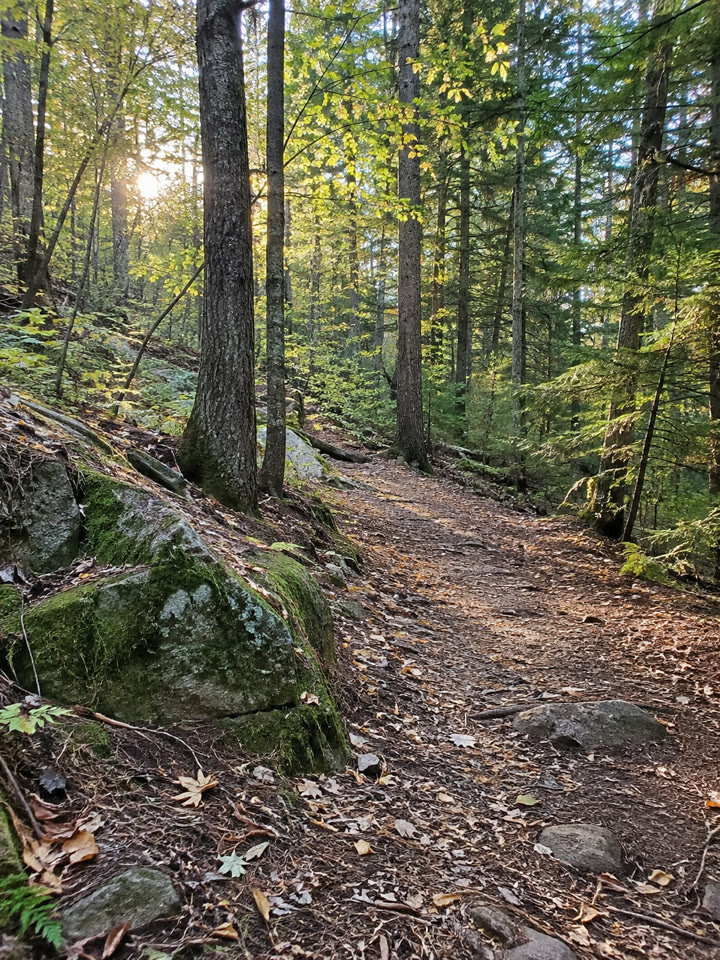
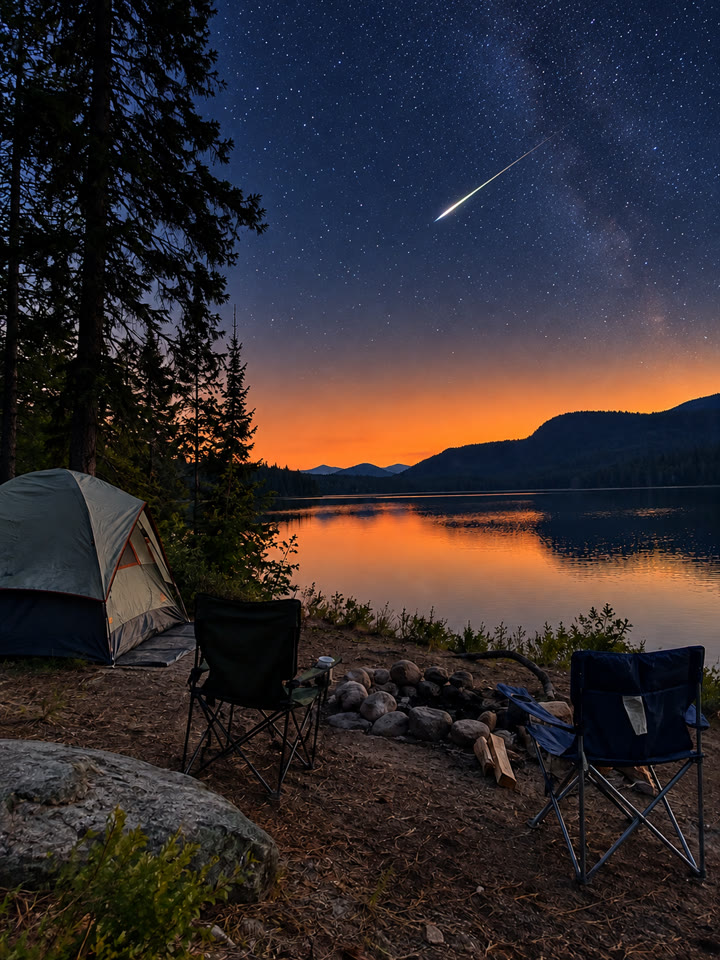
Press and hold a photo to see the originalHover a photo to see the original
 AFTER
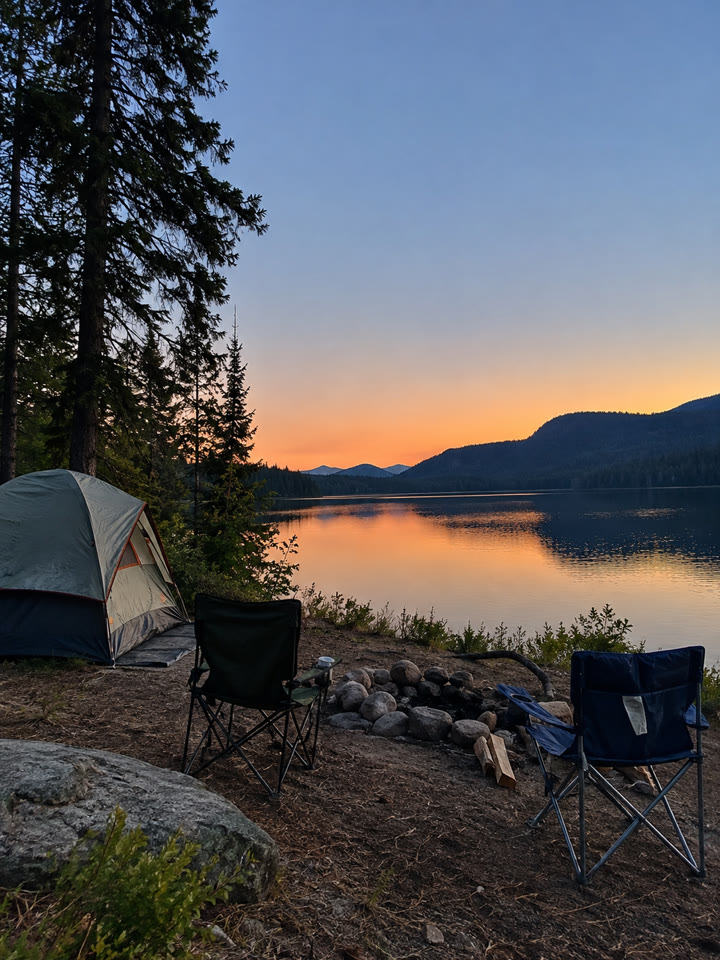 AFTER
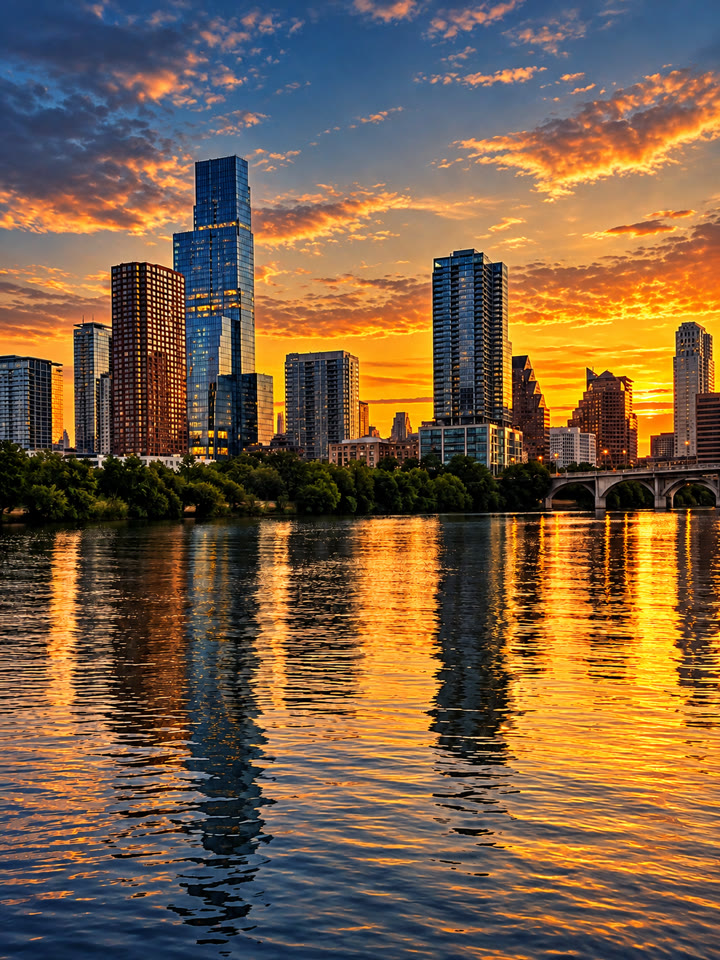
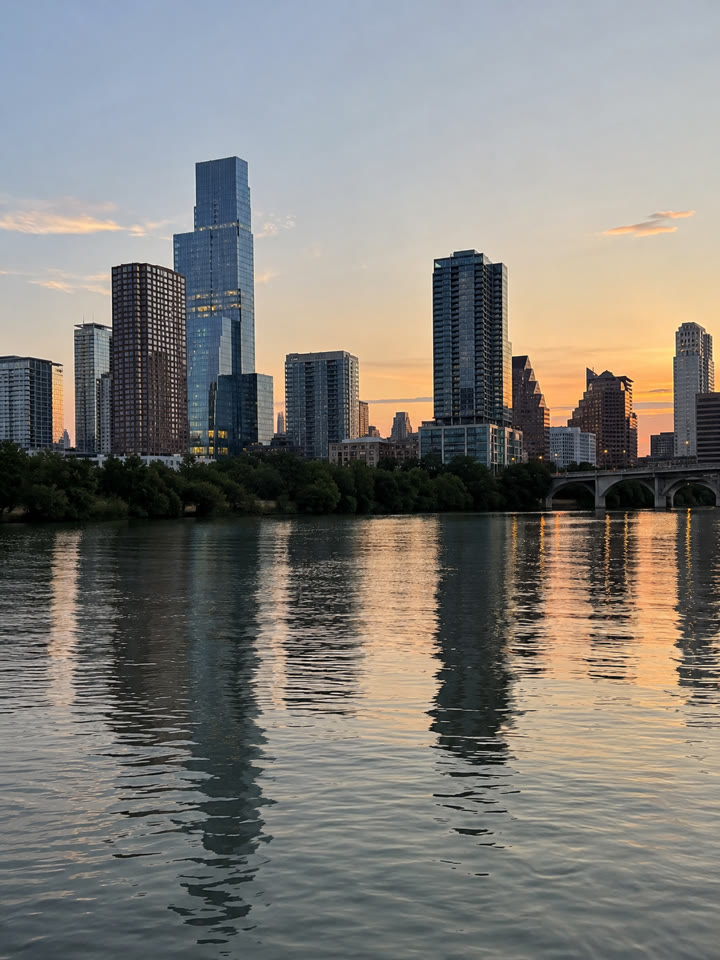 AFTER
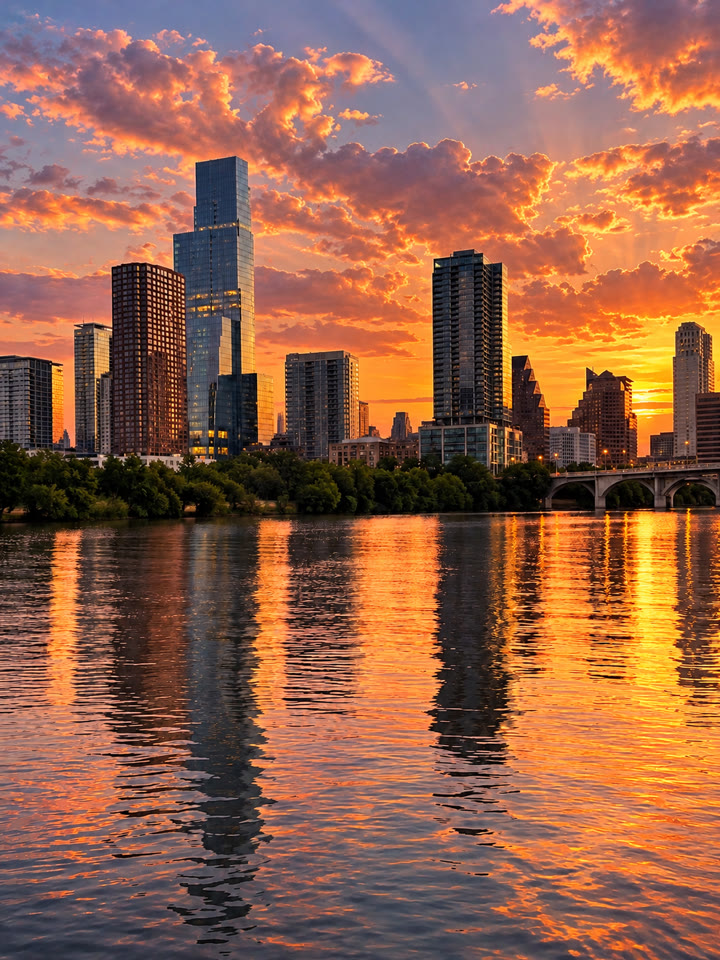
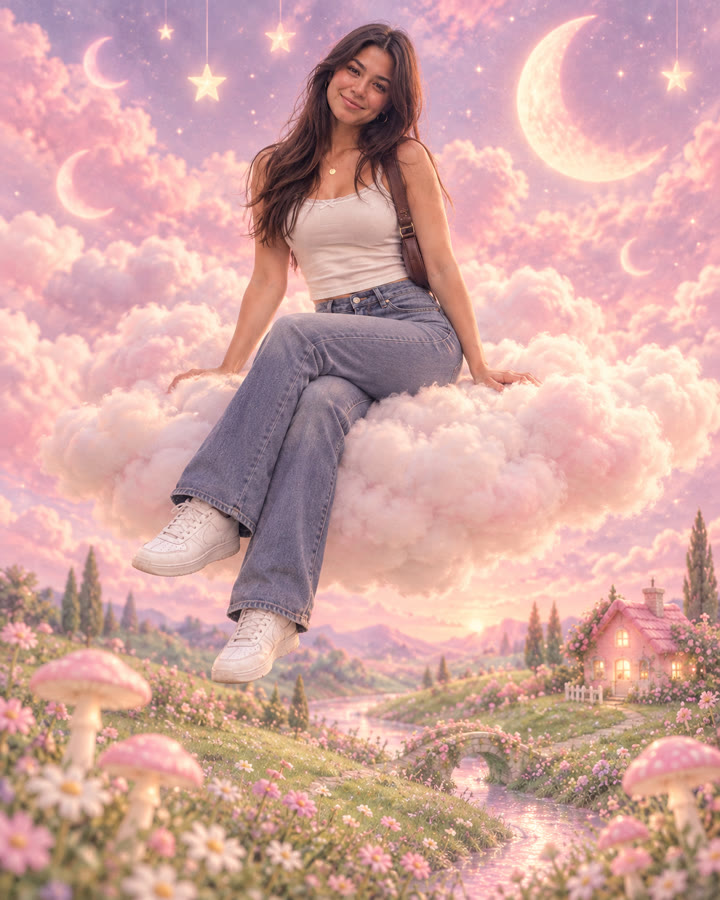
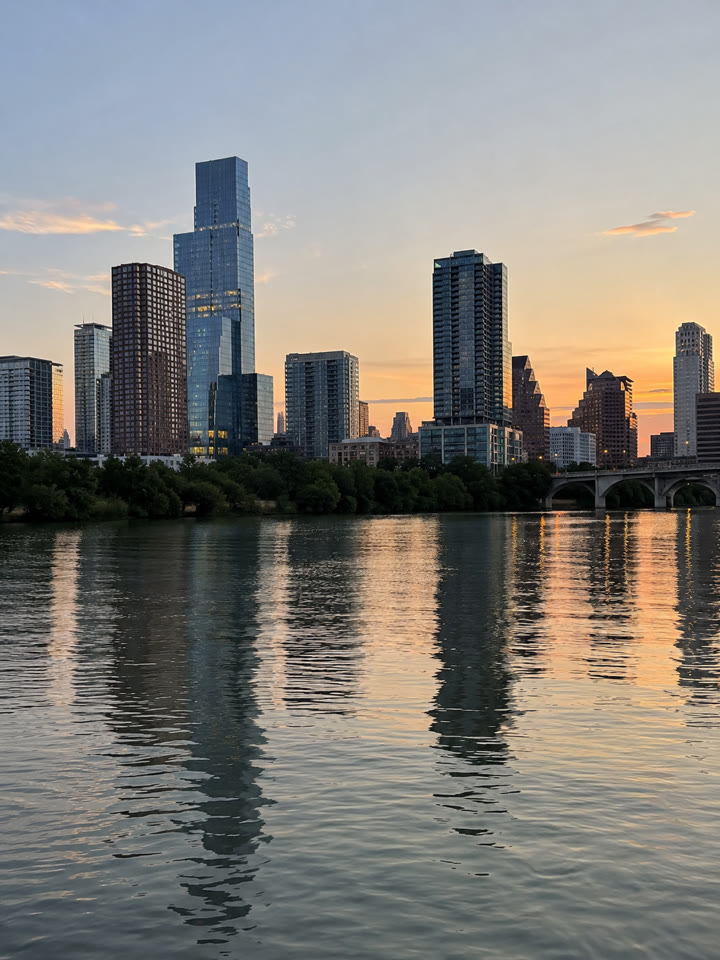 AFTER
 Up next5 Design Keyword Combinations for Fashion Photo EditsNext prompt →
Tips for the best result
- Start with a wide travel photo that shows both the landscape and the sky.
- Try a scene with a car or a recognizable landmark for a playful focal point.
- These codes describe an effect; they aren't official commands, and results vary by model and photo.
- If the effect needs help, add: “Create a tiny-planet view while keeping the original subject as close as possible.”
A new copy-paste photo prompt every day
Open @_ai.tip on Instagram