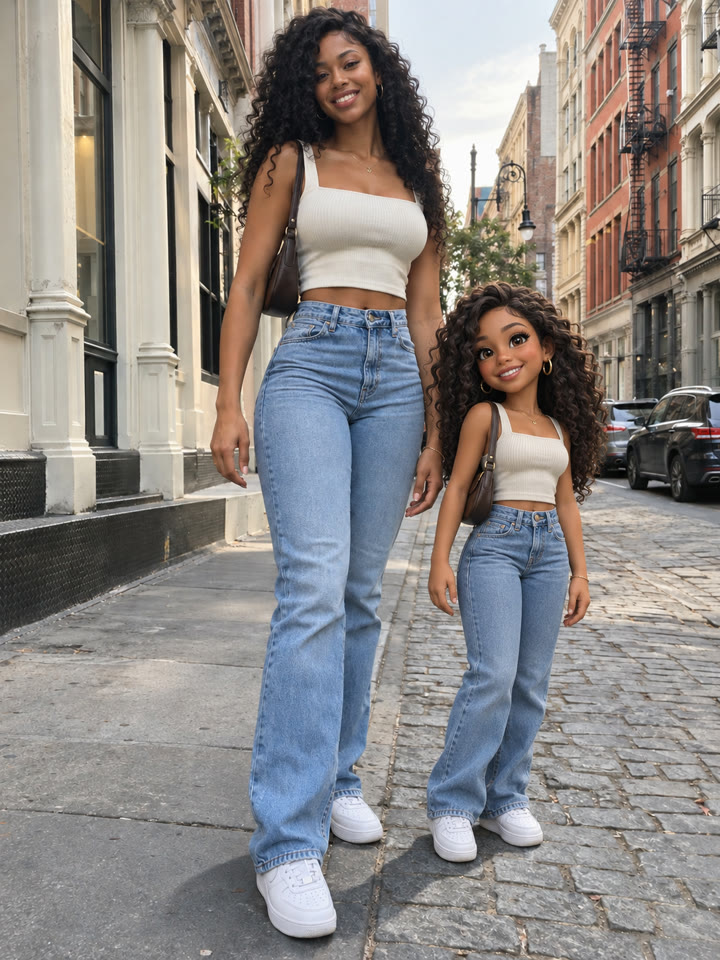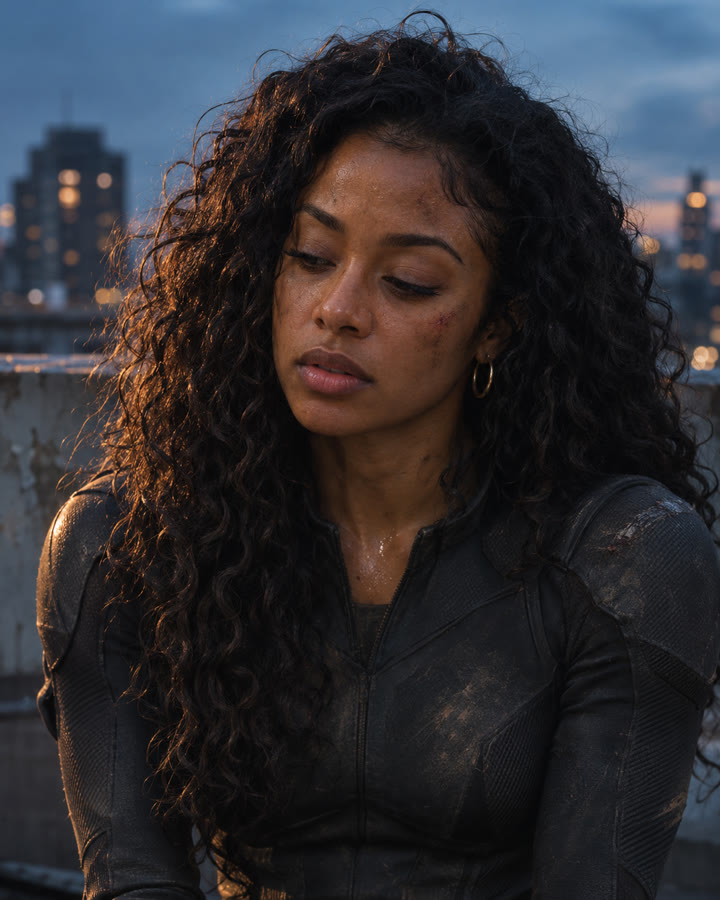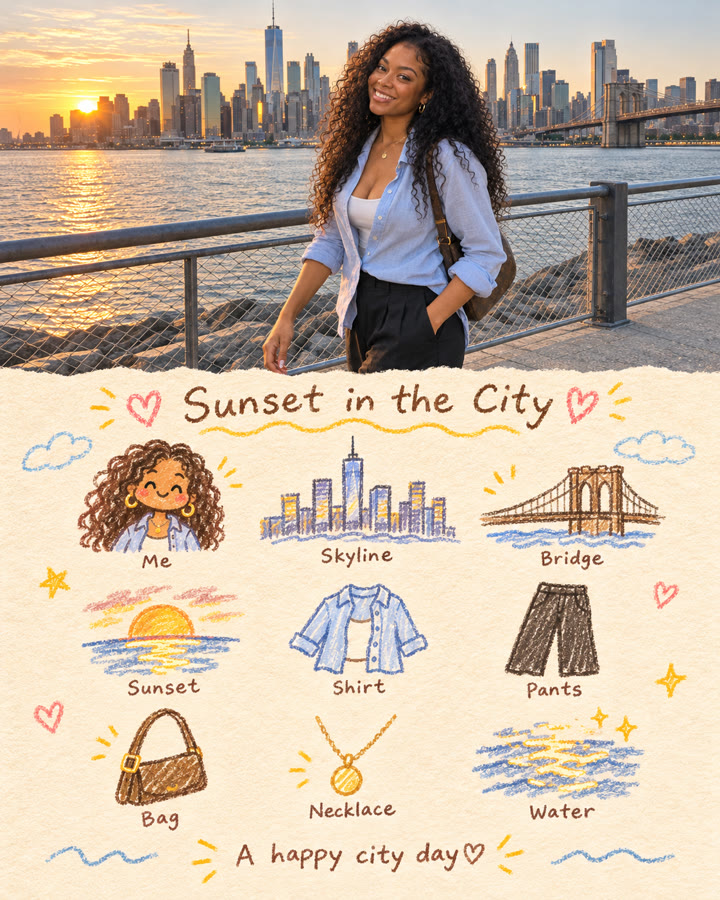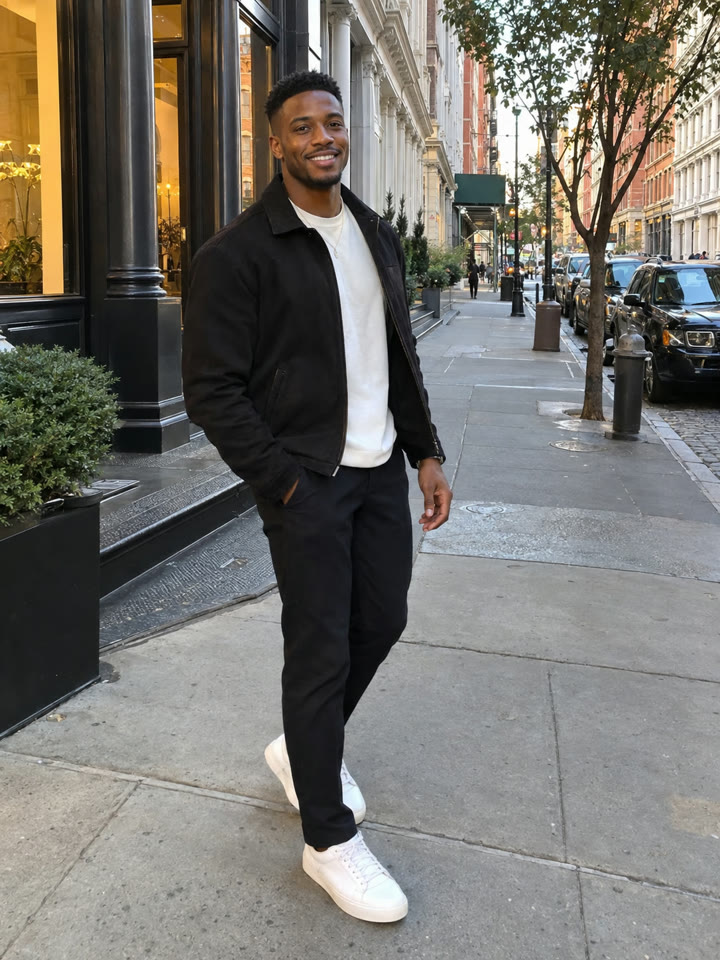
 BEFOREAFTER
Drag to compare
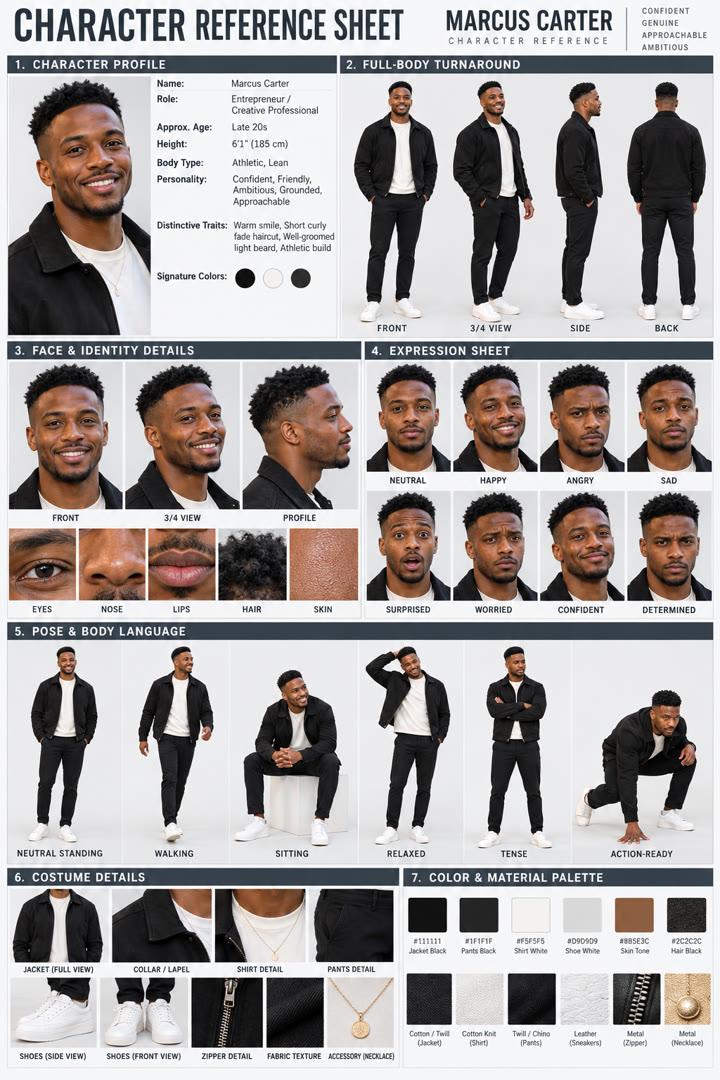
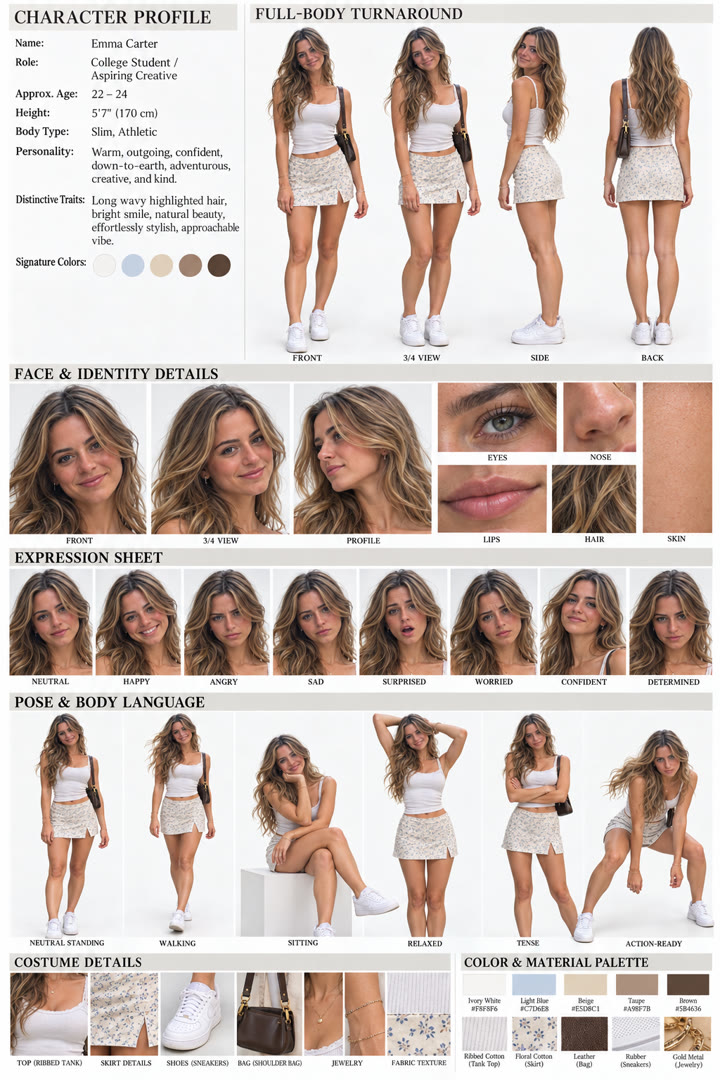
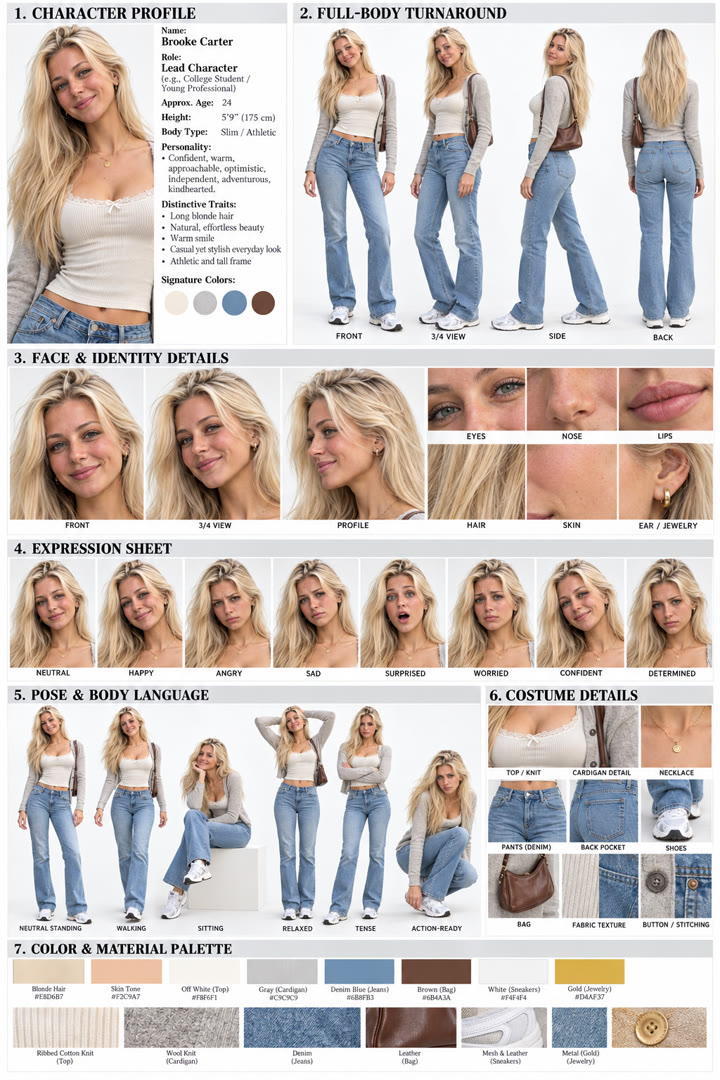
One photo. A complete character reference sheet.
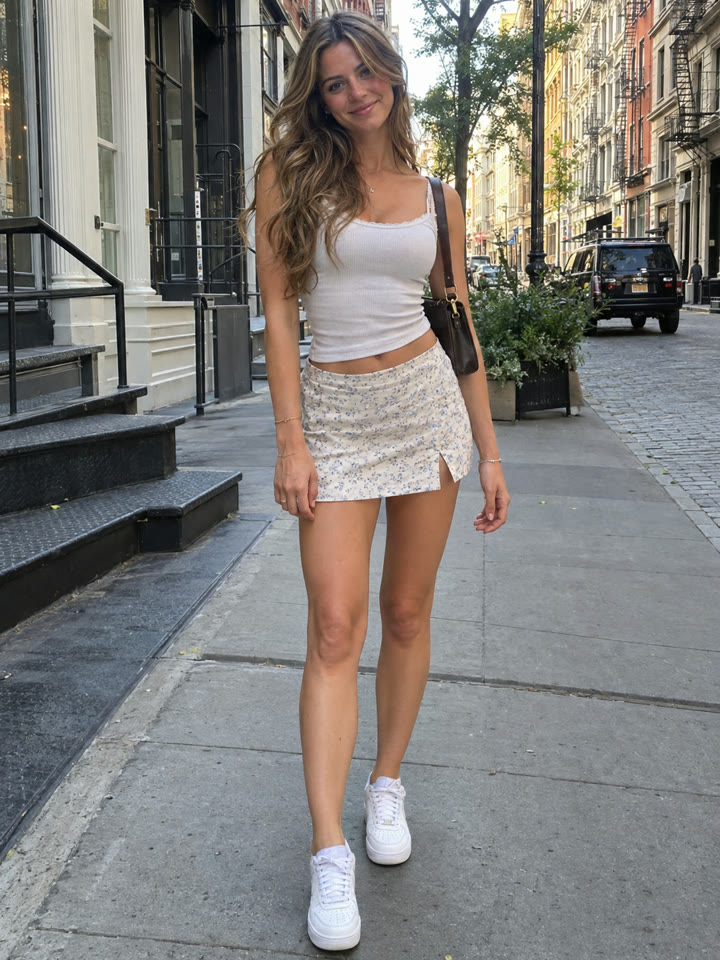
Upload a photo to ChatGPT and use the prompt to build a single board with character views, expressions, poses, and outfit details. Keep it handy as a visual reference for your next AI image or video project.
The sheet's style
PhotorealisticClean gridWhite to light gray
These are AI-generated examples. Results can vary with the input photo, model and settings; the prompt does not guarantee an identical result.
How to use it
- Open ChatGPT.
- Upload one clear photo of your character.
- Paste the prompt below and send.
The prompt
PROMPT · EN
Using the person in the attached image as the reference, create one high-quality Character Reference Sheet.

IMPORTANT REQUIREMENTS
- Preserve the reference person's face, hairstyle, skin tone, body type, overall presence, and clothing style as accurately as possible.
- Present the result as a professionally designed character sheet with the polish of an international production reference board.
- Use a clean, sophisticated character board aesthetic suitable for preproduction and AI video production.
- Use a bright white to light gray background.
- Organize the entire sheet into a tidy information grid.
- Use clean English titles, section headings, and labels.
- Combine all information into one complete, visually organized sheet.
- Every depiction must clearly look like the same person. Do not change the face between sections.
- Aim for premium, photorealistic fashion or film preproduction documentation, rather than an overly illustrated appearance.
- Maximize accuracy and avoid low resolution, distortion, hand errors, facial deformation, and inconsistent identity.

Include every section below.

1. CHARACTER PROFILE
Place a concise character profile at the top or upper left of the sheet.

Include:
- CHARACTER PROFILE
- Name: Generate one natural name that suits the character's overall impression.
- Role: Generate one character role that suits the image.
- Approx. Age
- Height
- Body Type
- Personality
- Distinctive Traits
- Signature Colors

Develop these details through natural visual inference from the person's appearance, overall impression, clothing, and pose. Write them as short, organized English entries.

2. FULL-BODY TURNAROUND
Show the same person in four full-body views:
- FRONT
- 3/4 VIEW
- SIDE
- BACK

Requirements:
- Keep clothing, body type, hairstyle, and footwear as consistent as possible across all views.
- Show the entire body accurately so the character's overall proportions are clear.
- Use the same simple background throughout.
- Place the corresponding English label below each view.

3. FACE & IDENTITY DETAILS
Present detailed facial views of the person.

Include:
- FRONT
- PROFILE
- 3/4 VIEW

Where possible, add close-up detail panels for:
- EYES
- NOSE
- LIPS
- HAIR
- SKIN

Alternatively, select comparable detail categories that best suit the person and their style.

Requirements:
- Make the person's defining facial features clearly visible.
- Preserve the essential impression created by their skin texture, eye shape, lips, and hair texture.
- Maintaining the identity of the person in the attached image is the most important consideration.

4. EXPRESSION SHEET
Create an expression sheet showing the same person with all of these expressions:
- NEUTRAL
- HAPPY
- ANGRY
- SAD
- SURPRISED
- WORRIED
- CONFIDENT
- DETERMINED

Requirements:
- Every expression must look like the same person.
- Preserve the hairstyle, facial structure, makeup, facial hair, and skin details, as applicable.
- Make the differences between expressions clear without exaggeration.
- Place the corresponding English label below each expression.

5. POSE & BODY LANGUAGE
Show the same person in these poses:
- NEUTRAL STANDING
- WALKING
- SITTING
- RELAXED
- TENSE
- ACTION-READY

Requirements:
- Maintain the same identity and outfit throughout.
- Keep the full body clearly visible.
- Let the character's personality come through naturally in their poses.

6. COSTUME DETAILS
Arrange close-up panels showing clothing and accessory details.

Possible categories include:
- TOP / JACKET
- COLLAR / LAPEL
- SHIRT / TIE / KNIT
- PANTS / SKIRT
- SHOES / BOOTS / HEELS / SNEAKERS
- BAG / ACCESSORY / JEWELRY
- FABRIC TEXTURE
- BUTTON / ZIPPER / STITCHING

Requirements:
- Reproduce the defining details of the outfit in the attached image.
- Make material textures clearly perceptible.
- Focus on details that are relevant to this person's style.

7. COLOR & MATERIAL PALETTE
Summarize the character's signature colors and materials.

Include:
- Five to eight main color swatches.
- Color names or HEX code-style labels.
- Representative colors from the hair, skin, clothing, and accessories.
- Samples of the main materials and textures, such as cotton, wool, denim, leather, satin, or metal, as appropriate.

OVERALL DESIGN & OUTPUT STYLE
- Deliver a polished, premium character reference board with a well-organized layout.
- Viewed as a whole, the sheet should resemble a portfolio presentation, film preproduction document, or character design guide.
- Make the layout information-rich without becoming confusing. Organize every element for easy reading.
- Keep titles, section headings, and labels crisp and legible.
- Ensure the person and all information stand out clearly against the bright, clean background.
- Complete the result as one vertical sheet.
- The final impression should be a professional character sheet created to establish character consistency before AI video production.

PRIORITIES, IN ORDER
1. A strong identity match with the person in the attached image.
2. A complete character sheet structure.
3. Premium, photorealistic visuals.
4. Consistent facial identity and clothing across every section.
Paste it in English exactly as written. It works best that way, even if you chat in another language.
Get 5 variations of this prompt
Sign up by email for five variations of this character sheet prompt, plus the week's best prompts.
Results
Press and hold a photo to see the originalHover a photo to see the original
 AFTER
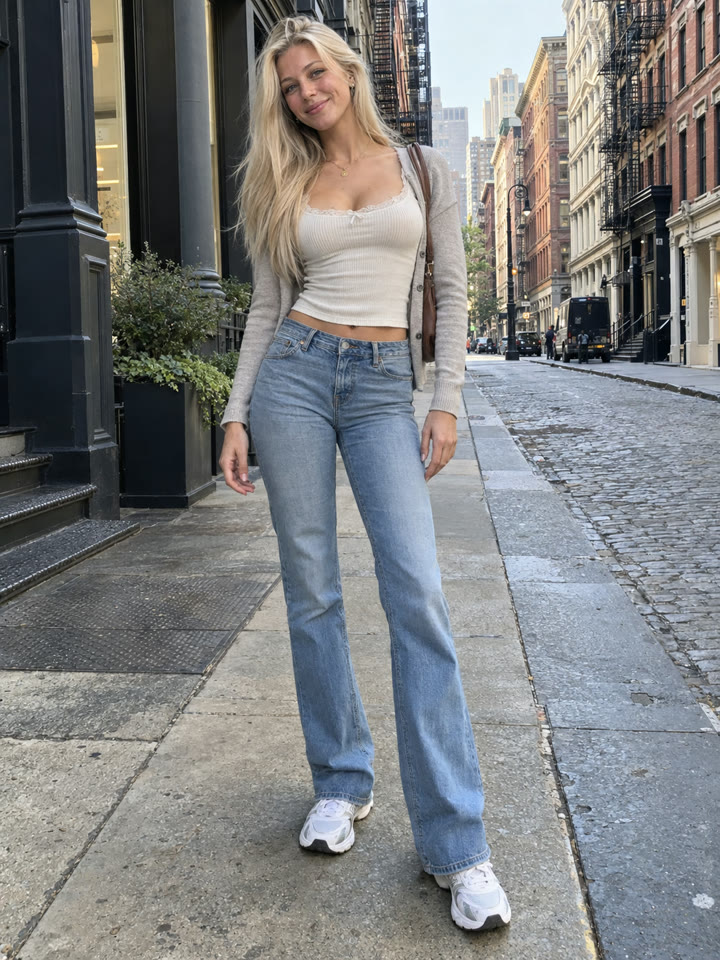 AFTER
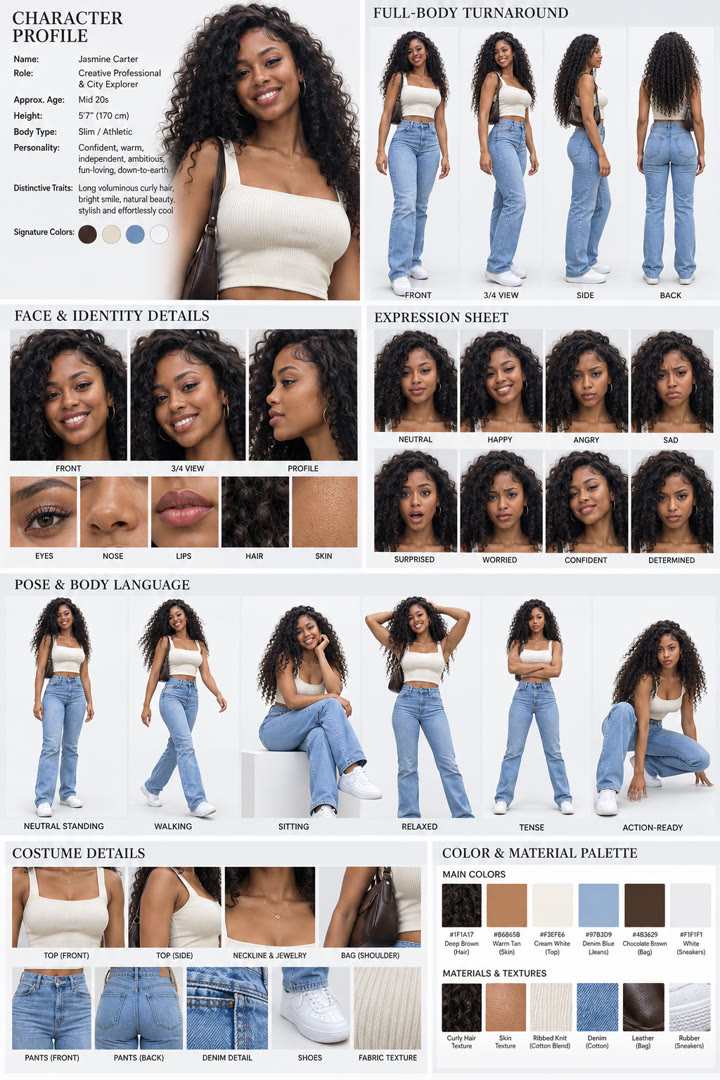
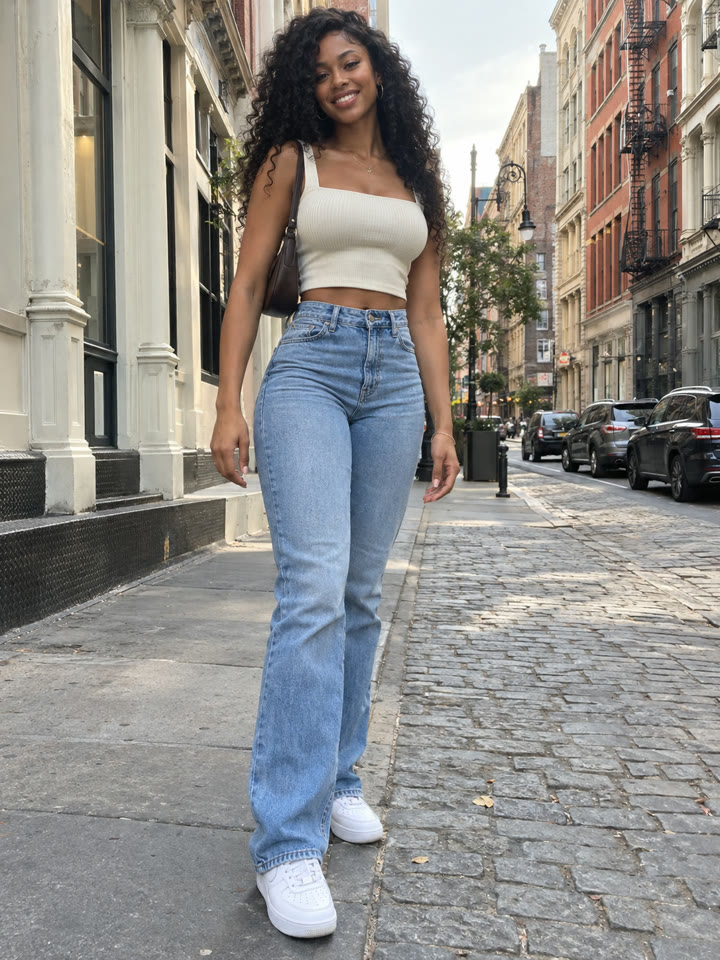 AFTER
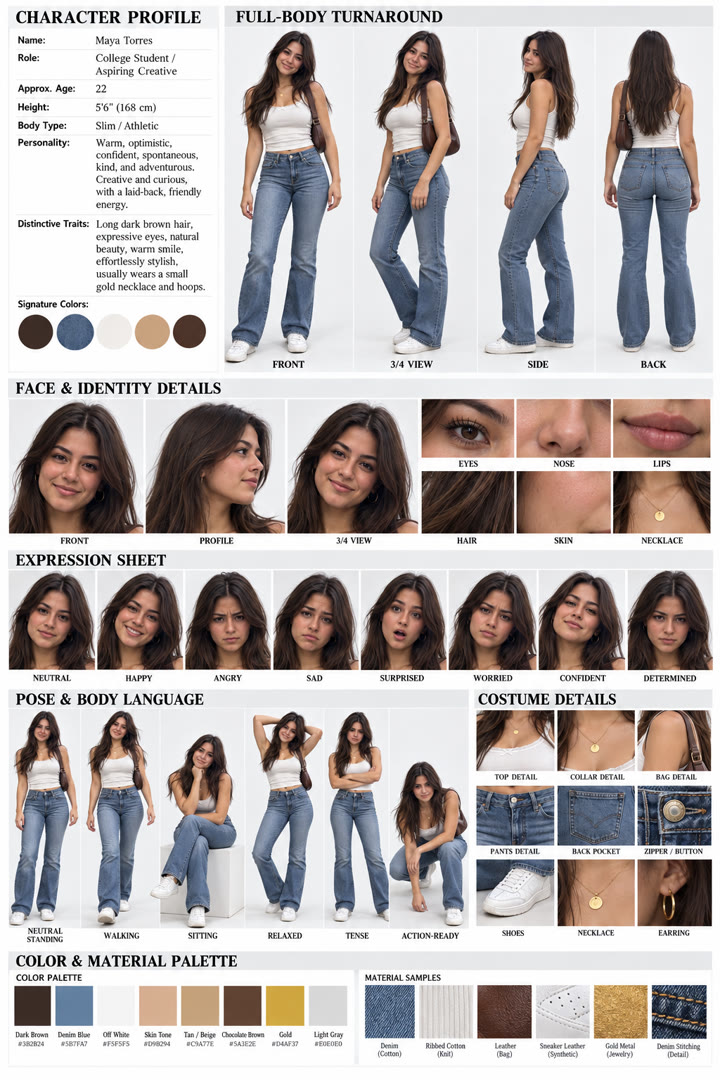
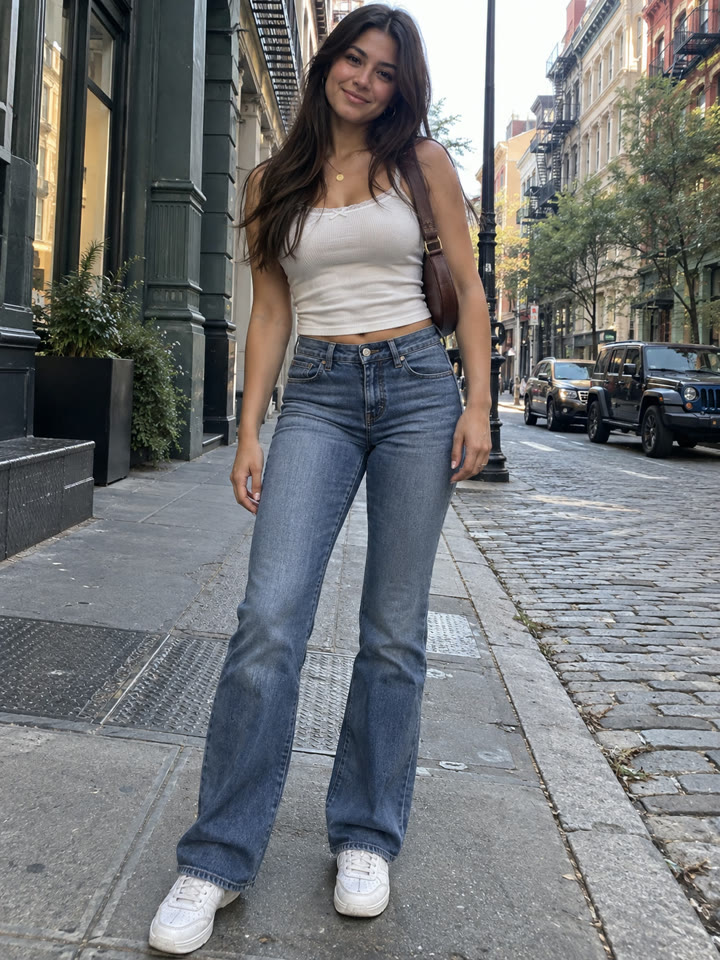 AFTER
 Up nextTurn a Photo into a Cute Watercolor DoodleNext prompt →
Tips for the best result
- Choose a sharp photo where the face, hairstyle, and clothing are easy to see.
- Use a photo with one person and a simple background. Full-body is ideal; upper-body can work too.
- Review invented details, including the character profile and anything the original photo doesn't show.
- Check the face, hands, and outfit across the sheet. A reference can improve consistency, but it can't guarantee an identical face in every scene.
A new copy-paste photo prompt every day
Open @_ai.tip on Instagram