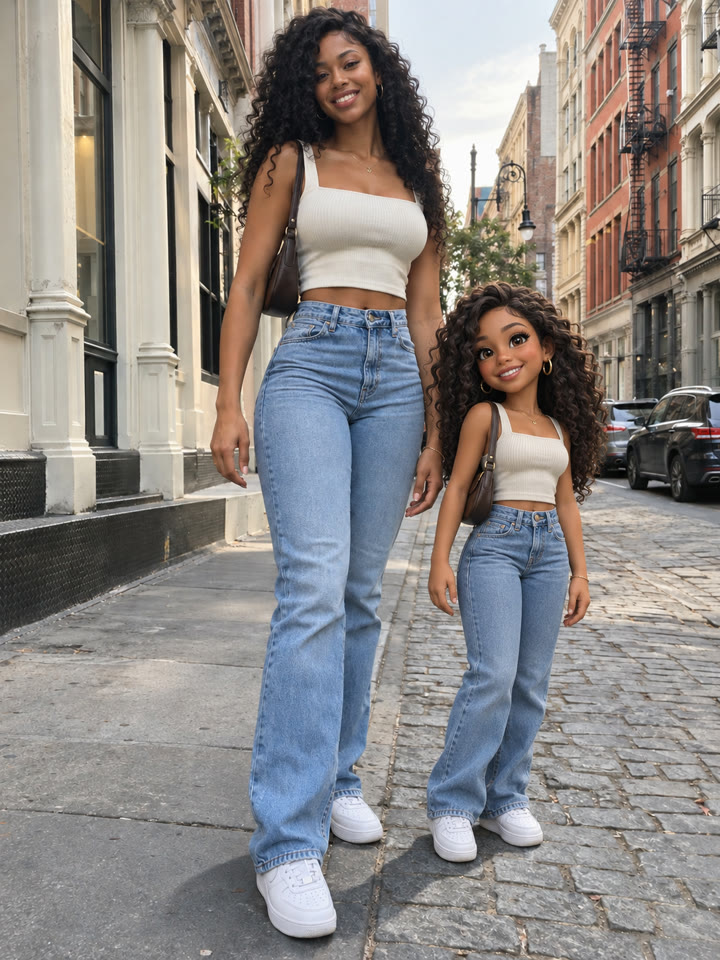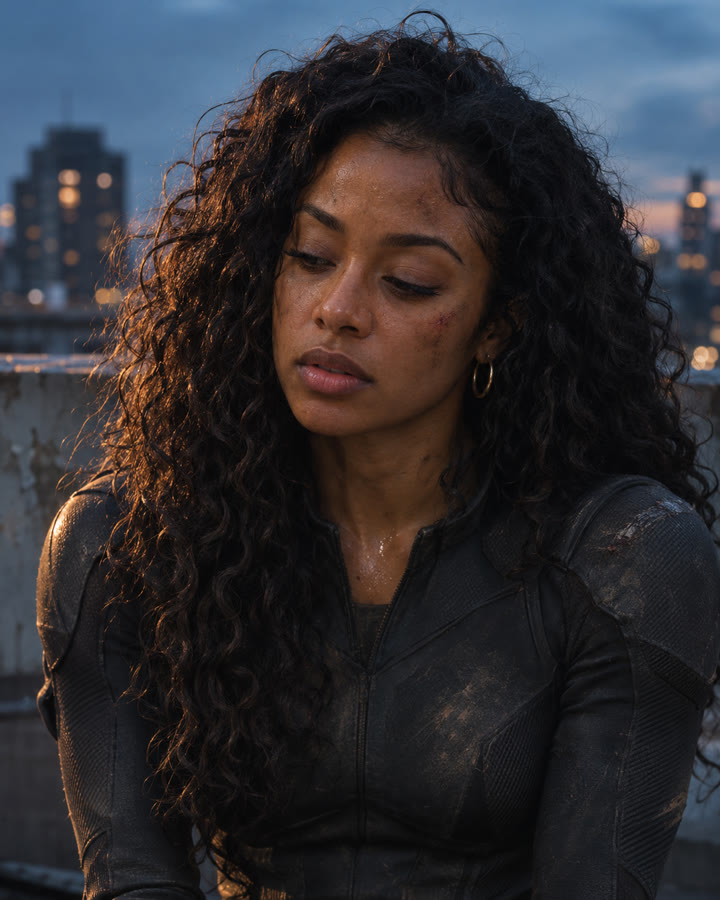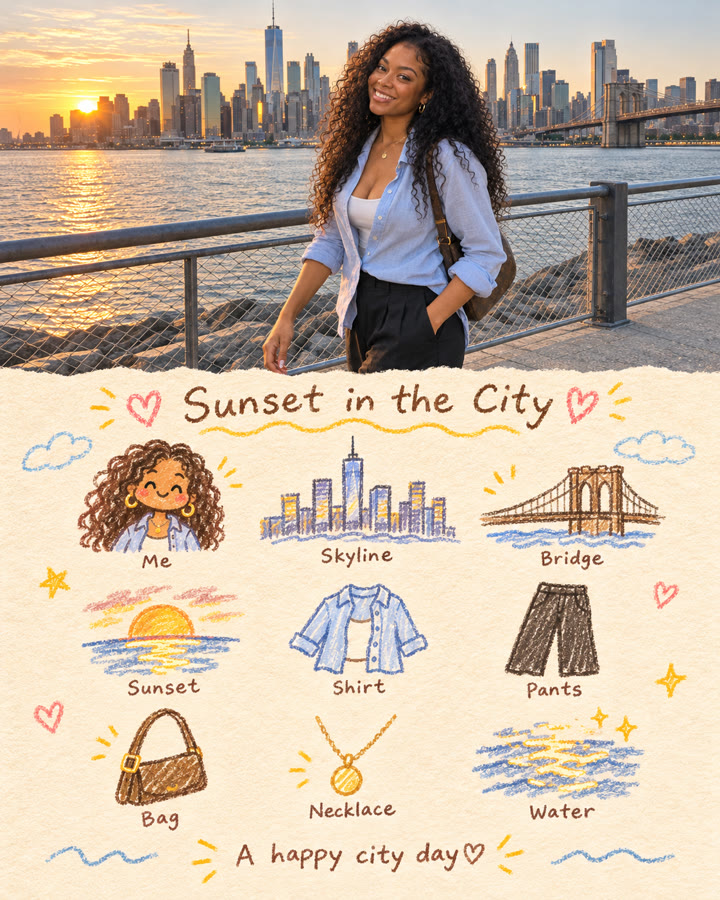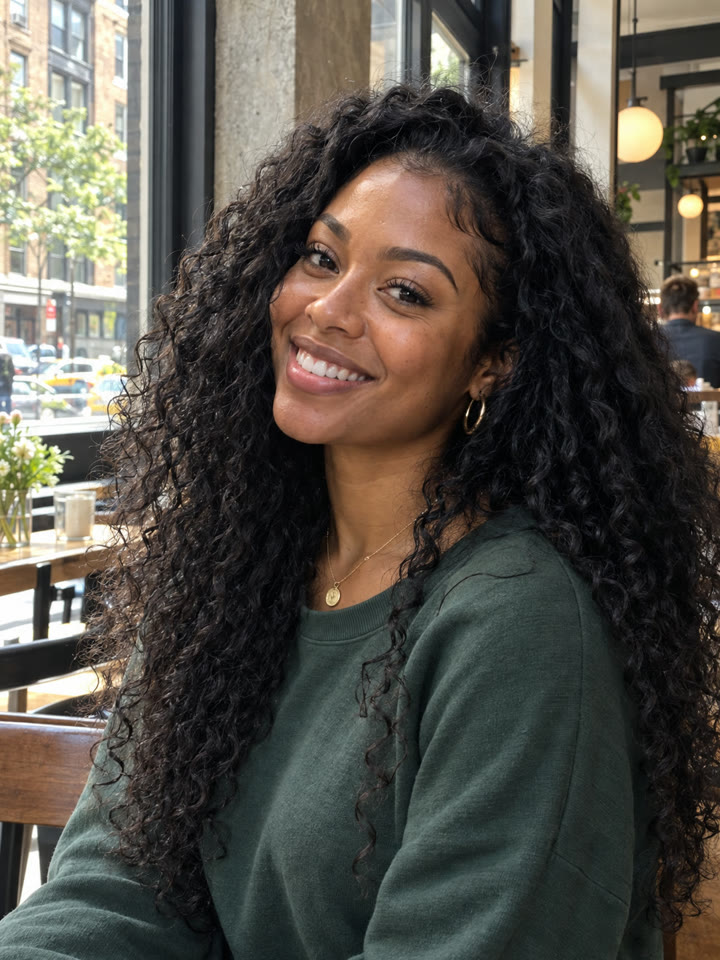
 BEFOREAFTER
Drag to compare
Make an AI portrait that holds up close
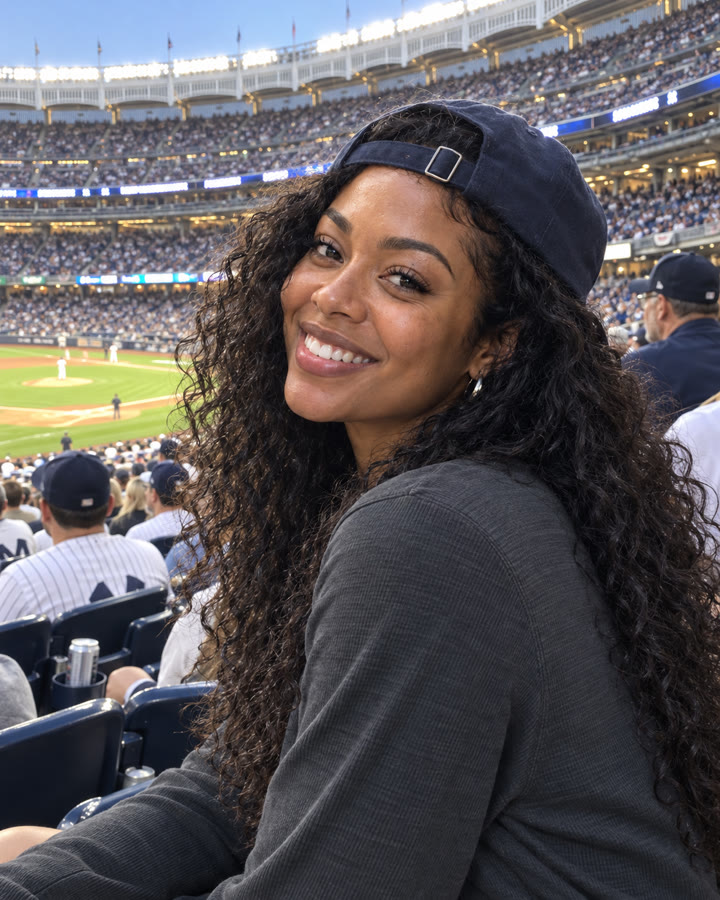
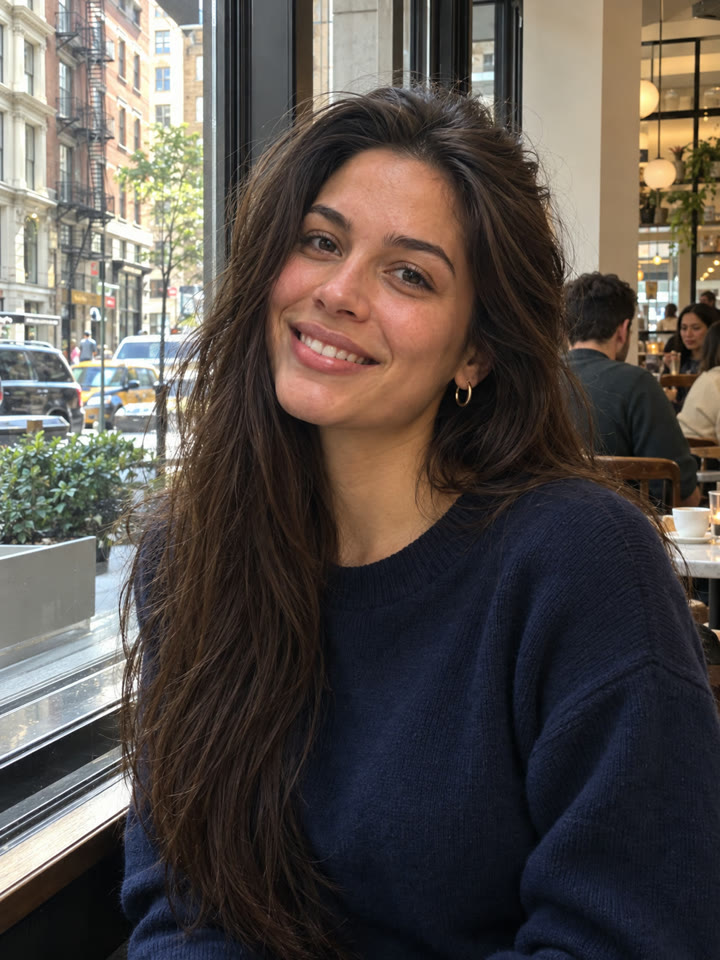
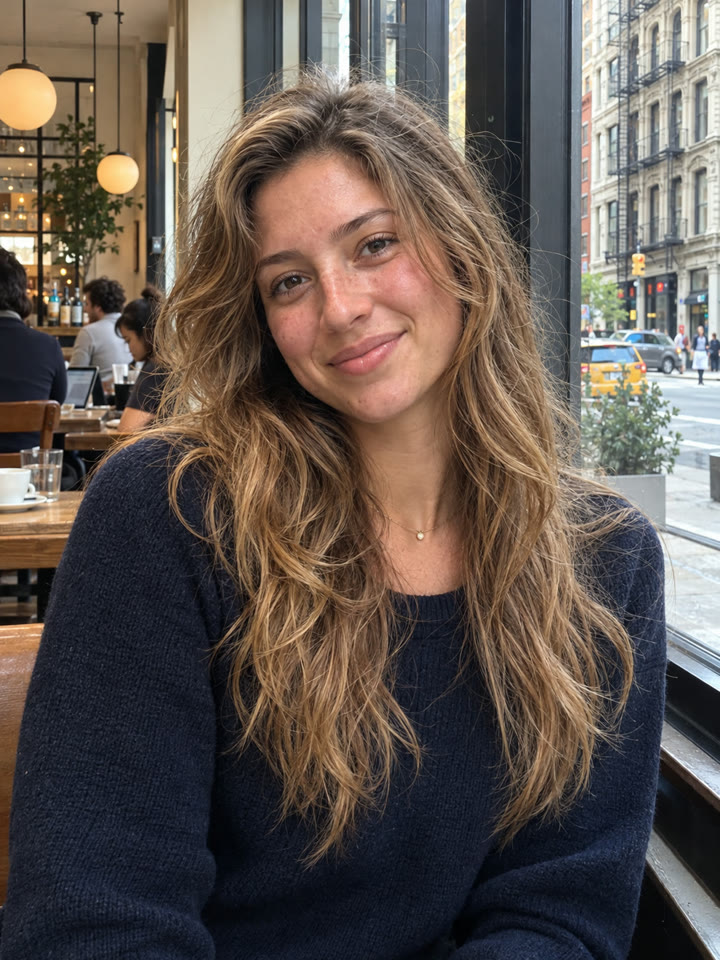
Start with a photo and create a candid stadium portrait with natural skin texture and a casual smartphone feel. Save your favorite as the MASTER image, then reattach it for each close-up to help keep the same face and lighting.
The look
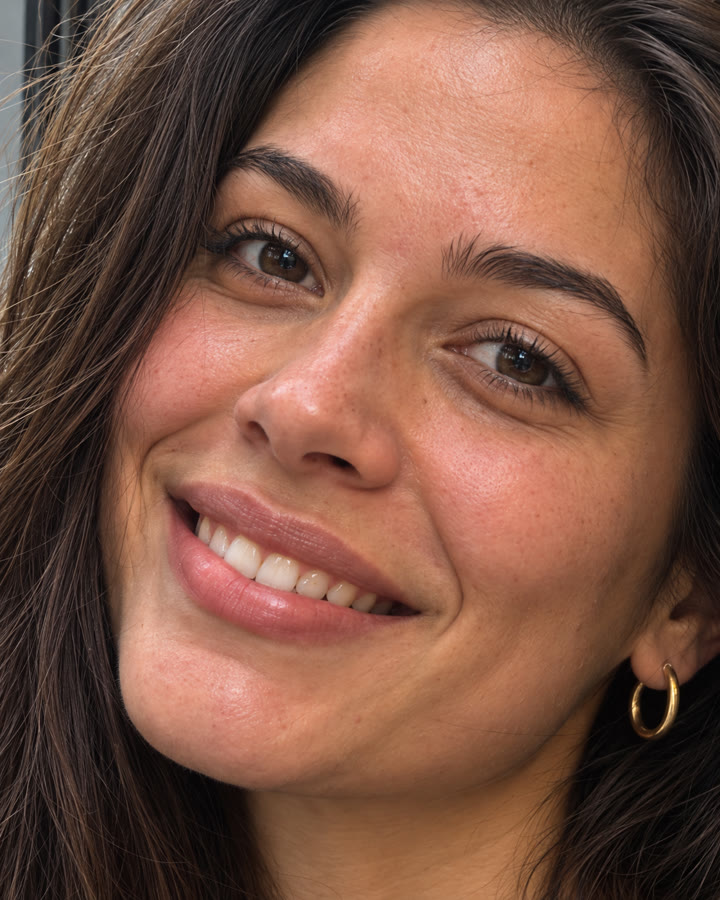
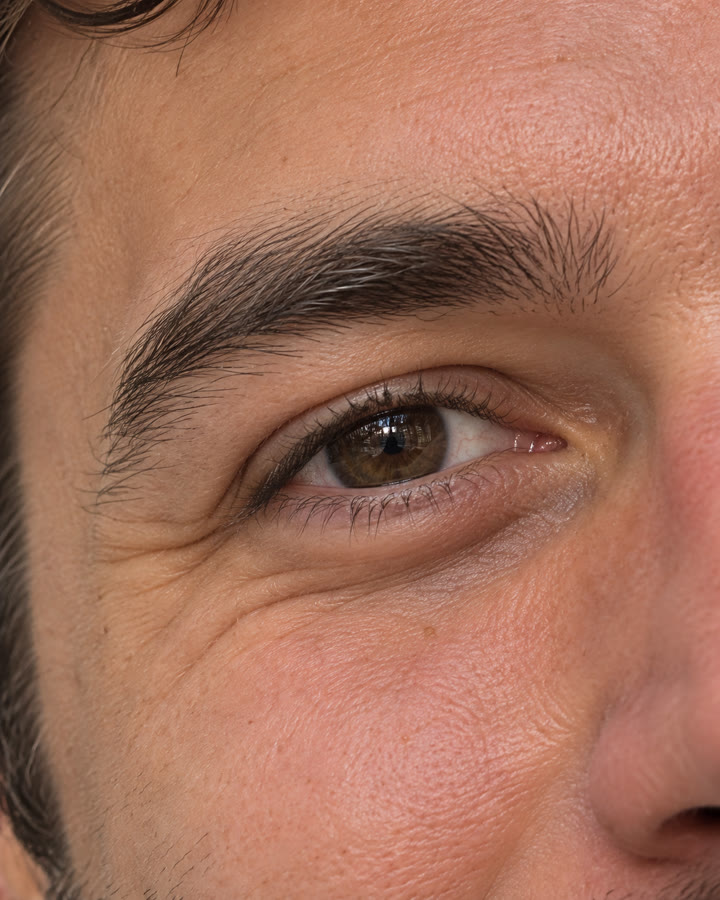
Candid smartphone photoNatural skin textureExtreme close-ups
These are AI-generated examples. Results can vary with the input photo, model and settings; the prompt does not guarantee an identical result.
How to use it
- Open ChatGPT.
- Upload your reference photo.
- Paste the prompt below and send.
The prompt
PROMPT · EN
Create a candid smartphone photograph taken by a friend in the spectator stands of a large baseball stadium in New York. A very beautiful American woman in her mid-twenties is seated, turning her upper body slightly toward the camera and smiling naturally. She has a fresh, elegant appearance with the beauty of a leading actress, long dark brown hair with gentle waves and natural flyaway strands, a backward navy baseball cap, a charcoal gray long-sleeved top, small silver earrings, and natural everyday American-style makeup. Make this look like a real iPhone snapshot casually captured by a friend in the next seat, rather than a fashion shoot or a posed portrait. Do not excessively smooth or retouch her skin. Preserve realistic fine pores, skin texture, delicate peach fuzz, fine lines around her eyes, pores and slight redness around her nose, a natural skin sheen, lip texture, and flyaway hairs. Show actual-looking spectators, stadium seats, the playing field, and stadium lights naturally in the background. Avoid excessive background blur, studio lighting, cinematic lighting, beauty filters, plastic-looking skin, and a CGI appearance. Retain the natural sharpening, subtle noise, and slightly imperfect framing typical of an actual smartphone photograph. Vertical 4:5 aspect ratio. Extremely realistic photorealism. No text. No watermark. Save your preferred result as the MASTER image and attach it again as the reference for each close-up prompt.
Paste it in English exactly as written. It works best that way, even if you chat in another language.
Get 5 more prompt variations
Enter your email for five variations of this portrait prompt, plus the week's best prompts in your inbox.
Results
Press and hold a photo to see the originalHover a photo to see the original
 AFTER
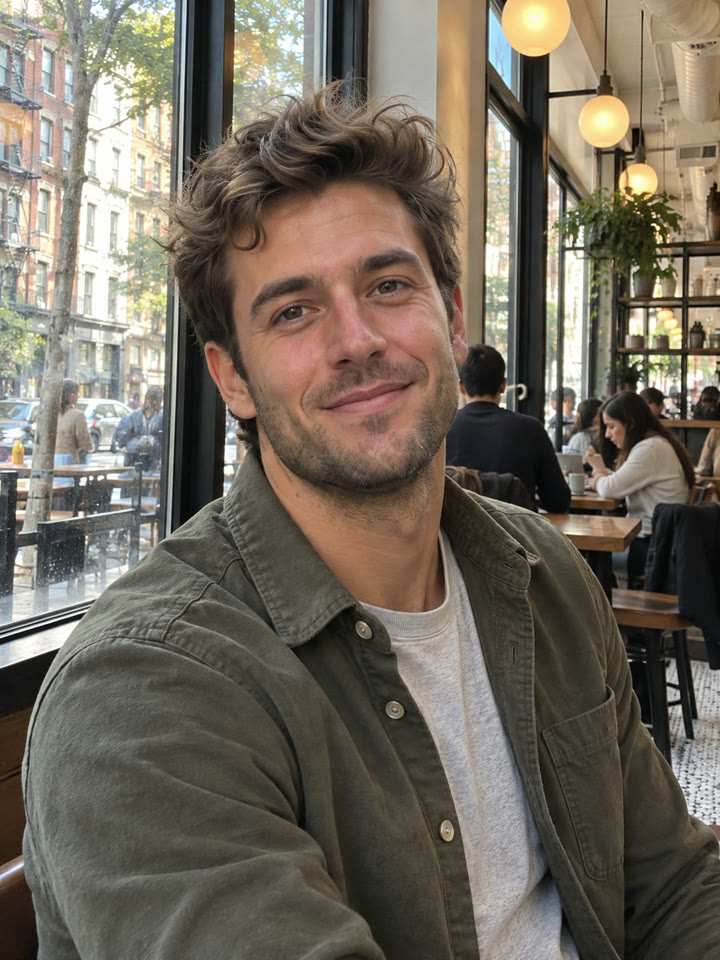 AFTER
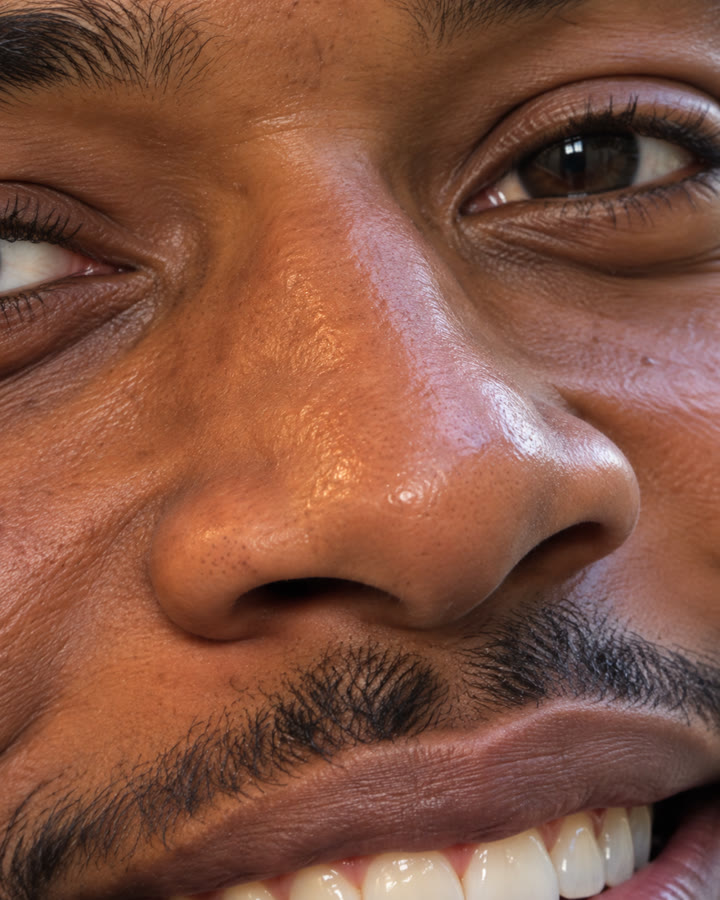
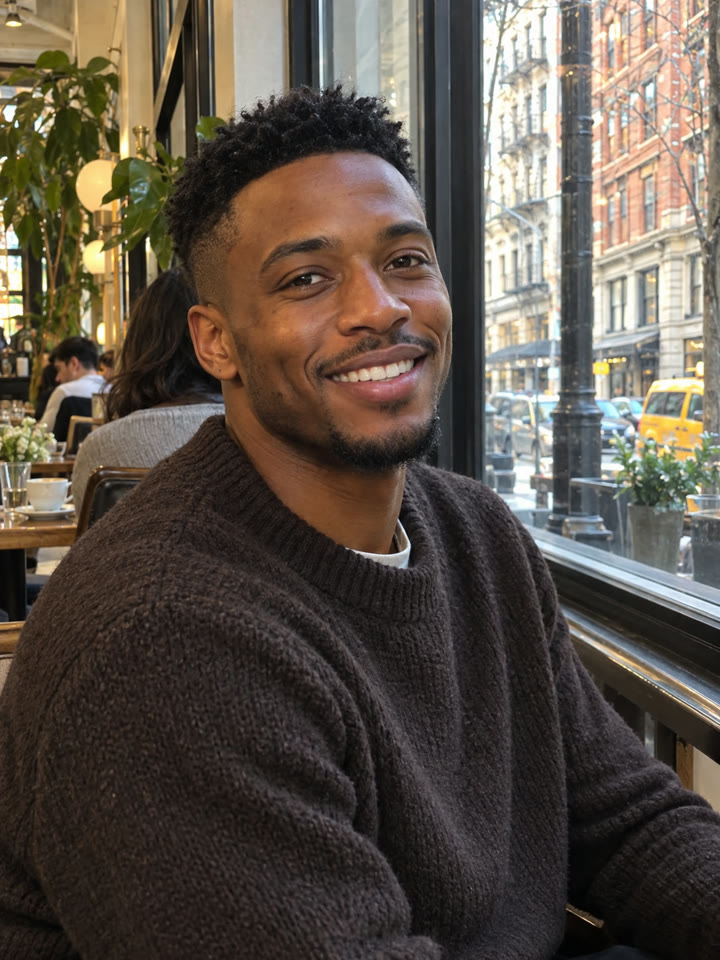 AFTER
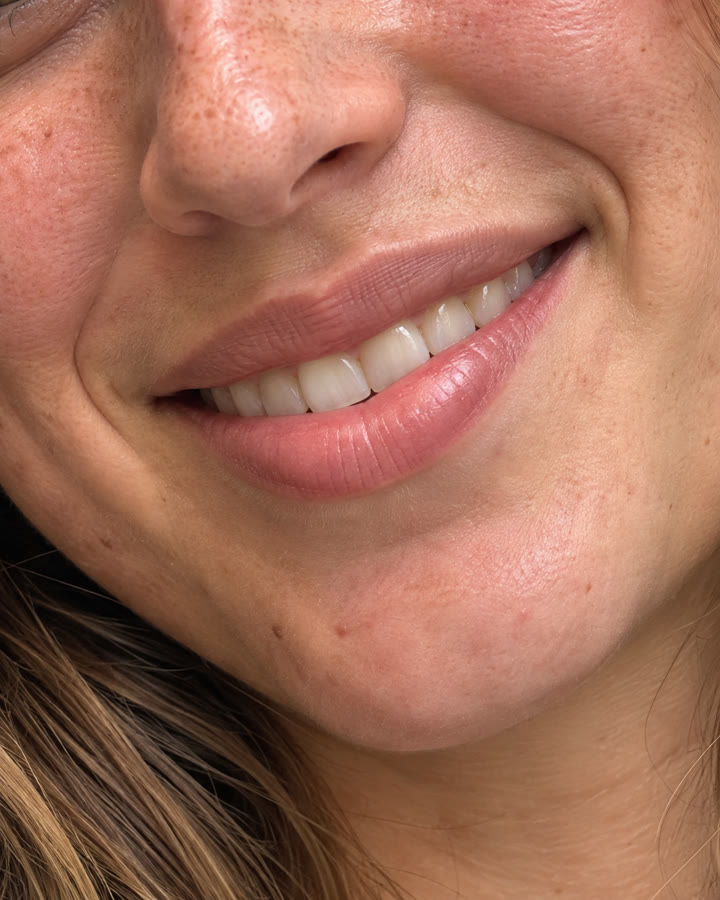
 AFTER
 Up nextBirthday Profile Photos from One SelfieNext prompt →
Tips for the best result
- Save your favorite portrait as the MASTER image and attach that same file for every close-up.
- Ask for pores, peach fuzz, individual lashes, and flyaway hairs at a natural level. Too much texture can look artificial.
- Keep the face shape, expression, angle, and lighting consistent with your MASTER. Results can still vary by model and reference photo.
- Treat each close-up as a new AI rendering. Added details are generated, not recovered from the original photo.
A new copy-paste photo prompt every day
Open @_ai.tip on Instagram