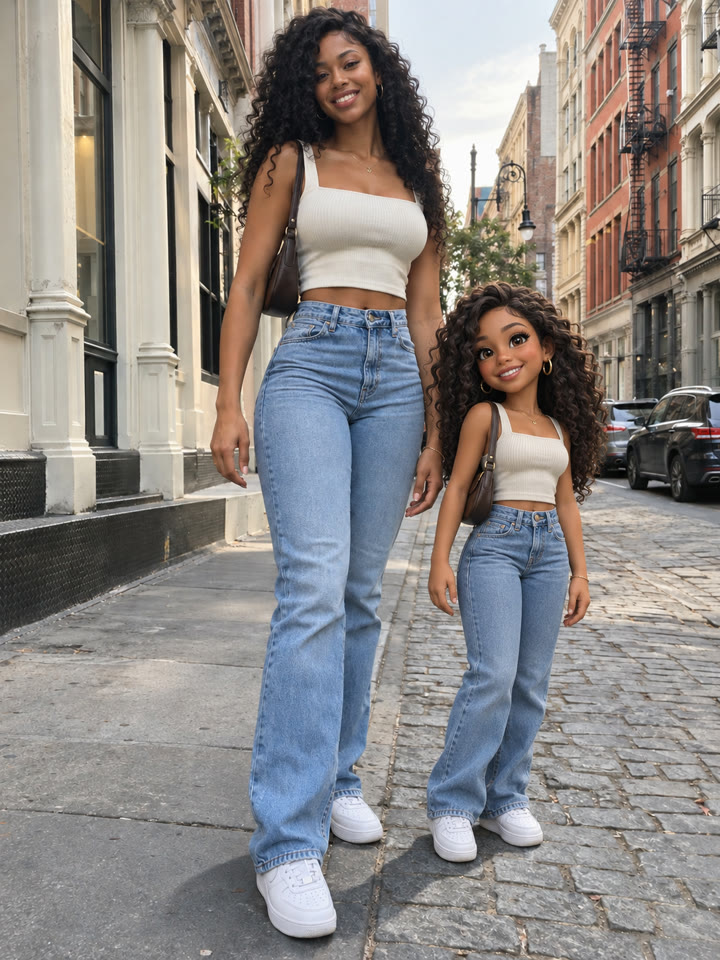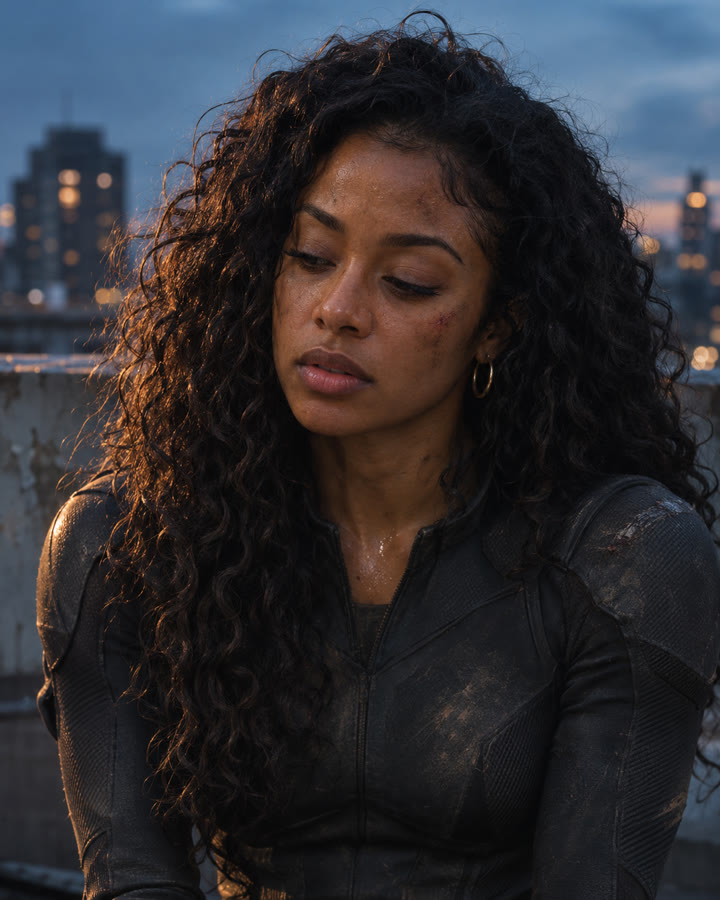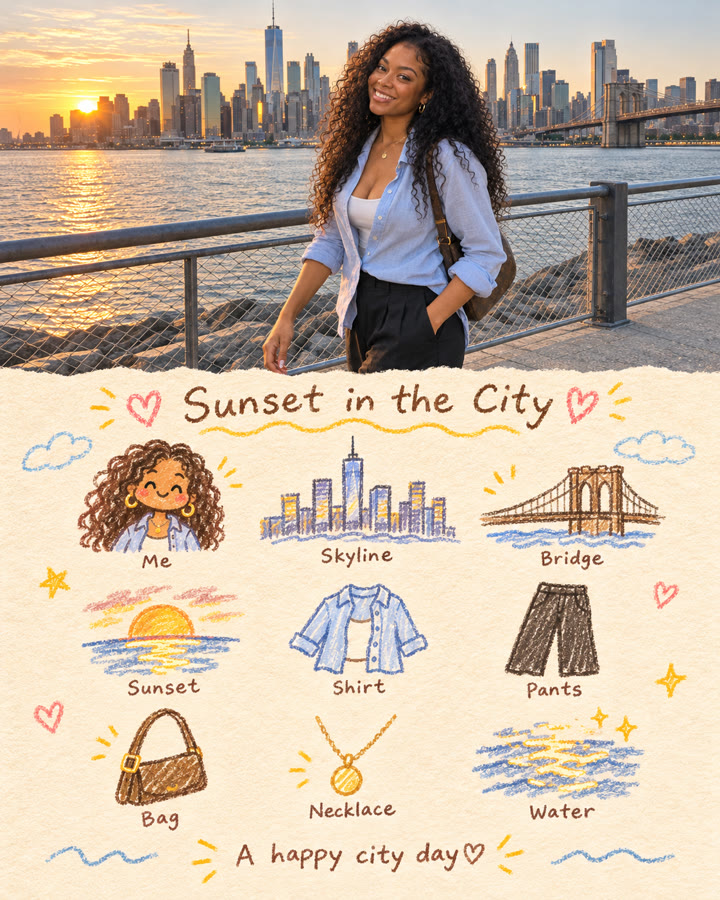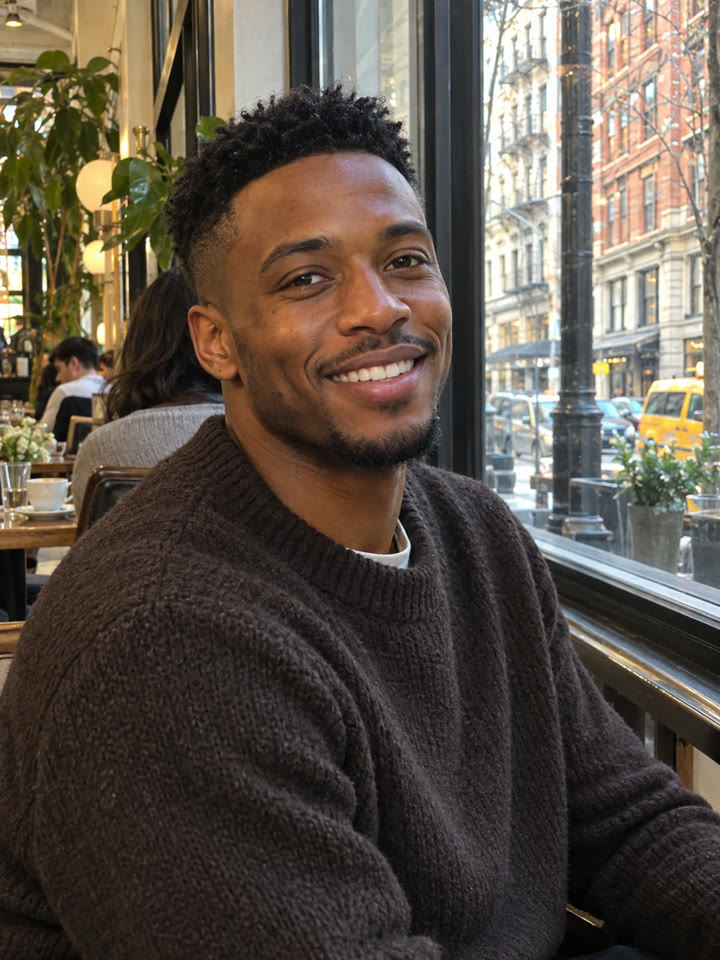
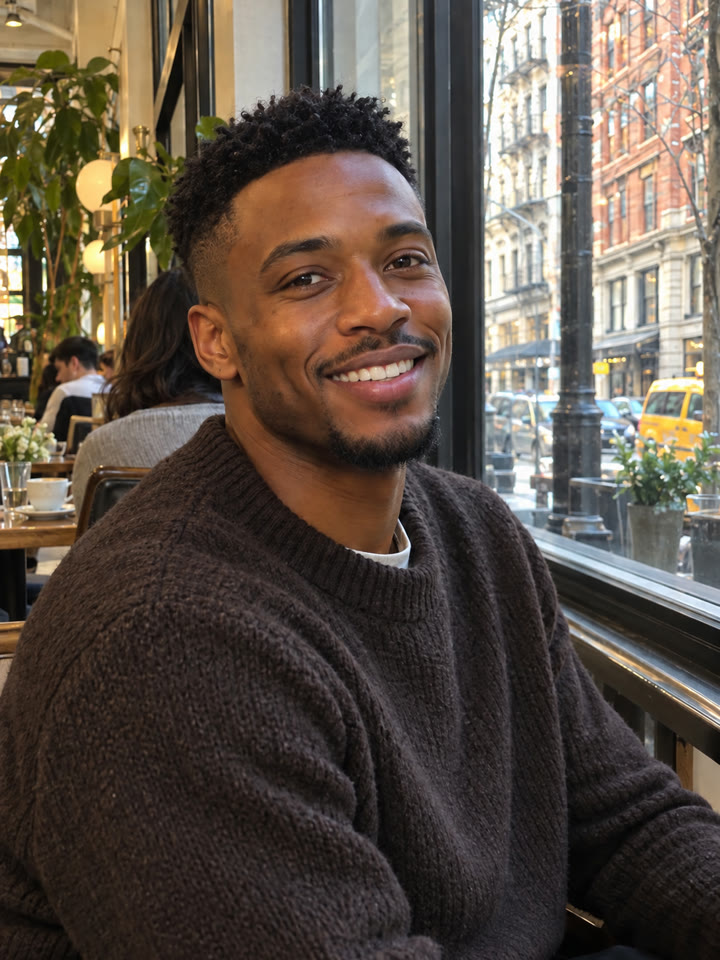
 BEFOREAFTER
Drag to compare
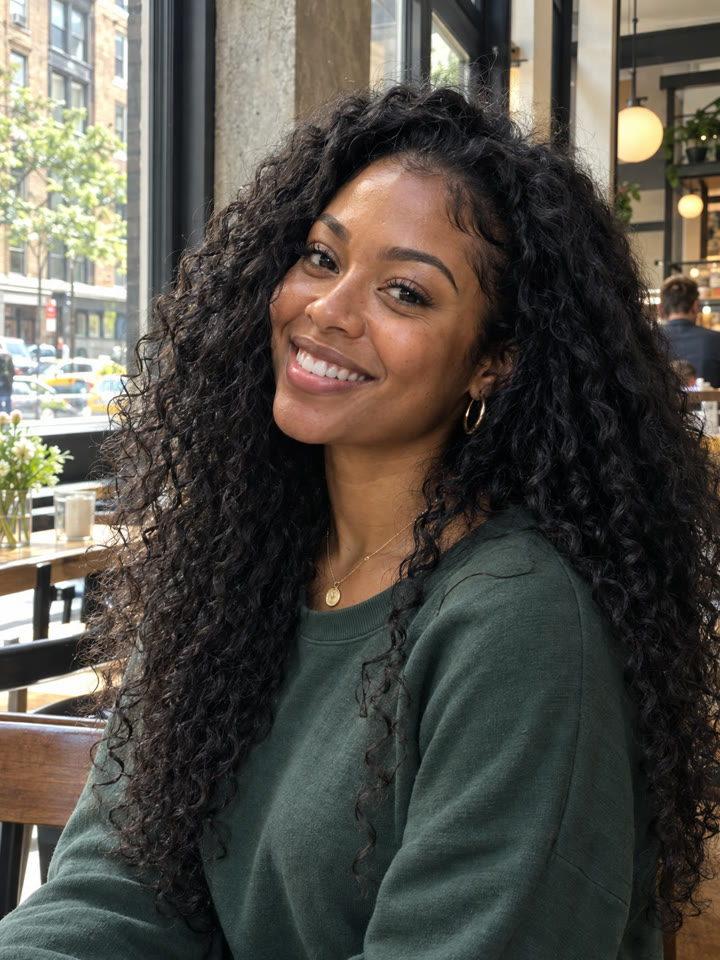
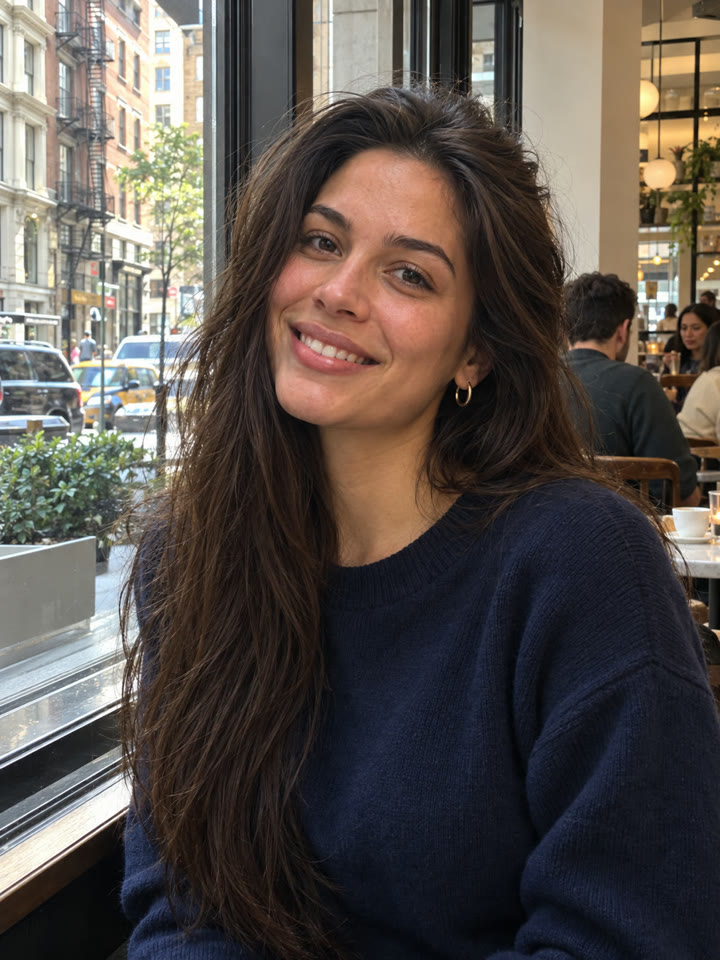
Keep the photo. Tidy the flyaways.
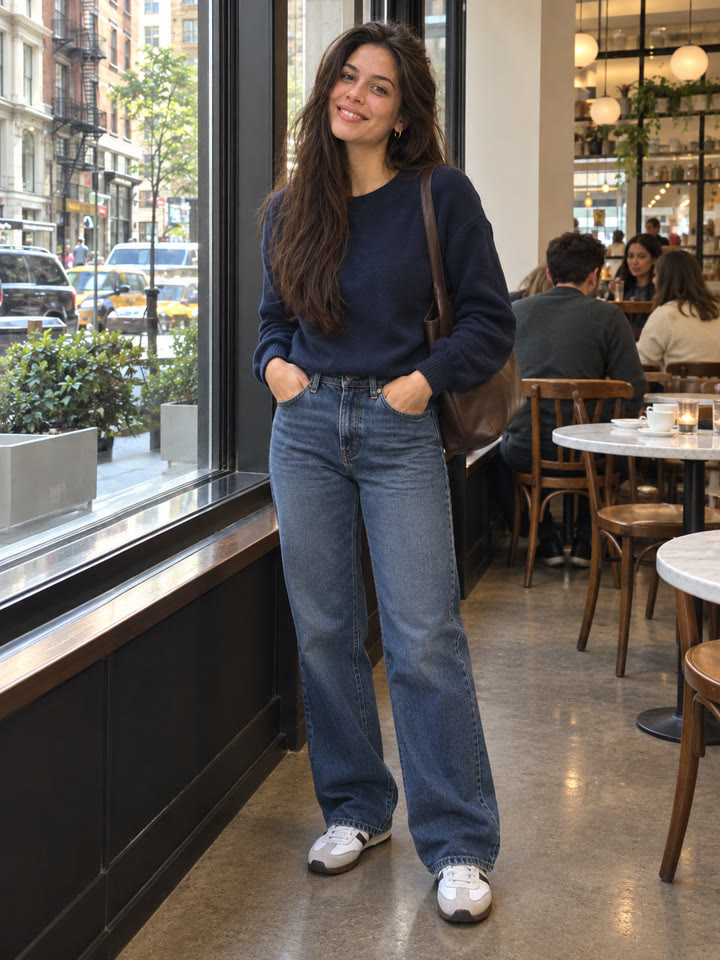
Have a photo you love, except for a few hairs across your face? Upload it to ChatGPT and use this prompt to request a gentle cleanup while keeping the rest of the photo unchanged.
Choose a photo with
Visible eyesClear facial contoursEasy-to-see stray hairs
These are AI-generated examples. Results can vary with the input photo, model and settings; the prompt does not guarantee an identical result.
How to use it
- Open ChatGPT.
- Upload one photo you want to edit.
- Copy the prompt below, paste it into the chat, and send.
The prompt
PROMPT · EN
Remove only the stray flyaway hairs around the head and the fine strands crossing the face. Preserve the original hairstyle, hair volume, hairline, and natural strand texture, leaving a few subtle flyaways for realism. Keep the face, expression, clothing, background, lighting, and colors unchanged. The result should look like the same photograph with gently tidied hair.
Paste it in English exactly as written. It works best that way, even if you chat in another language.
Get 5 variations by email
Sign up for five variations of this hair cleanup prompt, plus the week's best prompts in your inbox.
Results
Press and hold a photo to see the originalHover a photo to see the original
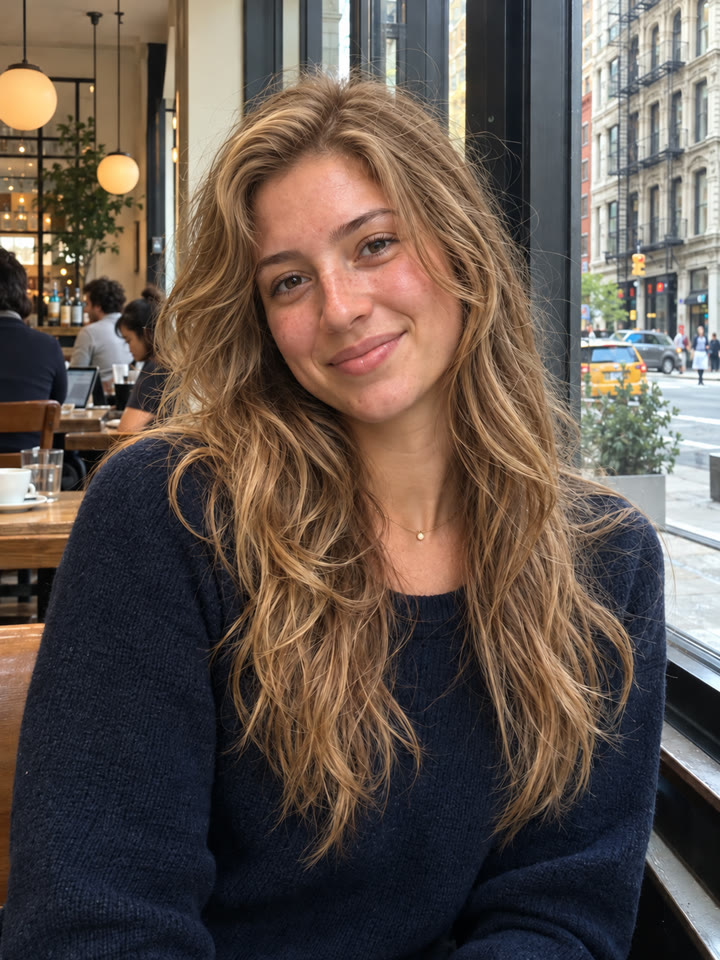
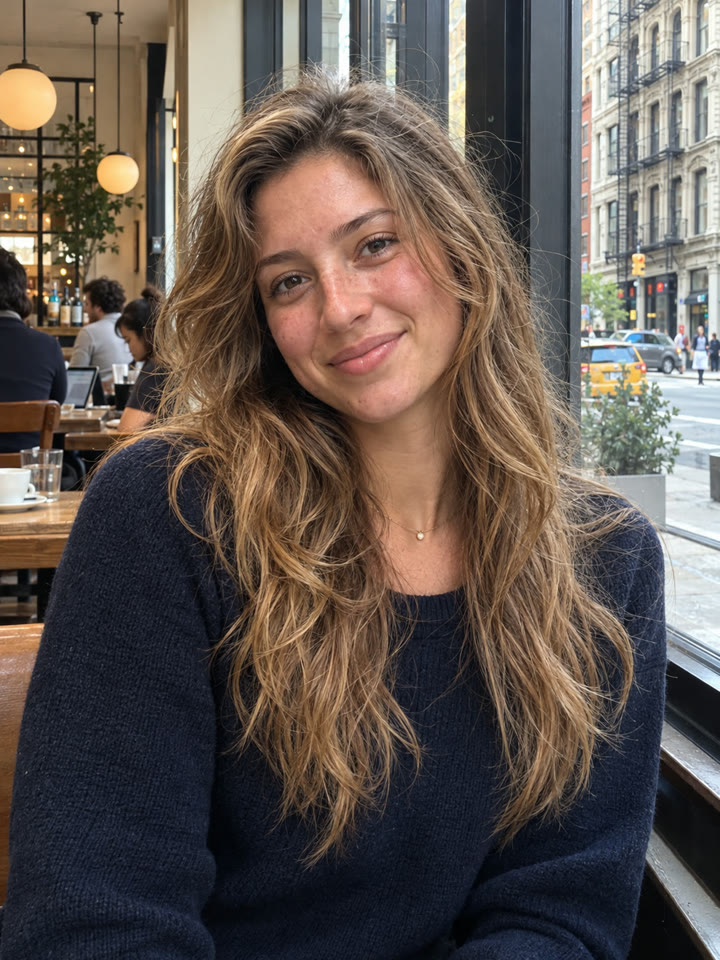 AFTER
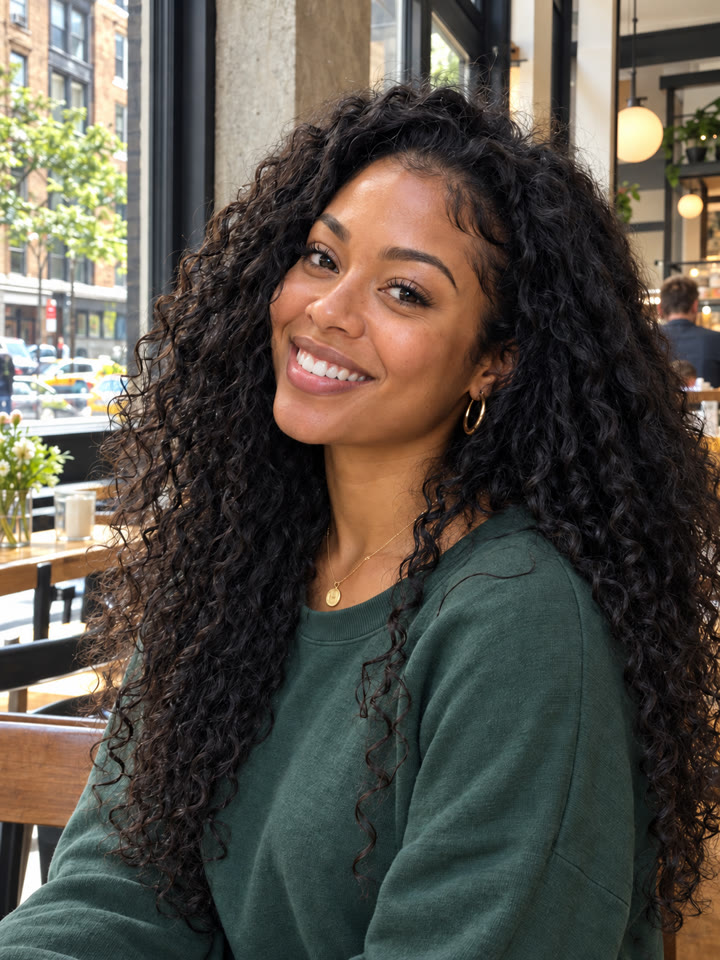
 AFTER
 AFTER
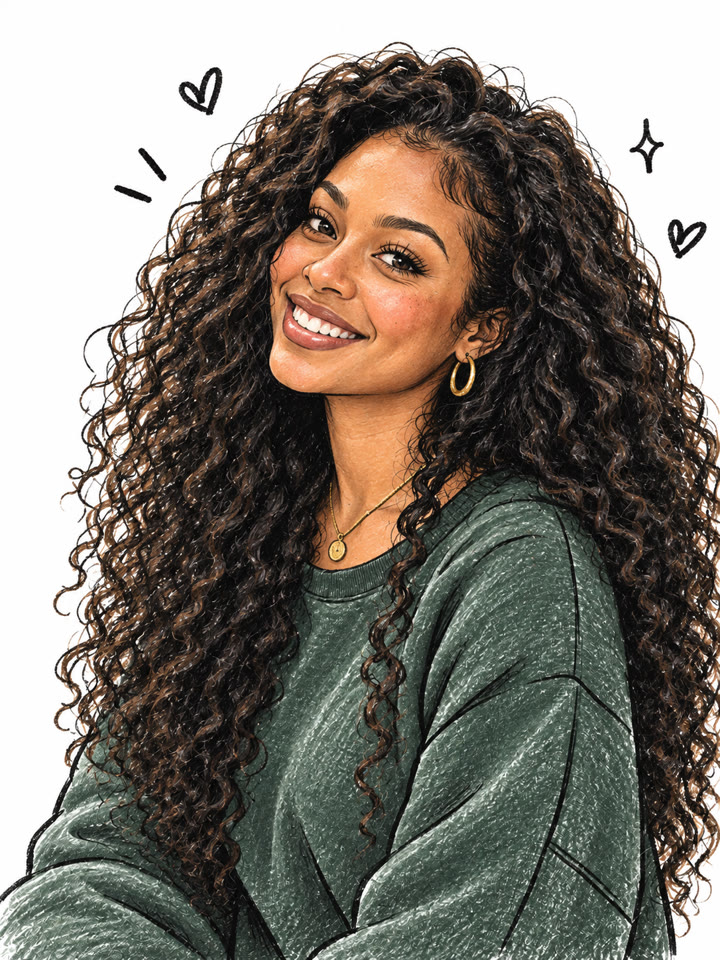 Up nextTurn Your Photo Into a Hand-Drawn Doodle PortraitNext prompt →
Tips for the best result
- Save a separate copy of the original before editing.
- Start with flyaways only, and adjust the request to name what should change and what should stay.
- Compare the hairline, volume, strand texture, and skin texture with the original; results can vary.
- Use this for fine stray strands. It isn't intended to reconstruct facial details hidden behind thick sections of hair.
A new copy-paste photo prompt every day
Open @_ai.tip on Instagram