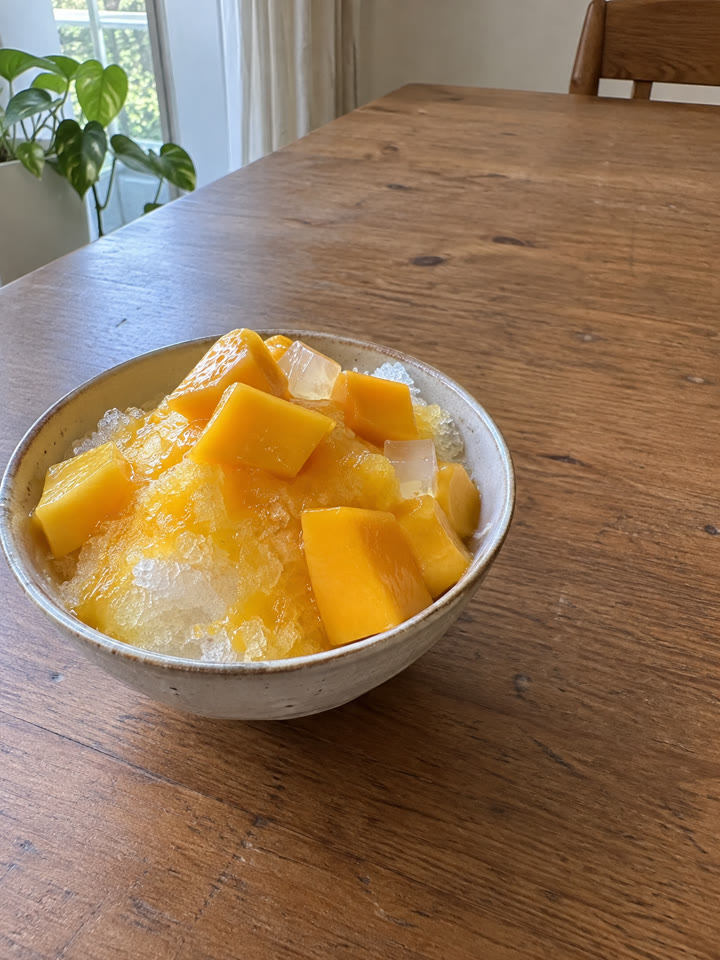
 BEFOREAFTER
スライドして比べる
食べ物写真に、かわいい手描き風の落書きを添える方法
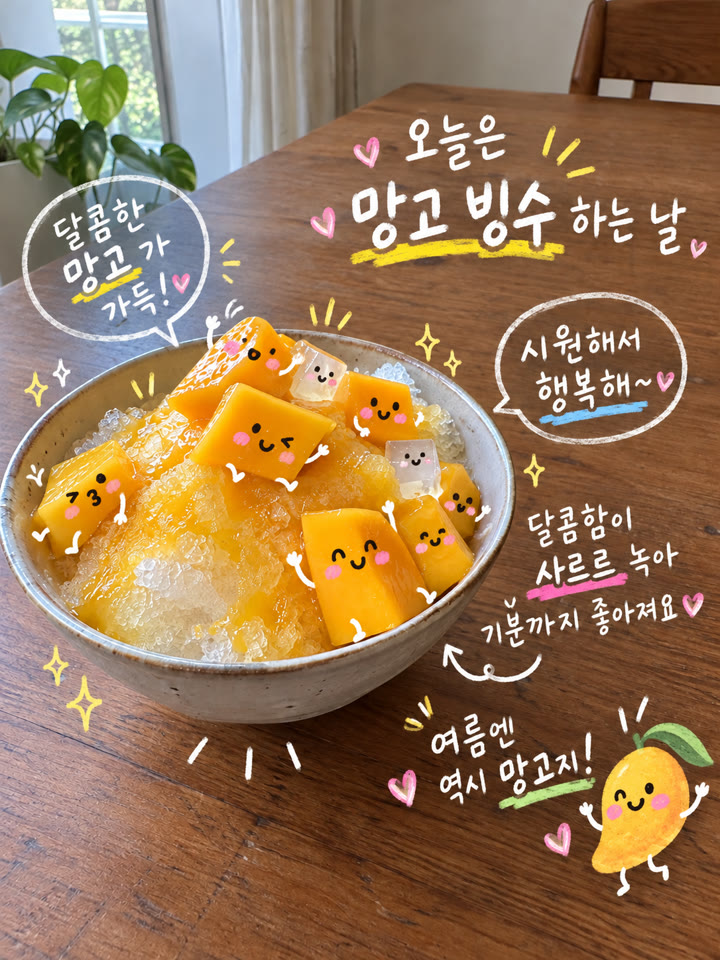
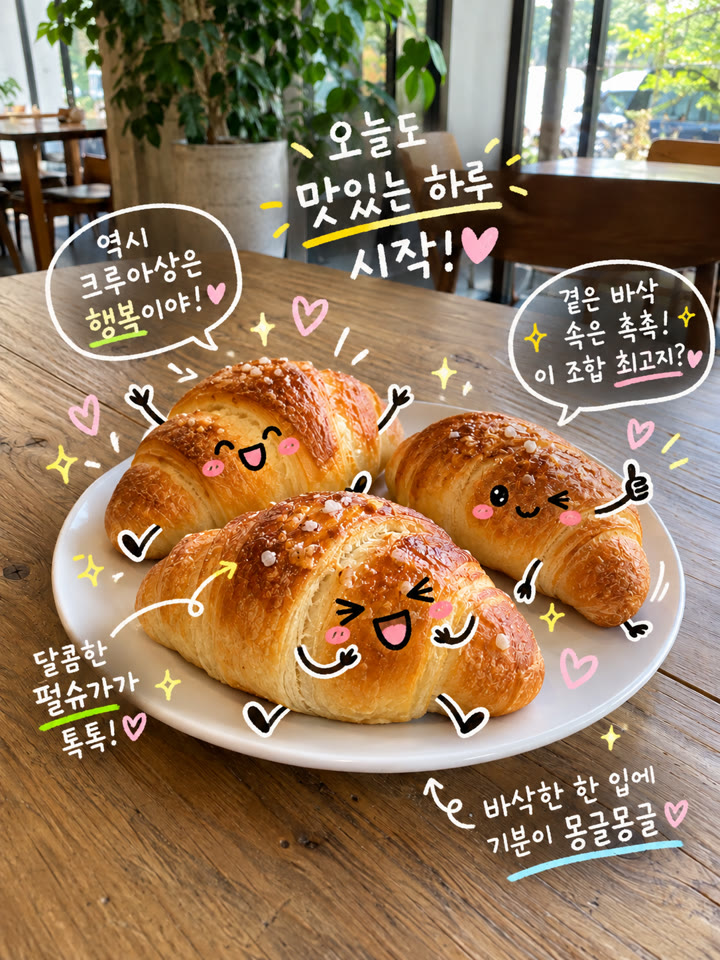
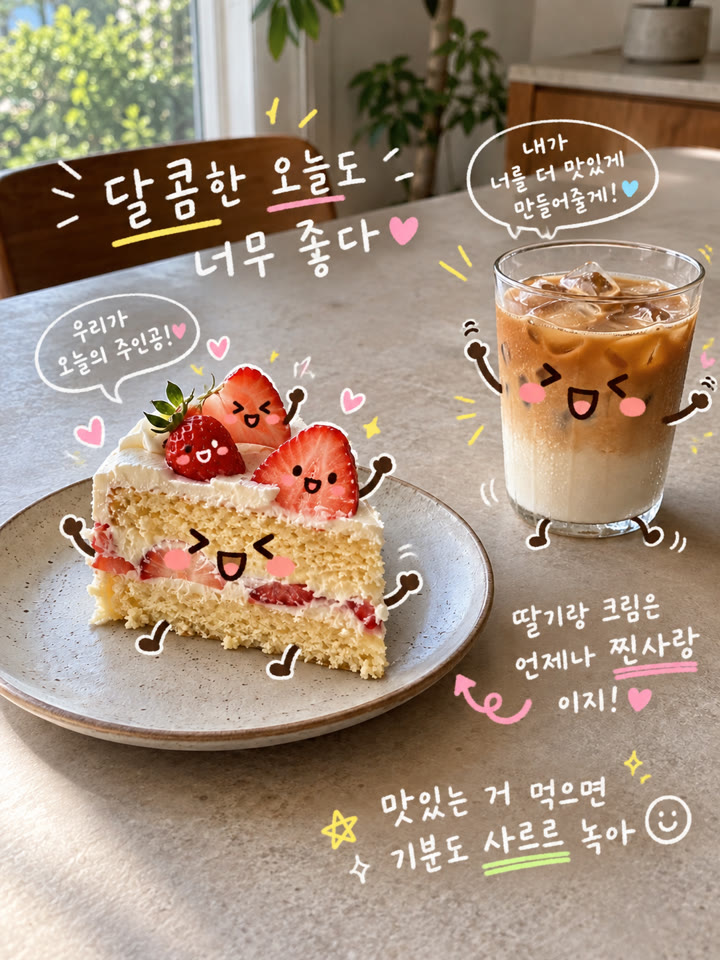
ChatGPTで食べ物写真に顔や手足を描き足して、会話しているようなかわいい1枚にアレンジできます。写真を1枚アップして英語のプロンプトを貼るだけで、写真に合う韓国語のひと言も自動で作れます。
仕上がりのイメージ
ゆるい表情と手足白い韓国語の手書き文字カラフルな下線と小さなハート
作例はAI生成です。入力写真、モデル、設定によって結果は異なり、同じ仕上がりを保証するものではありません。
使い方
- ChatGPTで画像を作成できるチャットを開きます
- 食べ物が写った写真を1枚アップします
- 下の英語プロンプトをそのまま貼り付けて送信します
プロンプト
PROMPT · EN
Keep the attached food photo intact and add only cute, clean hand-drawn doodles over it.

Automatically identify the food, sauces, toppings, and drinks in the photo. Naturally add cute emoji-like faces, blush, arms, and legs to each. Give each food item a different expression and pose, making them look as though they are chatting or playing together.

Automatically create 3–5 short, witty Korean phrases that suit the food and its mood. Place them in the photo's empty spaces in white handwriting. Underline important words with hand-drawn yellow, pink, lime green, and sky blue strokes. Naturally incorporate small hearts, stars, sparkles, arrows, and speech bubbles.

Do not change the original food's shape, colors, or texture, or alter the plates, table, background, or composition. Keep the doodles restrained so the food remains clearly visible.

Use only natural Korean for the lettering, with correct spelling and spacing. Do not include English, garbled text, or meaningless characters. Finish in a cute diary doodle style, as though someone drew directly on a real food photograph by hand.
英語のまま貼り付けるのがいちばんきれいに仕上がります(やりとりは日本語でOK)。
メール登録で、アレンジ用プロンプト5種類も
このプロンプトのアレンジ5種類を、メール登録特典としてお届けします。さらに、毎週おすすめのプロンプトをまとめてお送りします。
作例
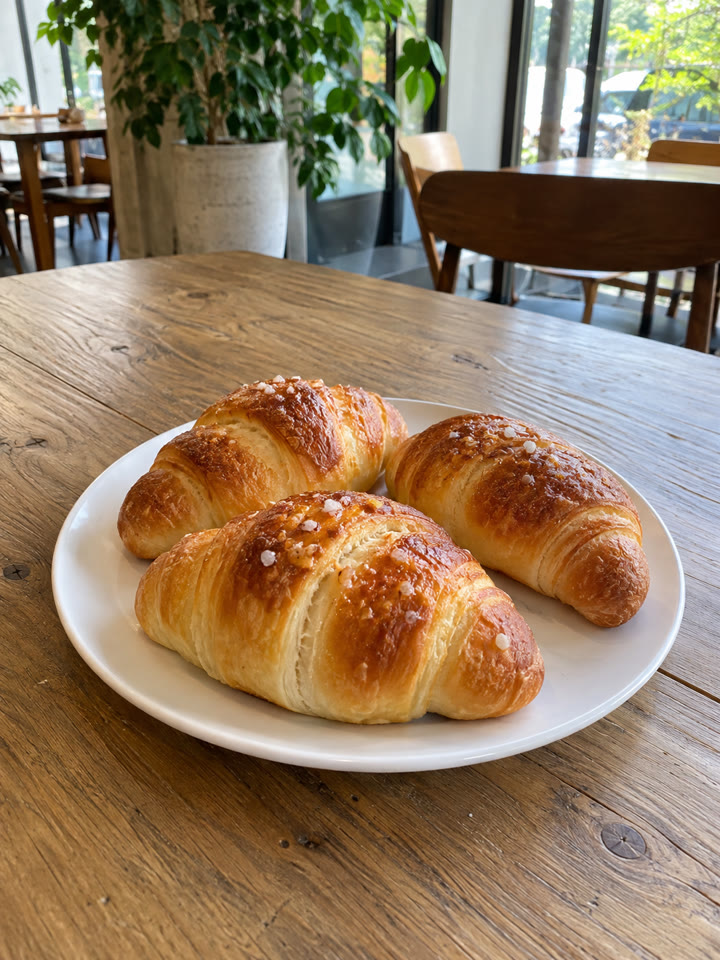
写真を長押しすると元の写真が見られます写真にカーソルを合わせると元の写真が見られます
 AFTER
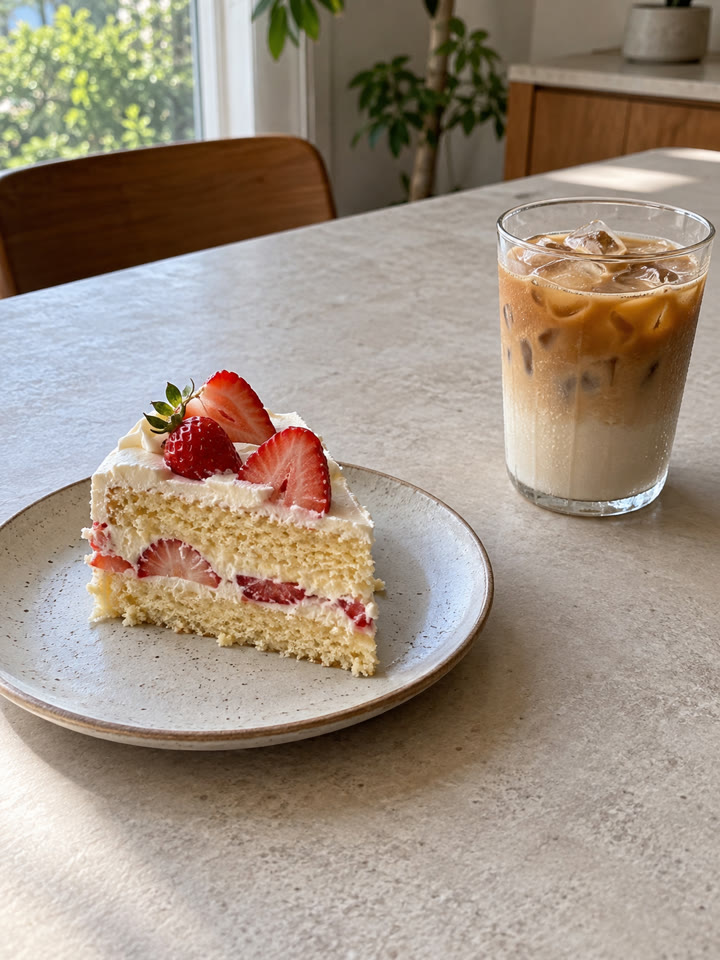 AFTER
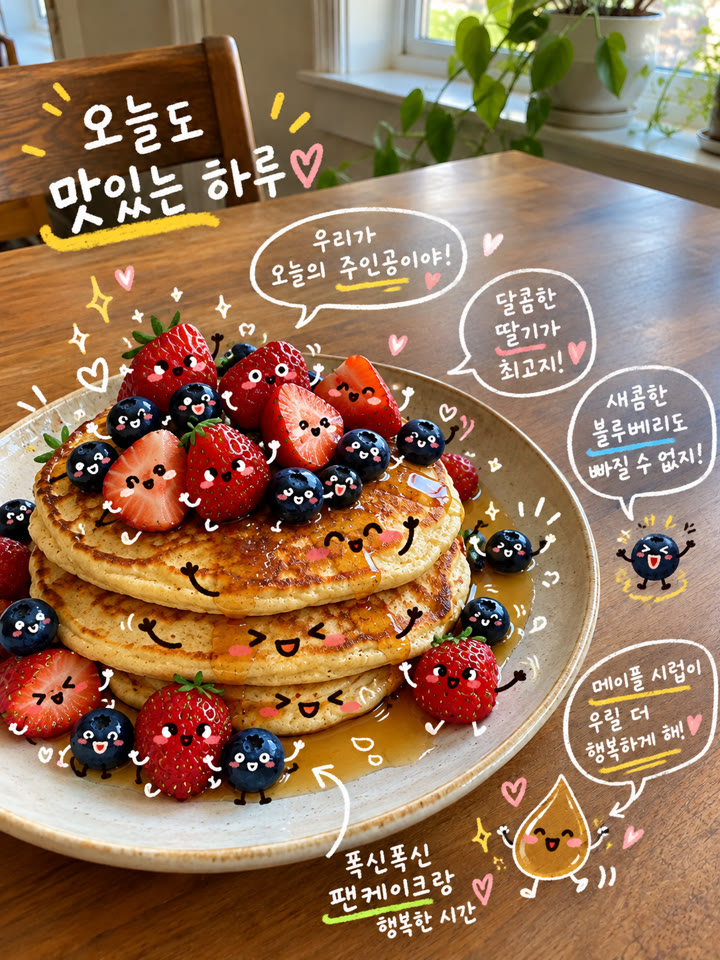
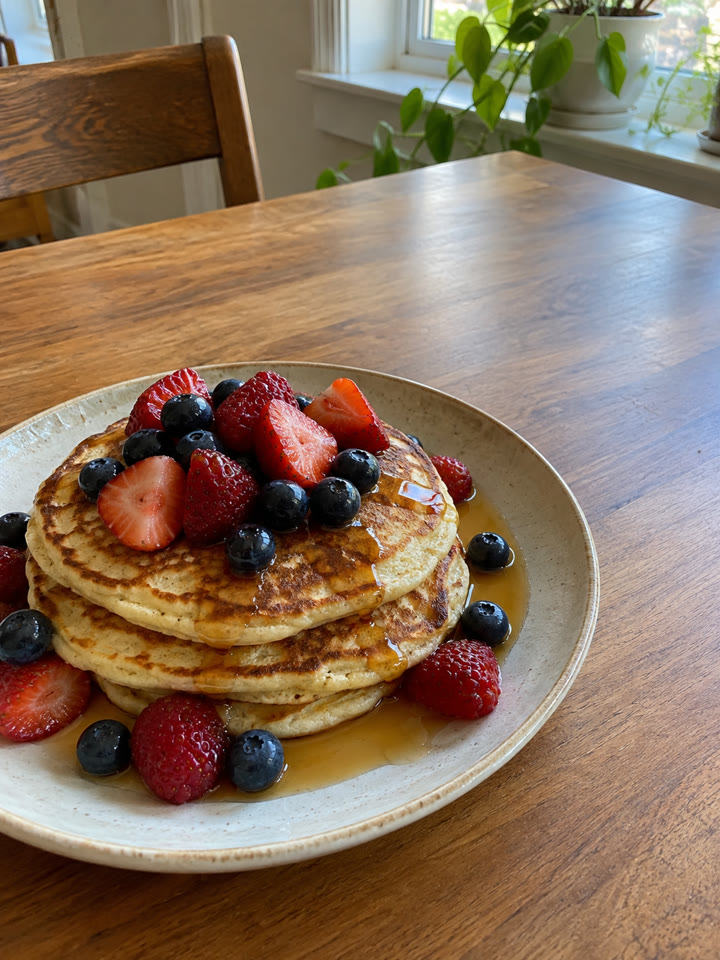 AFTER
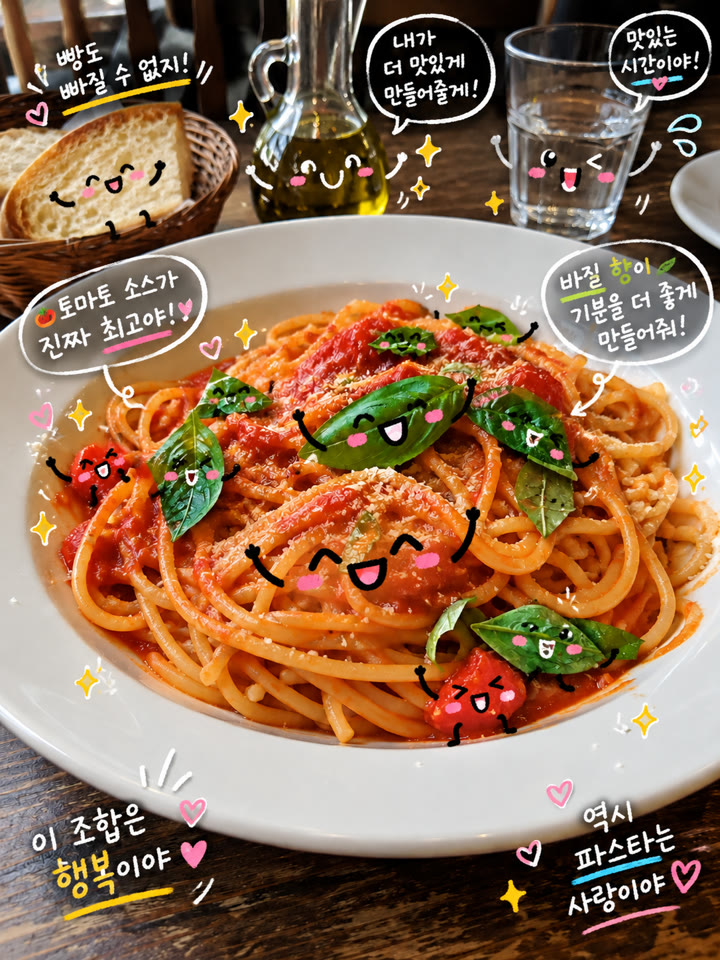
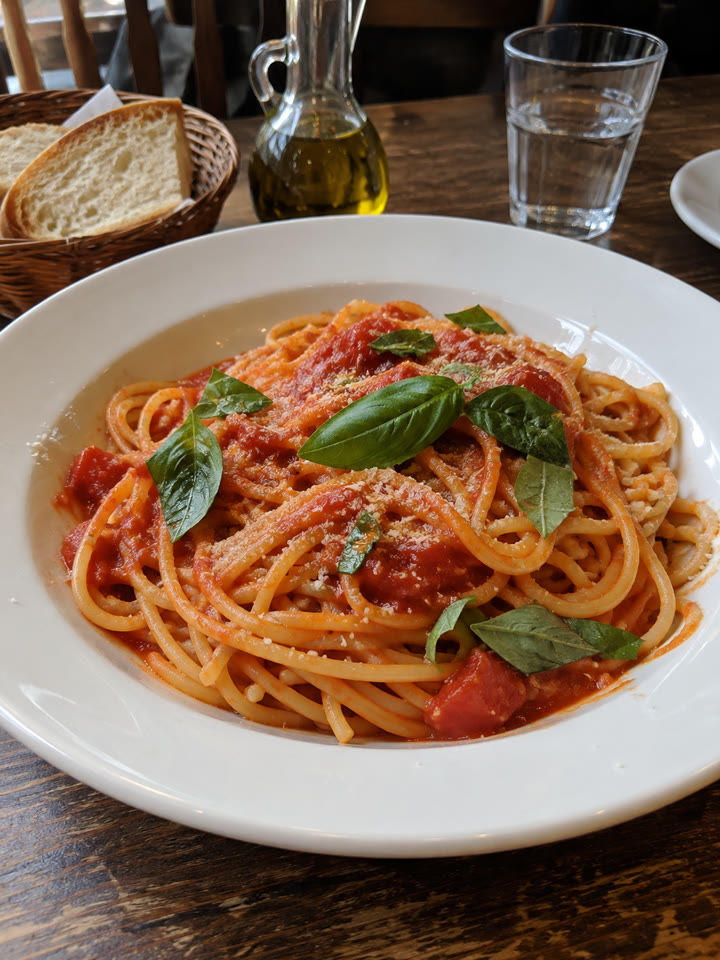 AFTER
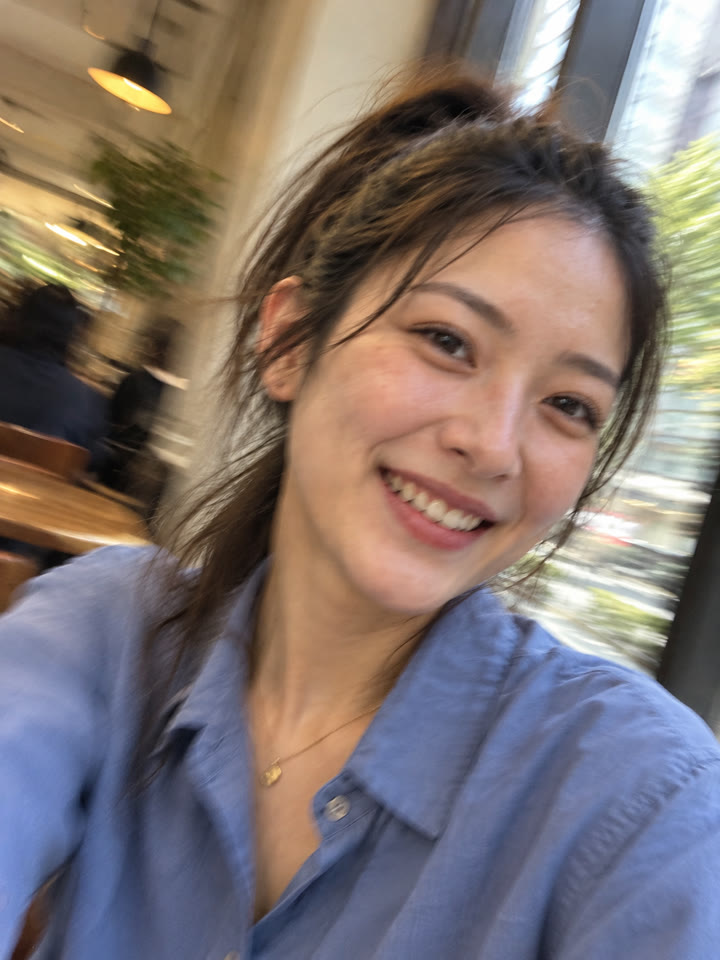 次のプロンプト写真1枚で、うっかり撮れた風のiPhoneセルフィーに次のプロンプトへ →
きれいに仕上げるコツ
- プロンプトは英語のままコピペでOKです。追加の修正は日本語で頼めます。
- 食べ物やトッピングがはっきり見えて、周りに文字を置ける余白がある写真がおすすめです。
- 写真は1枚ずつ試すのがおすすめです。このプロンプトで入る文字は韓国語なので、生成後は文字の崩れも確認してください。
- 仕上がりはAIモデルや利用プラン、写真によって変わります。元の写真の形や色が変わることもあるため、完成後に見比べるのがおすすめです。
コピペで使えるAI写真ワザを毎日更新中
インスタで @_ai.tip.jp を開く