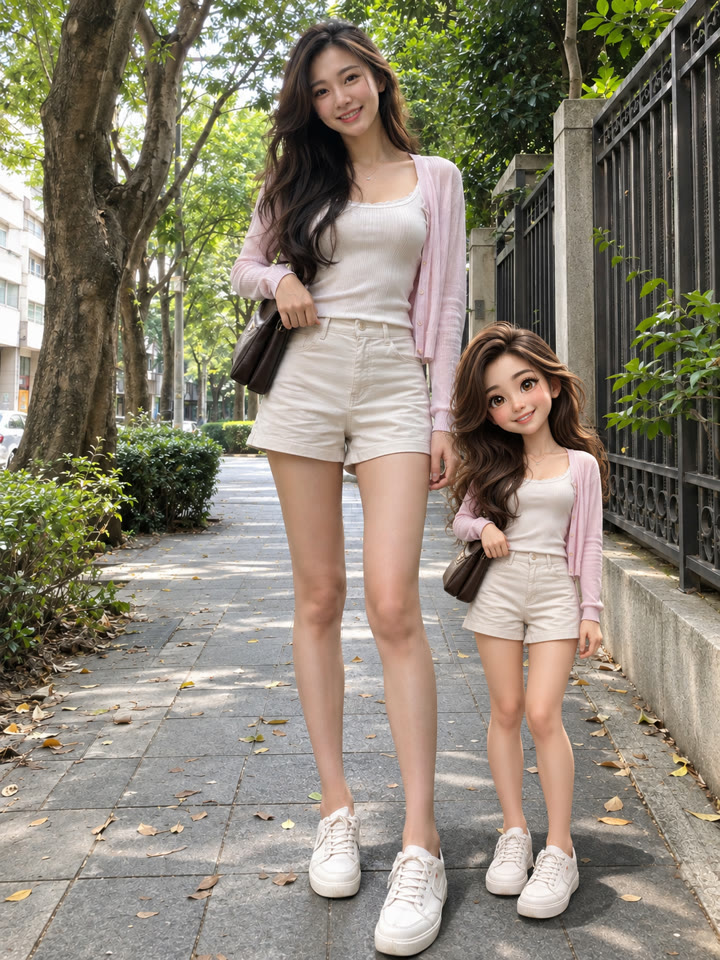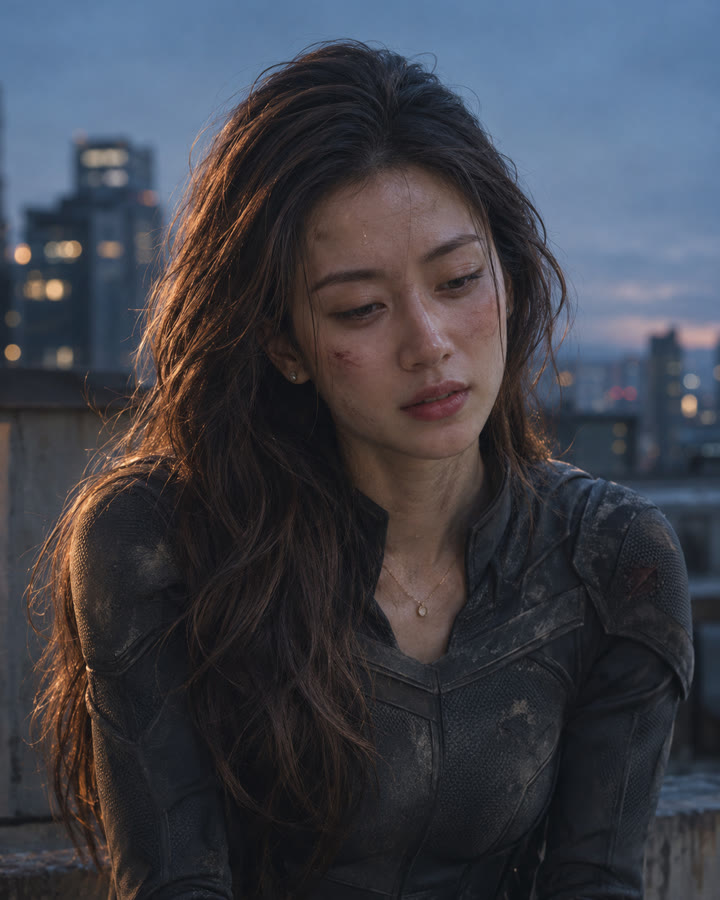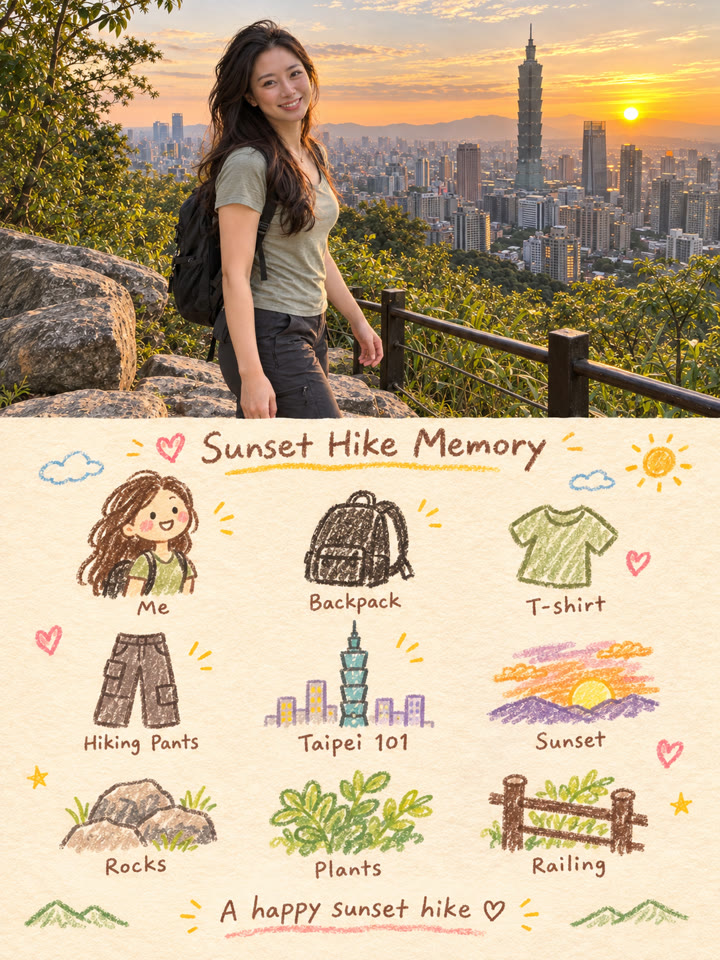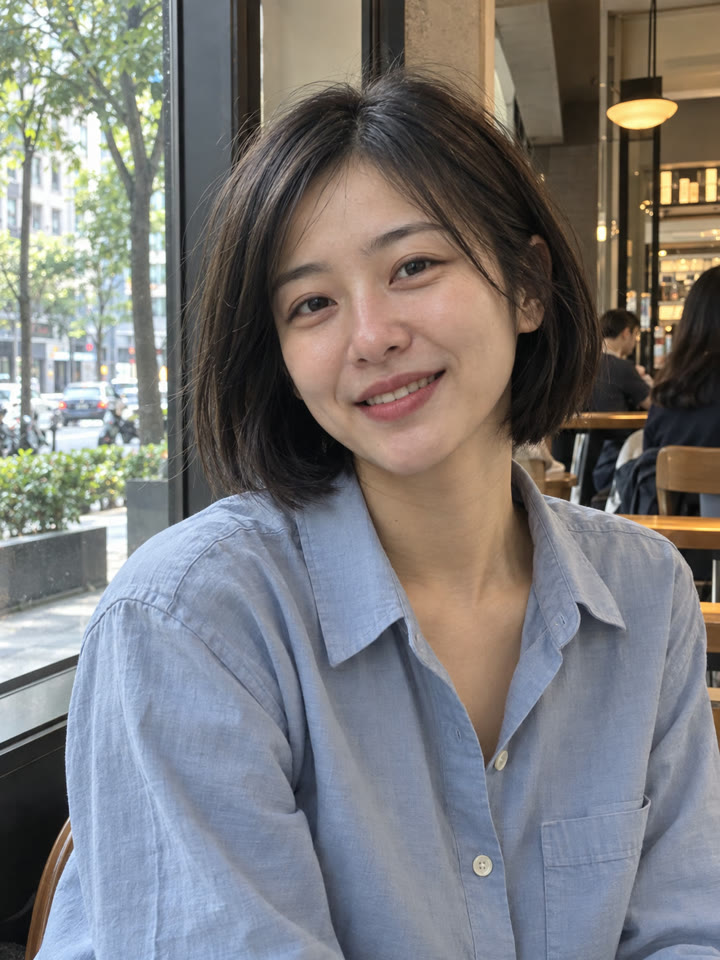
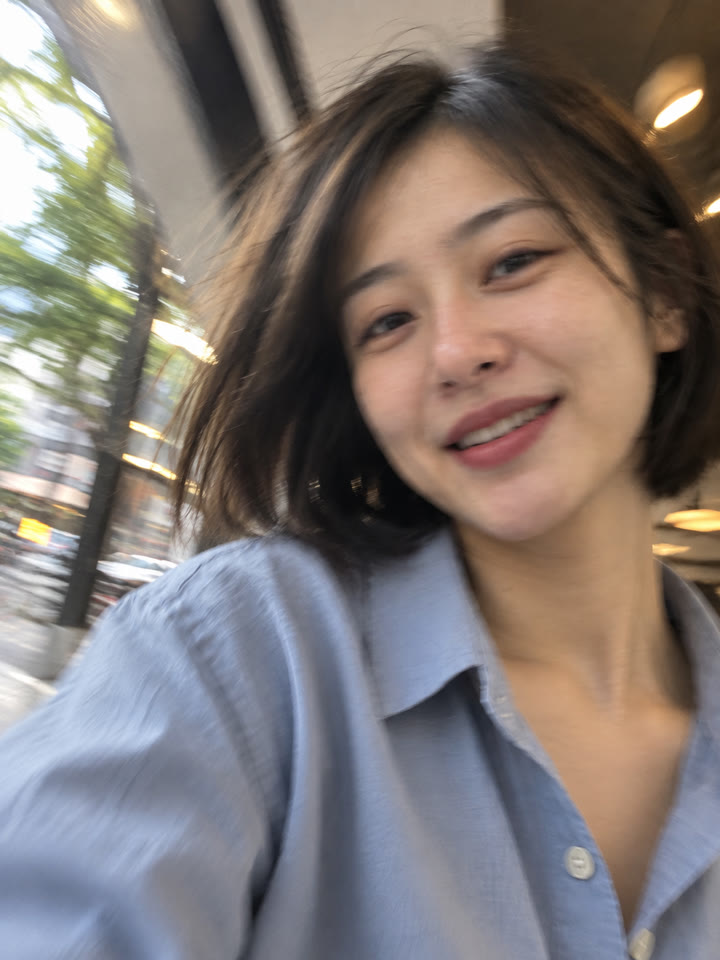
 BEFOREAFTER
左右滑動比較
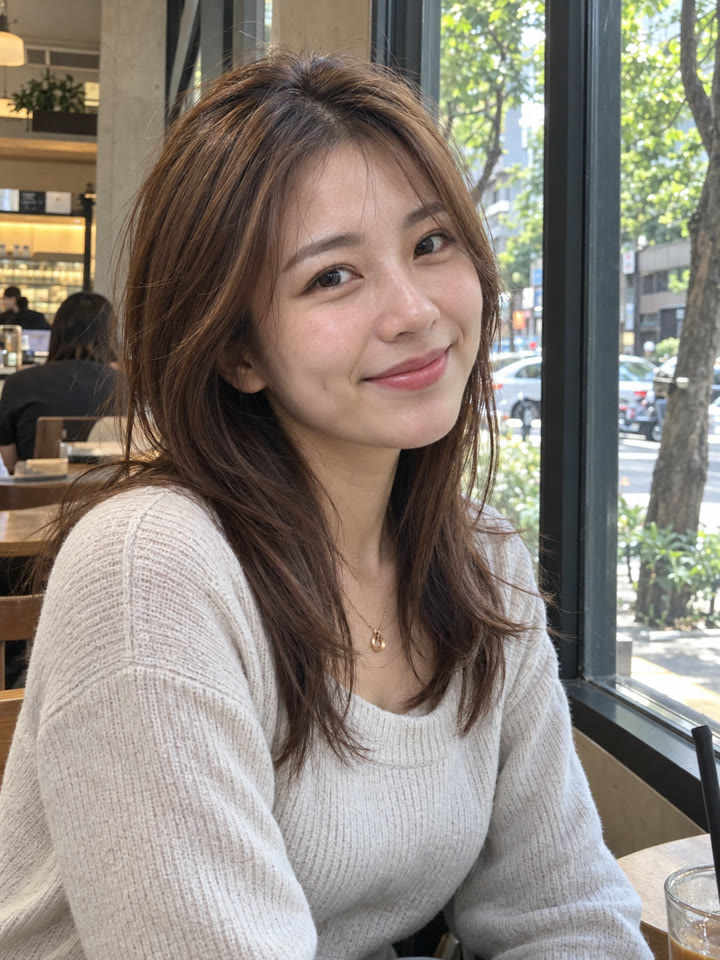
不小心拍到的 iPhone 自拍感,一張照片就能做
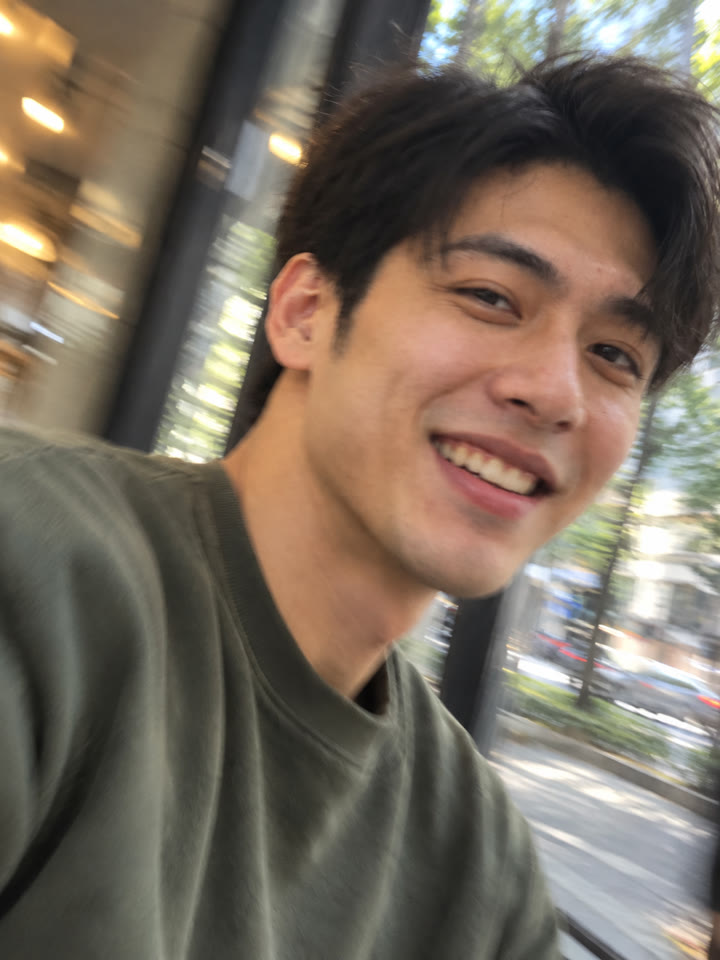
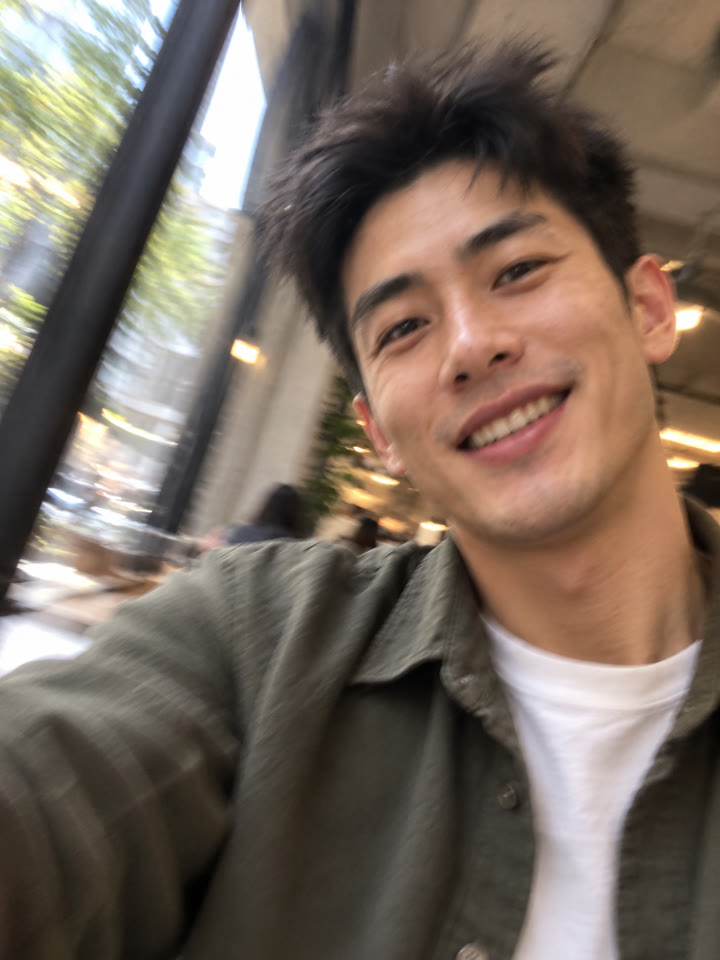
讓照片看起來像拿著手機移動時,不小心按到了快門,角度有點歪、畫面微微晃動,人還是認得出來。打開 ChatGPT,上傳照片、貼上提示詞就完成。
這次的照片氛圍
隨手自拍微微晃動自然膚質
範例由 AI 生成。結果會因輸入照片、模型與設定而異,提示詞不保證產生完全相同的結果。
怎麼用
- 打開 ChatGPT
- 上傳一張自己的照片
- 貼上英文提示詞,按送出
提示詞(Prompt)
PROMPT · EN
Transform the uploaded photo into a candid iPhone front-camera selfie that looks like the shutter fired accidentally while the phone was moving. Preserve the person's identity, facial features, hairstyle, and clothing. Use an awkwardly tilted, close handheld angle, off-center framing, and a slightly cropped head or shoulder. Add subtle directional camera-shake blur and faint movement ghosting, like a single imperfect frame from a Live Photo, while keeping the person recognizable. Use ordinary ambient lighting, realistic skin texture, mild phone-camera grain, and natural colors. The result should feel spontaneous, casual, and effortlessly stylish, with no beauty filter, heavy retouching, studio lighting, or exaggerated facial distortion. Output one photograph without text or interface elements.
提示詞請直接貼英文原文,效果最好;聊天用中文也沒關係。
想再試 5 種自拍變化?
留下 Email,領取這組提示詞的 5 種變化版本,也能每週收到精選提示詞,下次想修圖就有新靈感。
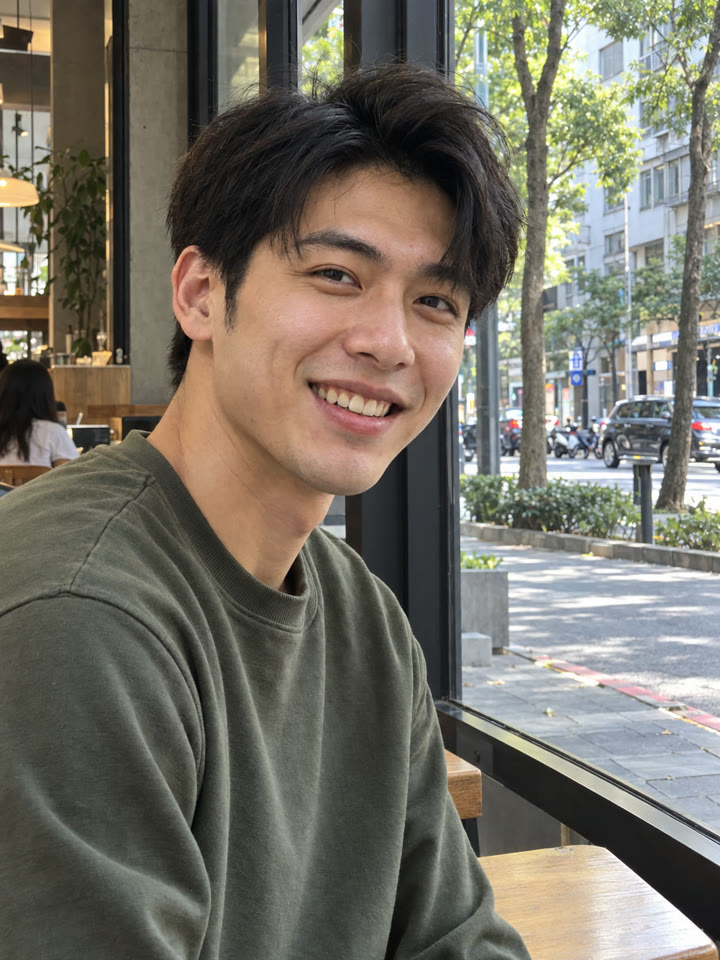
實際效果
長按照片可以看原圖滑鼠移到照片上可以看原圖
 AFTER
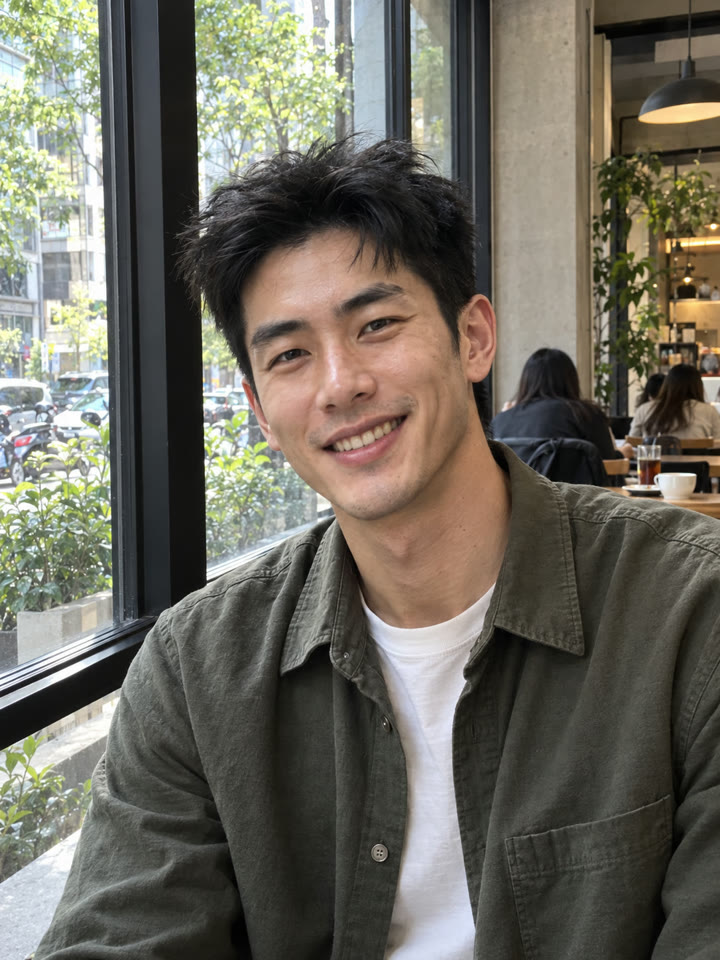 AFTER
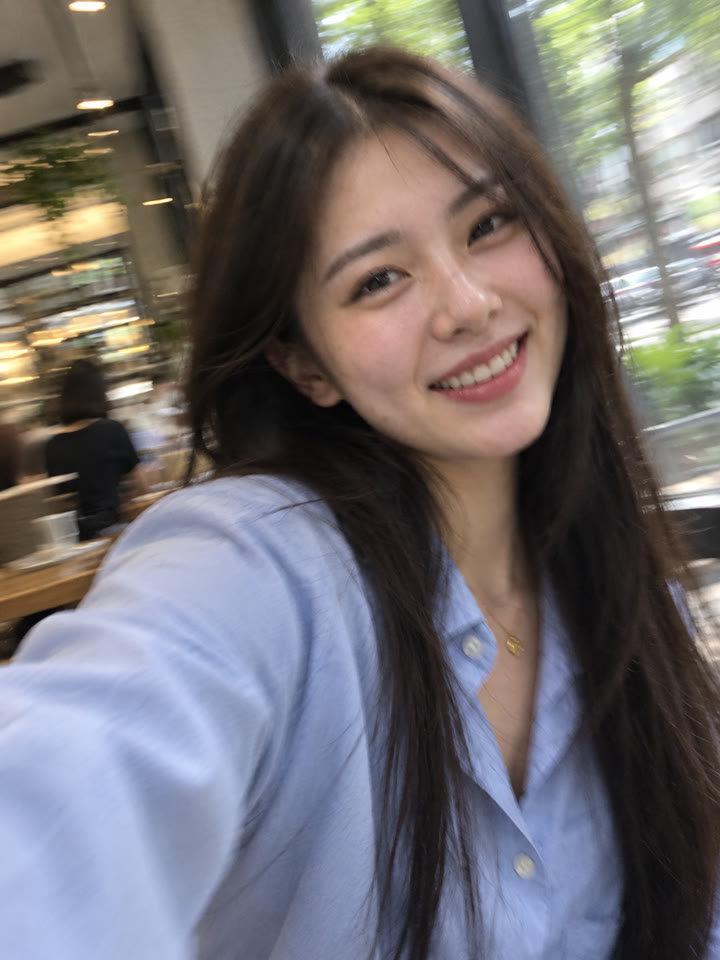
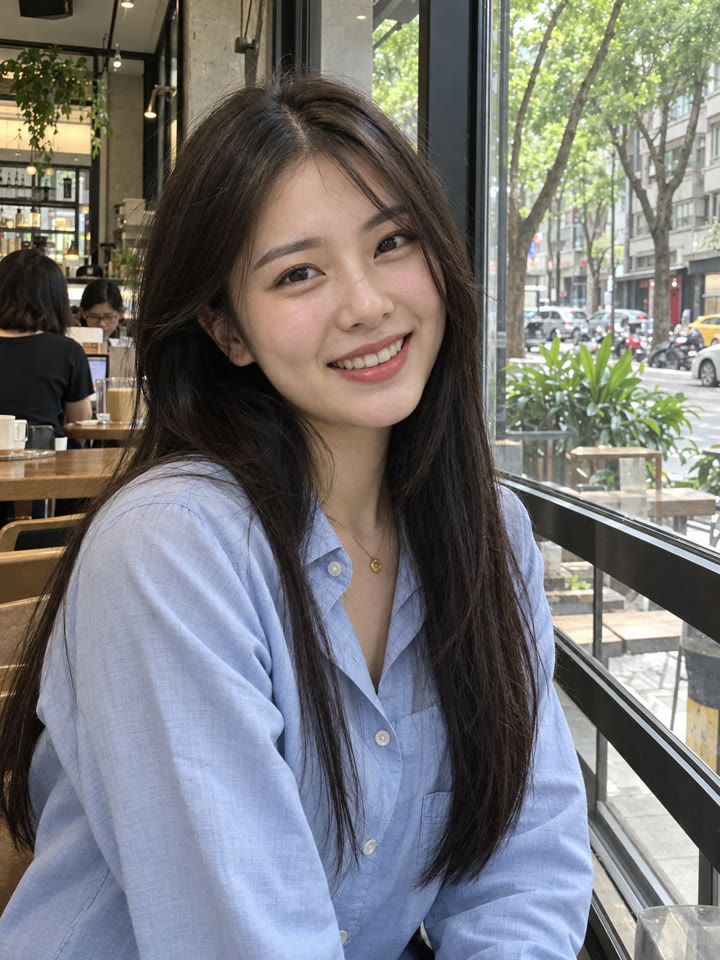 AFTER
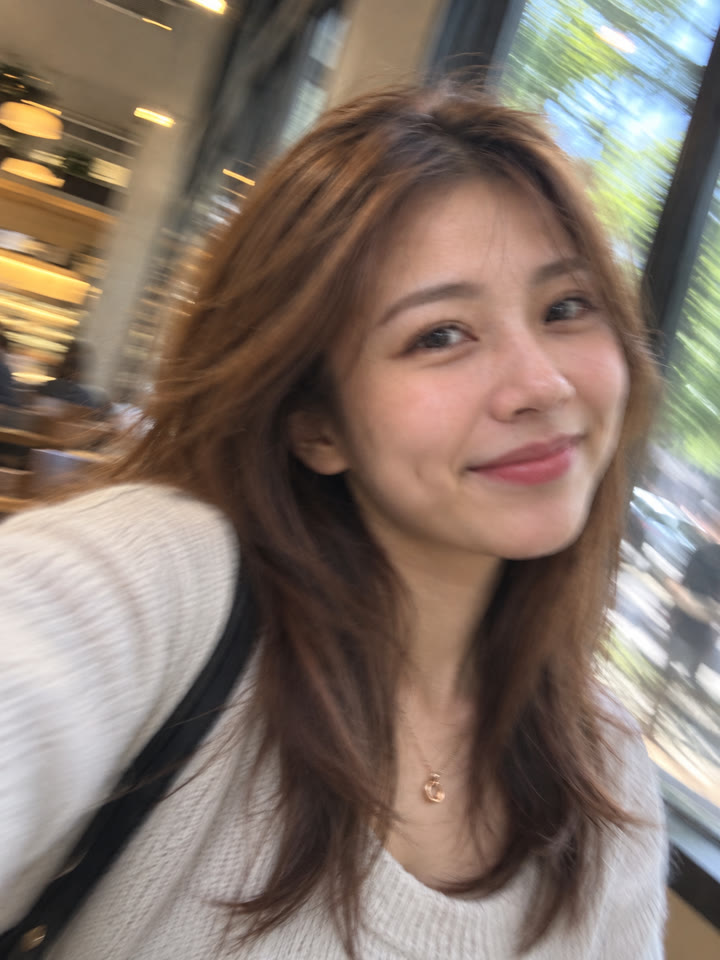
 AFTER
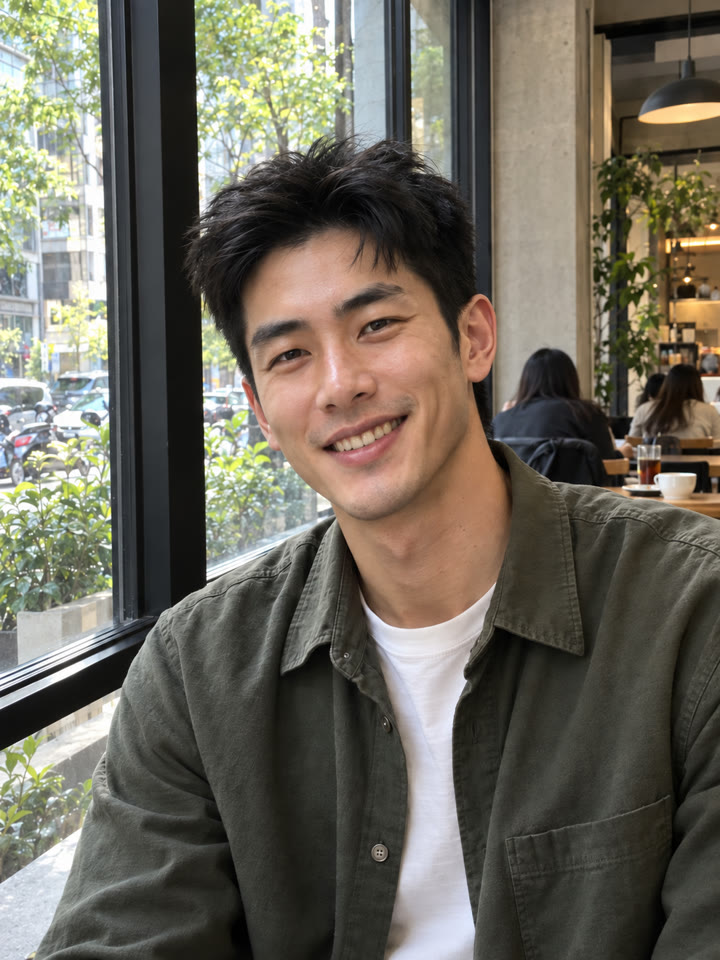 下一個提示詞救回差一點就完美的照片|ChatGPT 碎髮整理看下一個提示詞 →
效果更好的小技巧
- 選五官、髮型和穿搭清楚的照片,讓 AI 有明確的參考。
- 提示詞請直接貼英文原文;聊天用中文也沒關係。
- 晃動和殘影保持輕微就好,太模糊可以請 ChatGPT 降低程度。
- 保留自然膚質和日常光線,畫面稍微歪一點、裁掉一點肩膀,更有隨手拍的感覺。
每天更新馬上能用的提示詞
在 IG 打開 @_ai.tip.zh