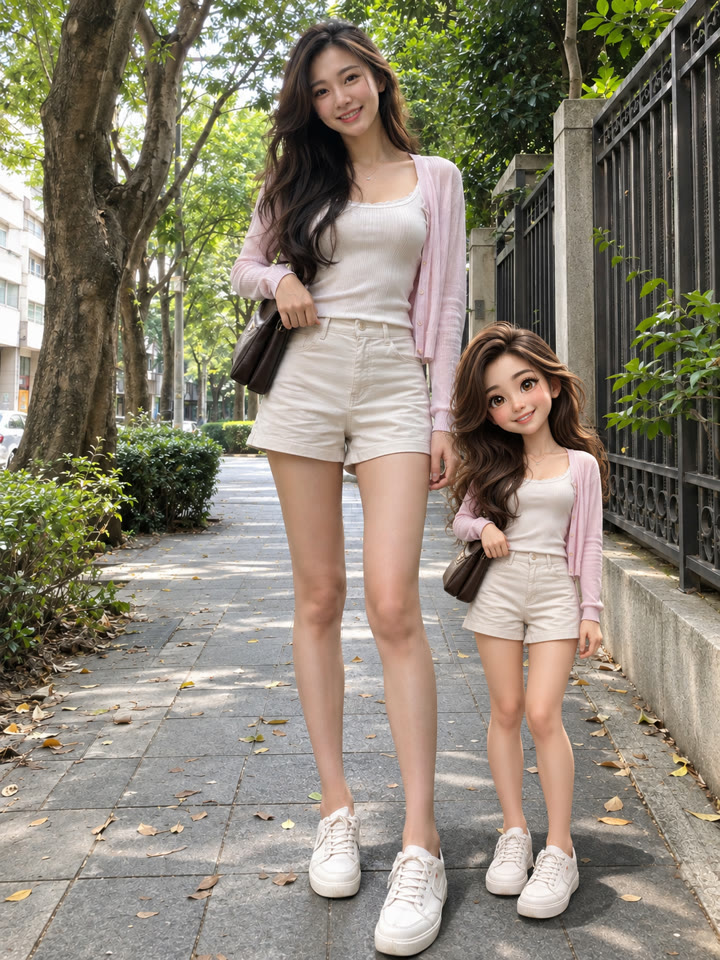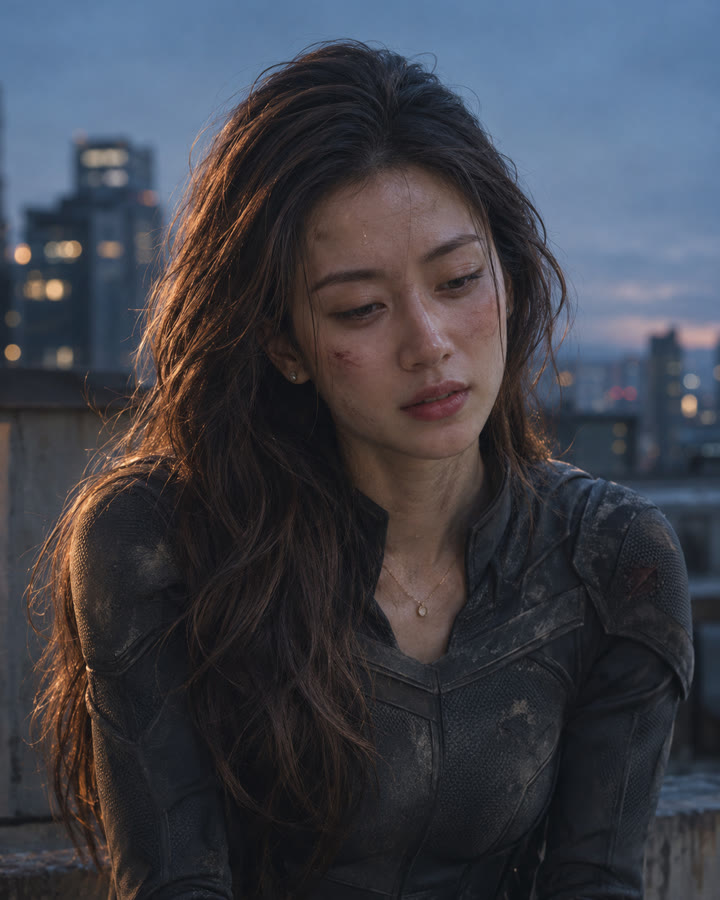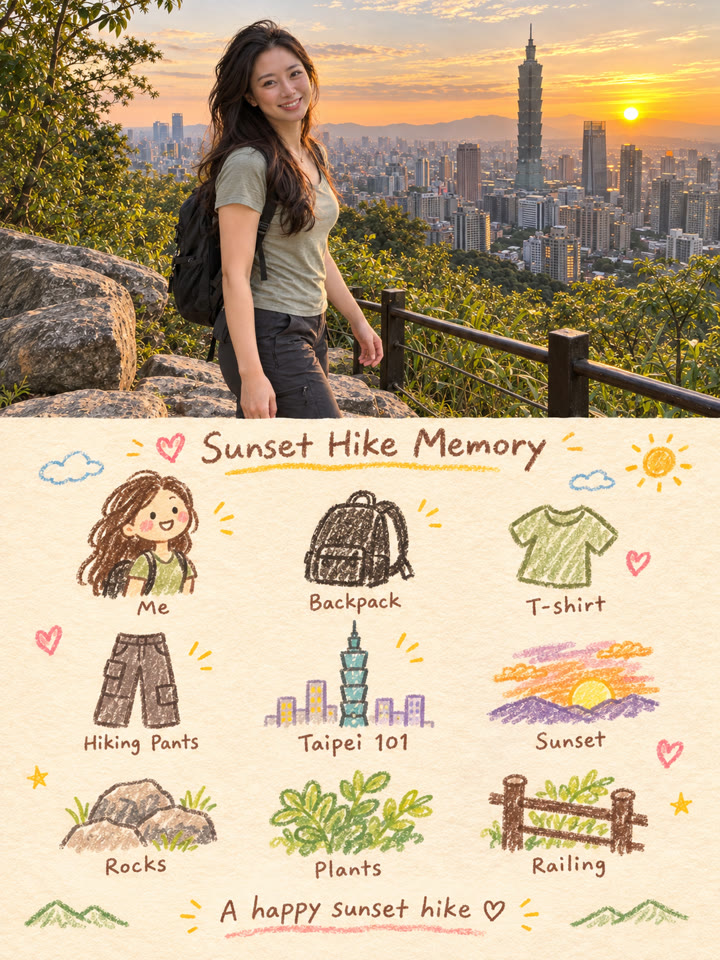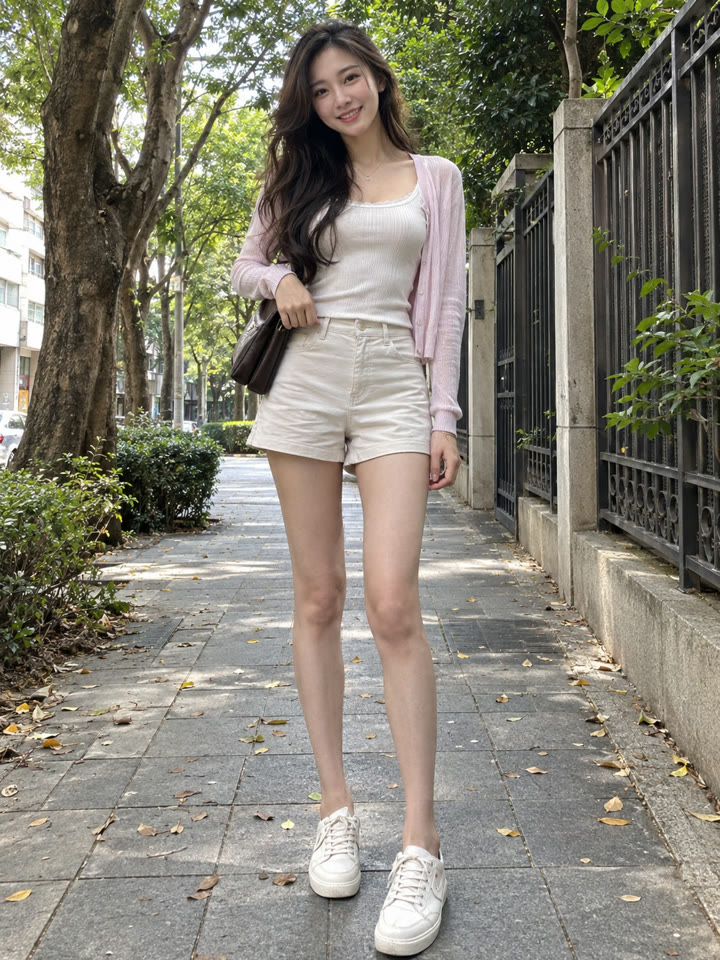
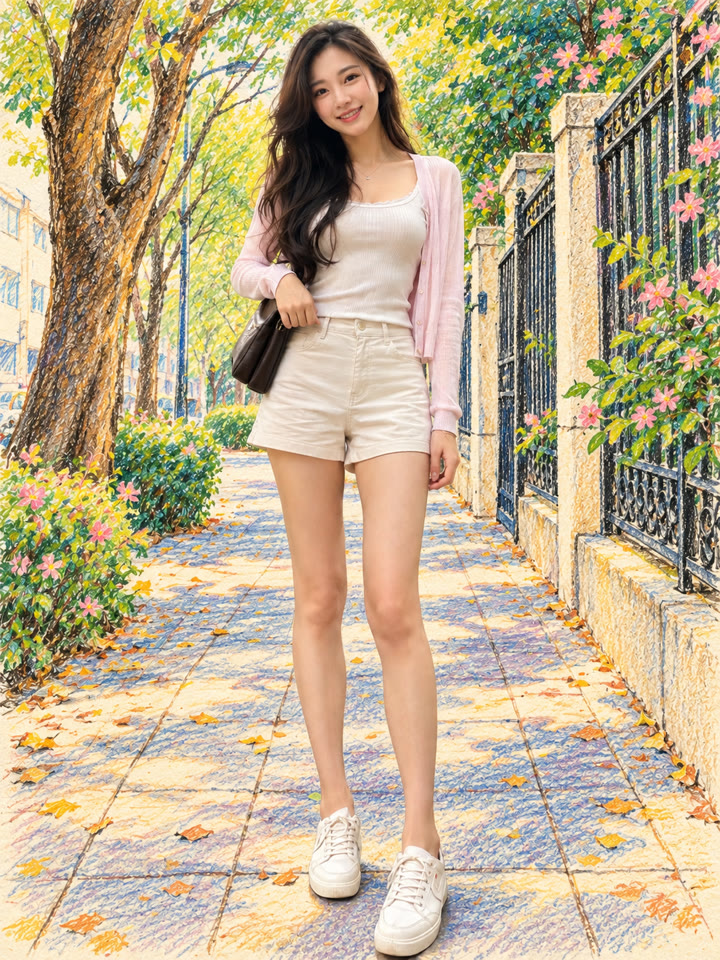
 BEFOREAFTER
左右滑動比較
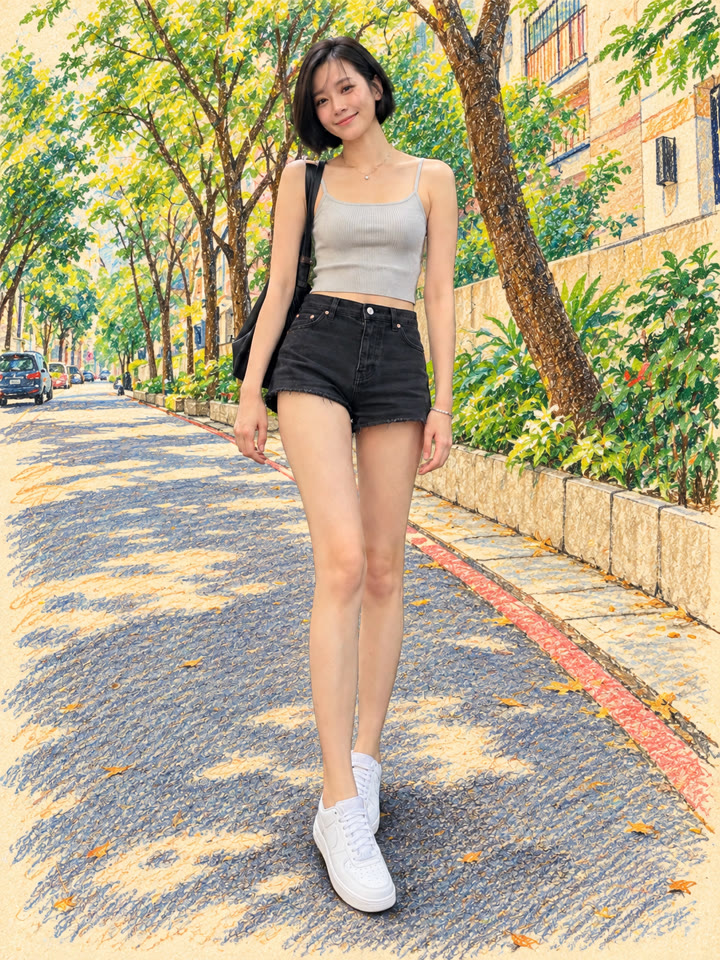
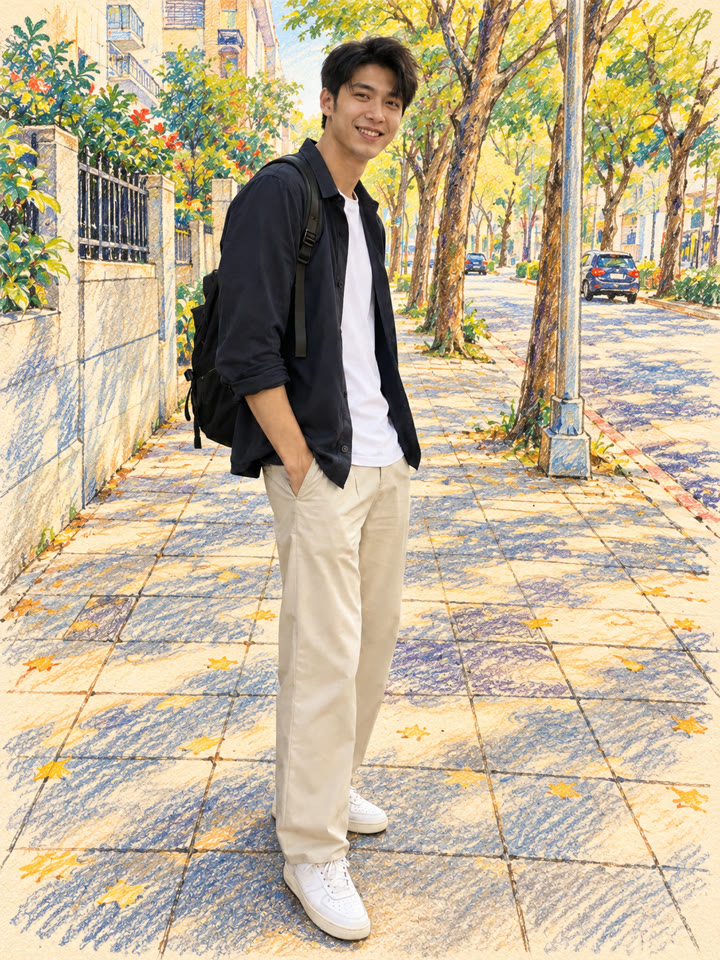
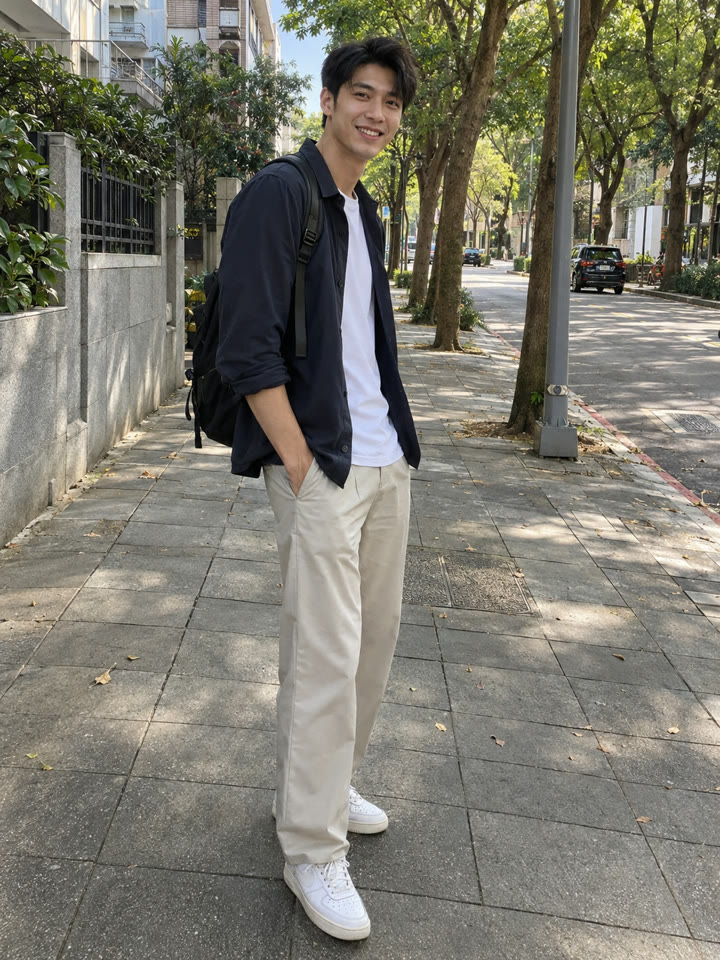
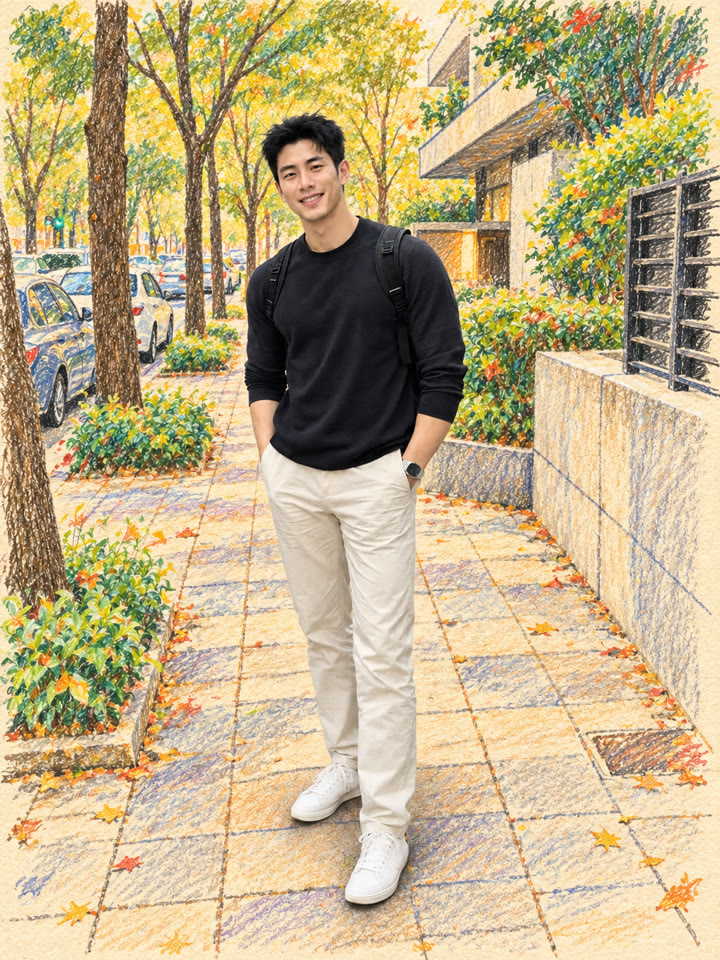
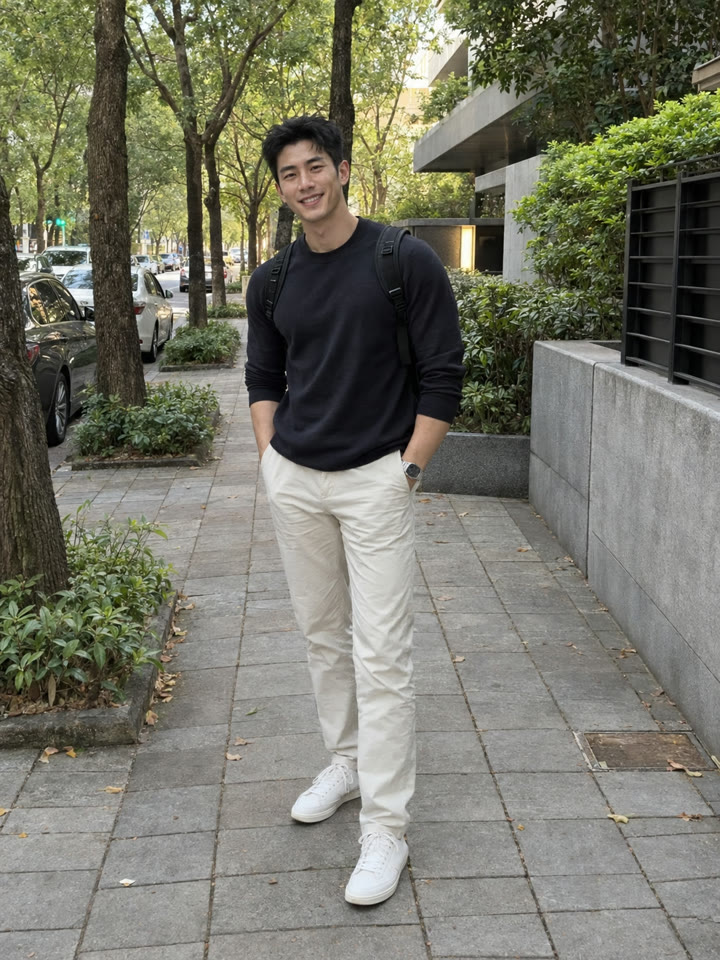
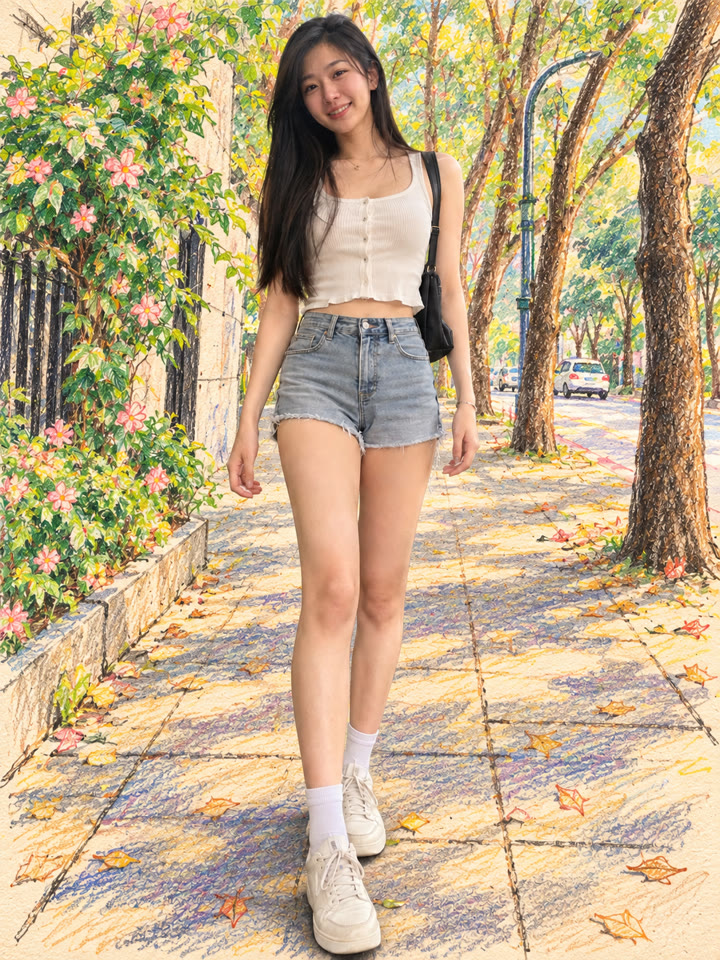
真人配上蠟筆背景,一張照片就能試
讓照片裡的你保留真實感,把身後的街景、花草與天空換成暖米白紙上的彩色手繪。打開 ChatGPT,上傳照片、貼上提示詞就完成。
這次的畫面風格
實真人像色鉛筆+蠟筆暖米白紙紋
範例由 AI 生成。結果會因輸入照片、模型與設定而異,提示詞不保證產生完全相同的結果。
怎麼用
- 打開 ChatGPT
- 上傳一張照片
- 貼上英文提示詞,按送出
提示詞(Prompt)
PROMPT · EN
Transform the uploaded photo into a clean mixed-media portrait. Keep the person exactly the same as the original photo: preserve the same face, identity, hairstyle, expression, skin tone, outfit, pose, body proportions, and camera angle. Keep all people fully photorealistic. Change only the background and surrounding environment into a stylish hand-drawn colored pencil and wax crayon sketch on warm ivory textured paper. Use vivid yet harmonious colors, visible pencil strokes, playful hand-drawn details, and a charming Pinterest-style illustration aesthetic. Preserve the original composition and scene layout. Create a beautiful contrast between the realistic subjects and the illustrated background. No changes to people, no extra people, no distorted faces or limbs, no text, no logo, no watermark.
提示詞請直接貼英文原文,效果最好;聊天用中文也沒關係。
再收下 5 種變化版提示詞
留下 Email,領取這組提示詞的 5 種變化版,也能每週收到精選提示詞,下次修圖直接拿來用。
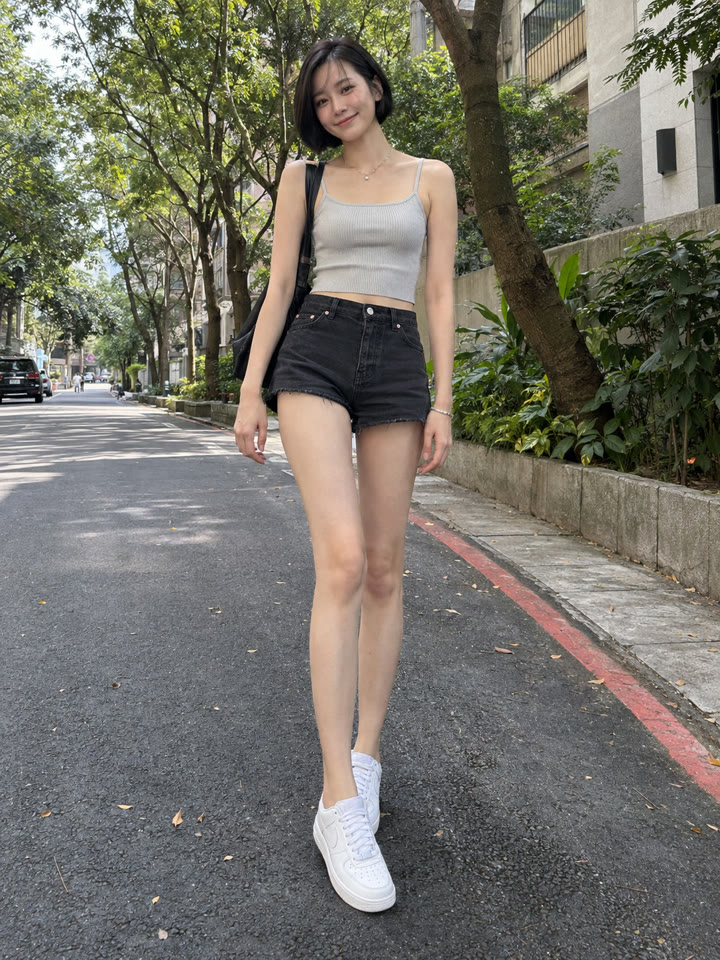
實際效果
長按照片可以看原圖滑鼠移到照片上可以看原圖
 AFTER
 AFTER
 AFTER
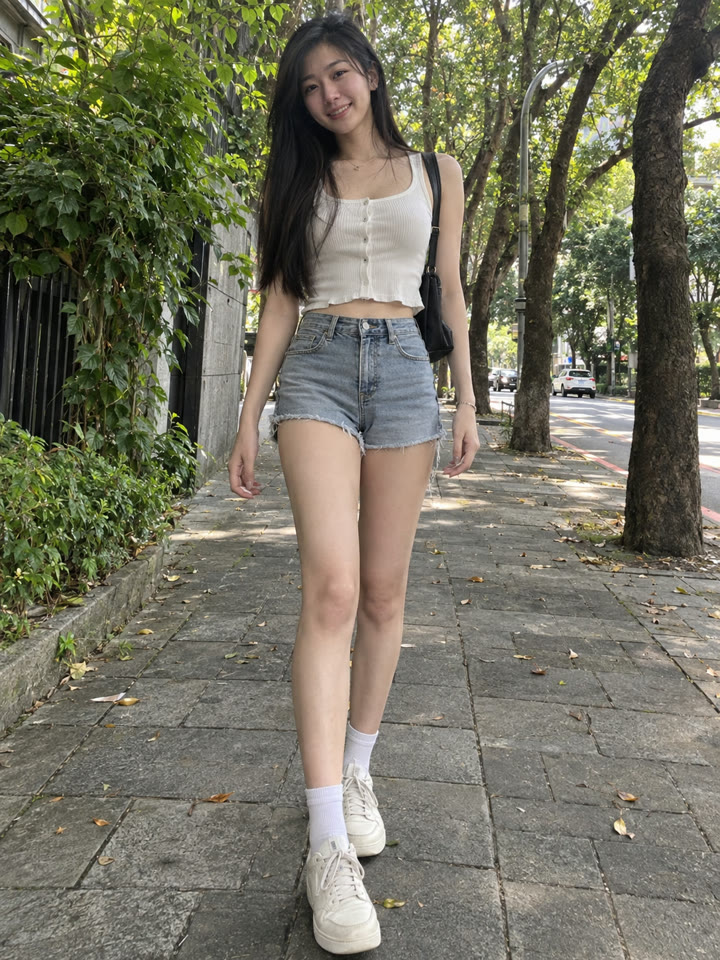 AFTER
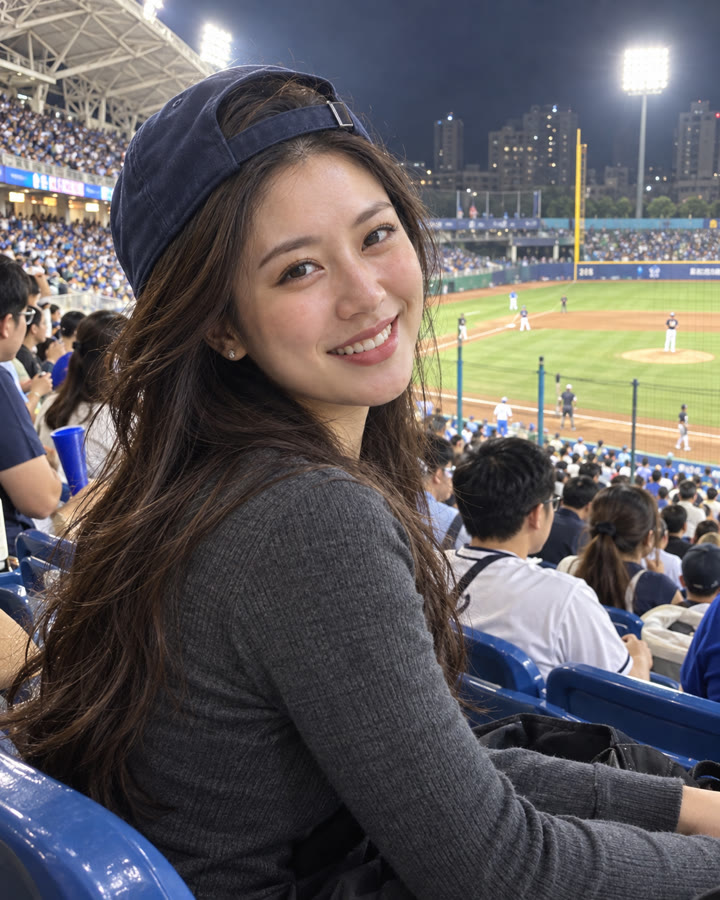 下一個提示詞ChatGPT 寫實 AI 人像與超近距離特寫提示詞看下一個提示詞 →
效果更好的小技巧
- 選人物清楚、與背景容易區分的照片;咖啡廳、街景或花園都很適合。
- 提示詞請直接貼英文原文;後續想調整細節,用中文說明也可以。
- 想讓筆觸更明顯,可以要求加重背景的蠟筆質感,再點綴少量星星、愛心或雲朵。
- 完成後檢查臉、手與衣服;若有變形,指出位置並要求依原圖修正,保留人物的真實感。
每天更新馬上能用的提示詞
在 IG 打開 @_ai.tip.zh