 BEFOREAFTER
Drag to compare
Give your cafe photo a dramatic drink splash
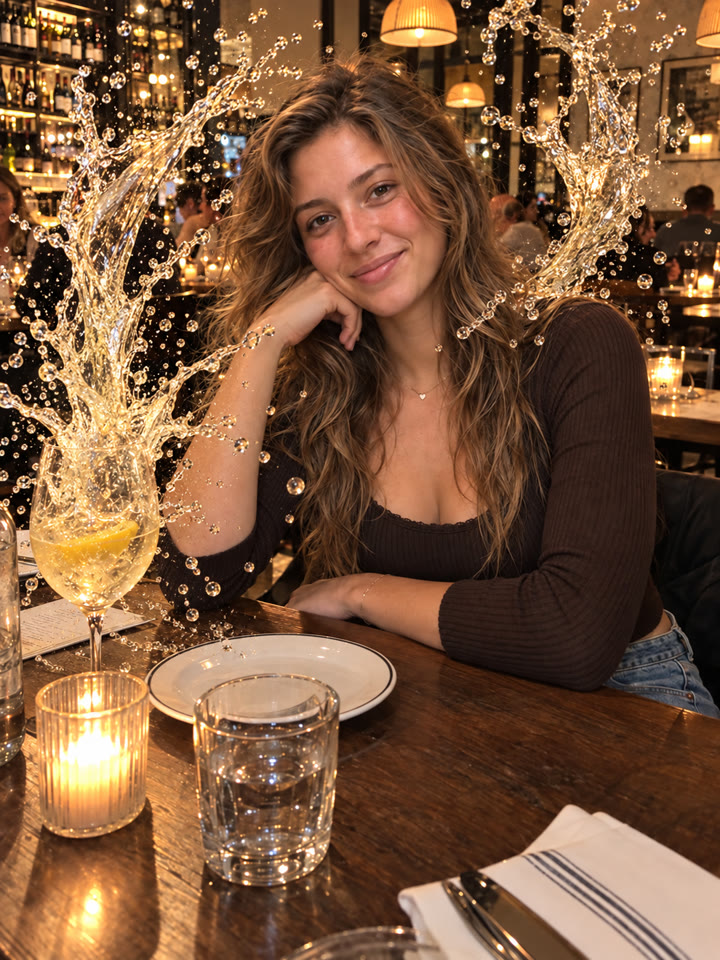
Turn one photo of you holding a drink into a realistic splash edit that looks frozen by a high-speed camera. The prompt asks ChatGPT to build two large liquid arcs around your face while preserving the rest of the photo.
The look
Realistic liquidFace stays clearOriginal framing
These are AI-generated examples. Results can vary with the input photo, model and settings; the prompt does not guarantee an identical result.
How to use it
- Open ChatGPT.
- Upload one photo of you holding a drink.
- Copy the prompt below, paste it into the chat, and send.
The prompt
PROMPT · EN
Produce one polished, photorealistic edited image in the same aspect ratio, framing, and composition as the uploaded photo.
The result must look like the exact original photo, except that the calm beverage has erupted into a breathtaking, physically realistic liquid splash that dramatically frames the person’s face.
Increase only the scale and visual drama of the liquid splash.
Make the two main splash arcs taller, wider, more dimensional, and more visually impressive, extending close to the upper and side edges of the frame while preserving a completely clear open space around the person’s entire face.
Do not change the person, hands, cup, background, framing, r any other part of the original photo.
Paste it in English exactly as written. It works best that way, even if you chat in another language.
Get 5 more ways to try this splash
Sign up by email for 5 variations of this prompt, plus our best prompts each week.
Results
Press and hold a photo to see the originalHover a photo to see the original
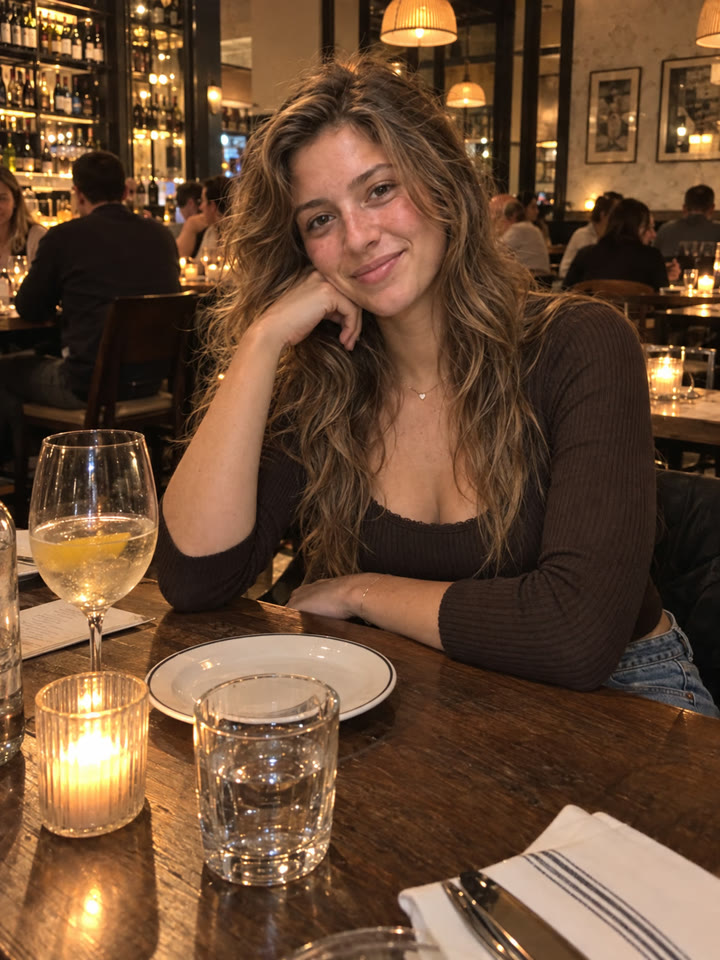 AFTER
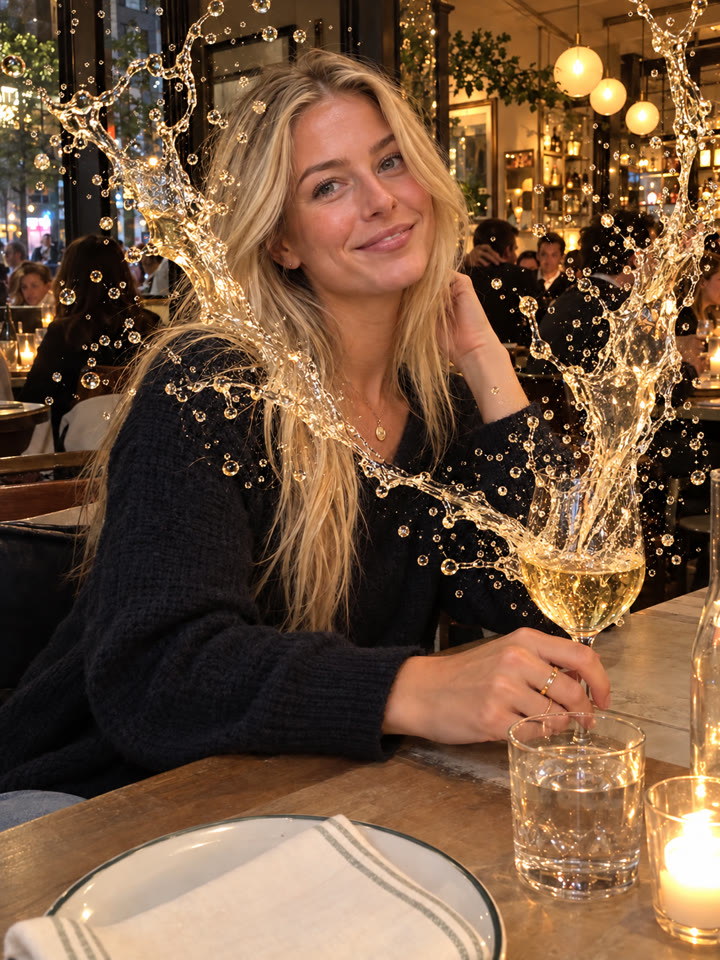
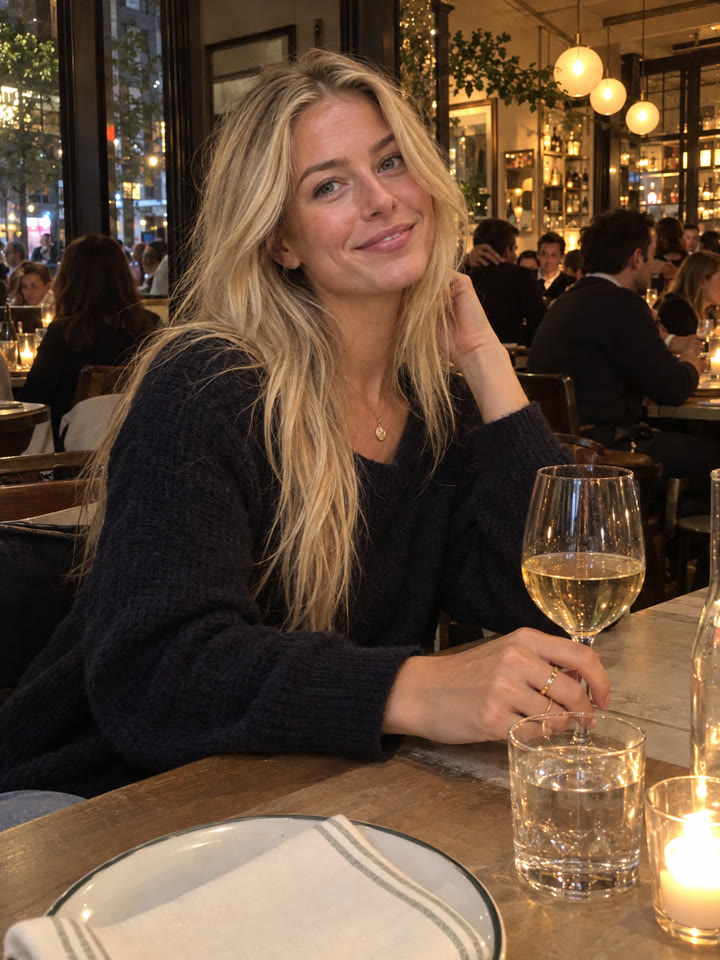 AFTER
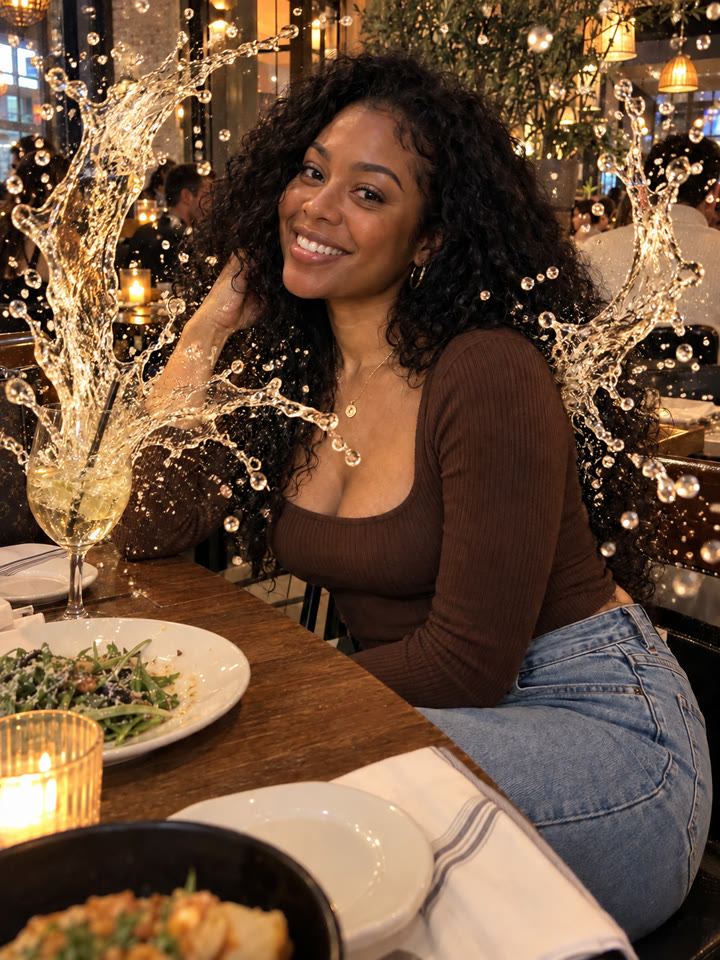
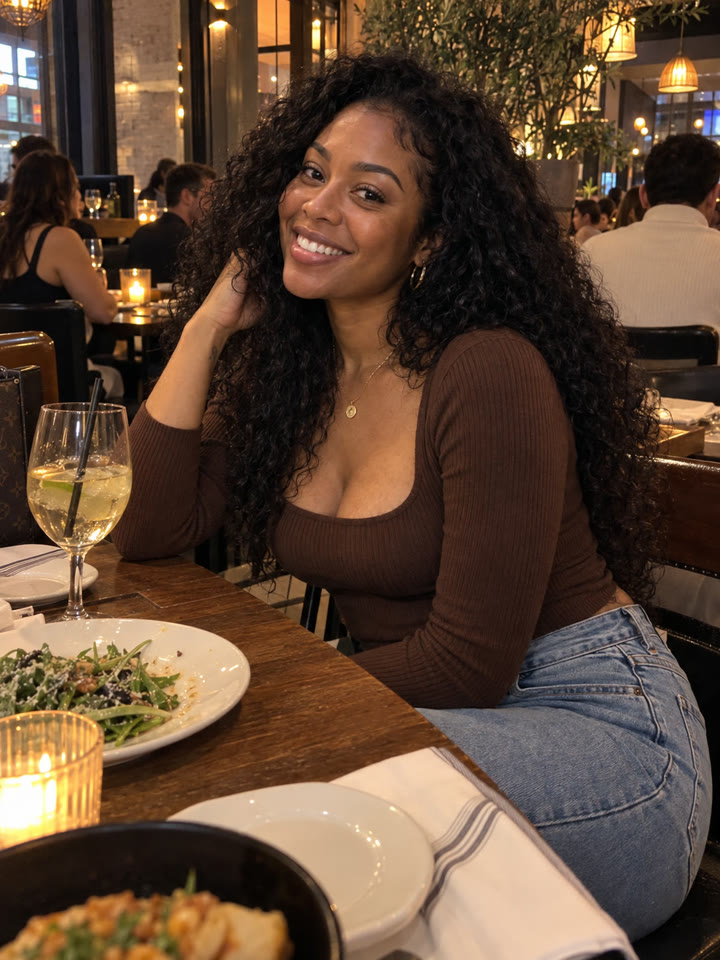 AFTER
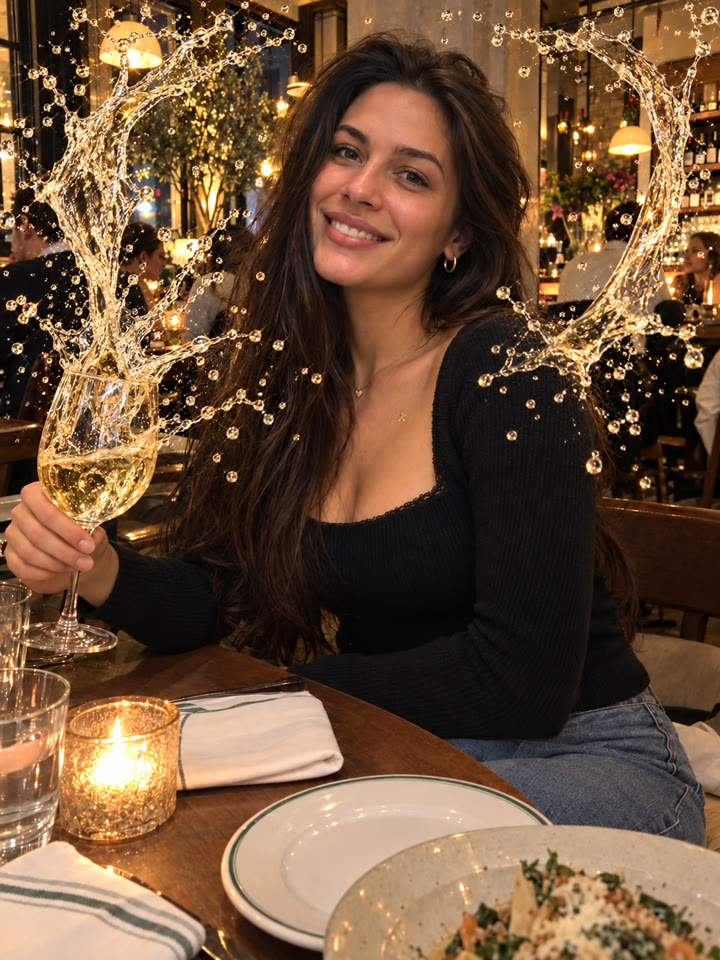
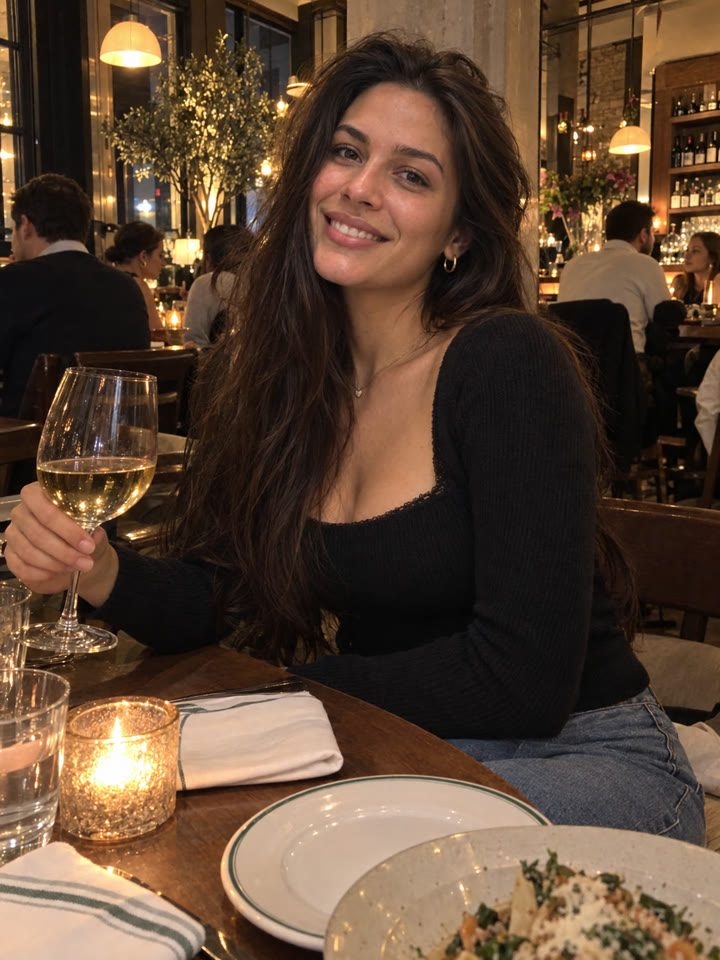 AFTER
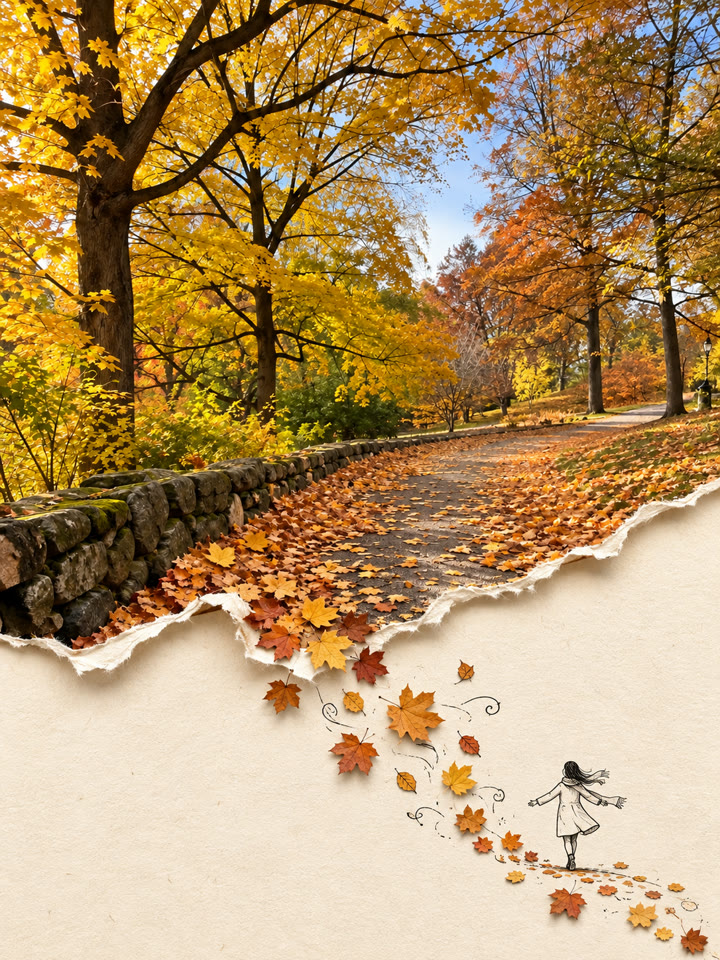 Up nextTurn a Travel Photo Into a Torn-Paper Collage PosterNext prompt →
Tips for the best result
- Choose a sharp photo with your fingers and the entire cup visible to help reduce editing errors.
- Try a colorful drink, such as a matcha latte, strawberry smoothie, or fruit ade, for a more vivid splash.
- Results can vary by AI model and subscription plan. Check your face, hands, and cup after generating.
- Use your own photo or one you have permission to edit.
A new copy-paste photo prompt every day
Open @_ai.tip on Instagram