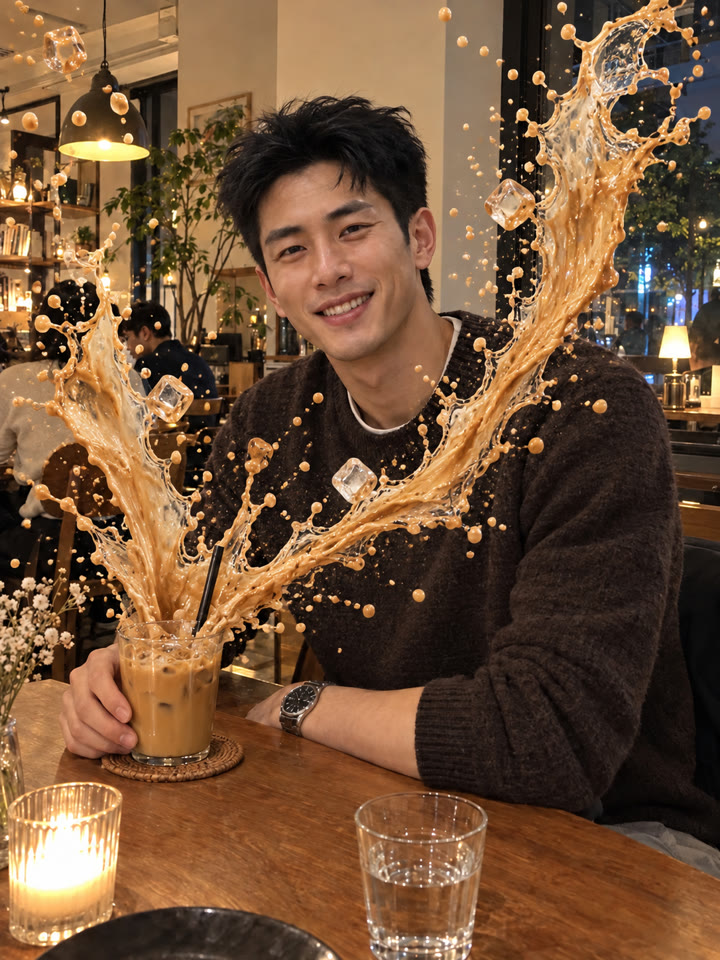
 BEFOREAFTER
左右滑動比較
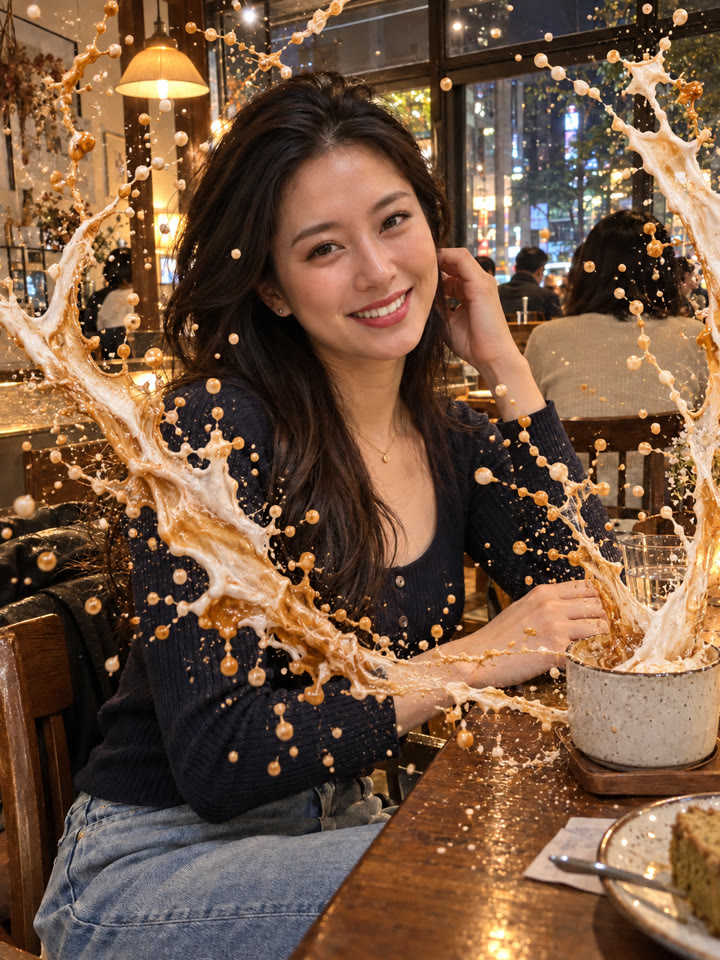
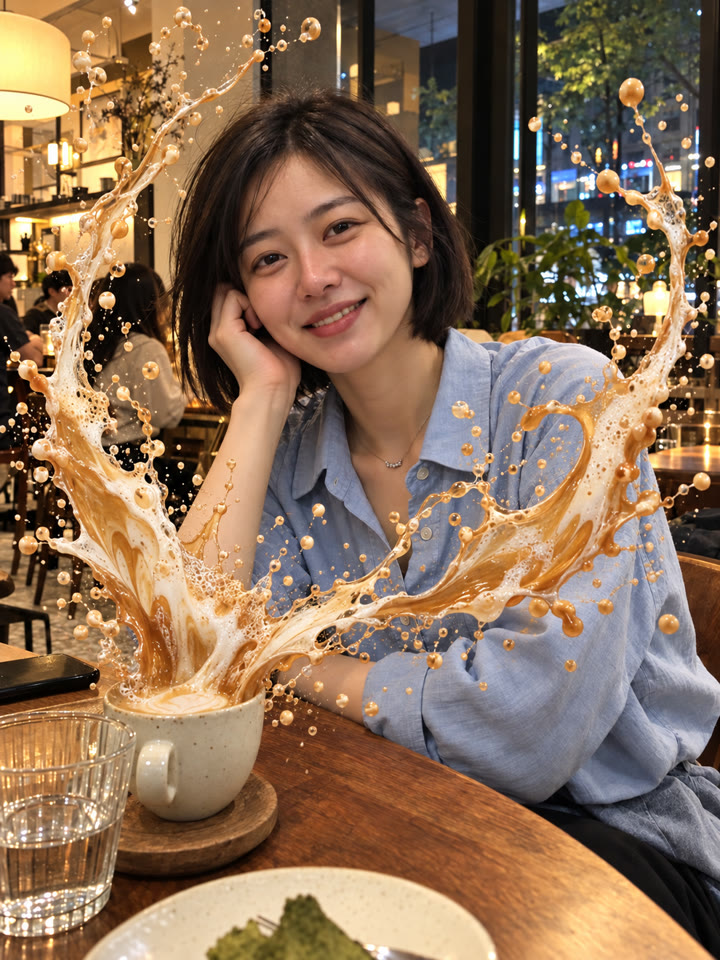
讓飲料飛濺框住你的臉,一張照片就能試
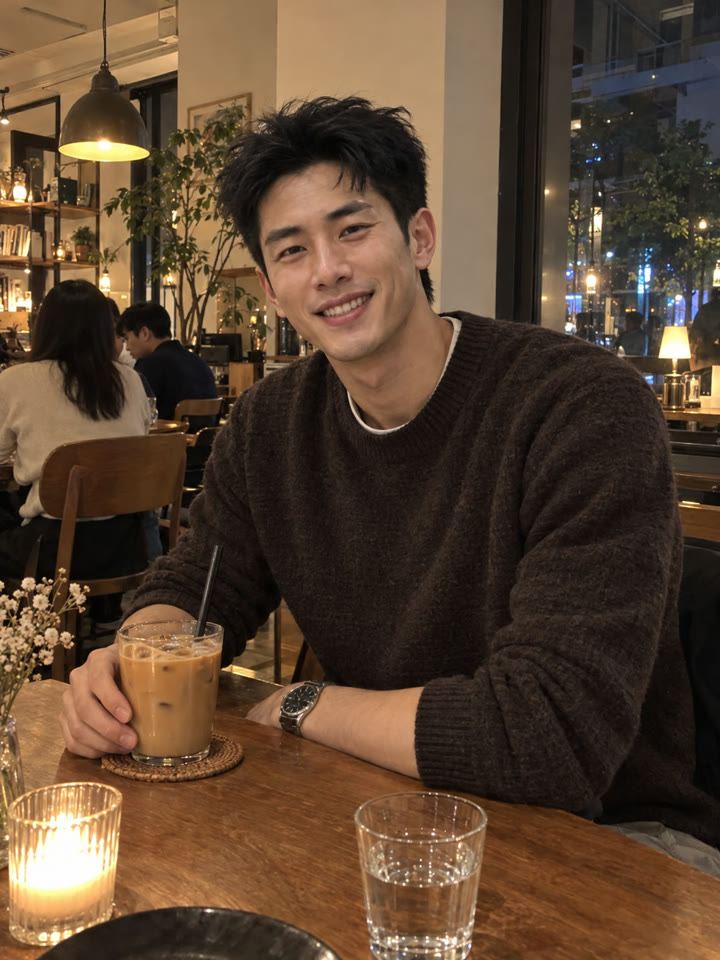
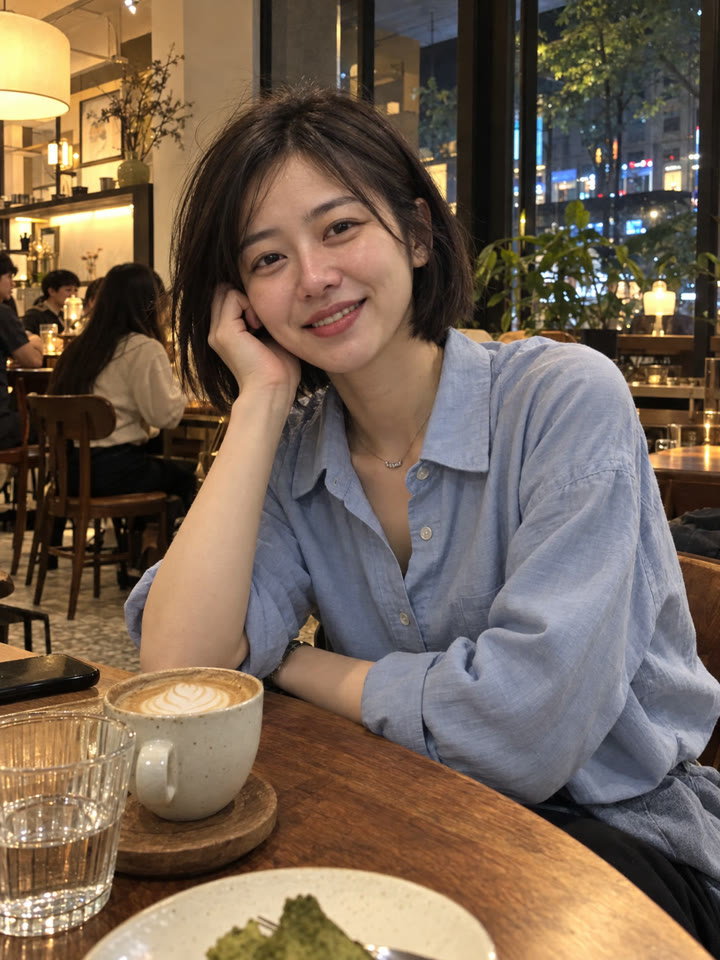
把咖啡廳裡手拿飲料的照片,變成像高速攝影捕捉到的飛濺瞬間。打開 ChatGPT,上傳照片、貼上提示詞就完成。
這次的畫面重點
逼真液體質感飛濺不遮臉保留原照構圖
範例由 AI 生成。結果會因輸入照片、模型與設定而異,提示詞不保證產生完全相同的結果。
怎麼用
- 打開 ChatGPT
- 上傳一張手拿飲料的照片
- 貼上英文提示詞,按送出
提示詞(Prompt)
PROMPT · EN
Produce one polished, photorealistic edited image in the same aspect ratio, framing, and composition as the uploaded photo.
The result must look like the exact original photo, except that the calm beverage has erupted into a breathtaking, physically realistic liquid splash that dramatically frames the person’s face.
Increase only the scale and visual drama of the liquid splash.
Make the two main splash arcs taller, wider, more dimensional, and more visually impressive, extending close to the upper and side edges of the frame while preserving a completely clear open space around the person’s entire face.
Do not change the person, hands, cup, background, framing, r any other part of the original photo.
提示詞請直接貼英文原文,效果最好;聊天用中文也沒關係。
再收下 5 種飛濺變化版
留下 Email,領取這組提示詞的 5 種變化版,之後每週也會收到精選提示詞,讓下一張照片多一點新玩法。
實際效果
長按照片可以看原圖滑鼠移到照片上可以看原圖
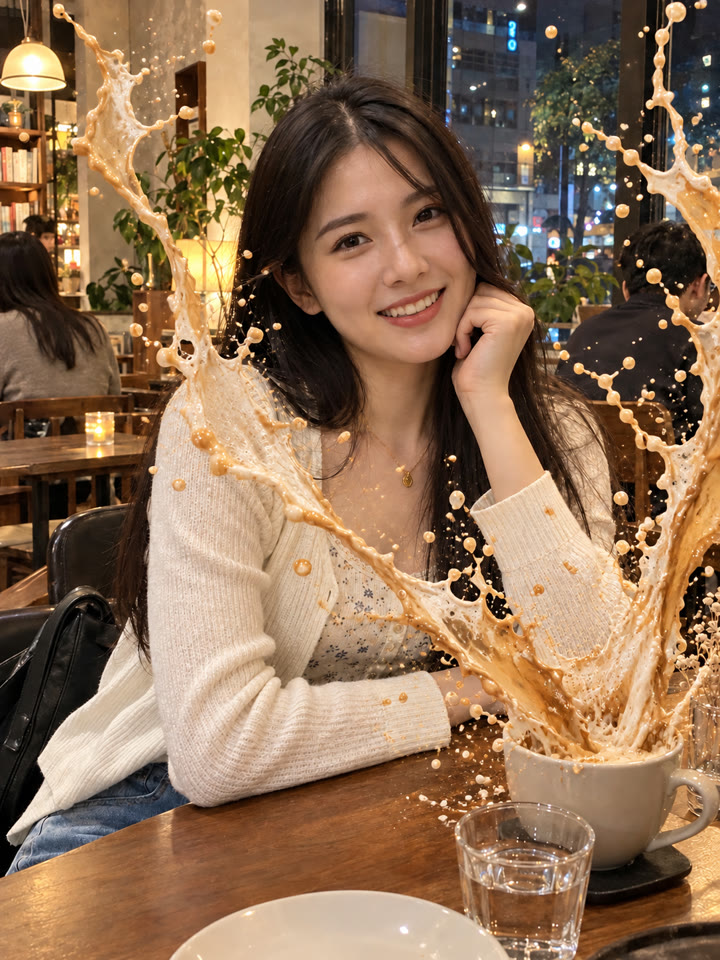
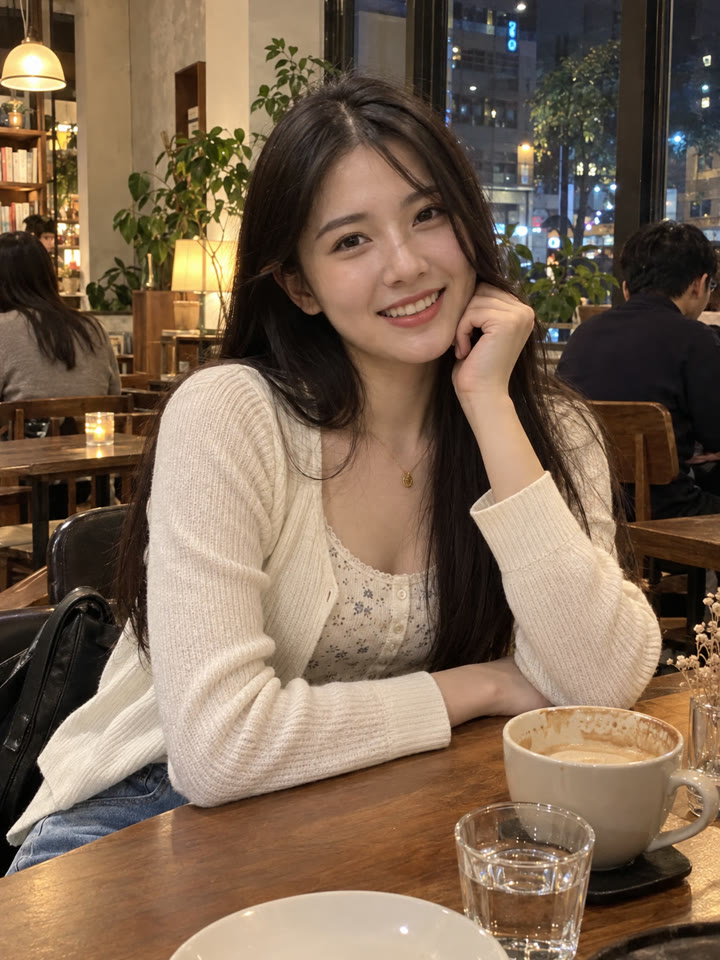 AFTER
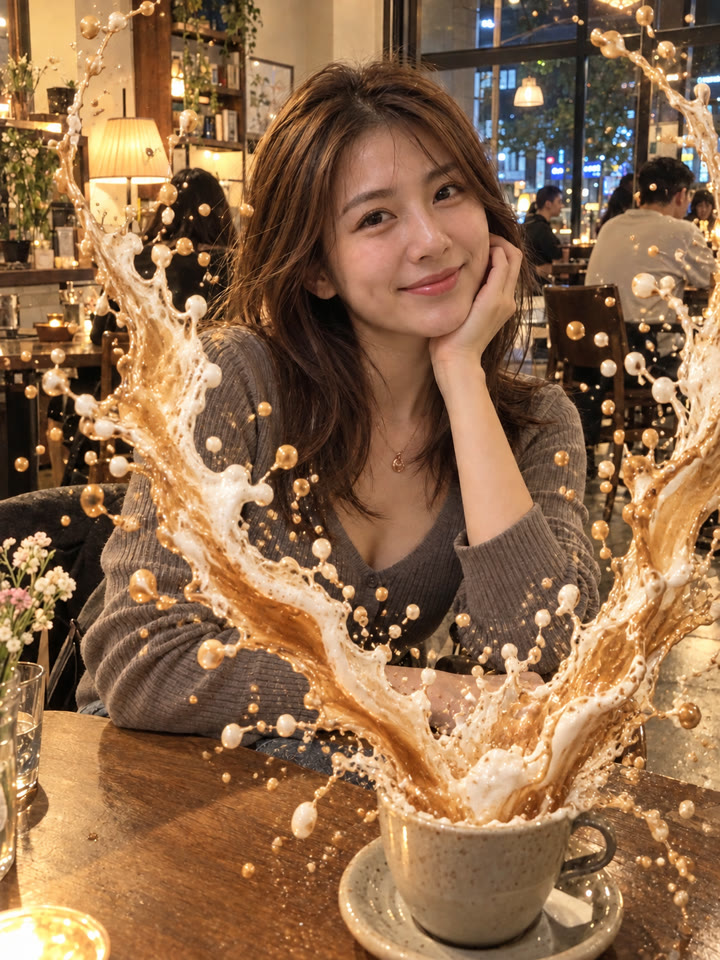
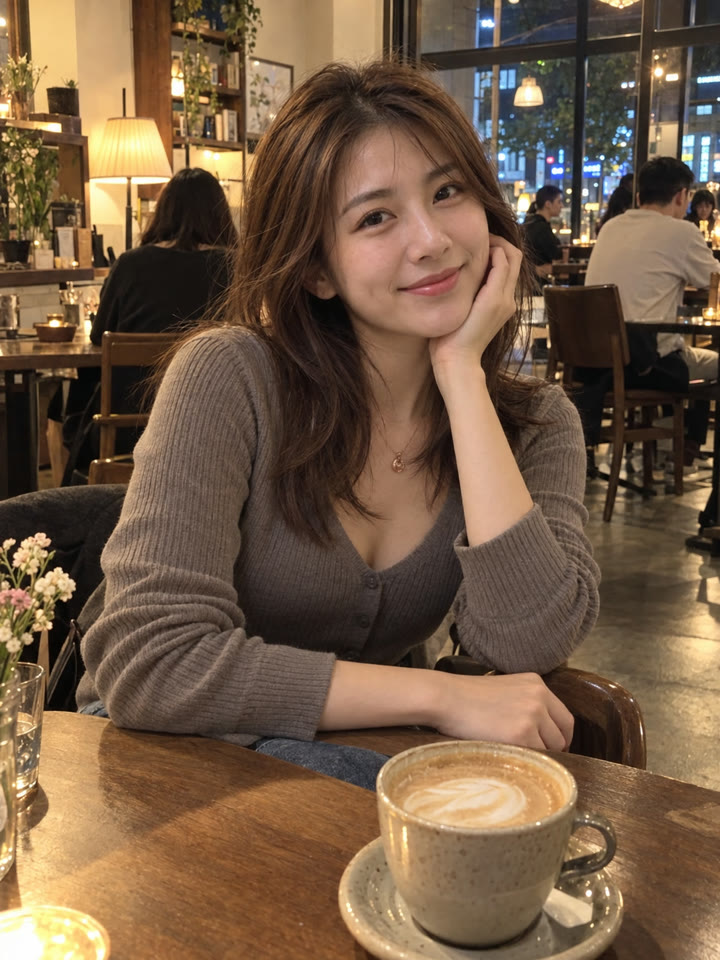 AFTER
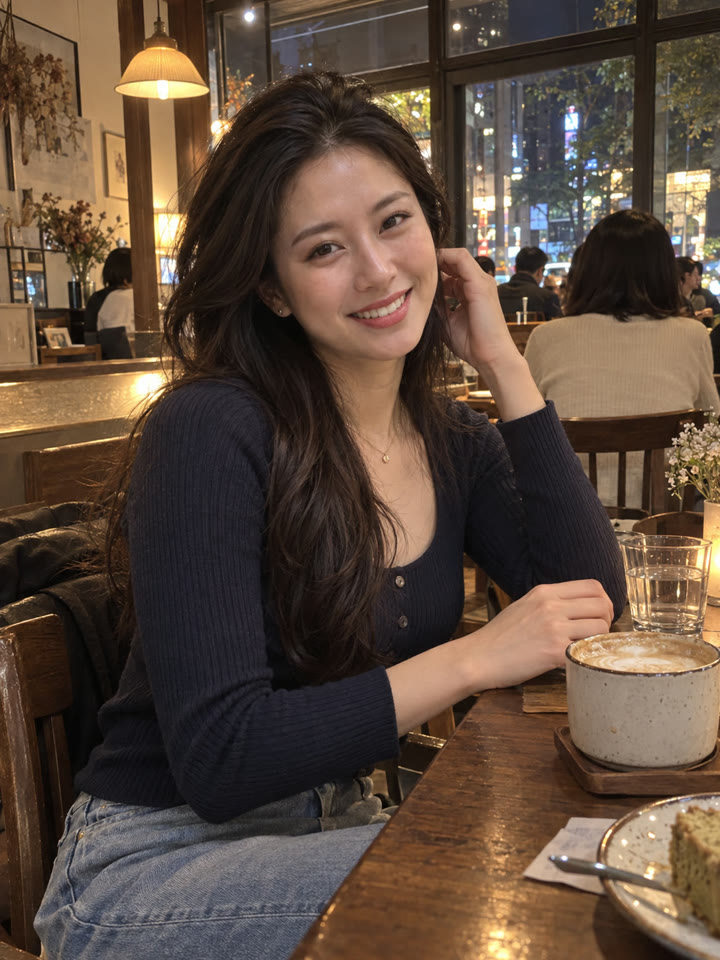 AFTER
 AFTER
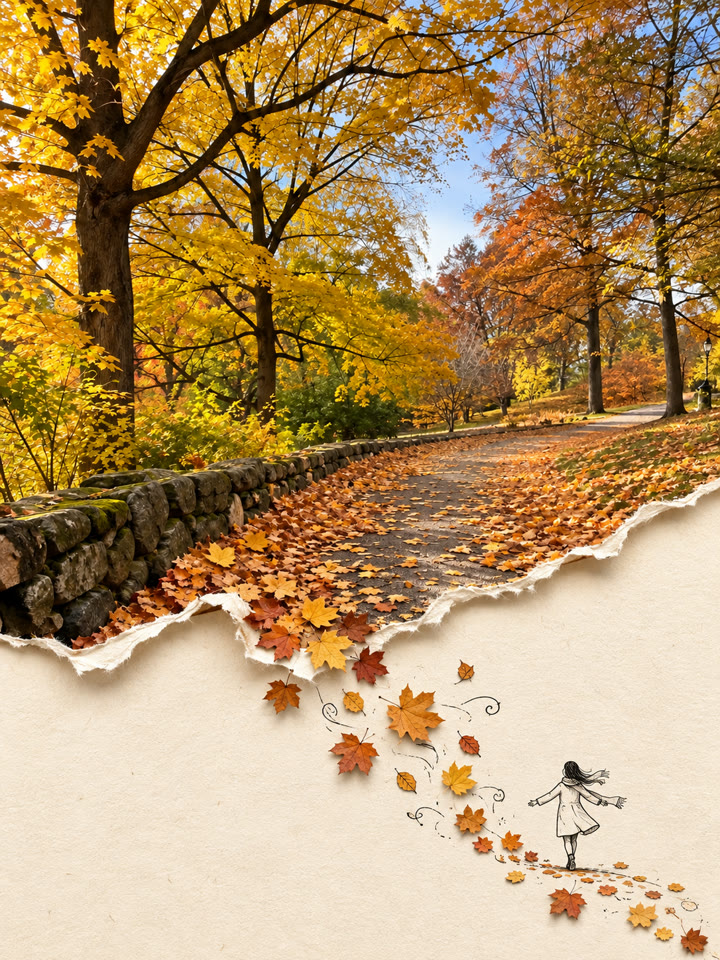 下一個提示詞旅行照片變撕紙拼貼海報|_ai.tip看下一個提示詞 →
效果更好的小技巧
- 選畫質清楚、臉部清晰的照片,手指和杯子都要完整入鏡。
- 臉部周圍留有空間,較方便呈現向上、向兩側延伸的飛濺弧線。
- 想要更醒目的色彩,可以試試抹茶拿鐵、草莓冰沙或水果氣泡飲的照片。
- 提示詞請直接貼英文原文,聊天用中文也沒關係。請使用本人或有使用權的照片;結果依原圖、模型與訂閱方案而異,完成後記得檢查臉、手指和杯子。
每天更新馬上能用的提示詞
在 IG 打開 @_ai.tip.zh