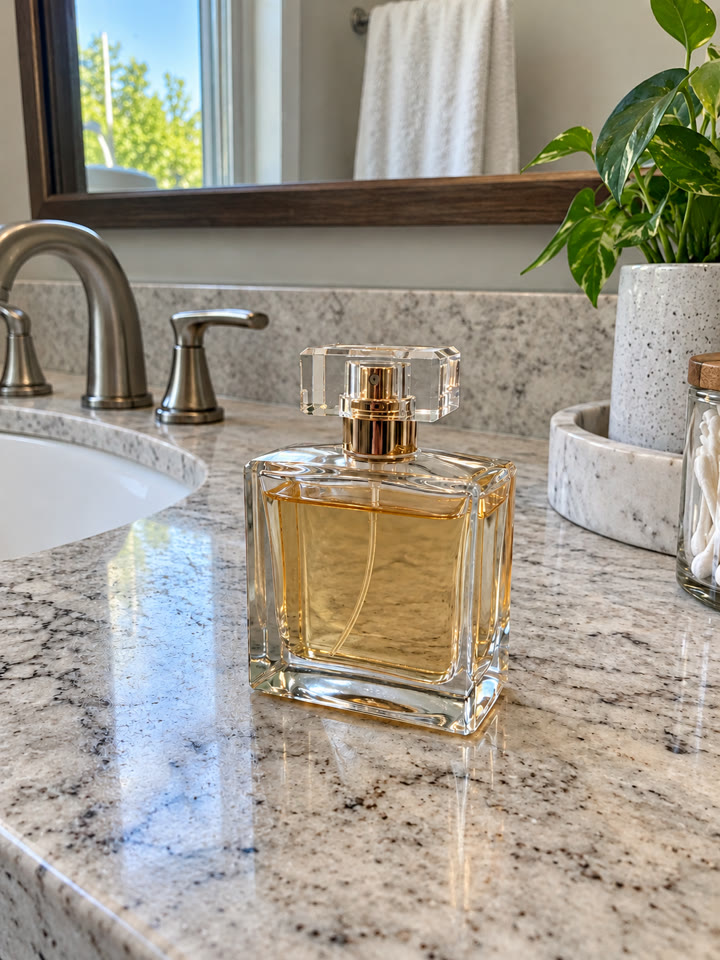
 BEFOREAFTER
Drag to compare
Give one photo a natural cleanup
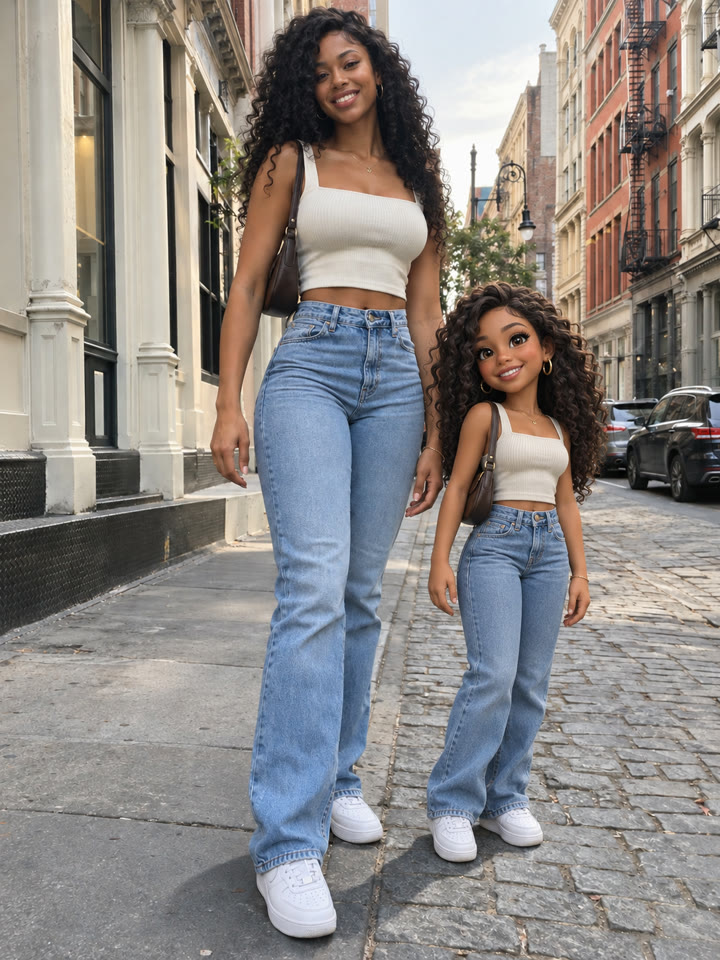
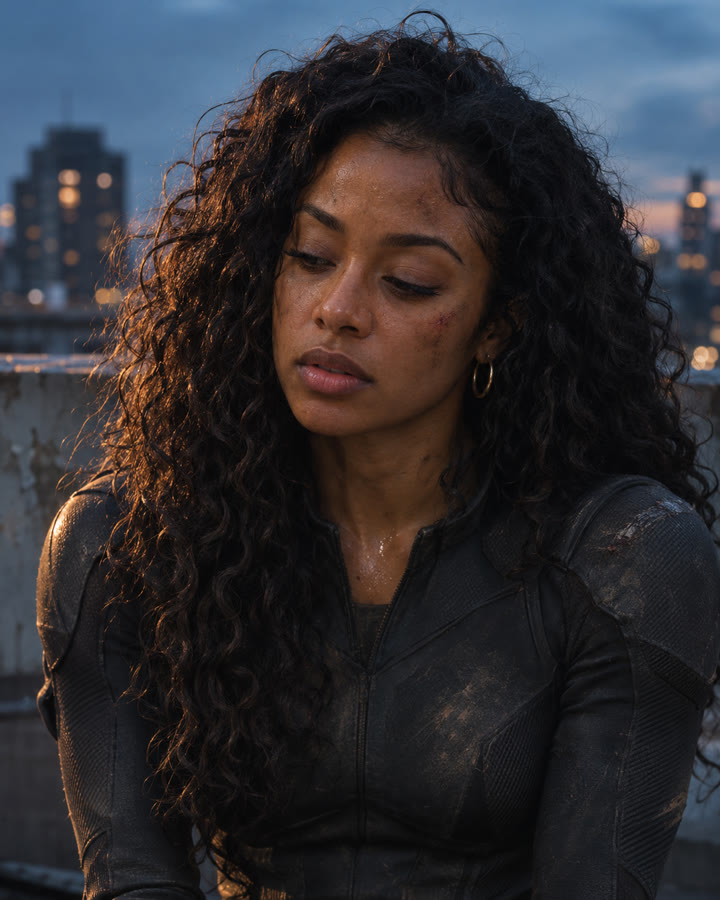
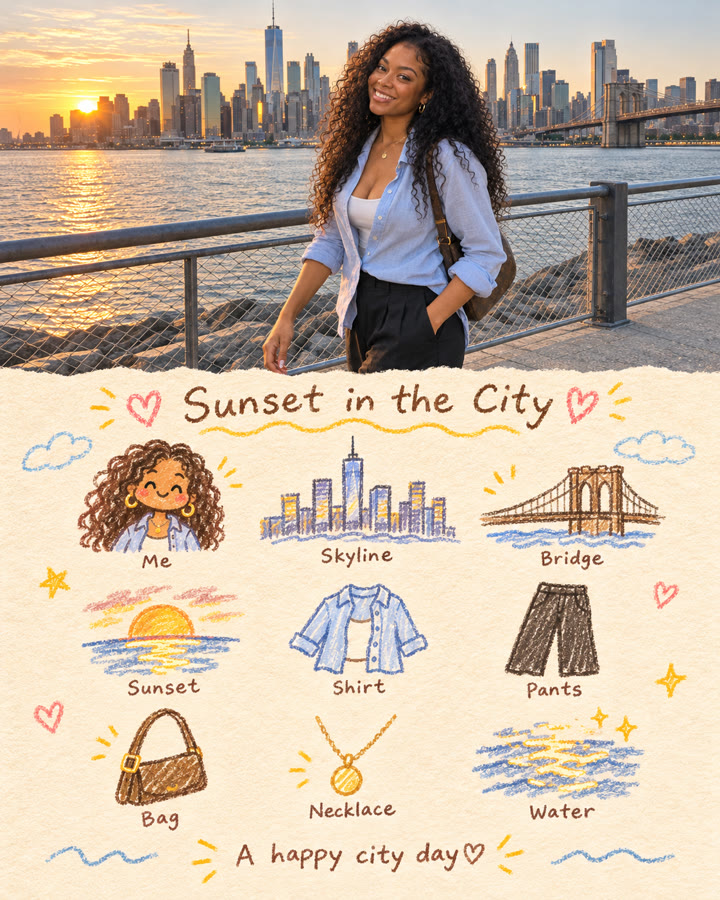
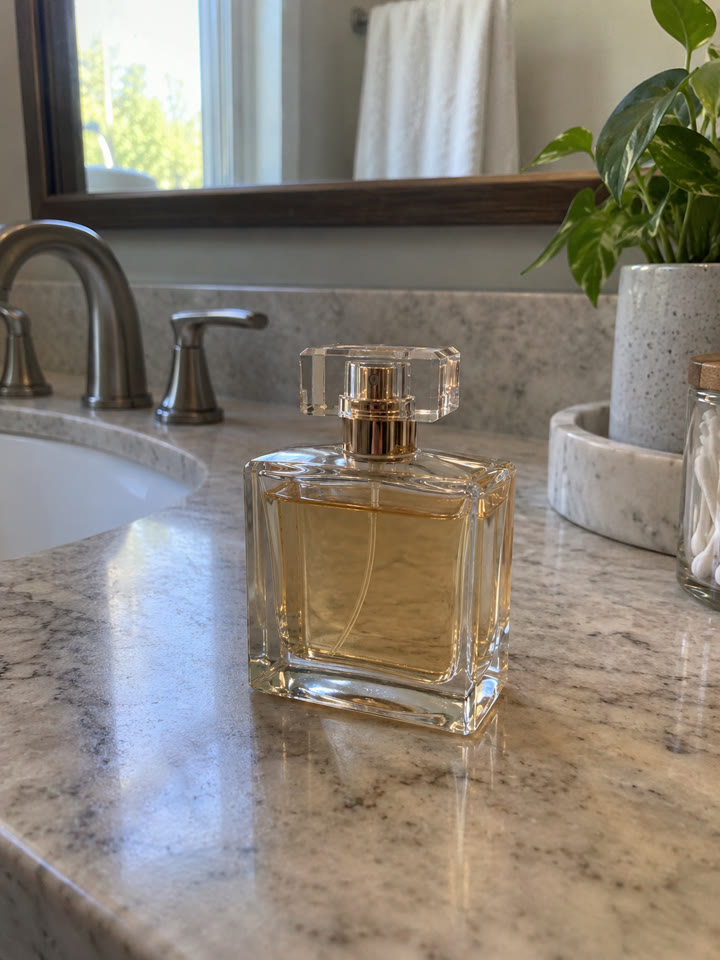
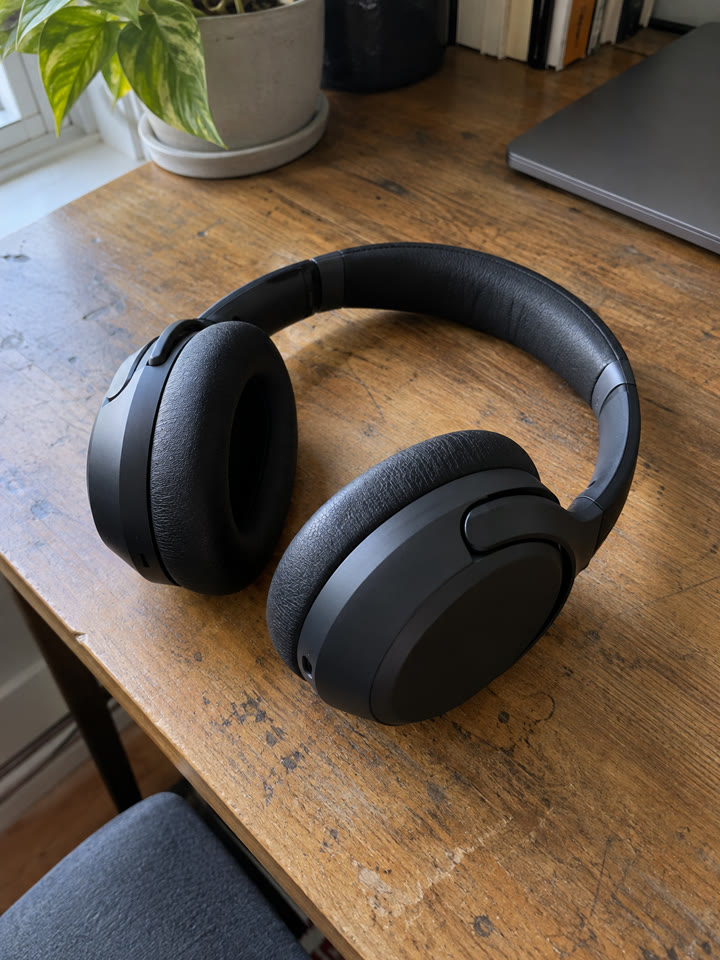
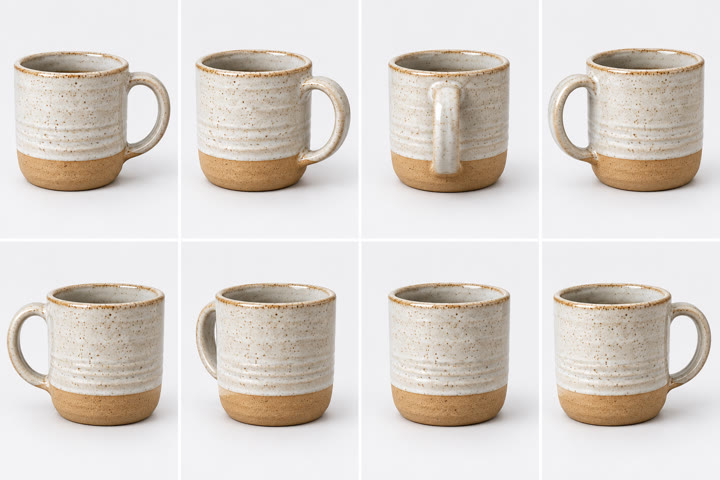
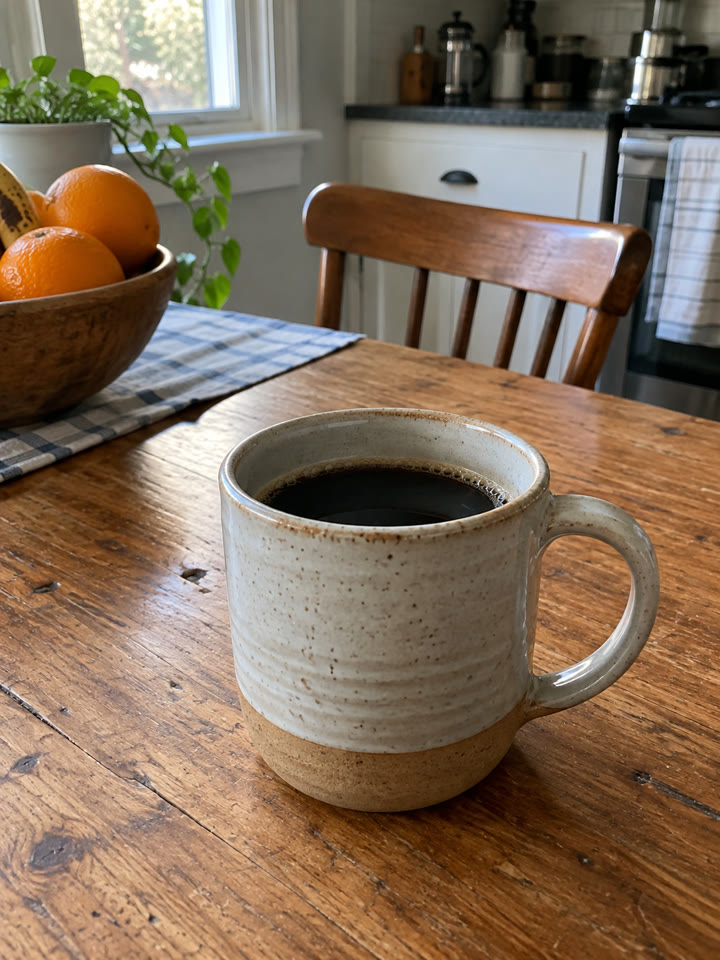
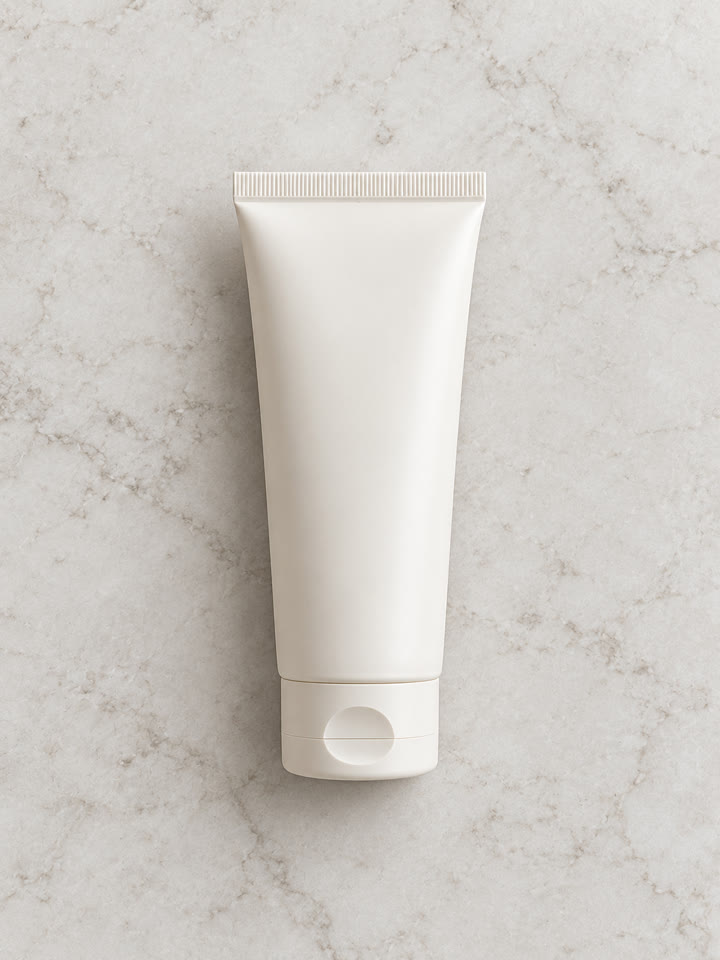
Upload a photo and use this prompt to ask ChatGPT to reduce noise, soften compression artifacts, and improve lighting. The goal is a clearer version that keeps the original subjects, composition, and natural texture.
The look to aim for
Natural clarityBalanced lightingReal texture
These are AI-generated examples. Results can vary with the input photo, model and settings; the prompt does not guarantee an identical result.
How to use it
- Open ChatGPT.
- Upload the photo you want to enhance.
- Paste the prompt below and send.
The prompt
PROMPT · EN
Enhance the uploaded photo with natural, realistic clarity. Reduce noise, compression artifacts and mild blur; improve exposure, white balance and fine detail without inventing details that cannot be recovered. Preserve the original subjects, identities, proportions, composition and colors. Keep skin and materials naturally textured. Avoid excessive sharpening, artificial smoothness and an HDR look.
Paste it in English exactly as written. It works best that way, even if you chat in another language.
Get 5 more ways to use this prompt
Sign up by email for 5 variations of this photo cleanup prompt, plus our best prompts each week.
Results
Press and hold a photo to see the originalHover a photo to see the original
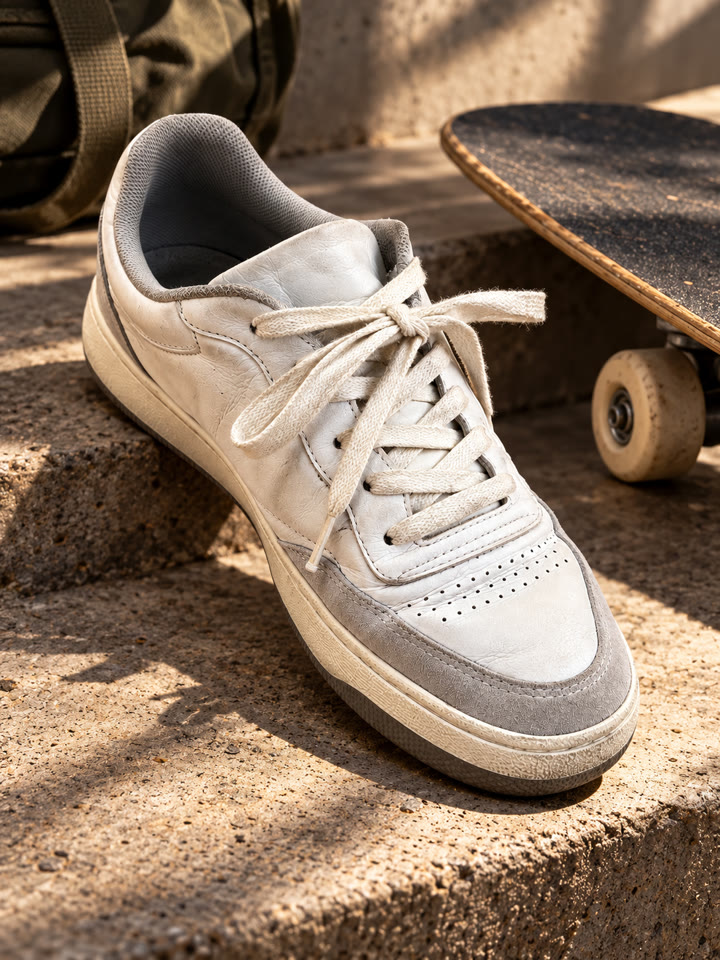
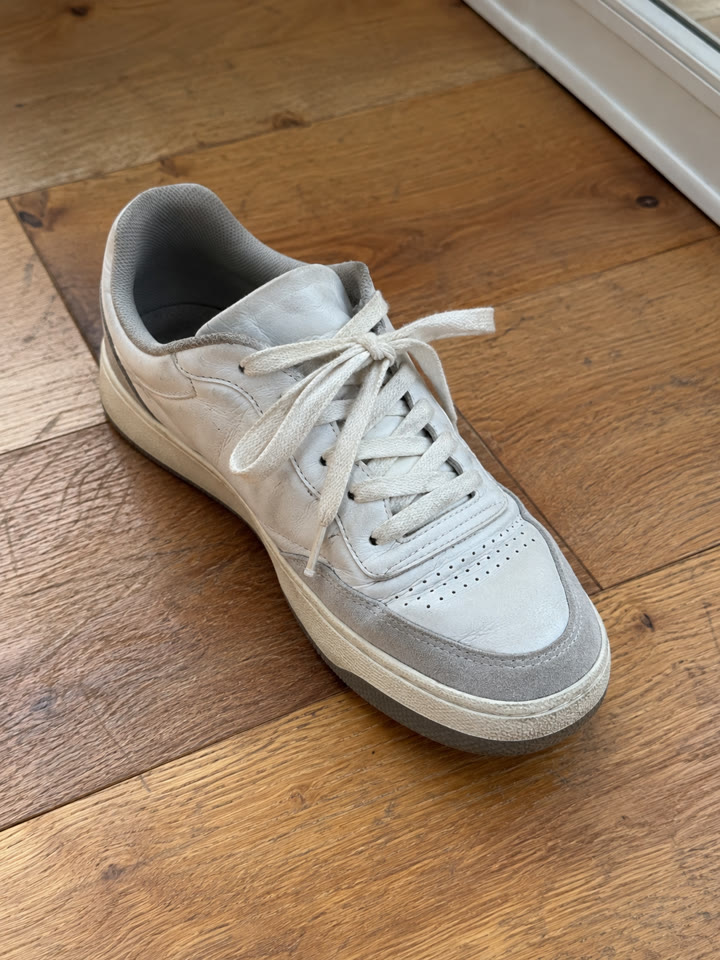 AFTER
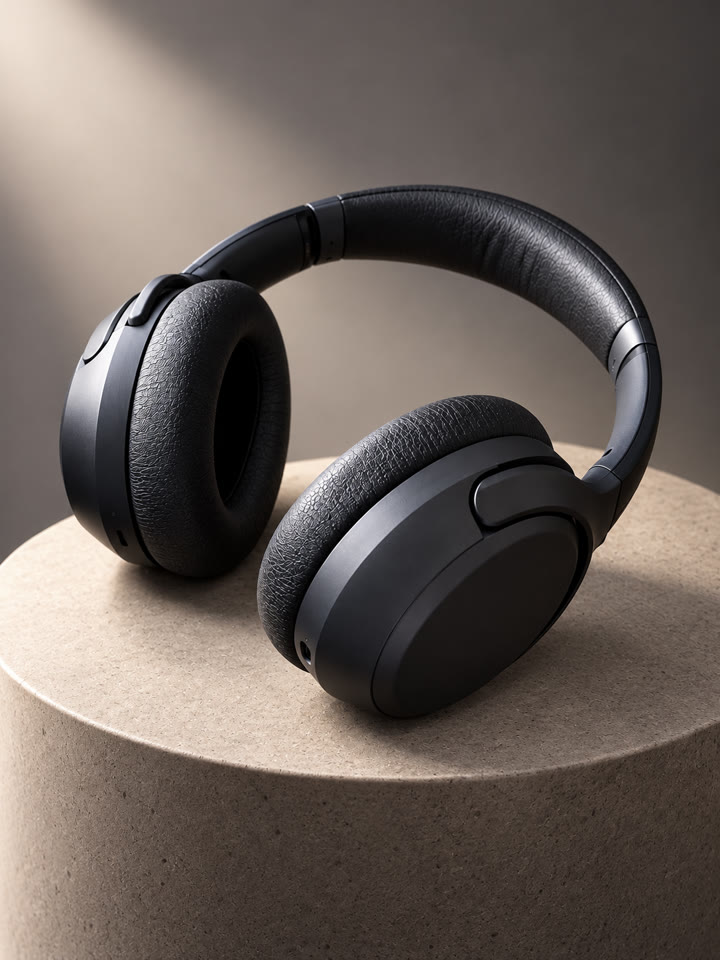
 AFTER
 AFTER
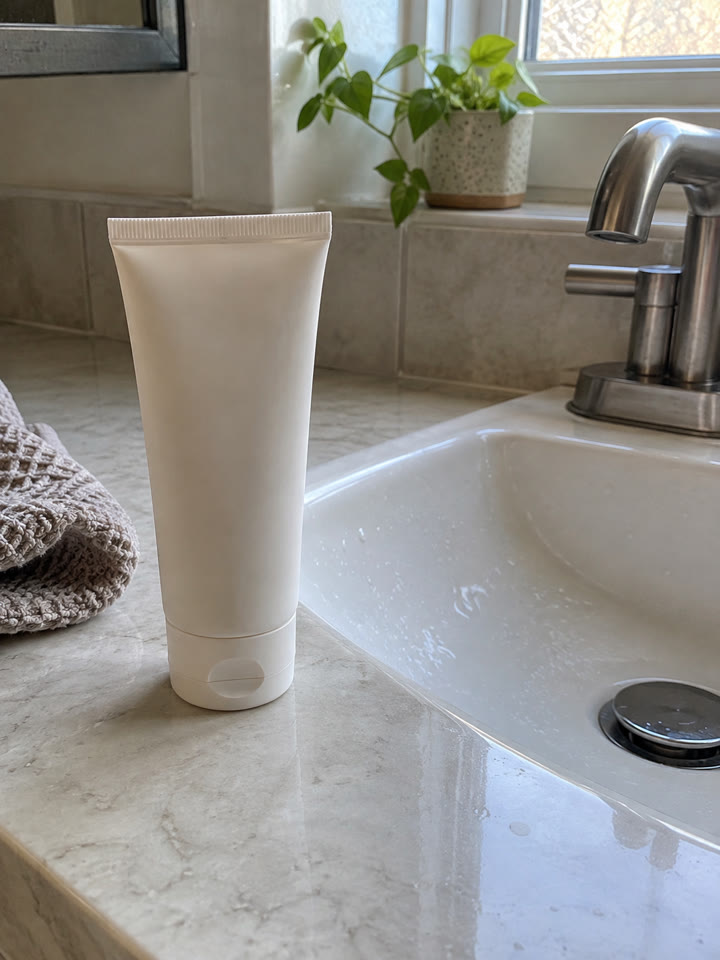 AFTER
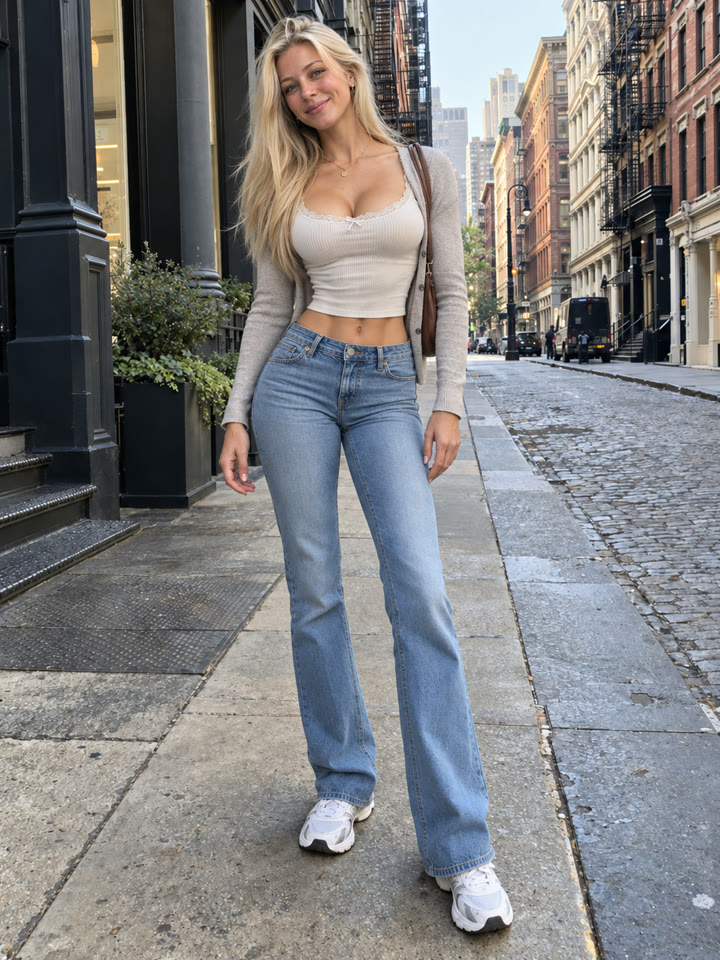 Up nextFive Photorealistic Photo Editing PromptsNext prompt →
Tips for the best result
- Upload the highest-quality original instead of a screenshot when possible.
- Use a photo where the main subject is clearly visible.
- Keep expectations modest for heavy blur or missing detail.
- Compare the result with the original, especially faces, text, colors, and small details.
A new copy-paste photo prompt every day
Open @_ai.tip on Instagram