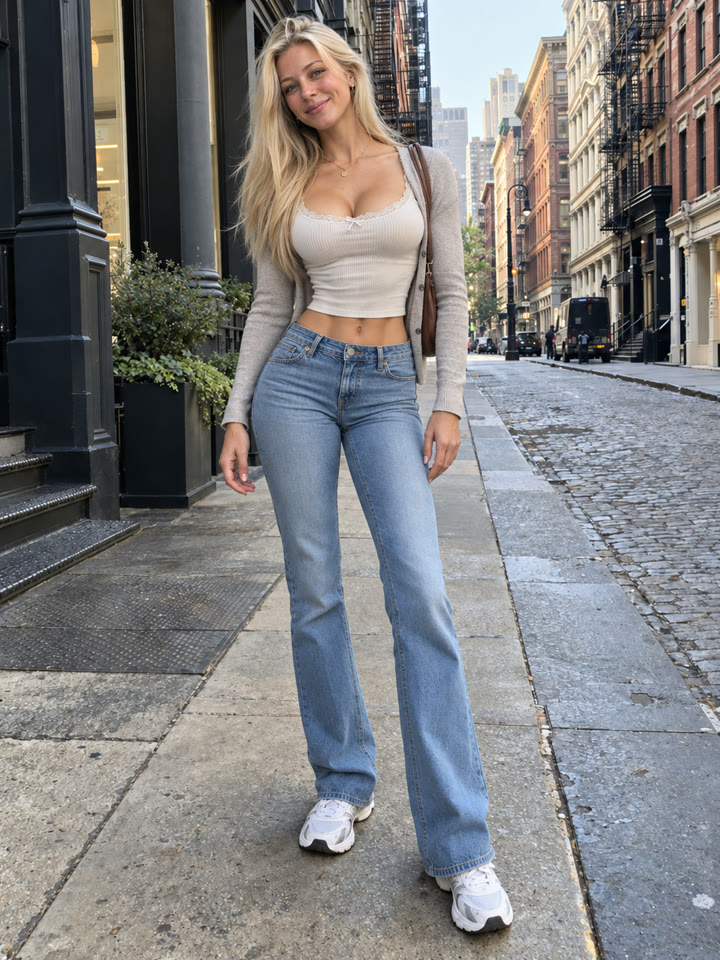
 BEFOREAFTER
Drag to compare
Give Your Photo a More Athletic Look
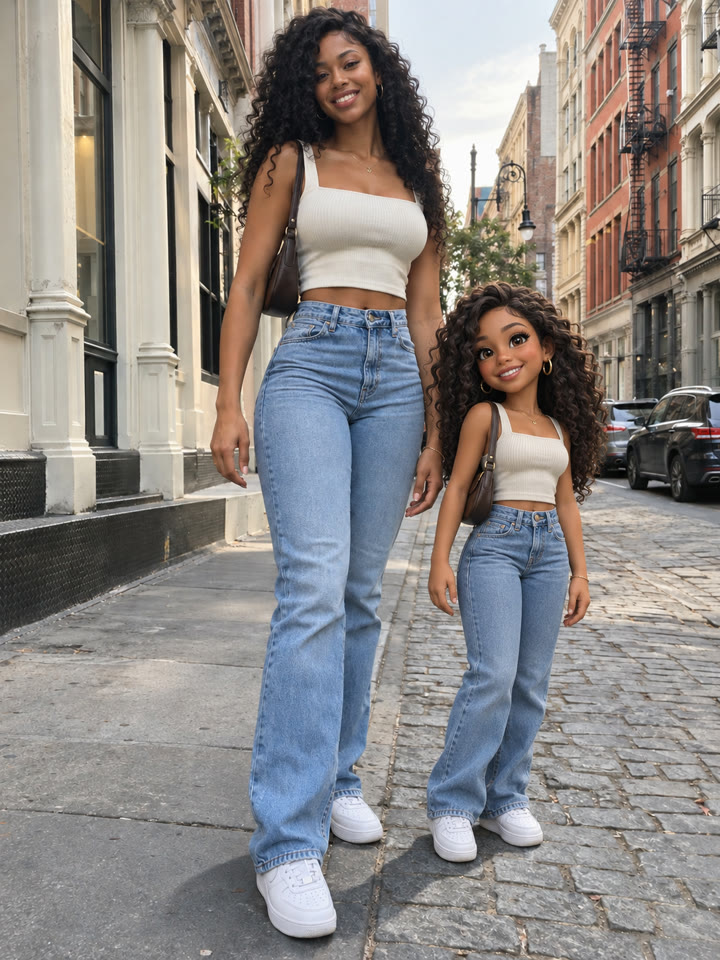
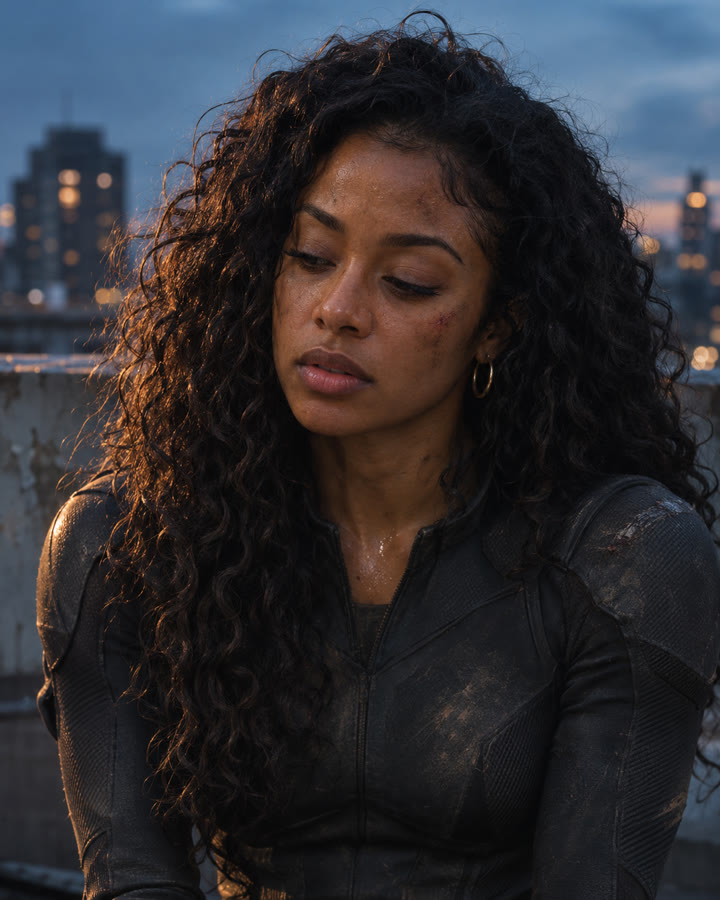
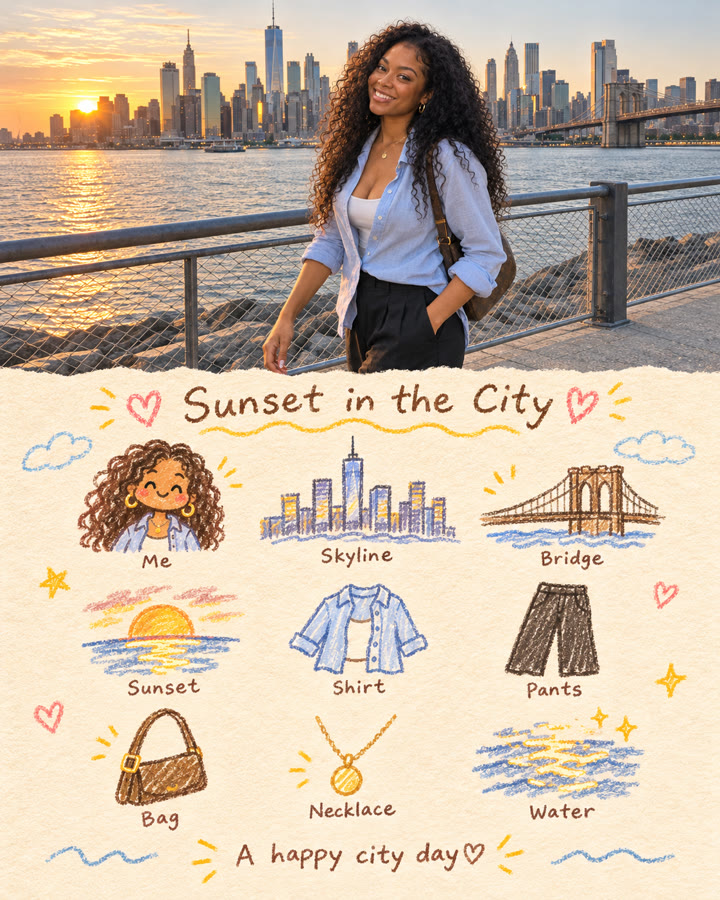
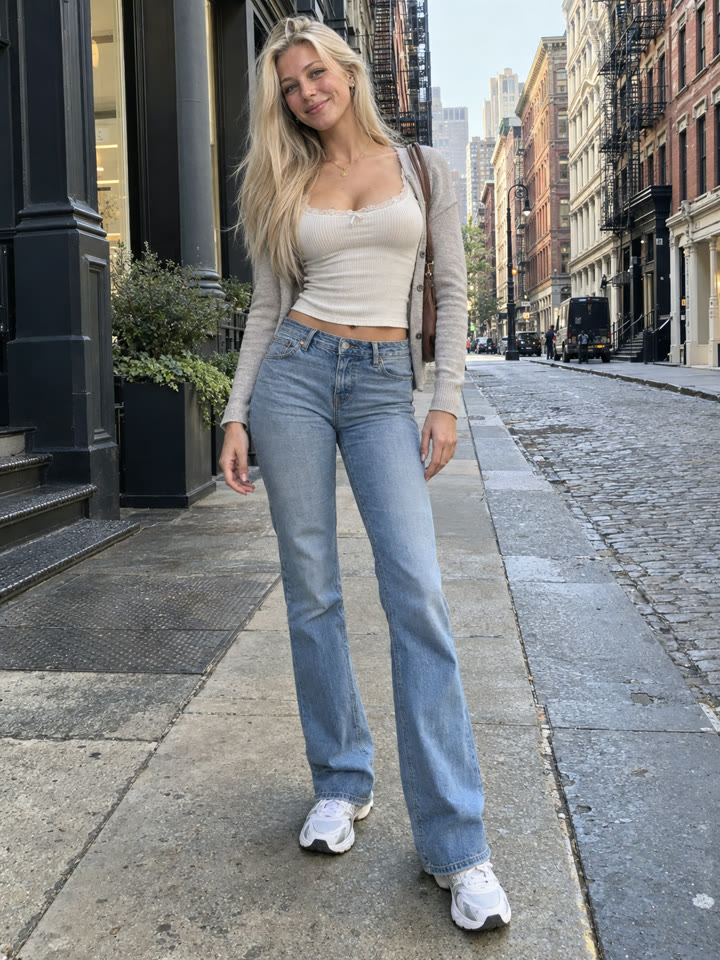
Upload one photo and use this prompt to request a more defined physique with realistic proportions. It asks ChatGPT to preserve your identity, pose, lighting, clothing, and background as it makes the edit.
The look
Athletic definitionNatural skin textureConsistent lighting
These are AI-generated examples. Results can vary with the input photo, model and settings; the prompt does not guarantee an identical result.
How to use it
- Open ChatGPT.
- Upload one clear photo of yourself.
- Copy the prompt below, paste it into the chat, and send.
The prompt
PROMPT · EN
Ultra realistic dramatic body reshape of the person in the uploaded photo while preserving the exact identity, pose, camera angle, facial features, skin texture, lighting, clothing, and background. Enhance the physique with:
a sharper waistline, more defined abs, broader shoulders, larger chest volume, more balanced hip curves, longer-looking legs, and a stronger athletic silhouette while maintaining realistic anatomy and natural body proportions. Maintain accurate skin texture, natural shadows, realistic muscle definition, fabric stretching, and lighting consistency. The transformation should feel like an elite fitness version of the same real person, NOT plastic surgery, CGI, bodybuilding, or exaggerated Instagram editing. Preserve the original perspective, facial identity, hairstyle, composition, and background exactly. Avoid distorted limbs, fake abs, warped backgrounds, AI beauty-filter skin, or unrealistic proportions.
The final result should feel photorealistic, seamless, dramatic, naturally attractive, and indistinguishable from a real high-end fitness transformation photo.
Paste it in English exactly as written. It works best that way, even if you chat in another language.
Get 5 Variations in Your Inbox
Sign up by email for five variations of this body-editing prompt, plus the week's best prompts every week.
Results
Press and hold a photo to see the originalHover a photo to see the original
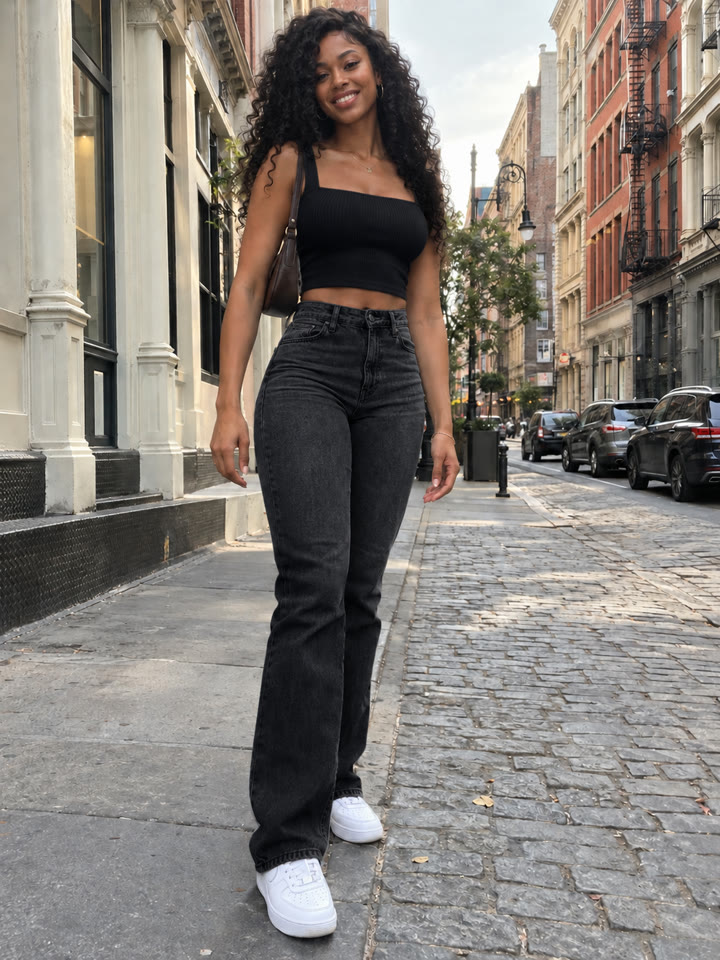
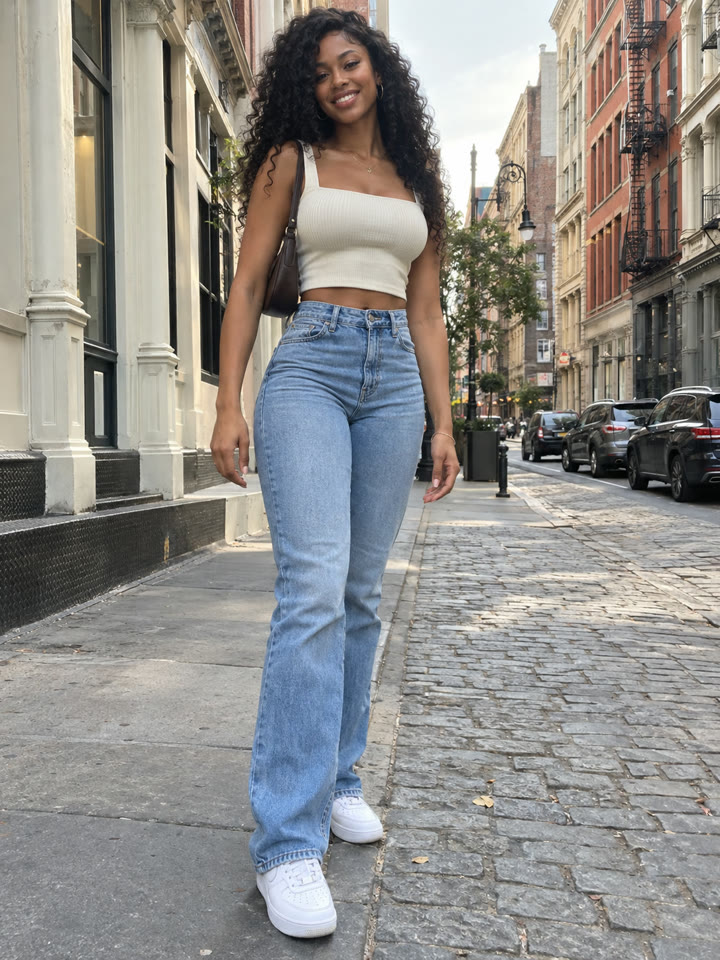 AFTER
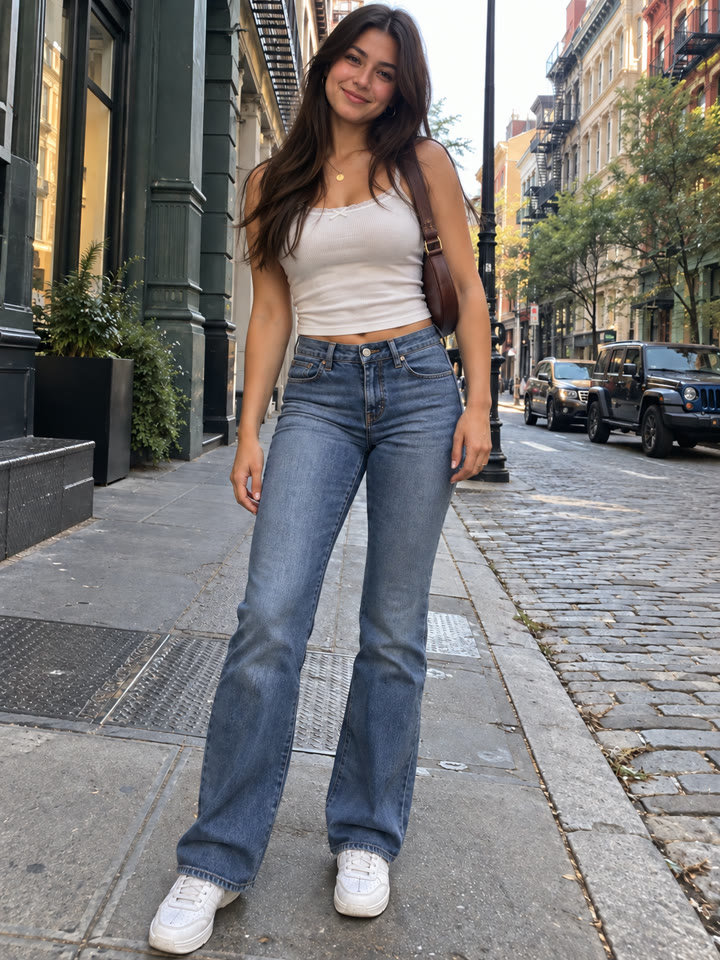
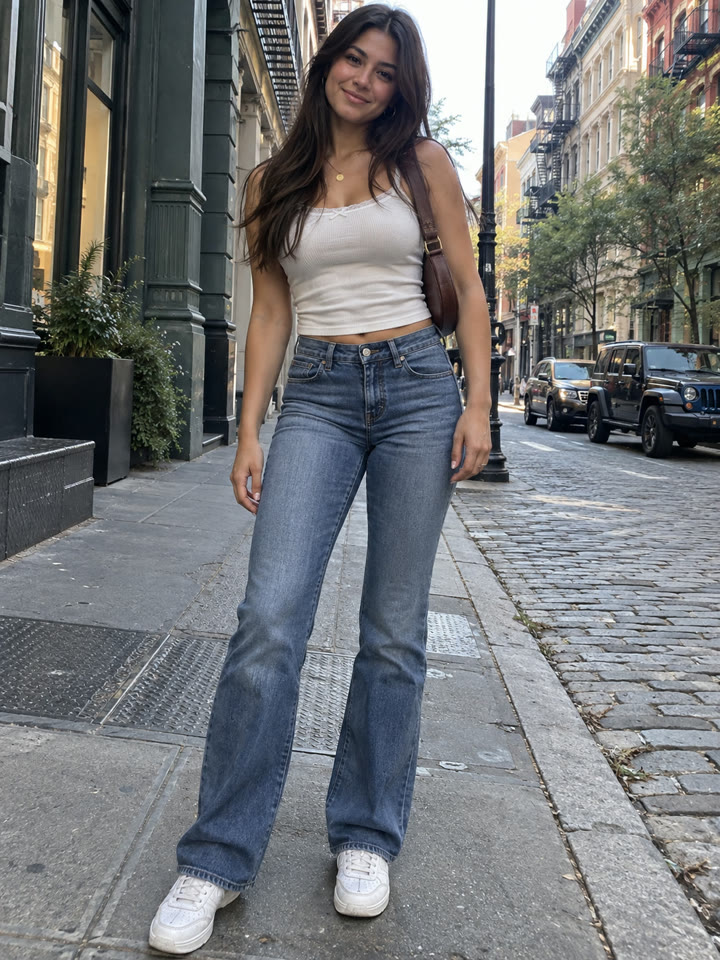 AFTER
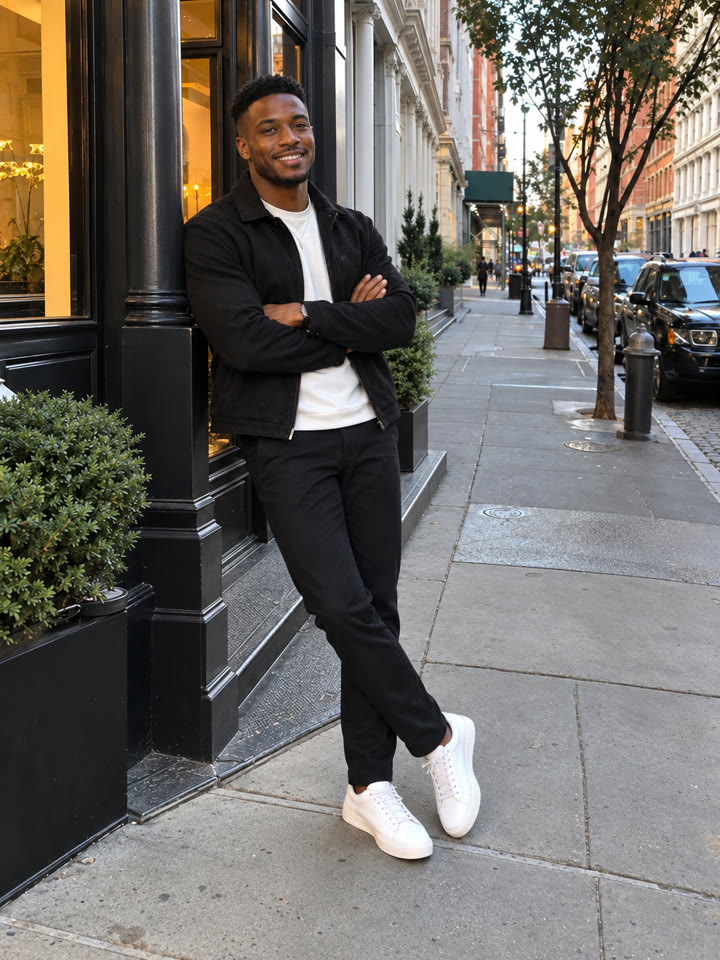
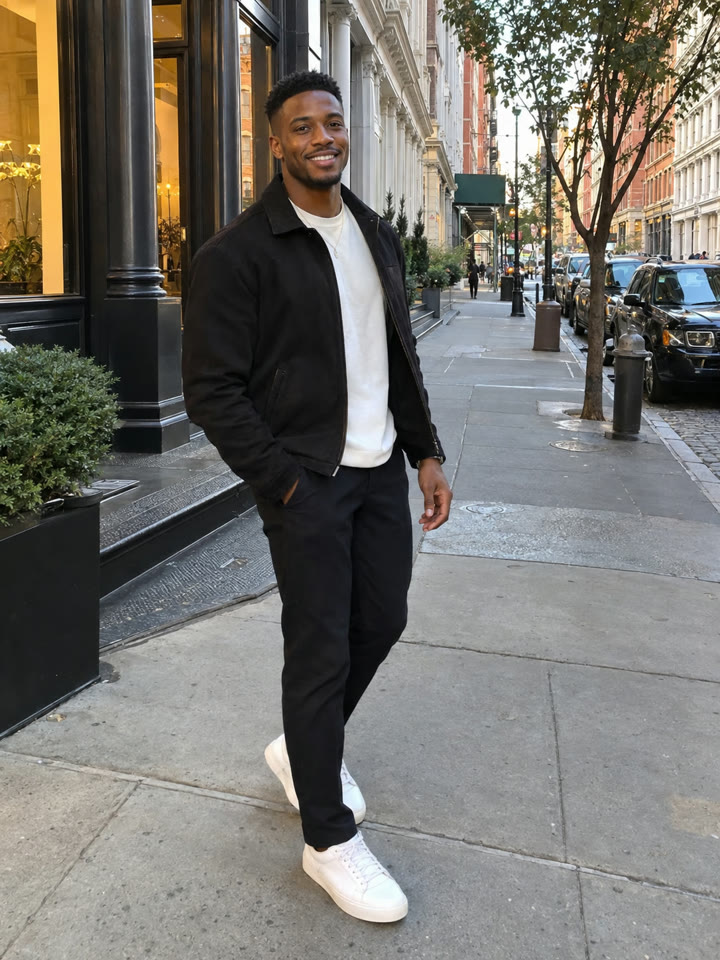 AFTER
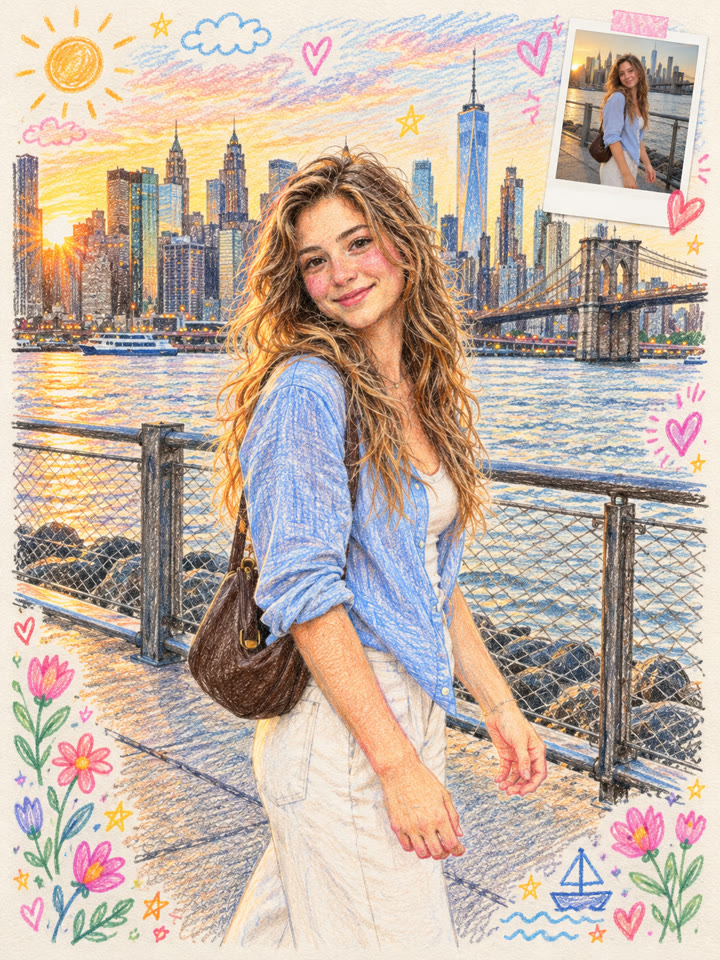 Up nextTurn a Photo into a Colored-Pencil ScrapbookNext prompt →
Tips for the best result
- Choose a sharp photo with even lighting and a clearly visible silhouette.
- Delete any requested changes you don't want, such as broader shoulders or a smaller waist.
- For a subtler edit, replace “dramatic” with “subtle” and ask for light definition.
- Review your face, limbs, fabric edges, and background lines. Ask for a correction if anything looks warped.
A new copy-paste photo prompt every day
Open @_ai.tip on Instagram