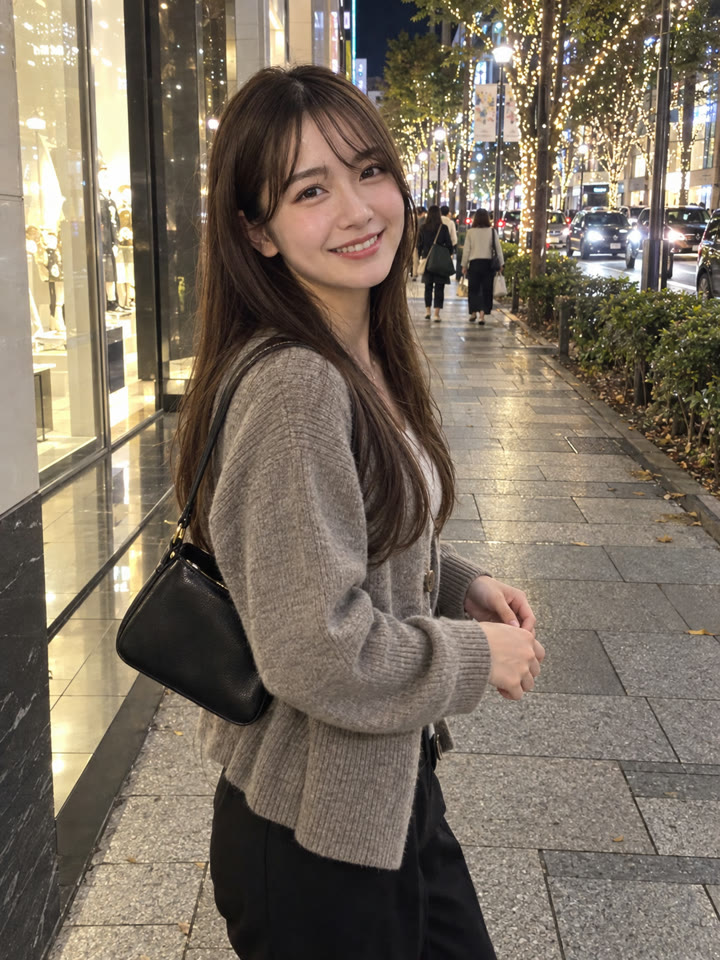
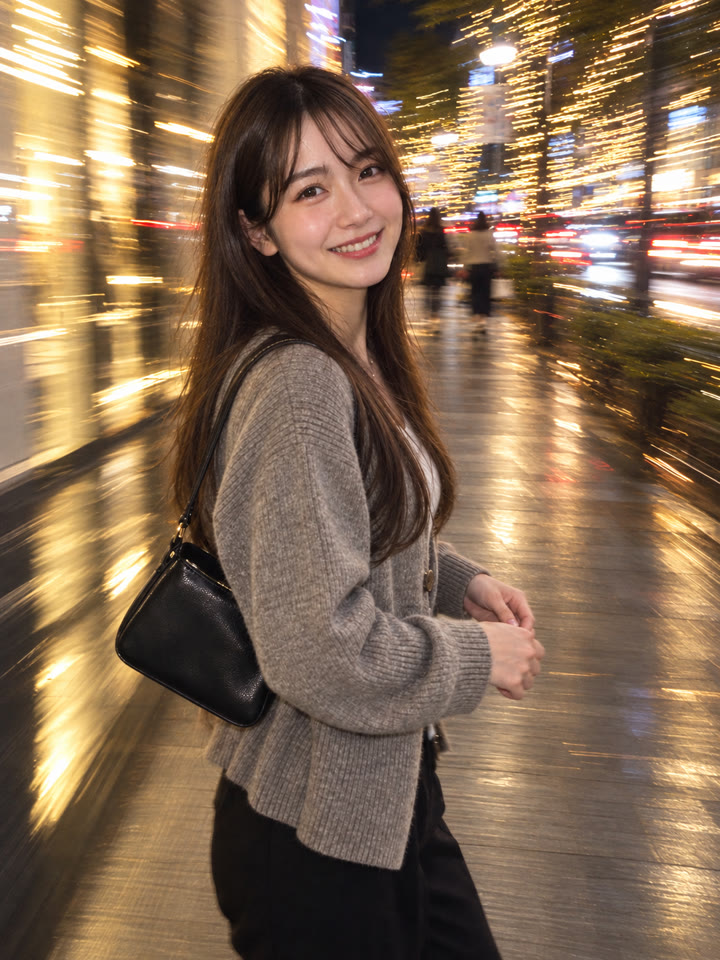
 BEFOREAFTER
スライドして比べる
写真1枚でできる、エモい夜の「ブレ写真」の作り方
ChatGPTで、手持ちの写真をフラッシュ+スローシャッター風の夜スナップに加工できます。写真を1枚アップして、下の英語プロンプトをそのままコピペするだけで試せます。
こんな雰囲気を目指せます
流れる光の筋フラッシュ風夜のブレ感
使い方
- ChatGPTを開きます。
- 加工したい写真を1枚アップロードします。
- 下のプロンプトを貼り付けて送信します。プロンプトは英語のままコピペでOKです。やりとりは日本語でもできます。
プロンプト
PROMPT · EN
Transform the uploaded photo into a realistic slow shutter / drag-flash photo. Preserve the same person or people exactly: same facial identity, hairstyle, outfit, body shape, pose, composition, camera angle, background location, and main props. Do not add or remove people or objects. Keep the main subject recognizable and relatively sharp, while adding natural motion blur and long-exposure light trails around the subject, especially in background lights, street lights, car lights, candles, or ambient lighting. The result should look like a real candid camera photo taken with flash and slow shutter, with a cool Pinterest-worthy nightlife aesthetic. Make it look natural and realistic, not AI-generated: realistic skin texture, natural hands, correct anatomy, no beauty-filter look, no plastic skin, no extra limbs, no distorted face, no text, no watermark, no collage.
英語のまま貼り付けるのがいちばんきれいに仕上がります(やりとりは日本語でOK)。
アレンジ5種類もメールでお届け
メール登録で、このプロンプトのアレンジ5種類をプレゼントします。毎週、おすすめのプロンプトもまとめてお届けします。 人物はAIで生成した架空の人物です
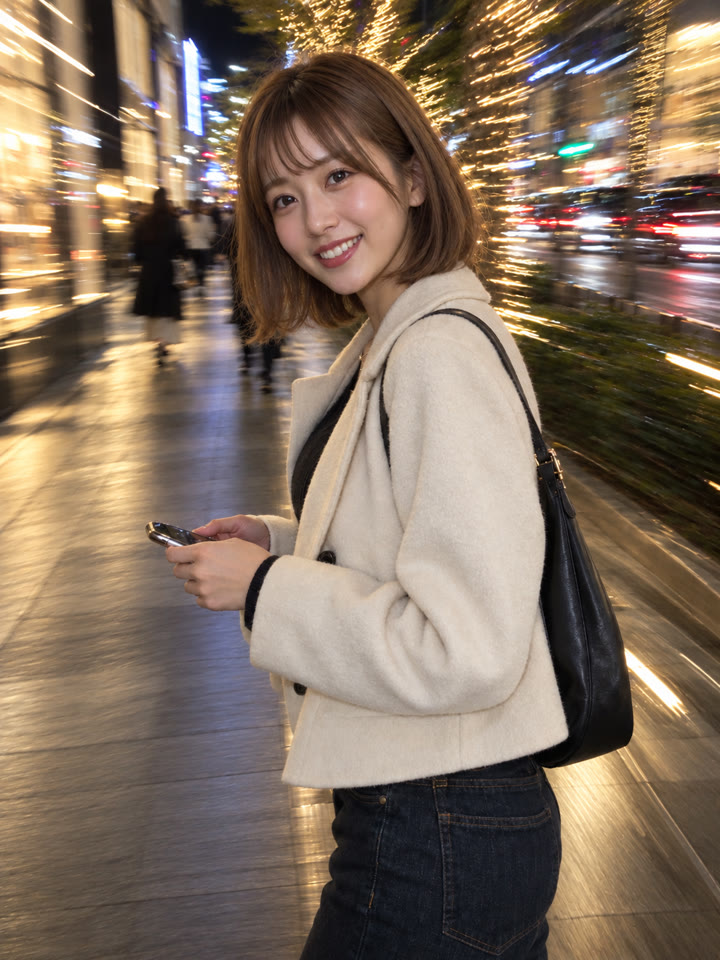
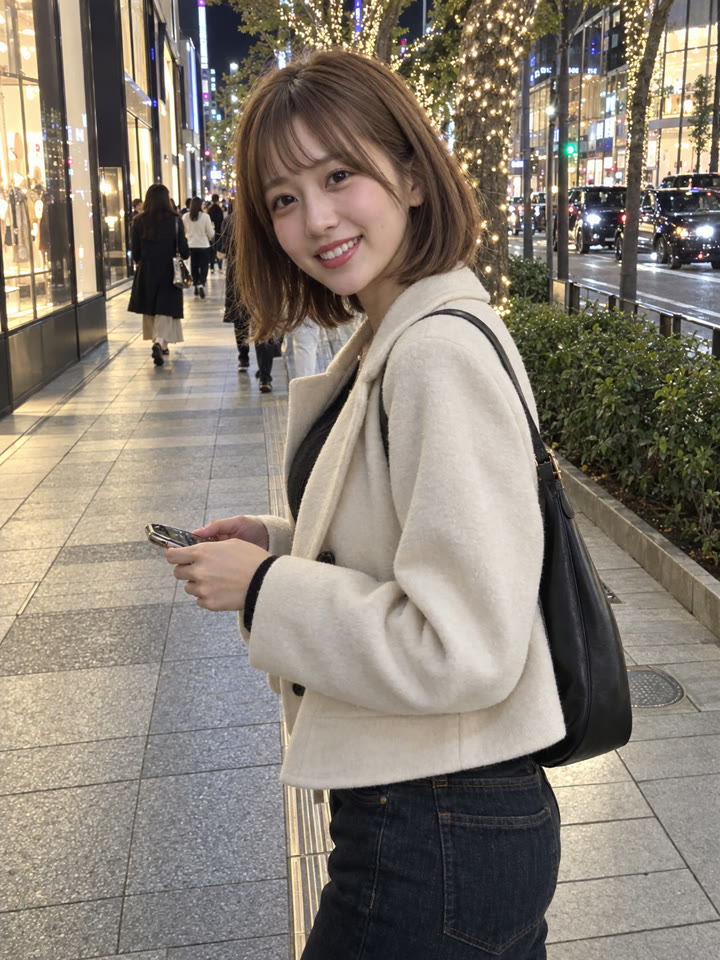
作例
写真を長押しすると元の写真が見られます写真にカーソルを合わせると元の写真が見られます
 AFTER
AFTER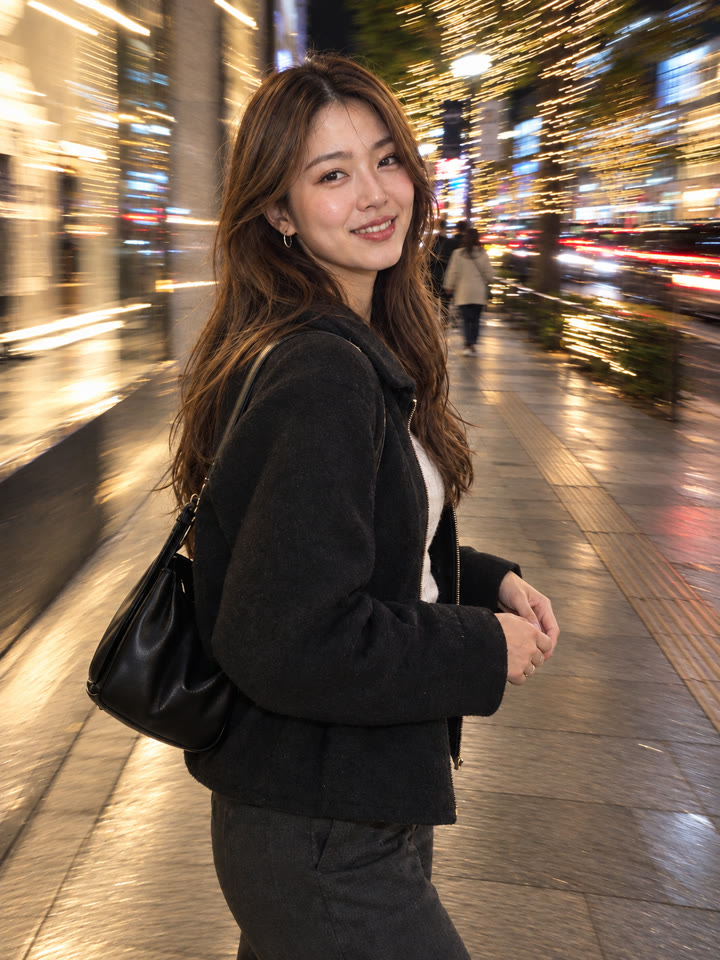
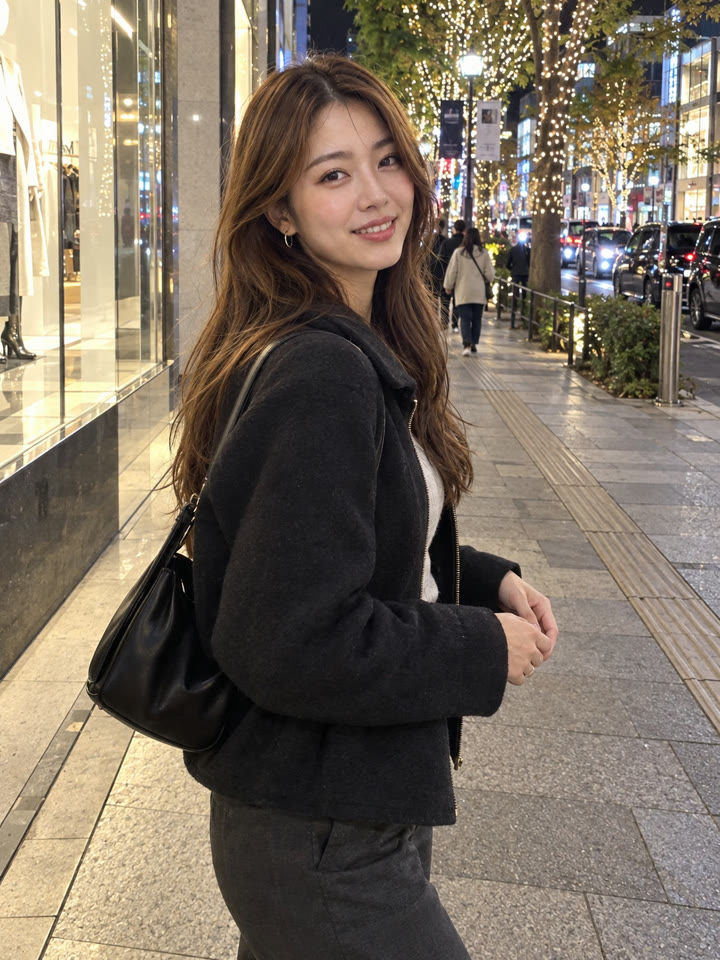 AFTER
AFTER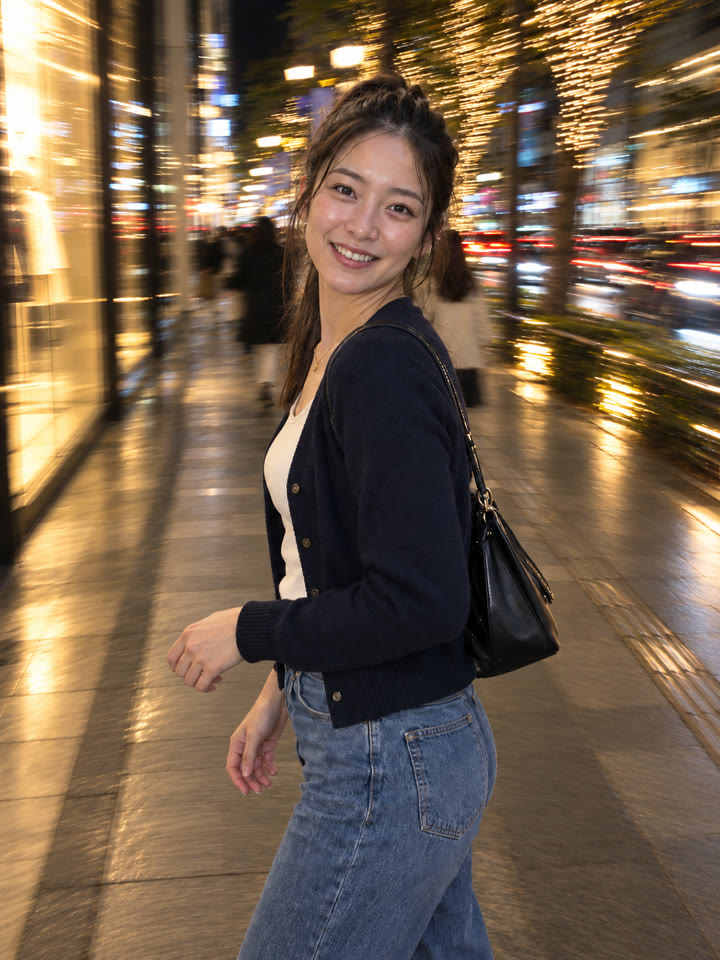
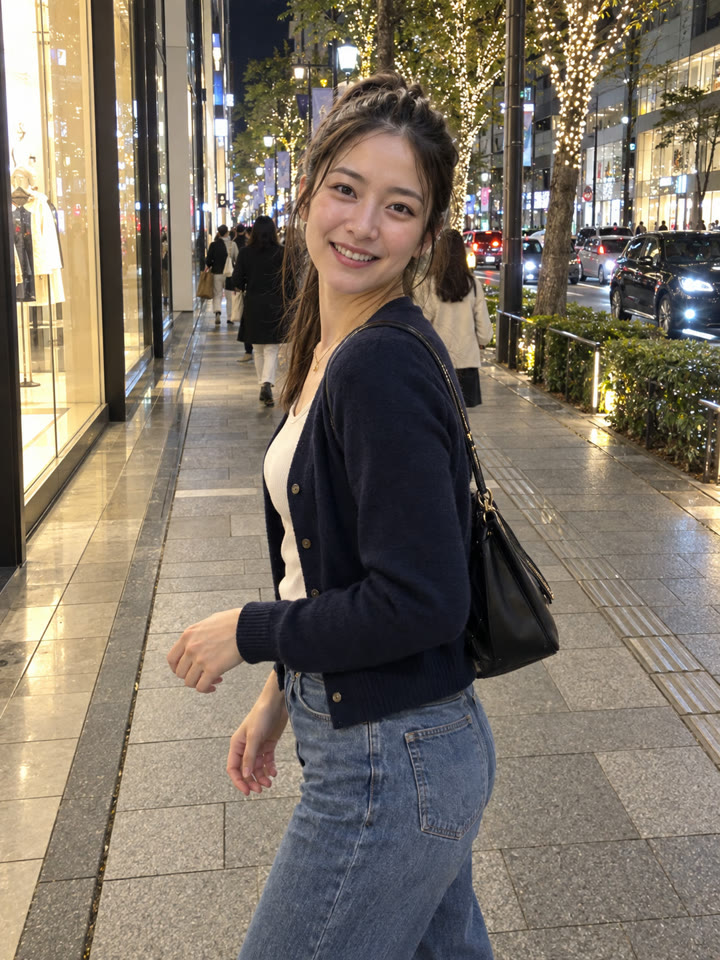 AFTER
AFTER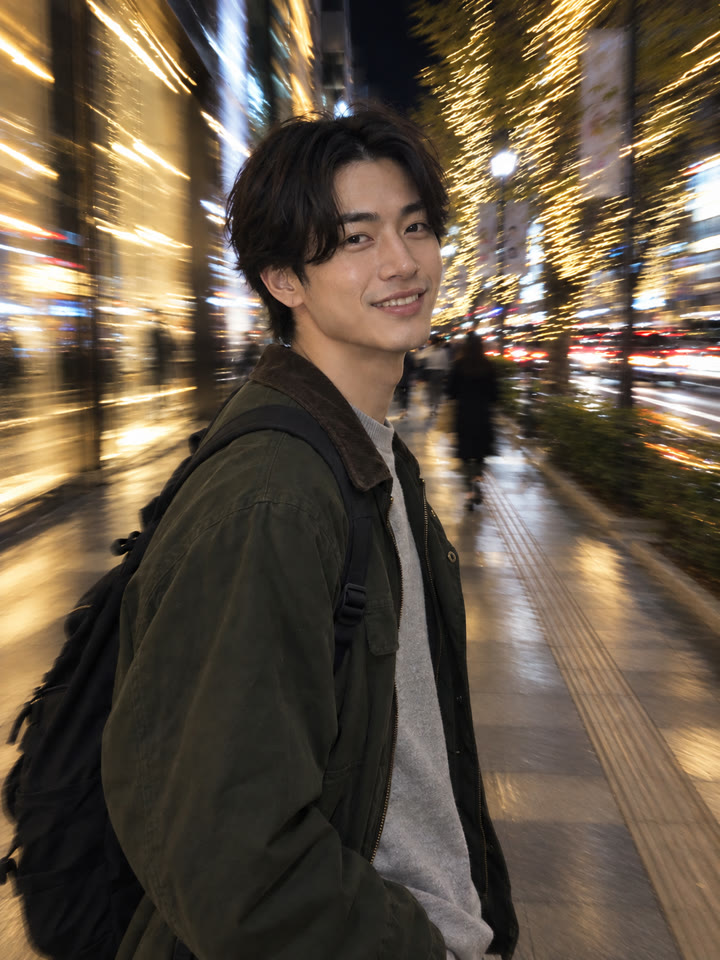
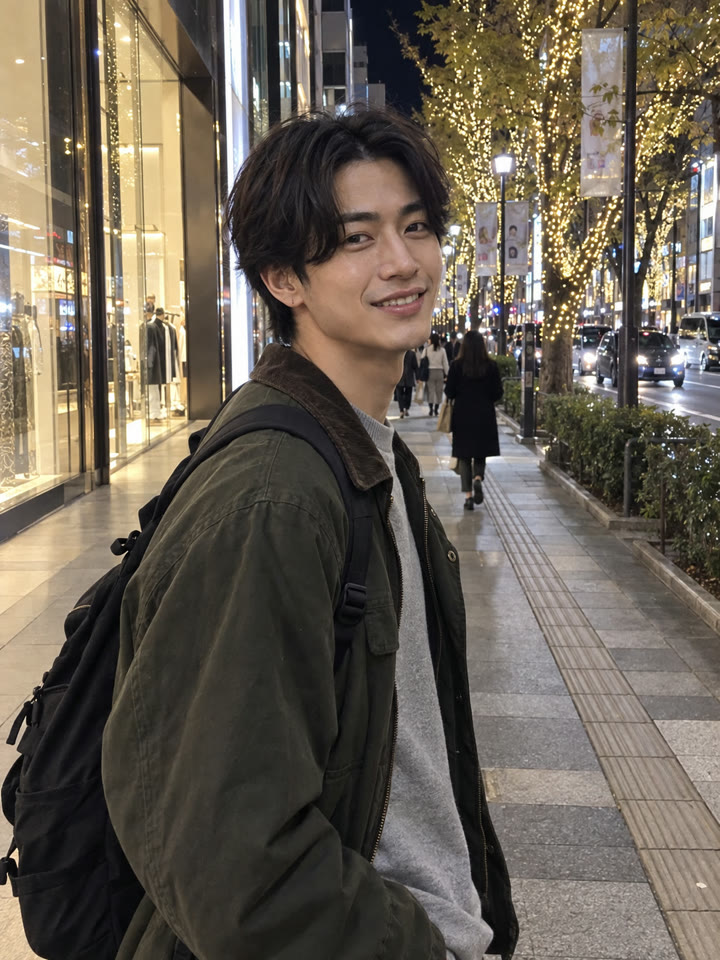 AFTER
AFTERきれいに仕上げるコツ
- 顔・服・ポーズがはっきりわかる写真がおすすめです。暗すぎる写真や、顔がすでに大きくブレている写真は避けると試しやすいです。
- 街灯、車のライト、ネオン、ケーキのろうそくなど、背景に光がある写真がおすすめです。
- 人物が小さすぎず、背景がすっきりした写真から試すと、主役と光のブレ感を両立しやすいです。
- 仕上がりは使うAIや元の写真によって変わります。生成後は、顔や手、服、小物が元の写真から変わっていないか確認するのがおすすめです。
コピペで使えるAI写真ワザを毎日更新中
インスタで @_ai.tip.jp を開く