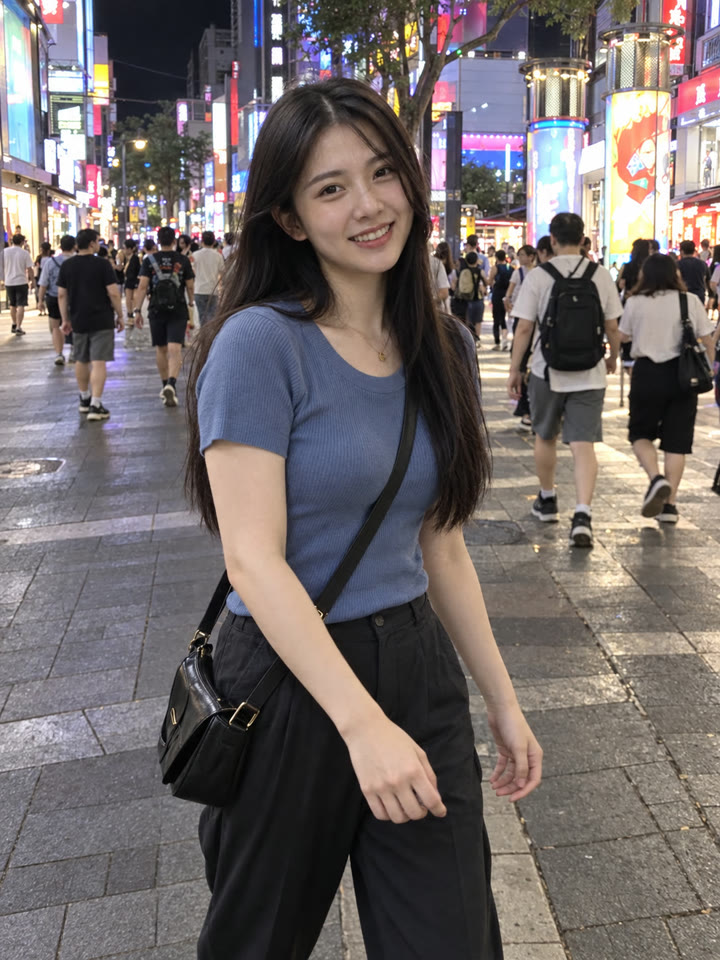
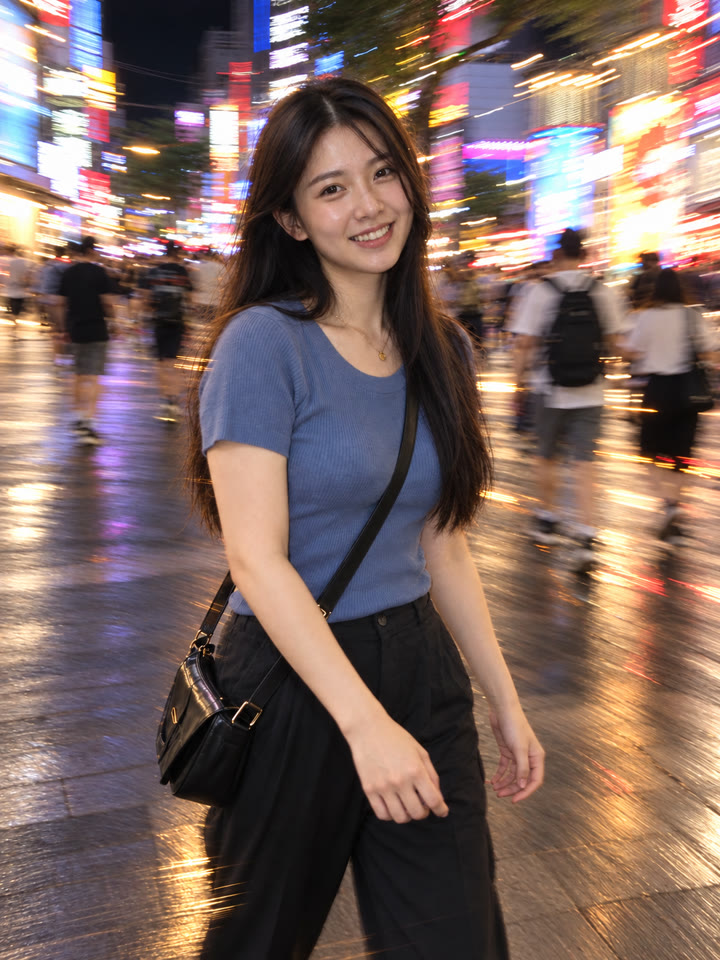
 BEFOREAFTER
左右滑動比較
慢門閃燈氛圍照,一張照片就能試
讓周圍燈光自然拖出光軌,人物維持可辨識、相對清楚的樣子,做出像夜晚開閃燈隨手拍的感覺。打開 ChatGPT,上傳照片、貼上提示詞就完成。
這次想要的感覺
慢門光軌閃燈夜拍自然晃動感
怎麼用
- 打開 ChatGPT
- 上傳一張照片
- 貼上英文提示詞,按送出
提示詞(Prompt)
PROMPT · EN
Transform the uploaded photo into a realistic slow shutter / drag-flash photo. Preserve the same person or people exactly: same facial identity, hairstyle, outfit, body shape, pose, composition, camera angle, background location, and main props. Do not add or remove people or objects. Keep the main subject recognizable and relatively sharp, while adding natural motion blur and long-exposure light trails around the subject, especially in background lights, street lights, car lights, candles, or ambient lighting. The result should look like a real candid camera photo taken with flash and slow shutter, with a cool Pinterest-worthy nightlife aesthetic. Make it look natural and realistic, not AI-generated: realistic skin texture, natural hands, correct anatomy, no beauty-filter look, no plastic skin, no extra limbs, no distorted face, no text, no watermark, no collage.
提示詞請直接貼英文原文,效果最好;聊天用中文也沒關係。
再領 5 種提示詞變化版
留下 Email,領取這段提示詞的 5 種變化版,之後每週收到精選提示詞,下次修圖直接拿來用。
實際效果
長按照片可以看原圖滑鼠移到照片上可以看原圖
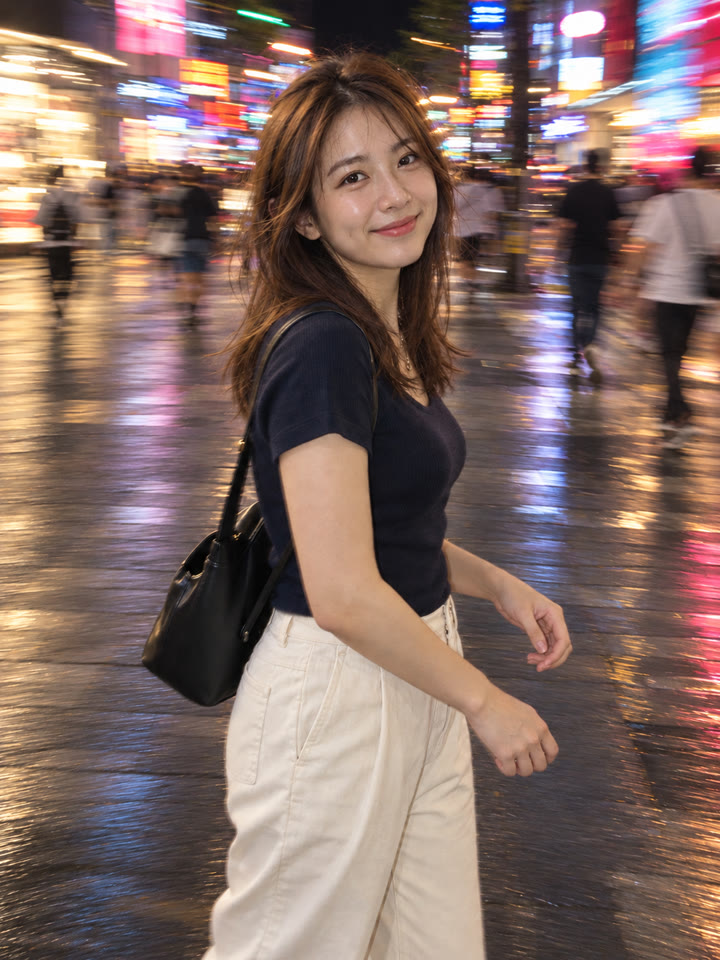
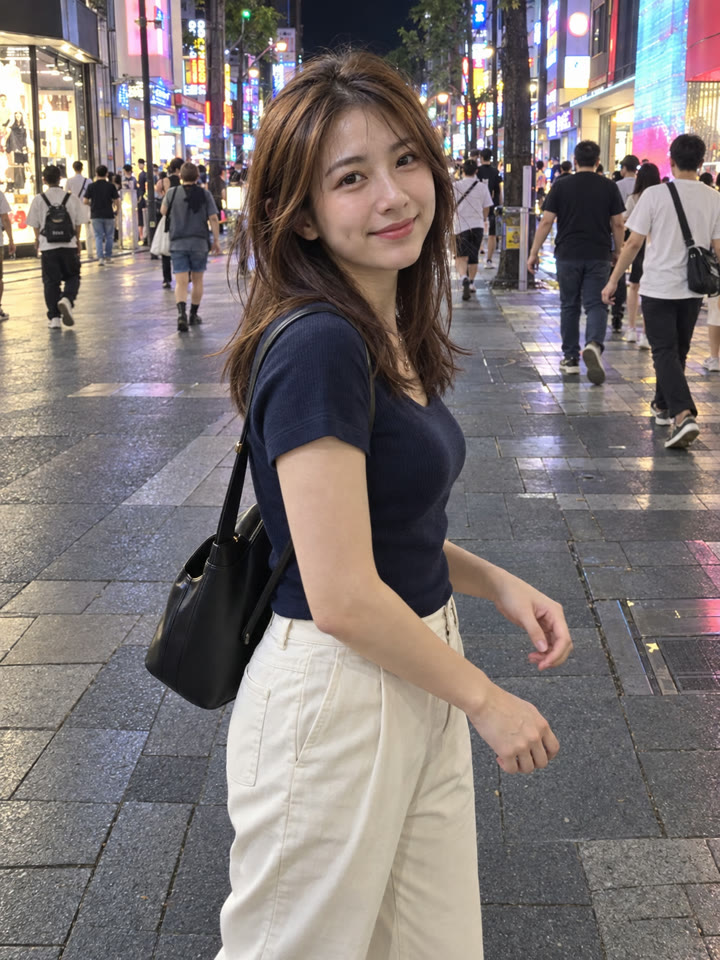 AFTER
AFTER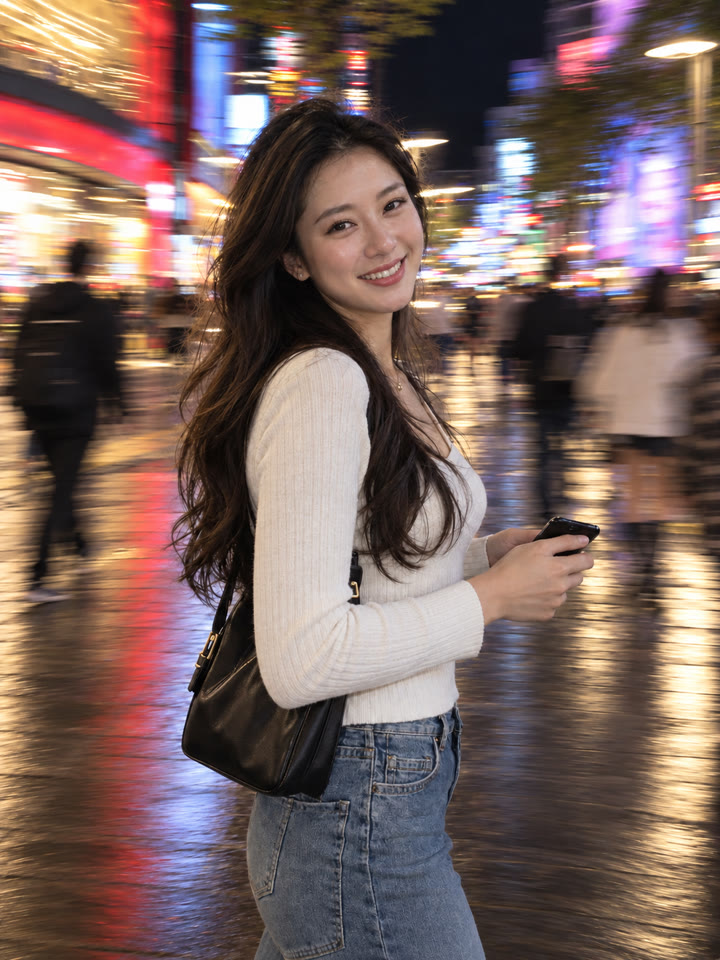
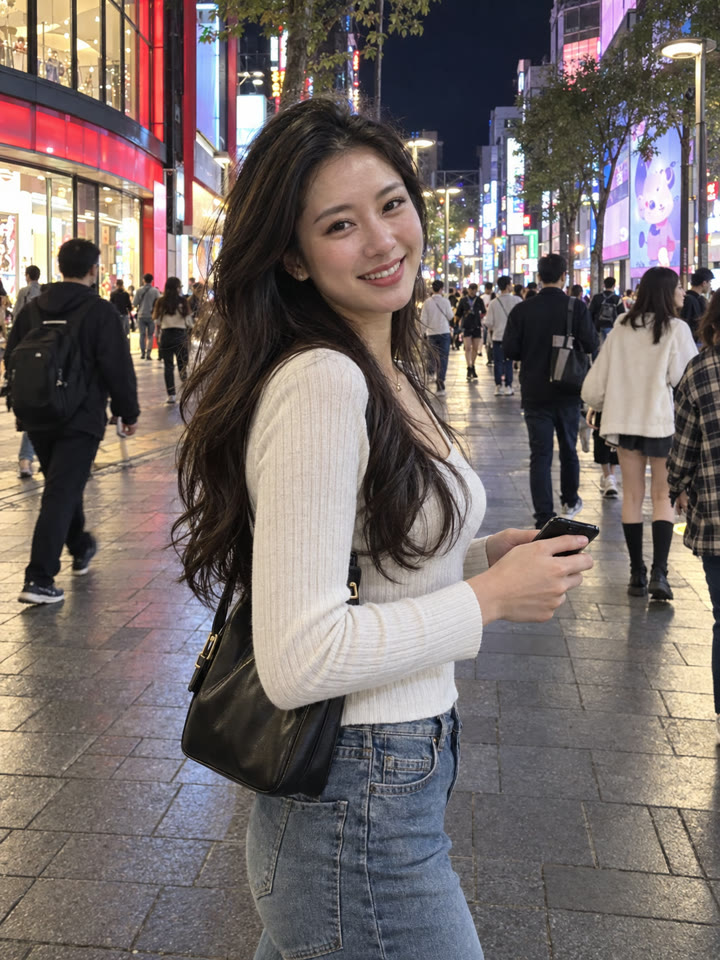 AFTER
AFTER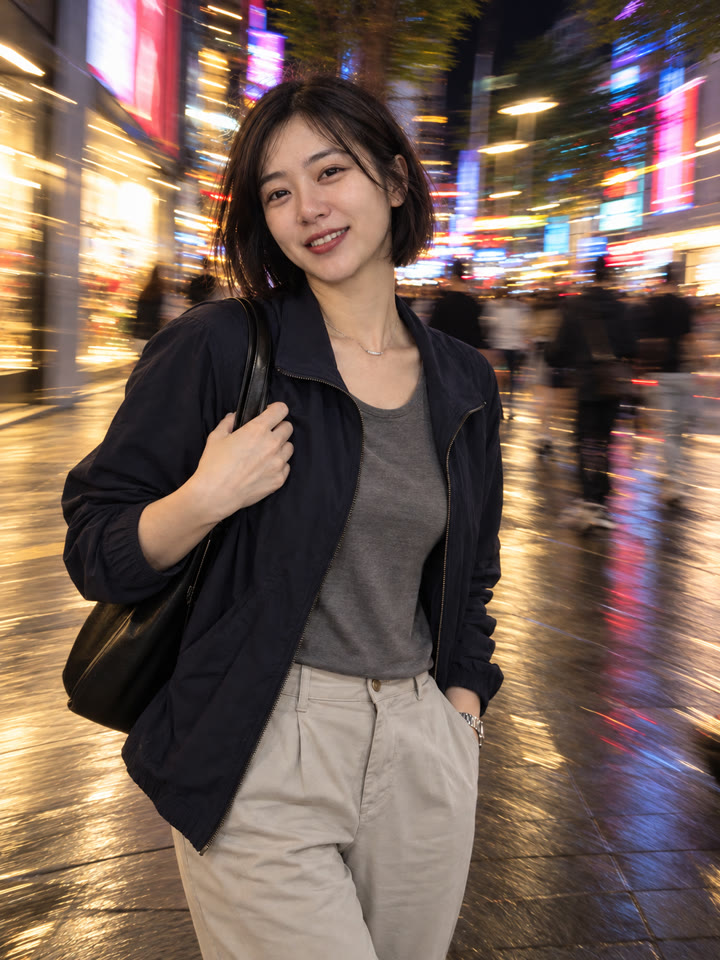
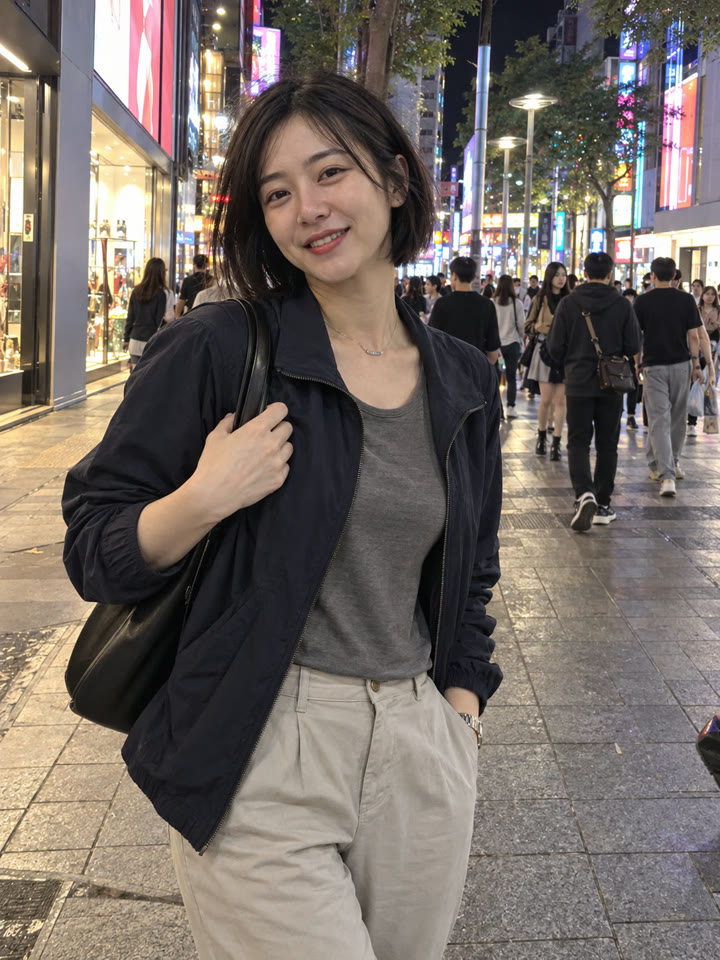 AFTER
AFTER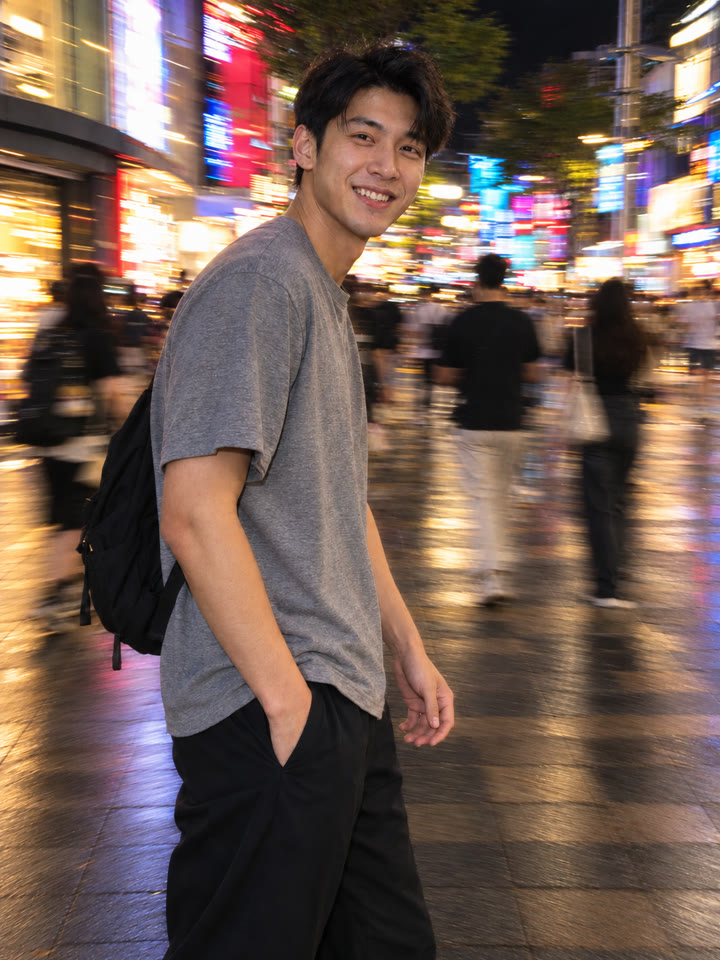
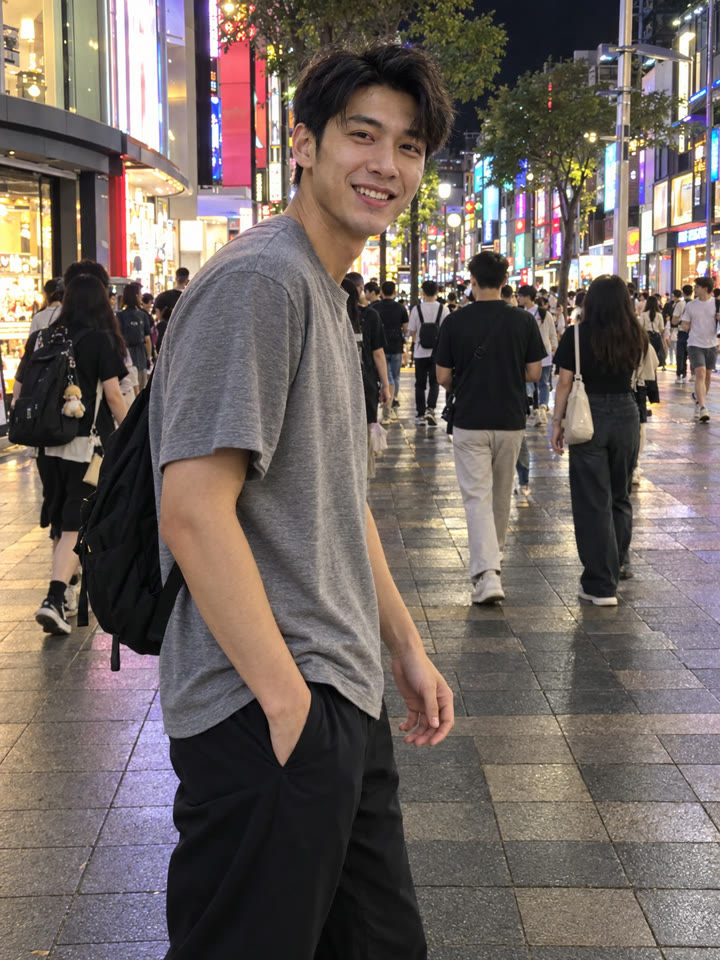 AFTER
AFTER效果更好的小技巧
- 先挑臉、穿搭與姿勢清楚的照片,人物不要太小,也盡量避開已經嚴重模糊的原圖。
- 背景有路燈、車燈、燭光或霓虹招牌,更容易呈現長曝光的光軌感。
- 第一次先用人物較少、背景簡單的照片,生成後檢查臉、手部與主要物品是否保留。
- 提示詞請直接貼英文原文,聊天用中文也沒關係;結果會隨 AI 模型與原圖而異。
每天更新馬上能用的提示詞
在 IG 打開 @_ai.tip.tw