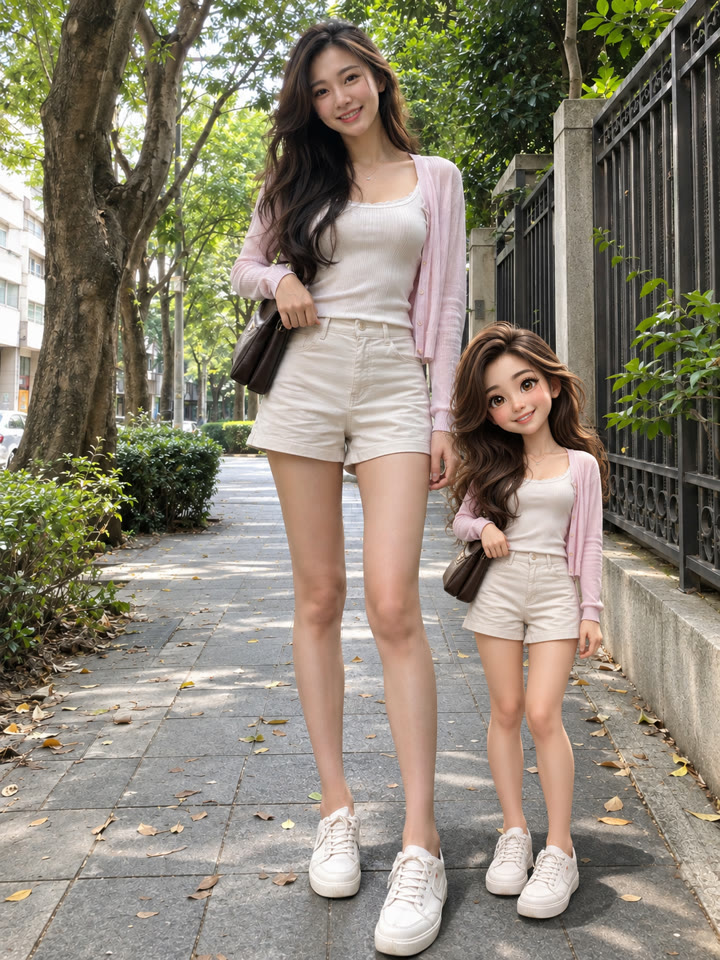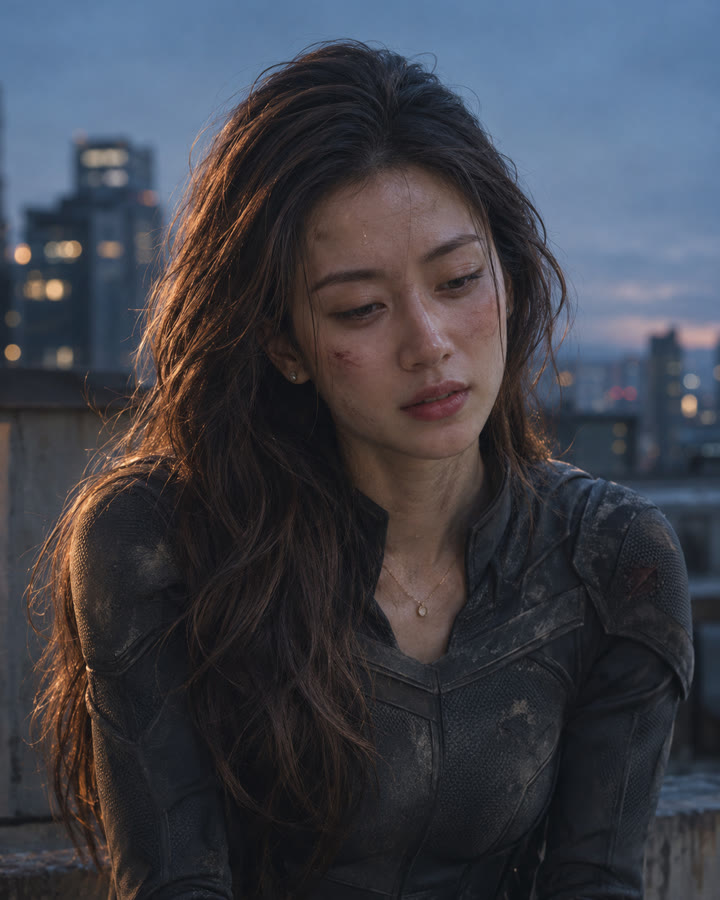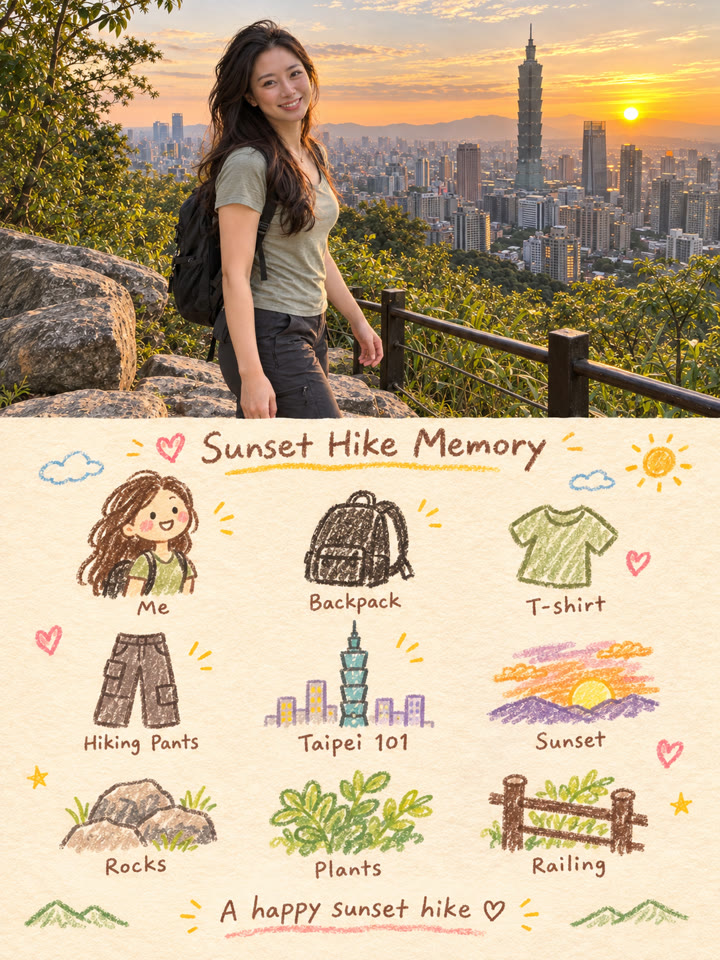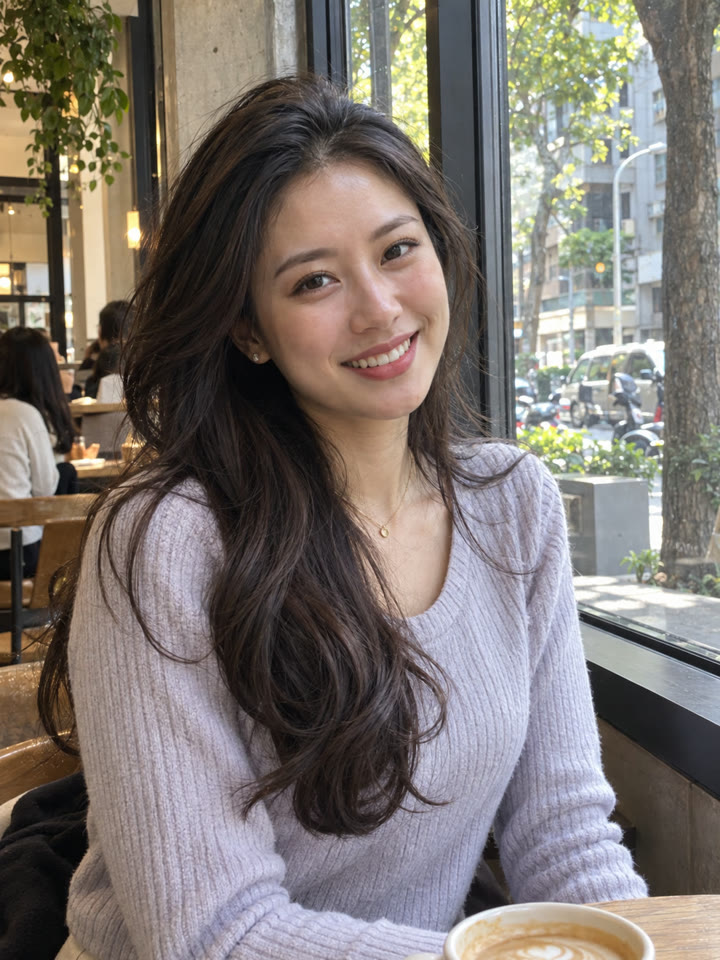
 BEFOREAFTER
左右滑動比較
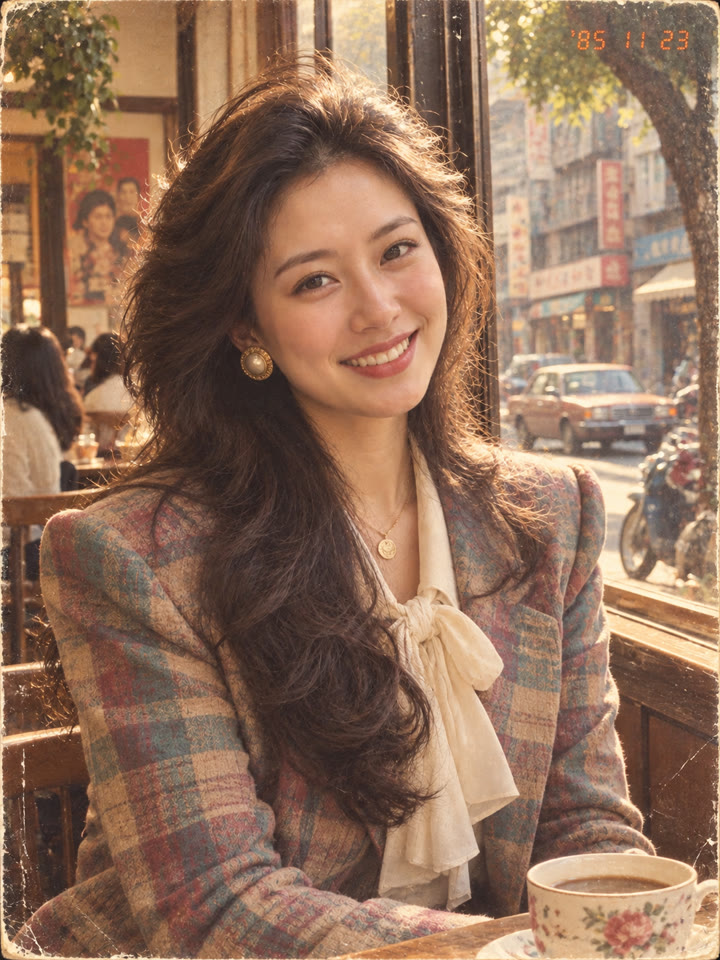
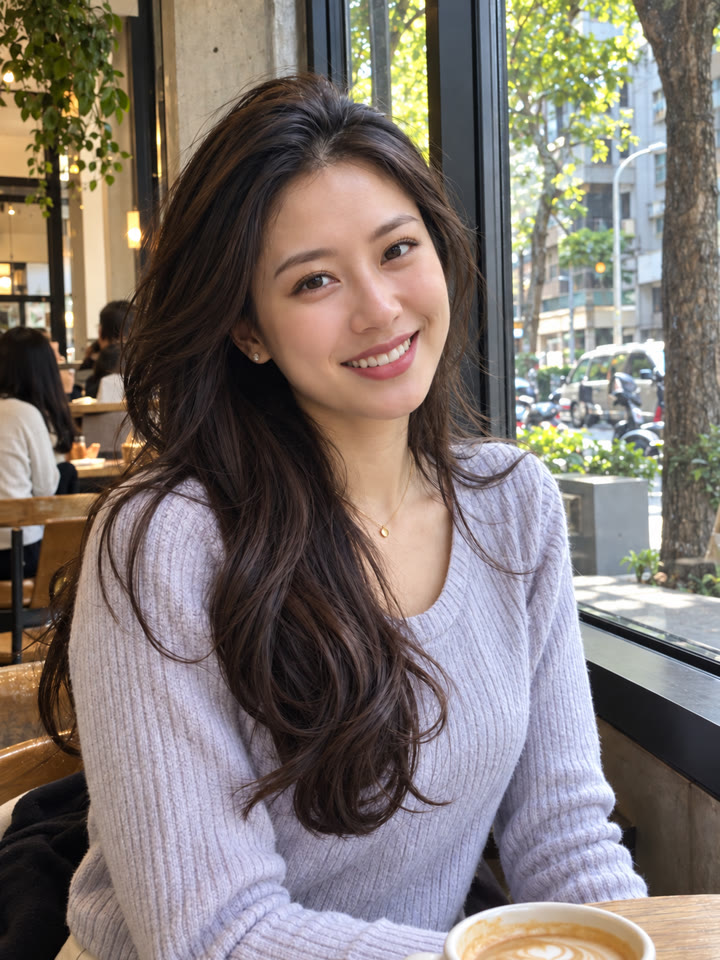
1985 韓系復古人像,一張照片就能做
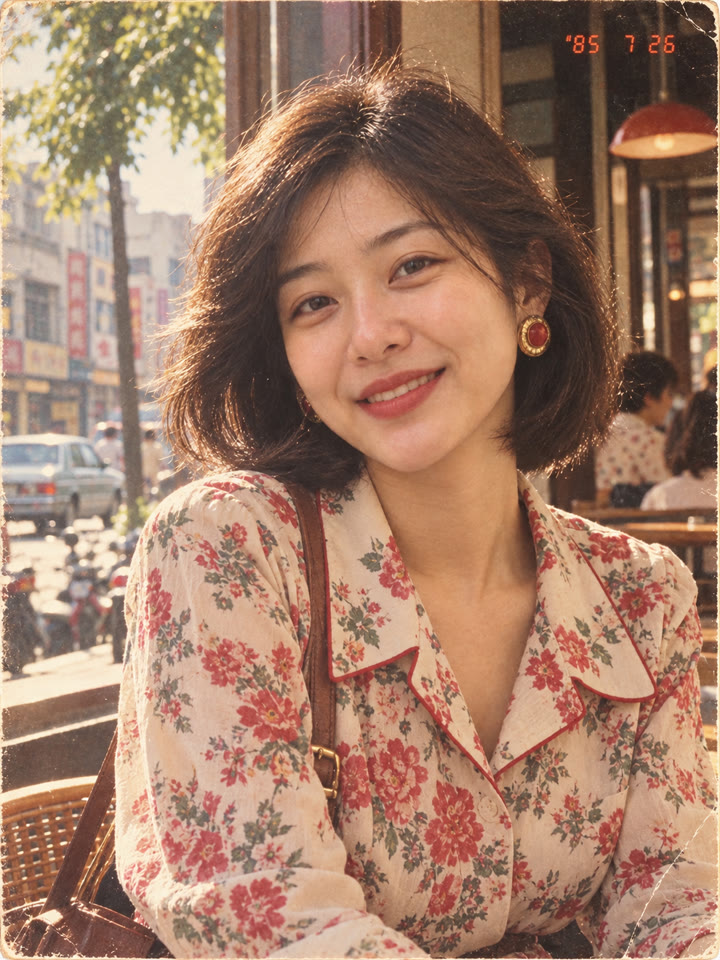
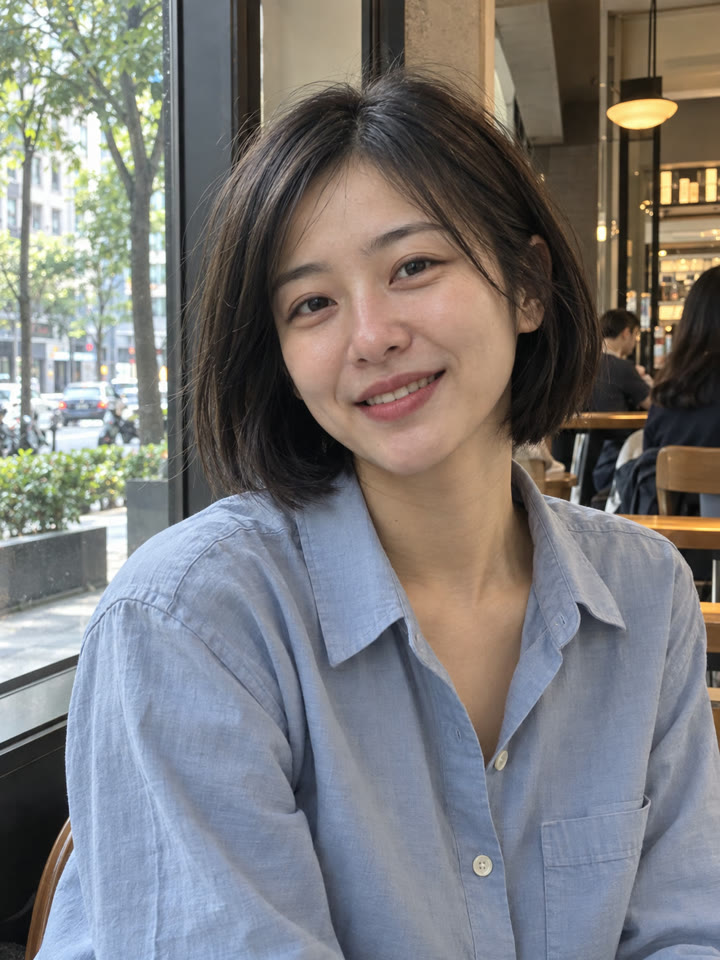
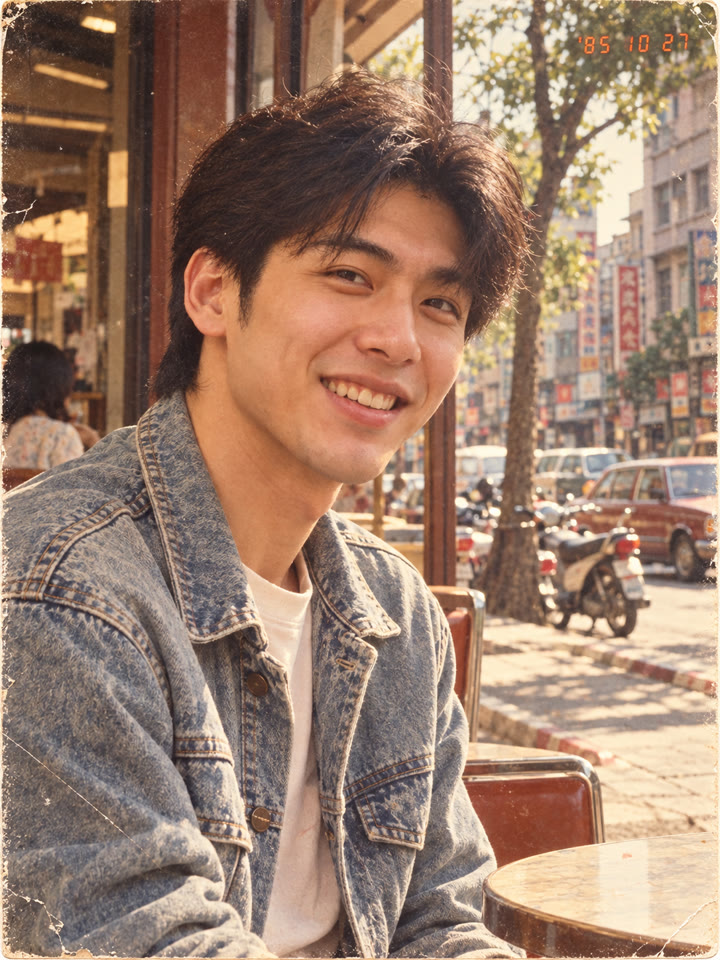
把日常照片換成像從老相簿翻出來的韓系復古人像,保留原本的人物與構圖,讓髮型、穿搭和背景一起回到 1985 年。打開 ChatGPT,上傳照片、貼上提示詞就完成。
這次的照片氛圍
韓系復古造型暖色底片感橘紅日期章
範例由 AI 生成。結果會因輸入照片、模型與設定而異,提示詞不保證產生完全相同的結果。
怎麼用
- 打開 ChatGPT
- 上傳一張照片
- 貼上英文提示詞,按送出
提示詞(Prompt)
PROMPT · EN
Transform the uploaded photo into a photorealistic, trendy 1980s Taiwanese retro photo. Keep the exact same subject count, identity, facial features, age group, gender, and overall composition. Do not add or remove people. Preserve the main pose and mood, while restyling the hair, outfit, accessories, and background into a hot and stylish mid-1980s Taiwanese aesthetic. Make it feel like a real vintage photo from 1985 in Taiwan: fashionable and trendy, warm faded tones, soft direct sunlight, subtle film grain, slight print wear, and a nostalgic Pinterest-worthy mood. Replace modern elements with era-appropriate 1980s details. Add a small orange-red 1980s-style date stamp in one top corner. Photorealistic, highly detailed, no text, no watermark, no logo.
提示詞請直接貼英文原文,效果最好;聊天用中文也沒關係。
再收下 5 種復古變化版
留下 Email,領取這組提示詞的 5 種變化版,之後每週收到精選提示詞,讓下一張照片也有新靈感。
實際效果
長按照片可以看原圖滑鼠移到照片上可以看原圖
 AFTER
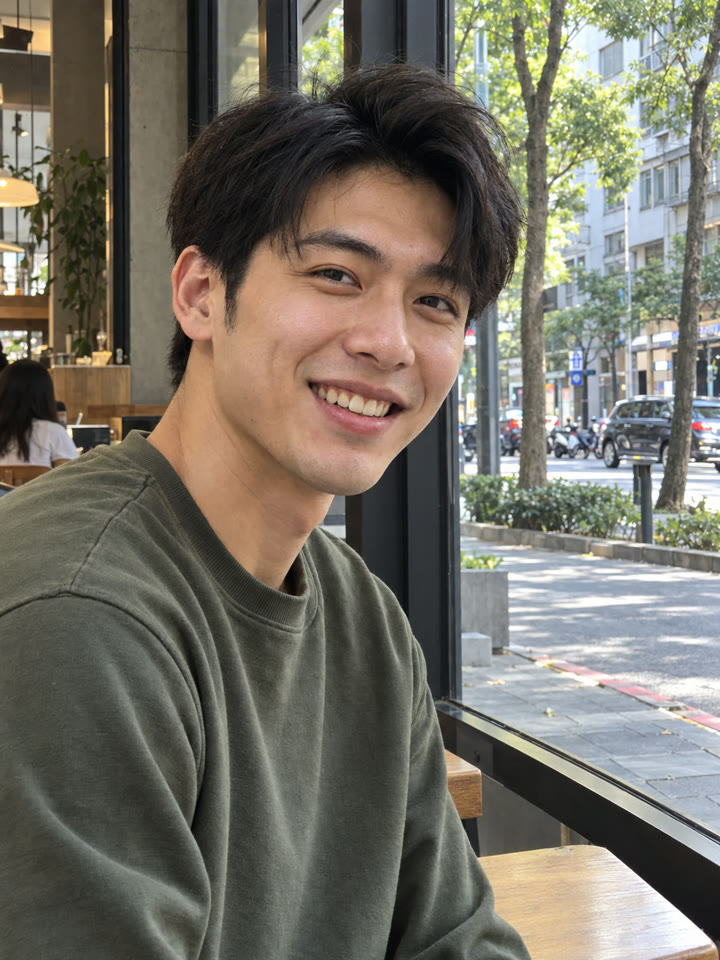 AFTER
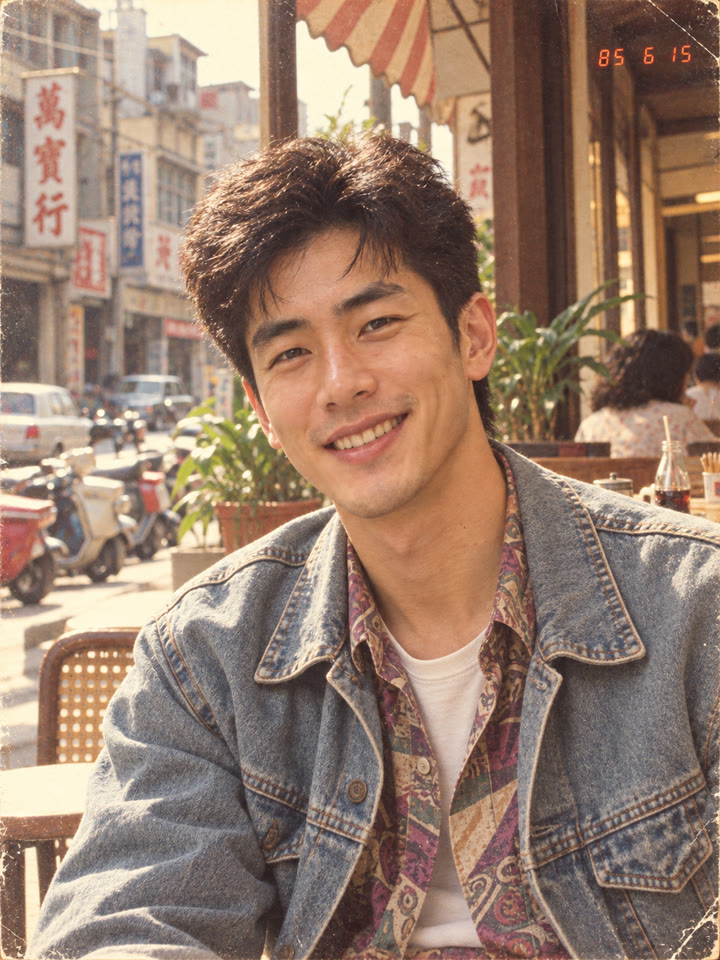
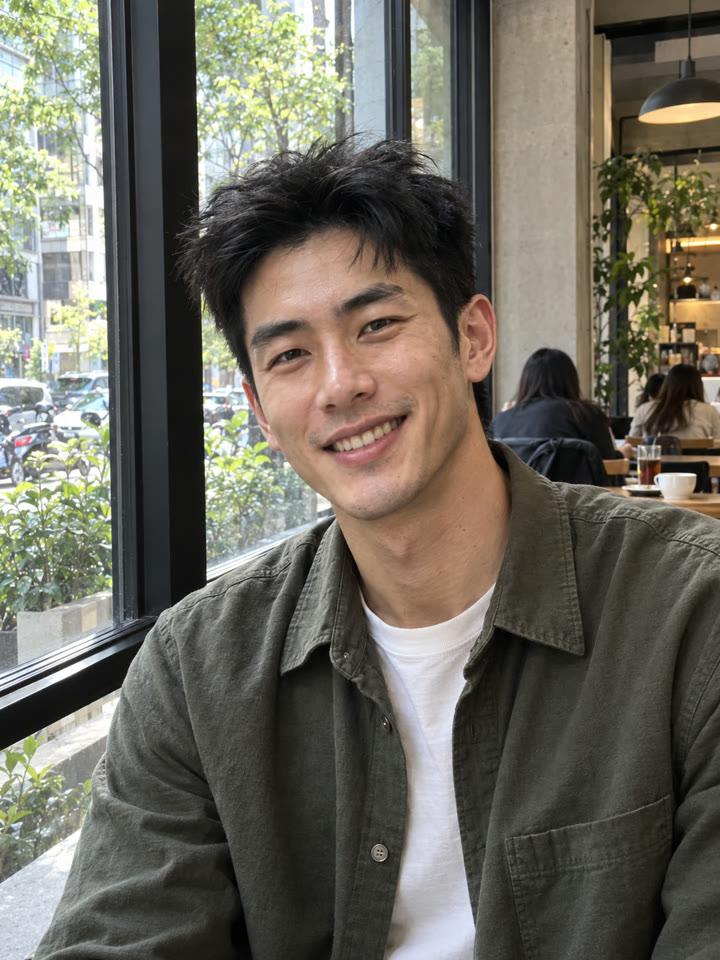 AFTER
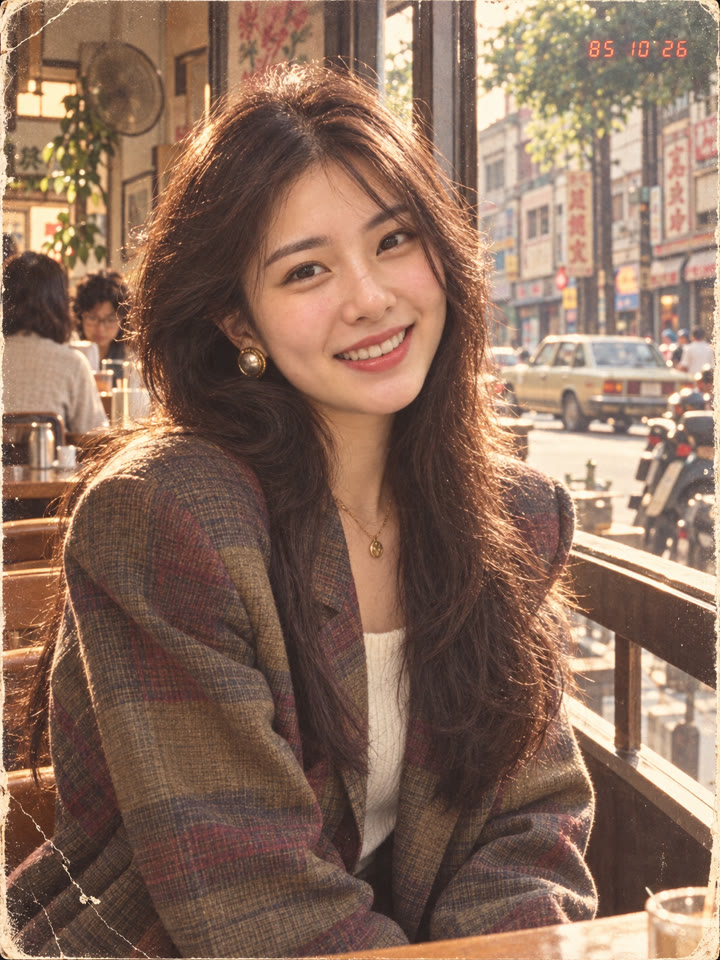
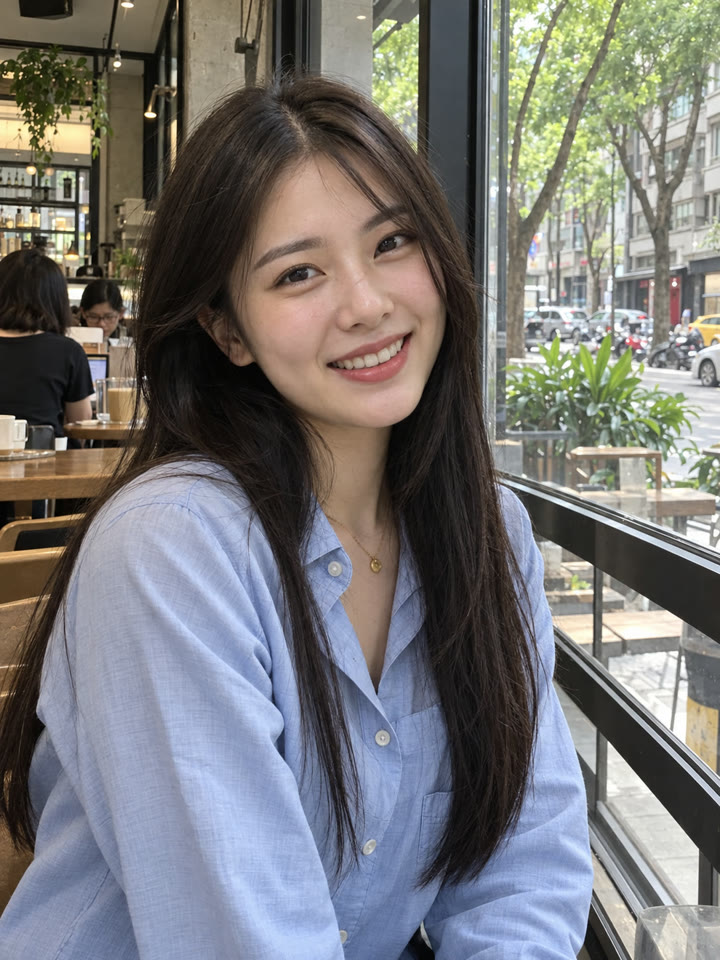 AFTER
 下一個提示詞ChatGPT 修圖:5 種日常照片救援提示詞看下一個提示詞 →
效果更好的小技巧
- 先選臉部清楚、人物不太小的照片;自拍、街拍或日常合照都適合試。
- 多人照片要看得清楚每個人的臉、穿搭與姿勢,也要確認人物數量容易辨識。
- 提示詞請直接貼英文原文,聊天用中文也沒關係;若日期章沒出現,可再補充要求保留角落日期章。
- 效果會隨模型與原圖而不同。生成後檢查人數、五官與構圖,若有變動,可要求更貼近原圖。
每天更新馬上能用的提示詞
在 IG 打開 @_ai.tip.zh