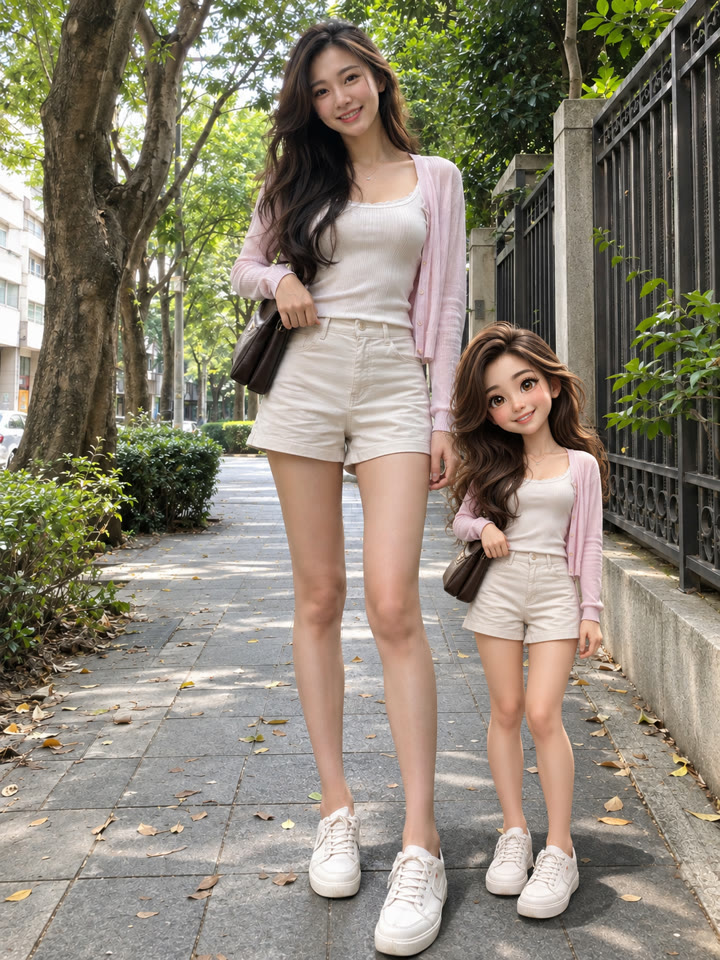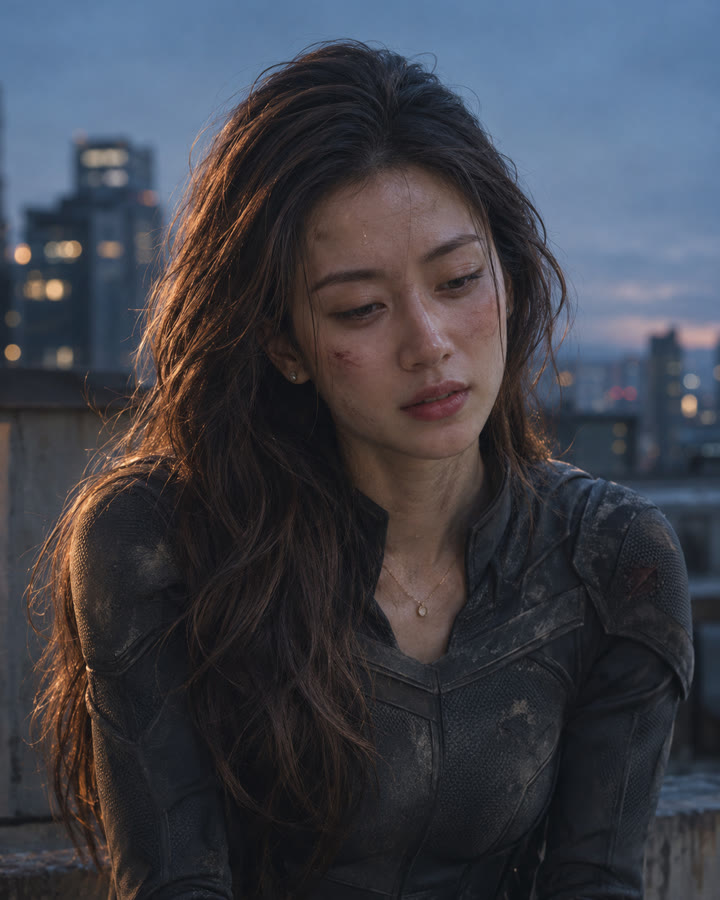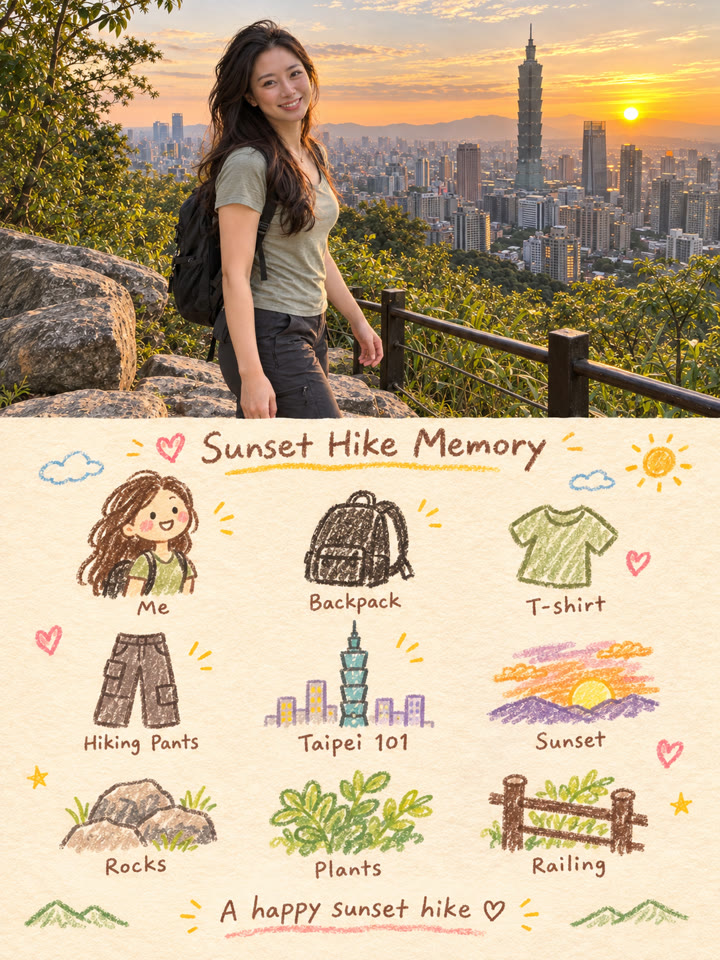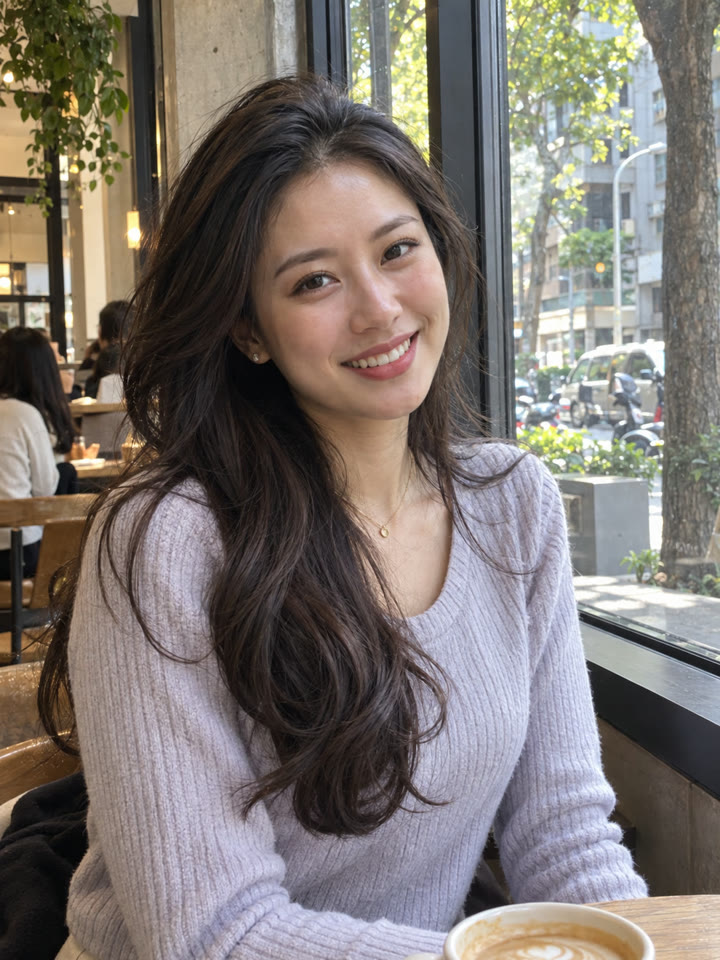
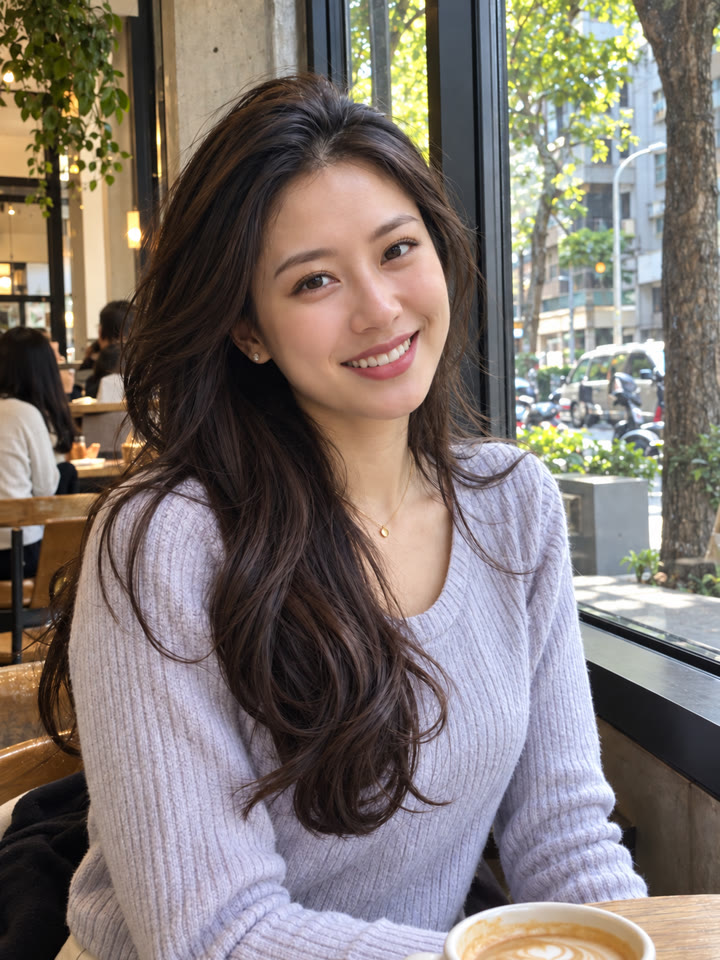
 BEFOREAFTER
左右滑動比較
5 種日常照片救援提示詞,上傳照片就能試
從自然修膚、改善畫質、移除路人,到微調自拍角度、提亮夜拍,依照照片問題選一種。打開 ChatGPT,上傳照片、貼上提示詞就能開始。
想救哪種照片?
痘痘泛紅模糊暗沉路人與角度
範例由 AI 生成。結果會因輸入照片、模型與設定而異,提示詞不保證產生完全相同的結果。
怎麼用
- 打開 ChatGPT
- 上傳一張想修的照片
- 貼上英文提示詞,按送出
提示詞(Prompt)
PROMPT · EN
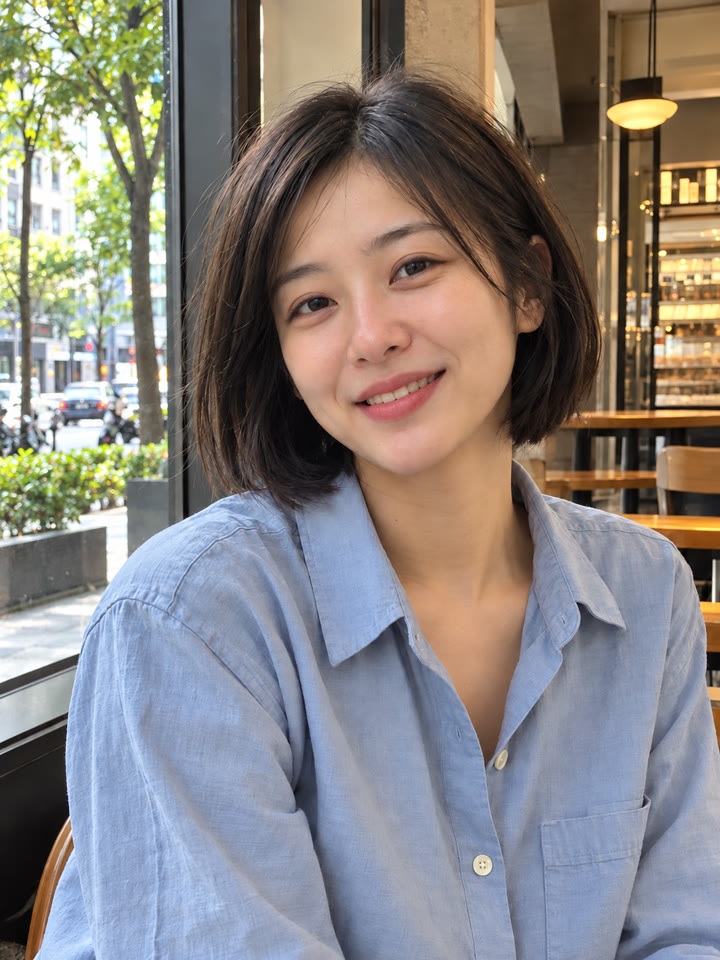
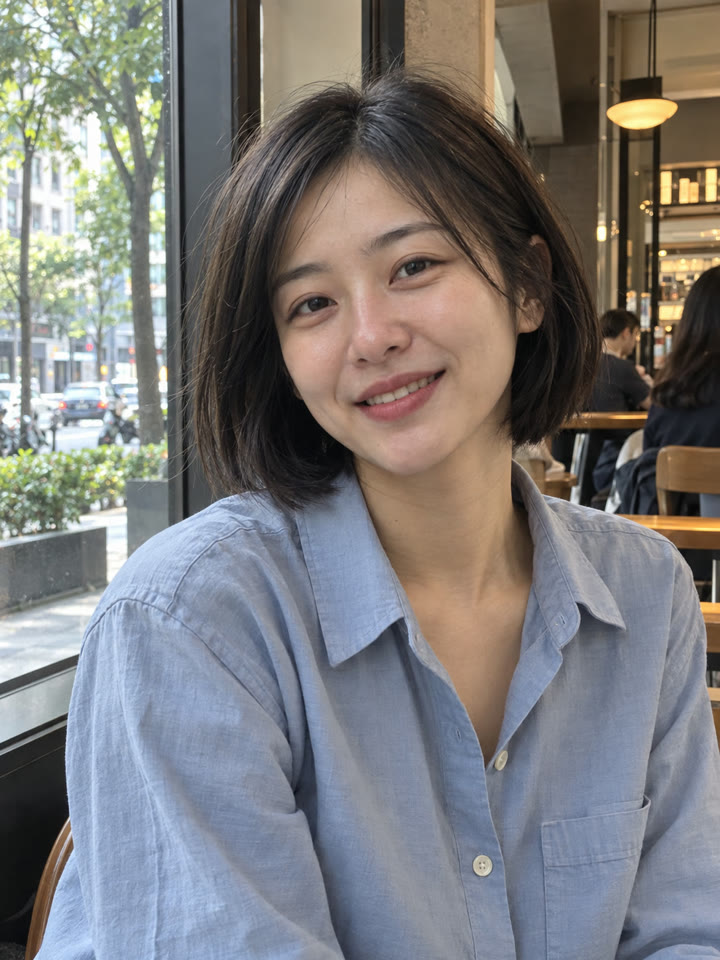
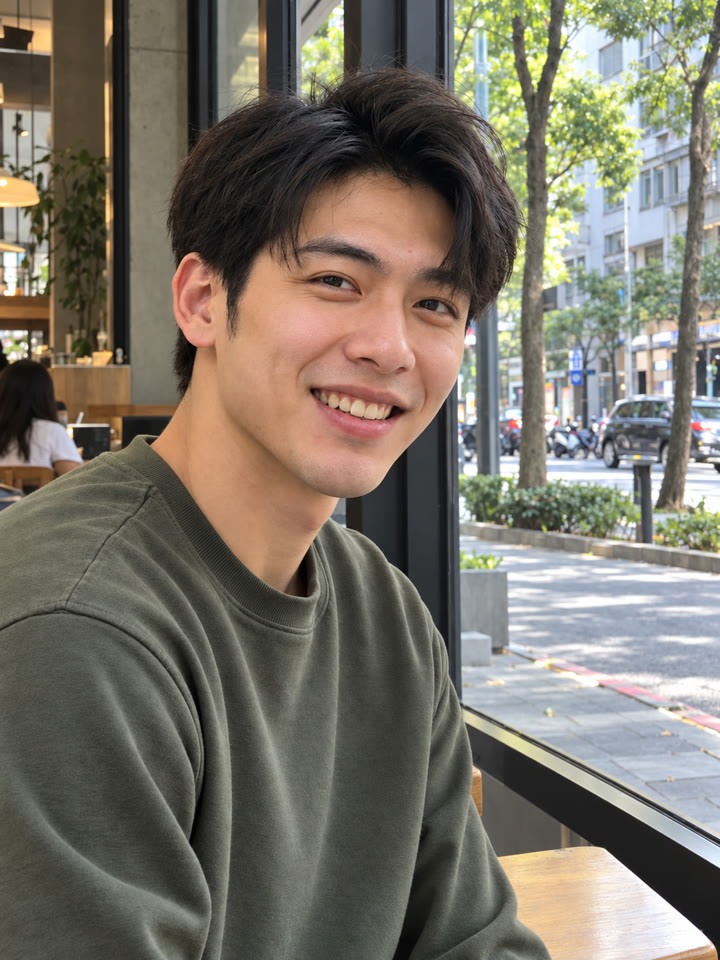
Professional natural skin retouching while fully preserving the person's real identity and facial structure. Remove temporary acne, pimples, redness, skin irritation, blackheads, and uneven skin texture while keeping realistic pores and natural skin detail intact. Preserve natural skin tone, facial shadows, beard texture, eyebrows, eyelashes, and hair exactly as they are. Avoid plastic skin, beauty filter effects, over-smoothing, or artificial glow. Maintain realistic lighting and original image composition. The result should look like a professionally retouched DSLR portrait with invisible editing and natural healthy skin texture. Ultra realistic, photorealistic, high detail.
提示詞請直接貼英文原文,效果最好;聊天用中文也沒關係。
再收 5 個修膚變化版
留下 Email,領取這段自然修膚提示詞的 5 個變化版本,並每週收到精選實用提示詞。
實際效果
長按照片可以看原圖滑鼠移到照片上可以看原圖
 AFTER
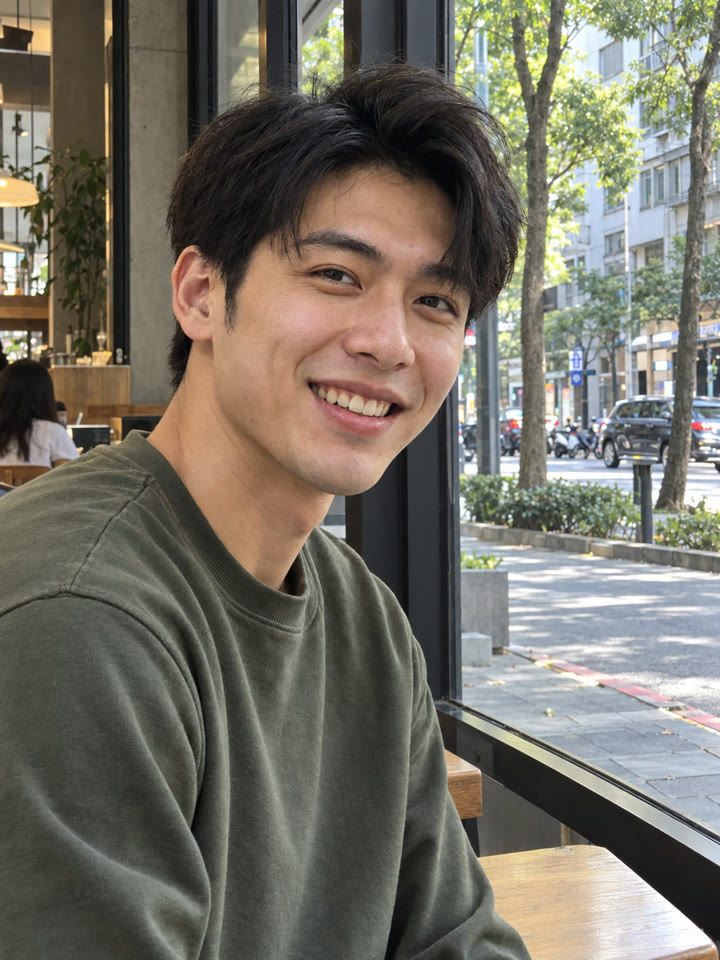 AFTER
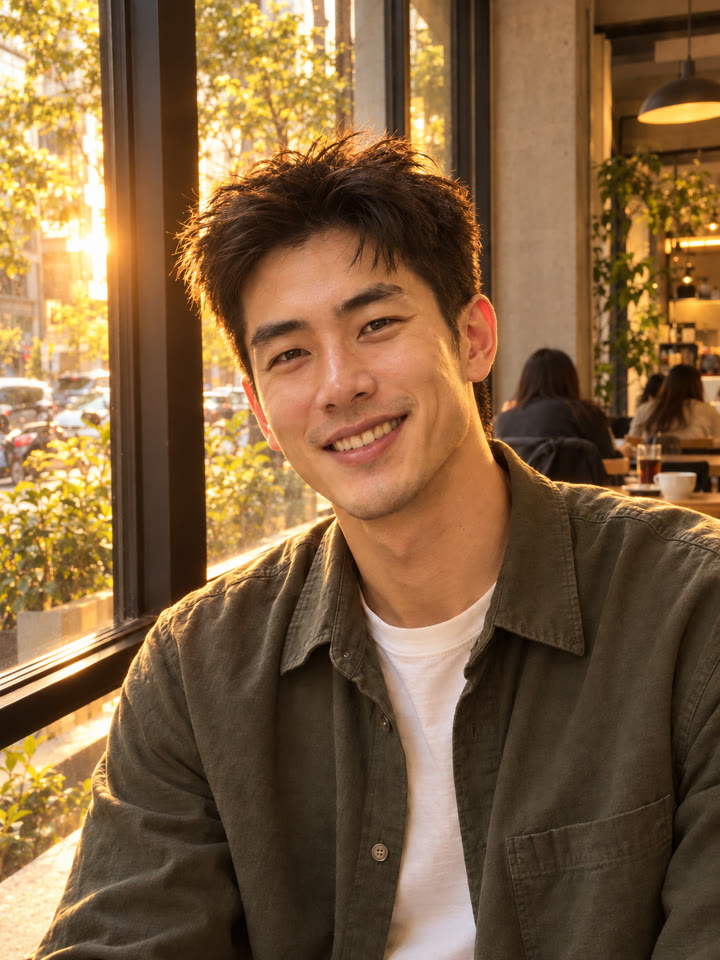
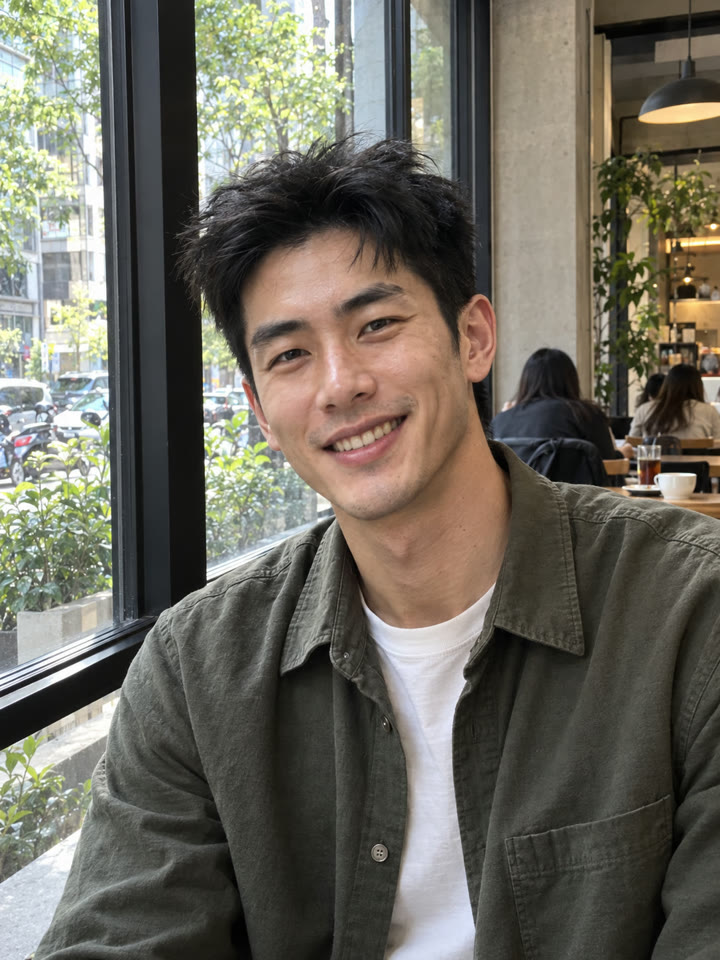 AFTER
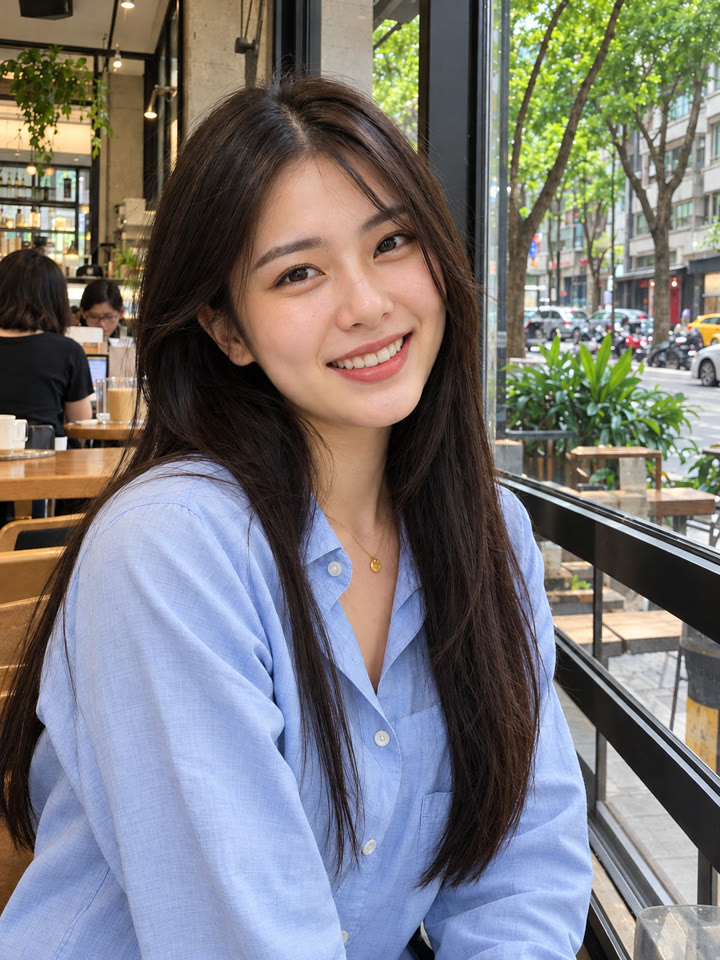
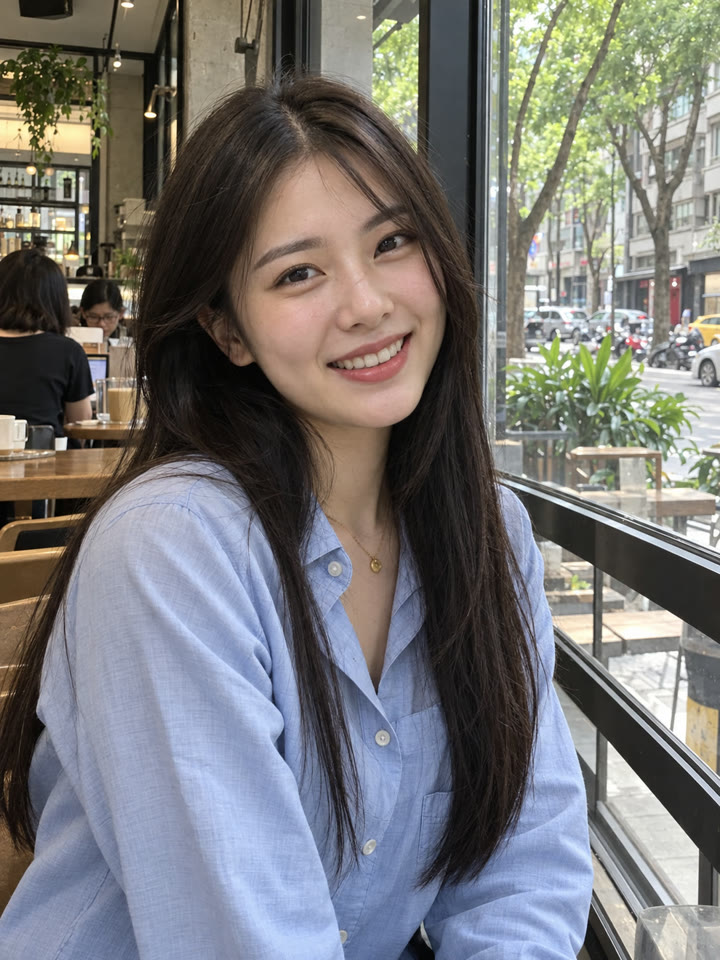 AFTER
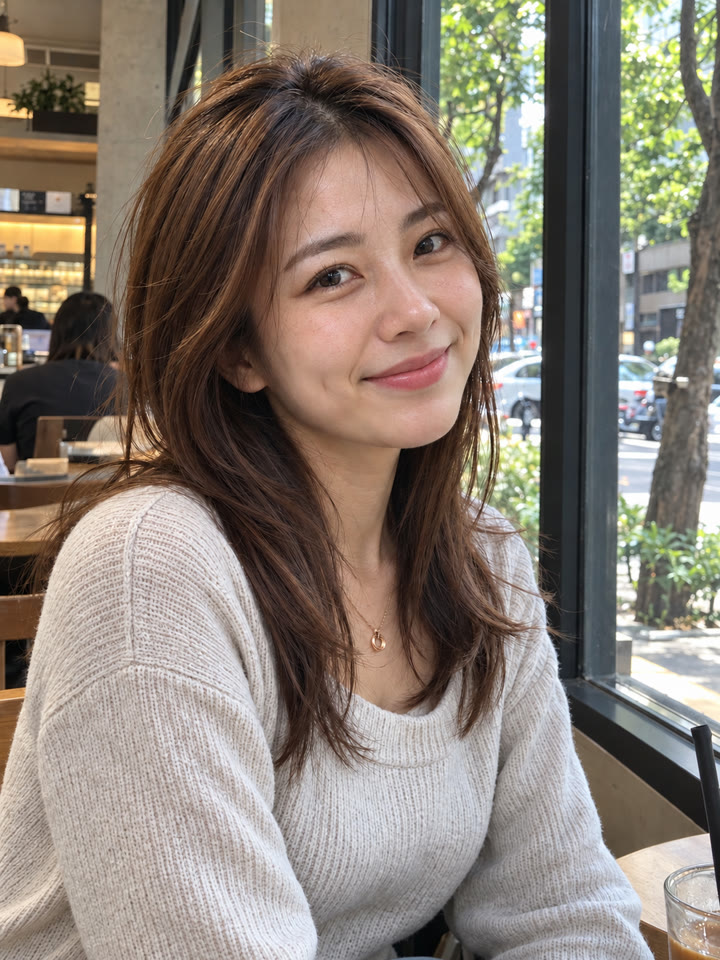 下一個提示詞ChatGPT 自然膚質修圖|一張照片,減少塑膠感看下一個提示詞 →
效果更好的小技巧
- 自然修膚先看毛孔與膚色;自拍角度只做小幅調整,完成後比對五官是否仍像本人。
- 改善畫質盡量用原始檔;模糊處可能補出原圖沒有的細節,記得放大檢查。
- 移除路人時說清楚要保留誰,並檢查補上的建築線條、地面與陰影。
- 夜拍先提亮主角、保留現場光感。提示詞請直接貼英文原文,聊天用中文也沒關係。
每天更新馬上能用的提示詞
在 IG 打開 @_ai.tip.zh