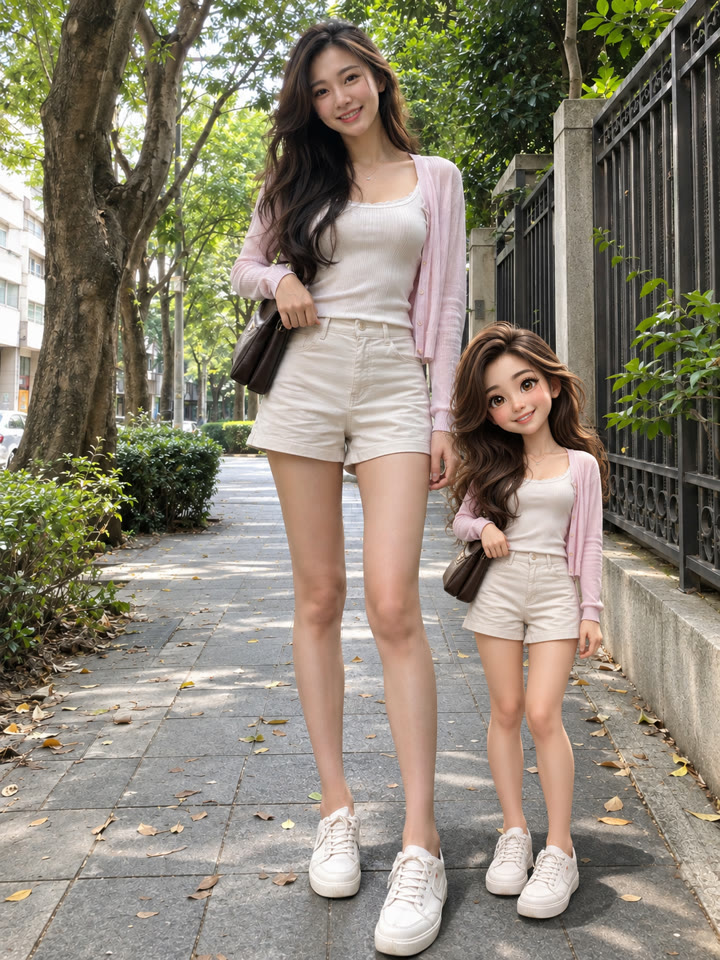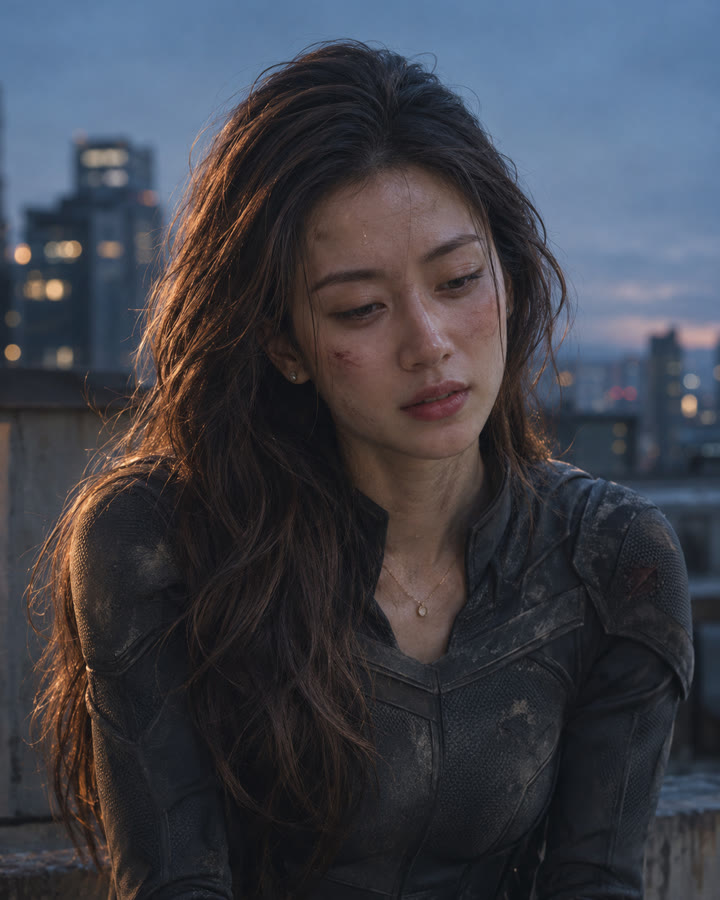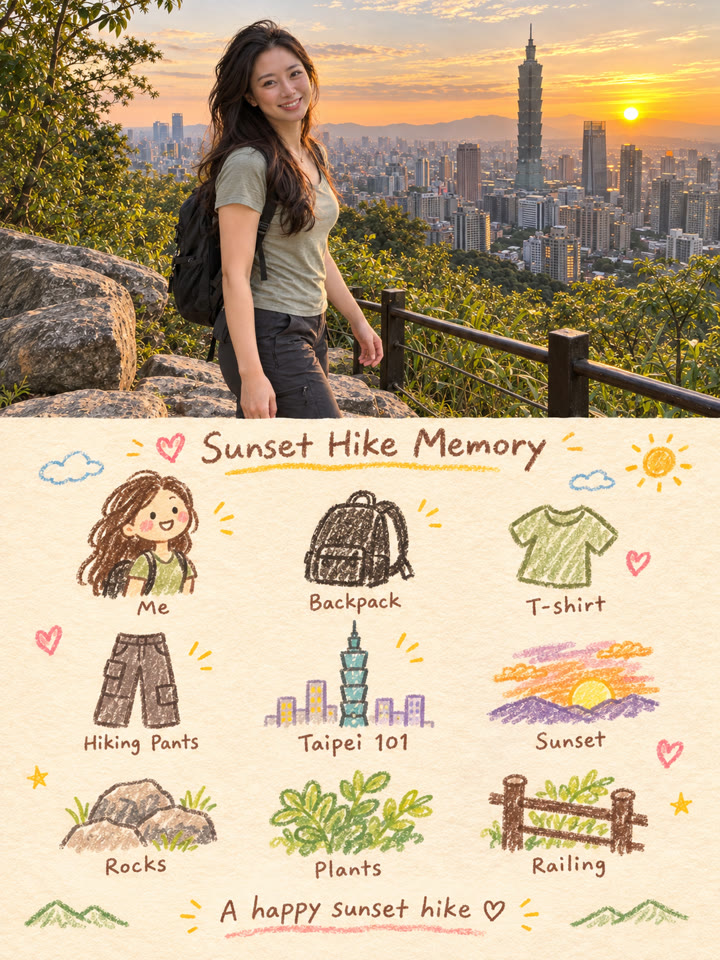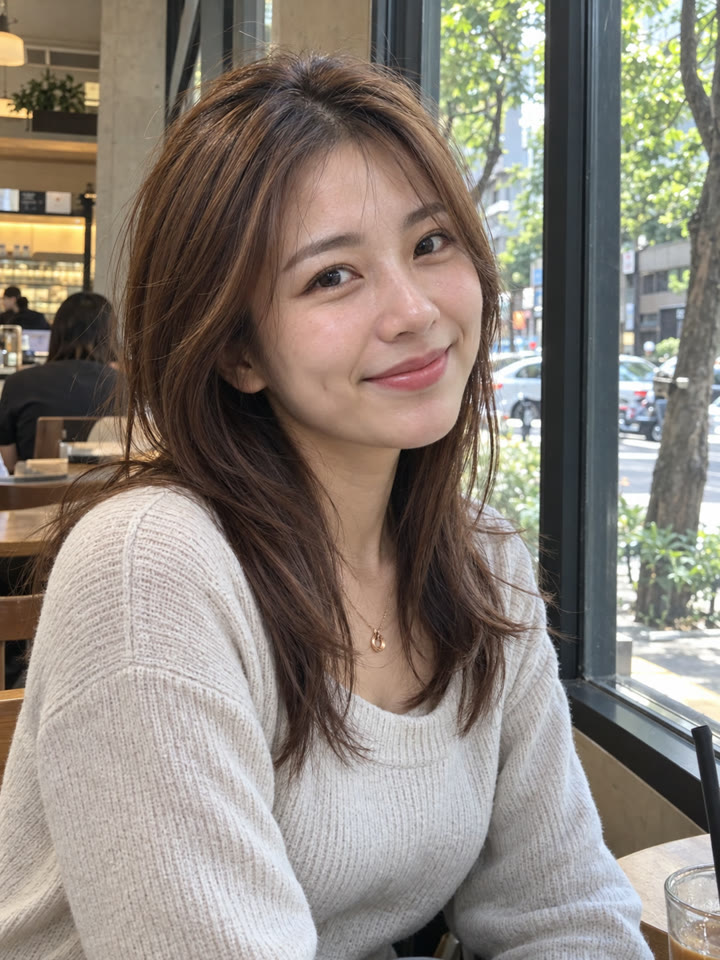
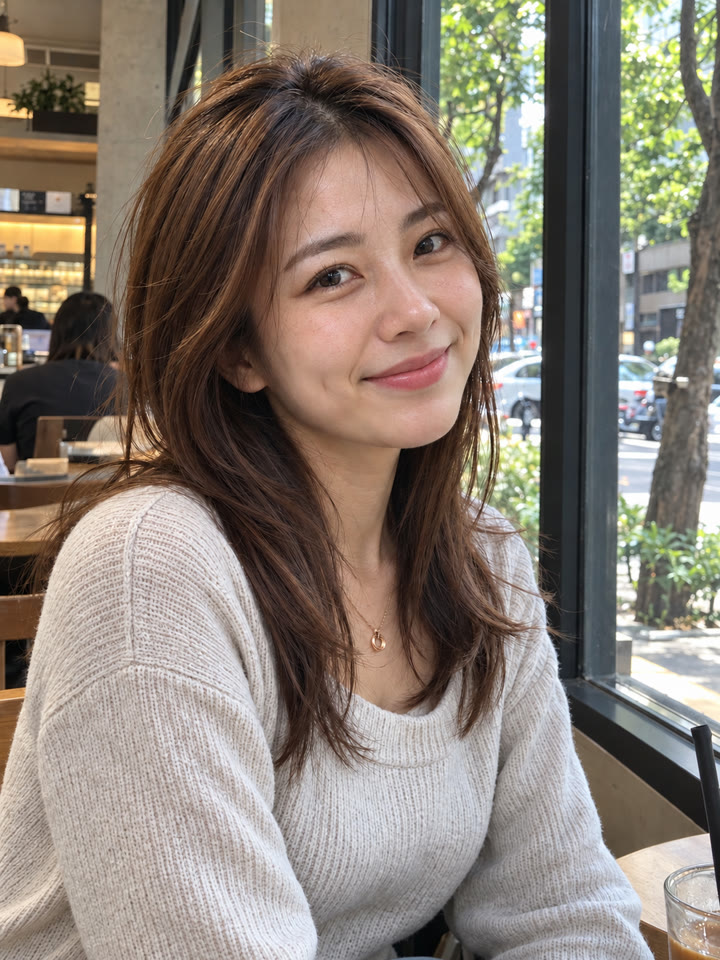
 BEFOREAFTER
左右滑動比較
範例由 AI 生成。結果會因輸入照片、模型與設定而異,提示詞不保證產生完全相同的結果。
怎麼用
- 打開 ChatGPT
- 上傳一張人像照片
- 貼上英文提示詞,按送出
提示詞(Prompt)
PROMPT · EN
Edit the uploaded portrait to give it realistic photographic detail and naturally textured skin. Reduce the overly smooth, waxy or plastic appearance. Add subtle, anatomically plausible pores, fine facial hairs, delicate lip texture and gentle tonal variations, matching the existing lighting, age and skin tone. Preserve the person's identity, facial proportions, expression, gaze, hairstyle and distinctive features. Keep the original composition, clothing, background, depth of field and lighting direction. Enhance fine detail selectively while retaining natural softness and smooth tonal transitions. Any added skin detail should look plausible rather than exaggerated. Avoid beauty filters, facial reshaping, excessive sharpening, HDR halos, gritty texture, exaggerated pores or added blemishes. The result should resemble a carefully processed camera portrait.
提示詞請直接貼英文原文,效果最好;聊天用中文也沒關係。
再收下 5 種膚質修圖變化版
留下 Email 訂閱,就能收到這段提示詞的 5 種變化版,之後每週也會寄給你精選提示詞。
實際效果
長按照片可以看原圖滑鼠移到照片上可以看原圖
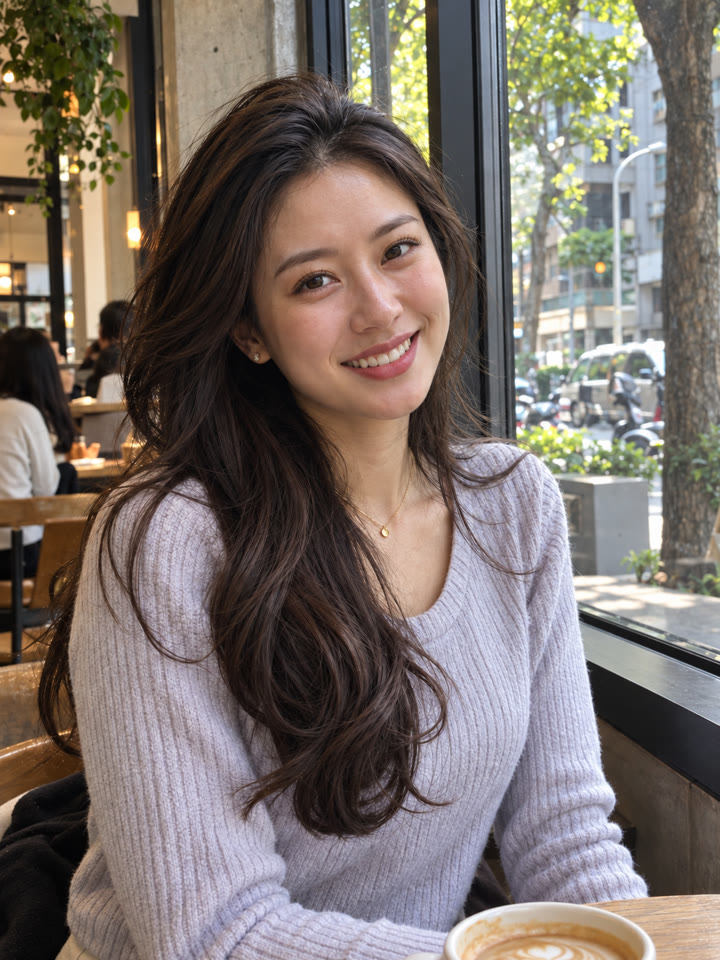
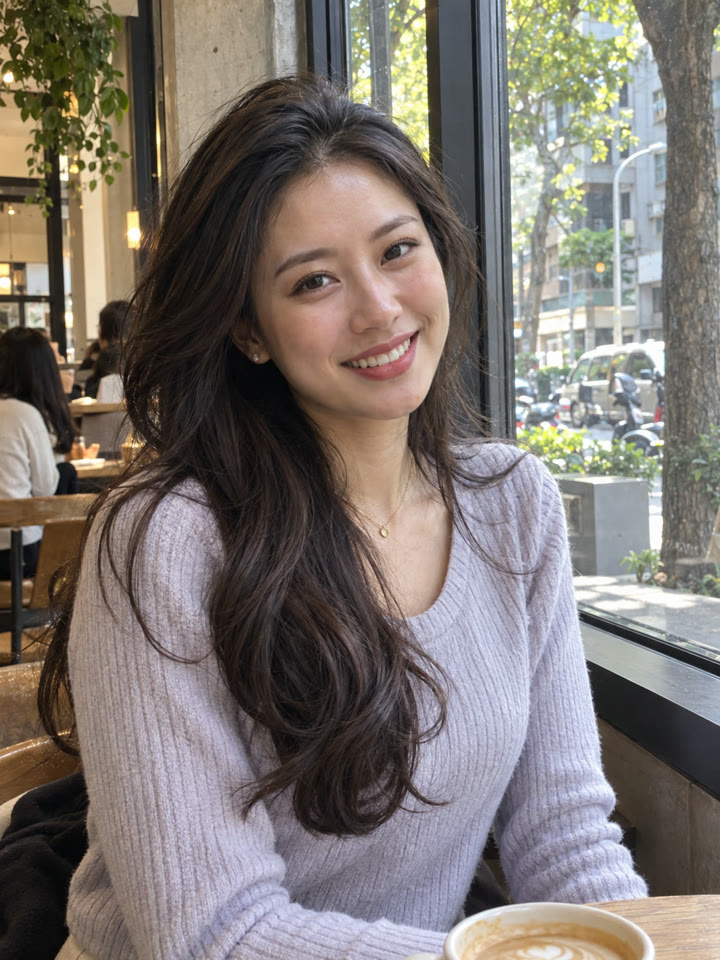 AFTER
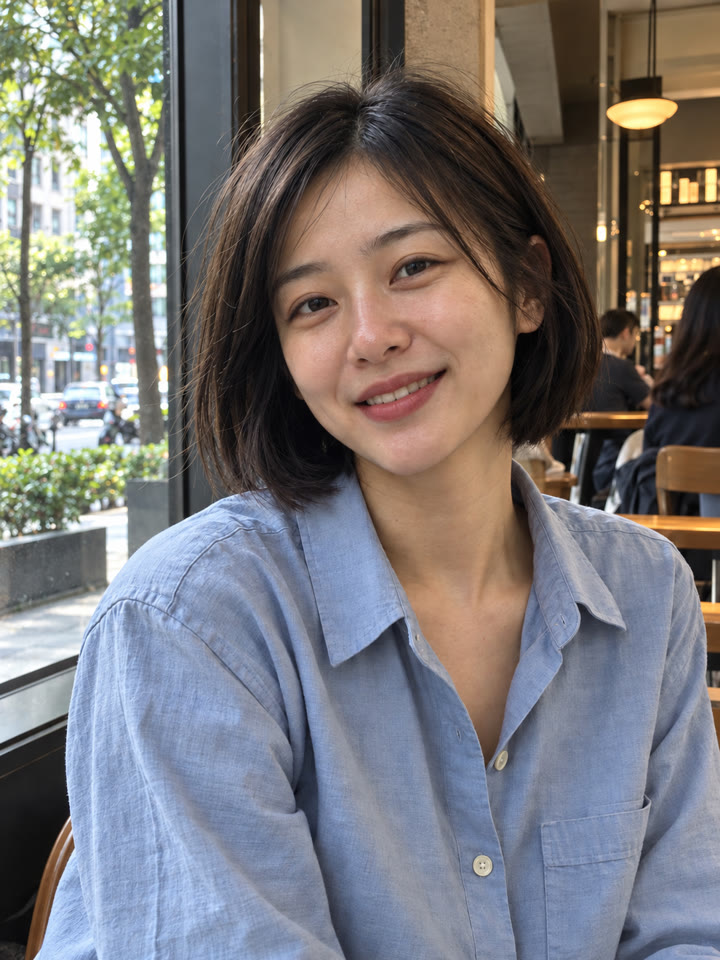
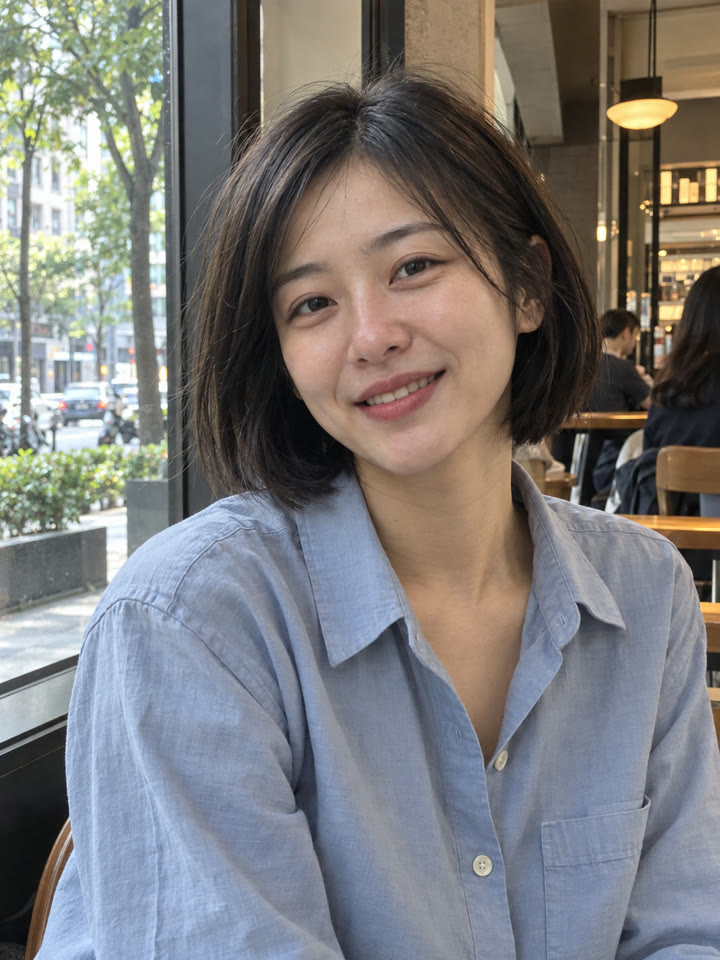 AFTER
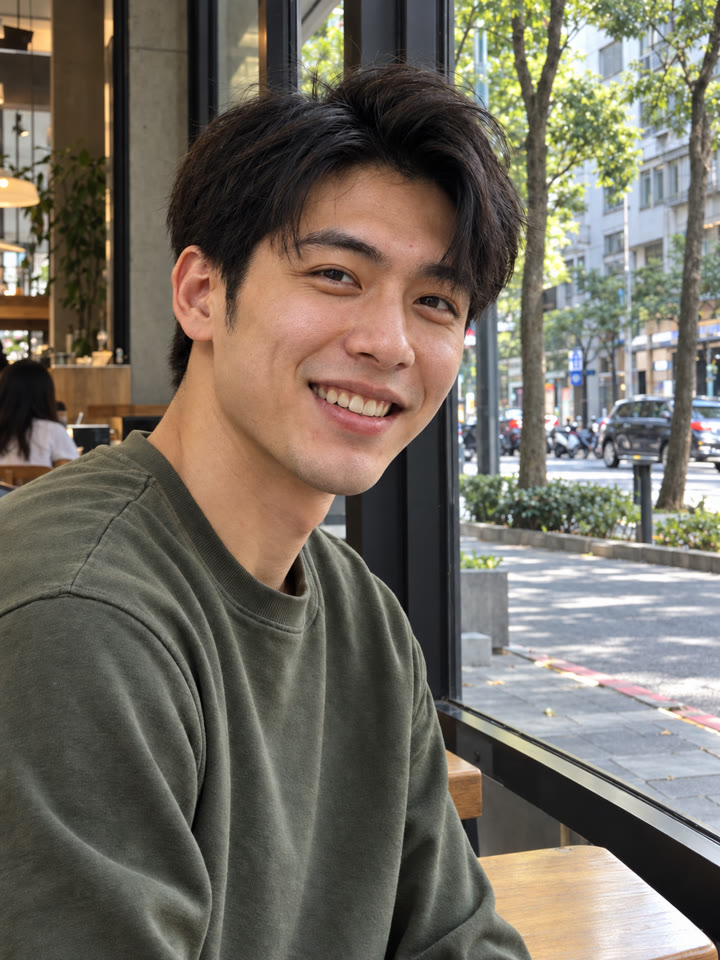
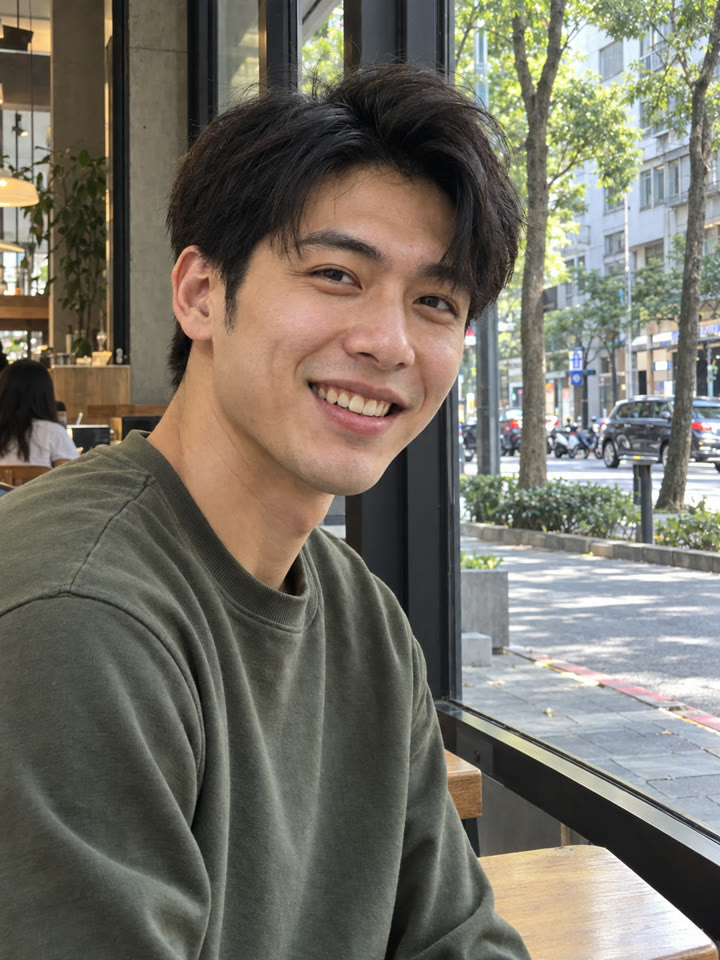 AFTER
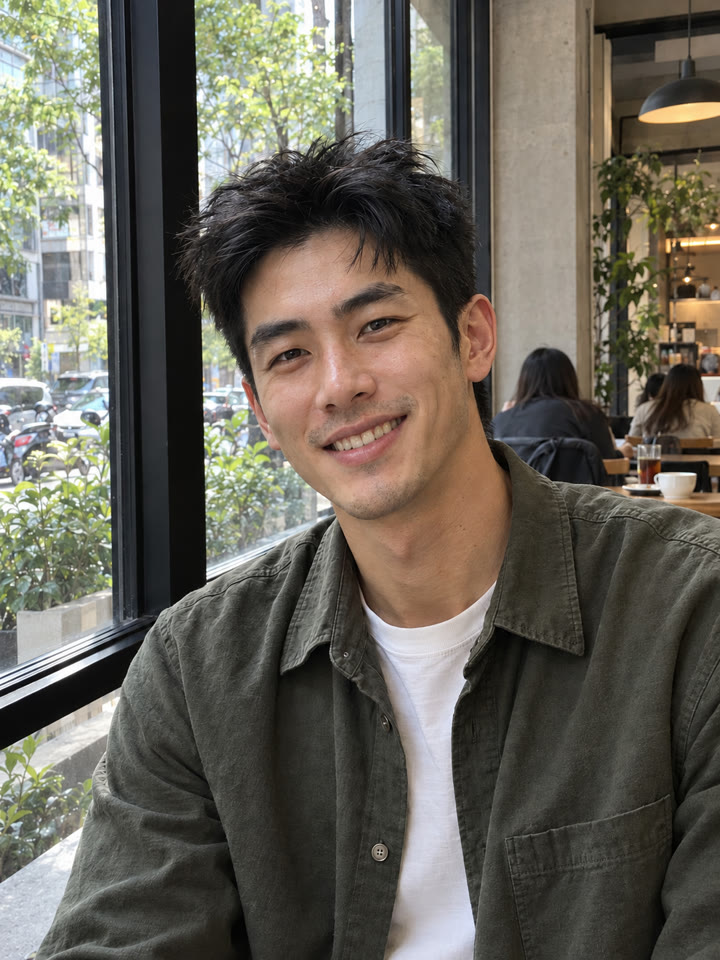
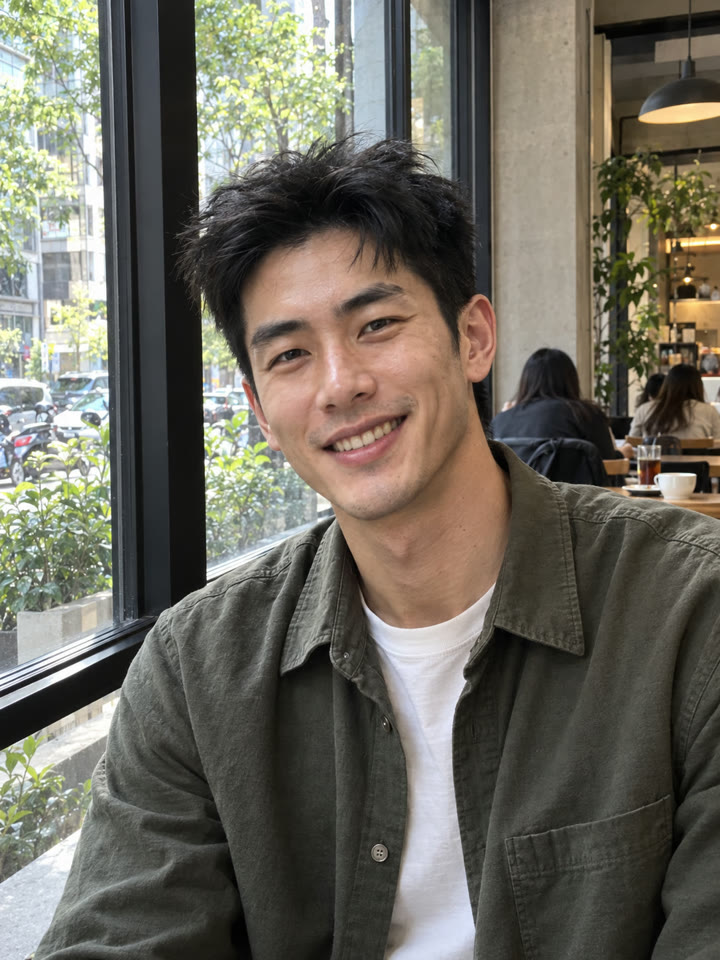 AFTER
 下一個提示詞Frame Break 立體照片|一張照片做出跳出畫框的效果看下一個提示詞 →
效果更好的小技巧
- 先選臉部清楚、壓縮較少的原圖,方便比對五官和細節。
- 提示詞請直接貼英文原文;聊天用中文也沒關係。
- 完成後放大檢查眼睛、嘴唇和臉型;紋理太重時,可請它降低強度、保留柔和感。
- 新增紋理是 AI 生成的合理細節,無法還原照片裡原本看不見的真實毛孔。
每天更新馬上能用的提示詞
在 IG 打開 @_ai.tip.zh