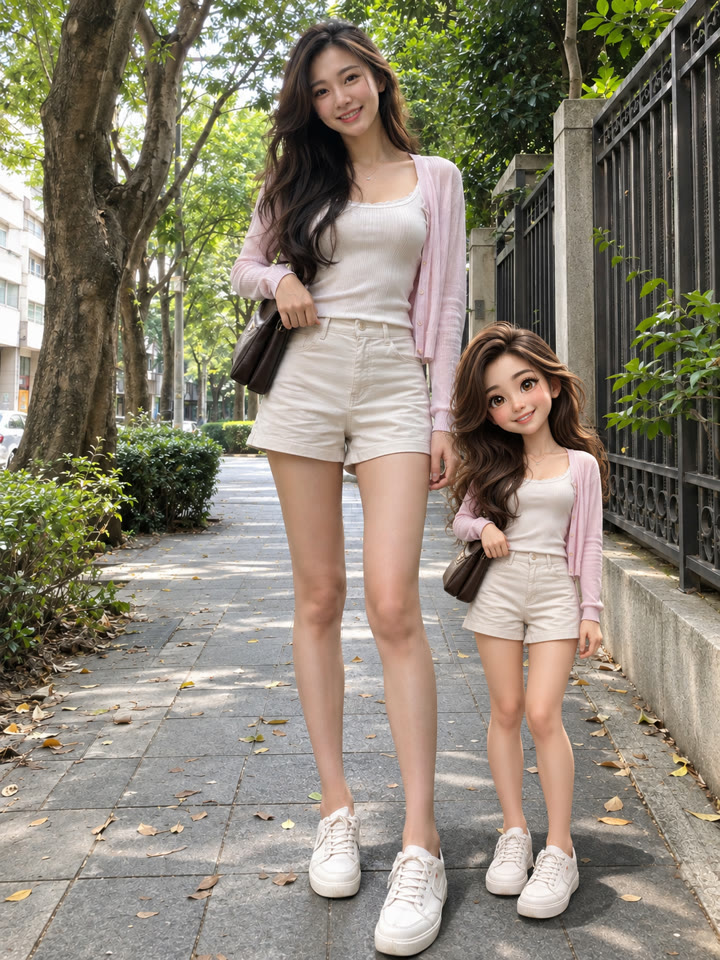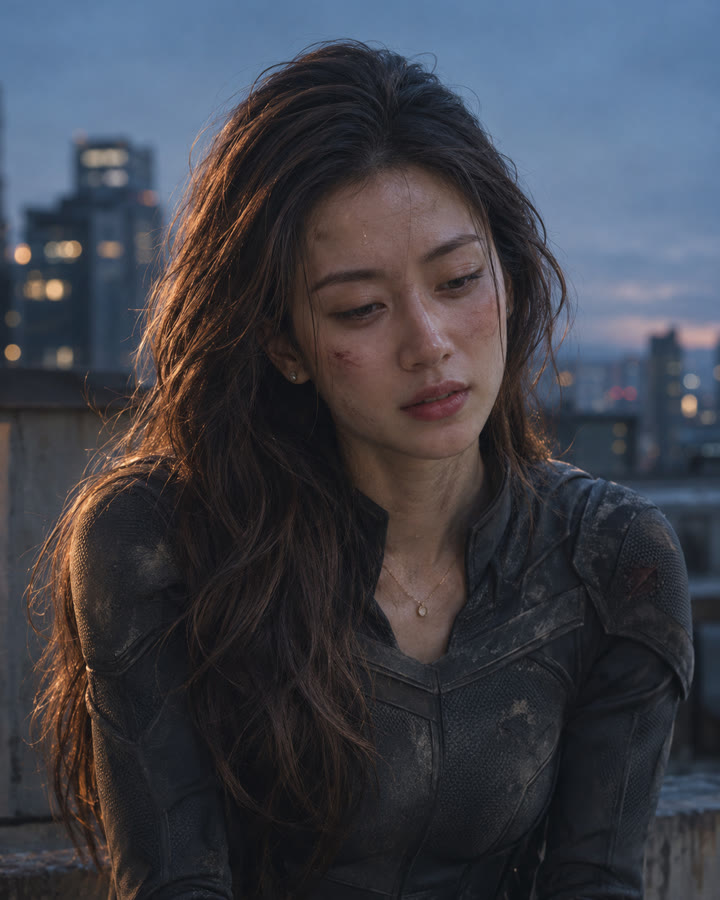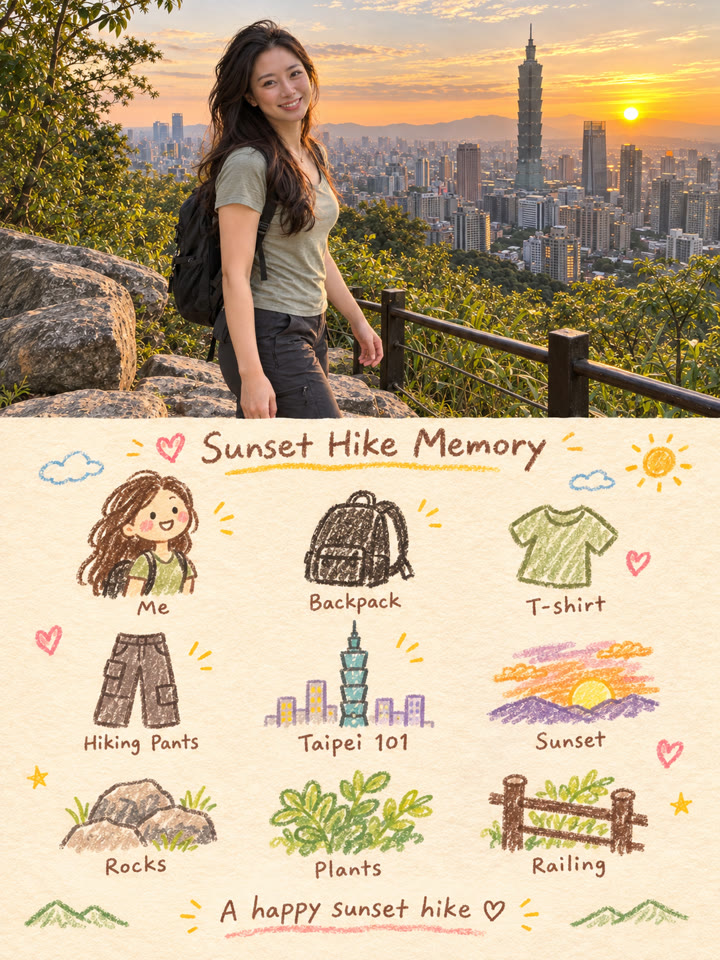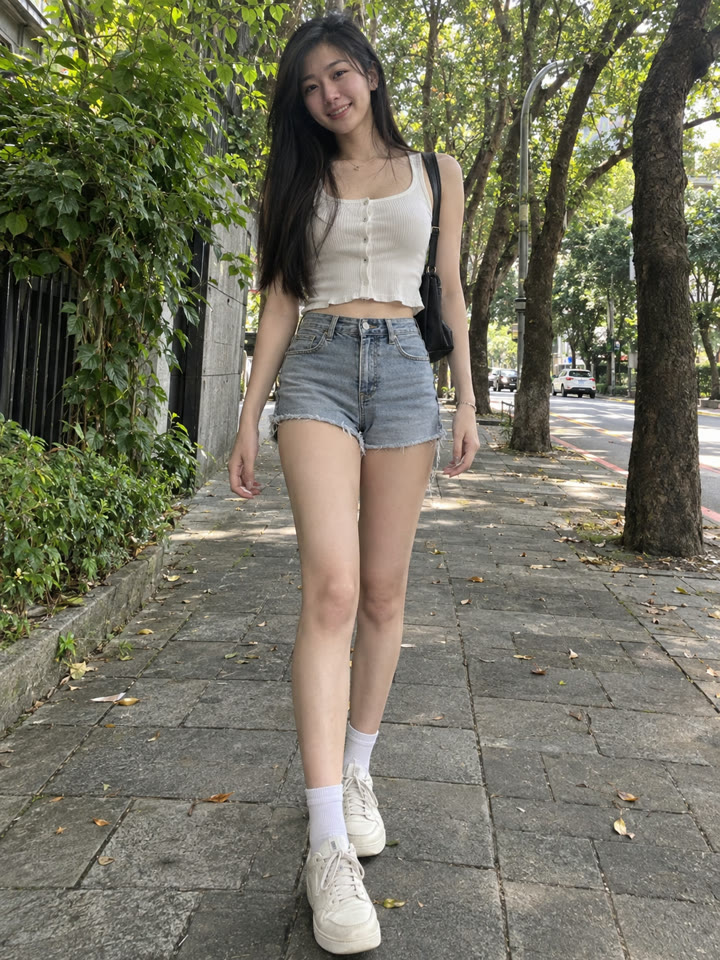
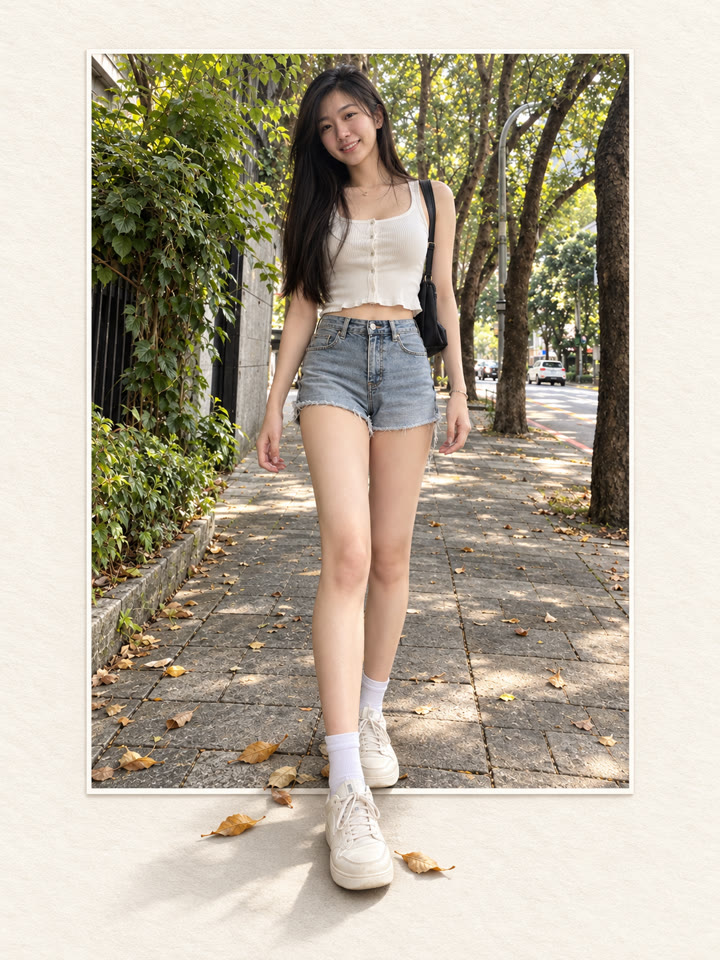
 BEFOREAFTER
左右滑動比較
讓照片跳出畫框,一張照片就能試
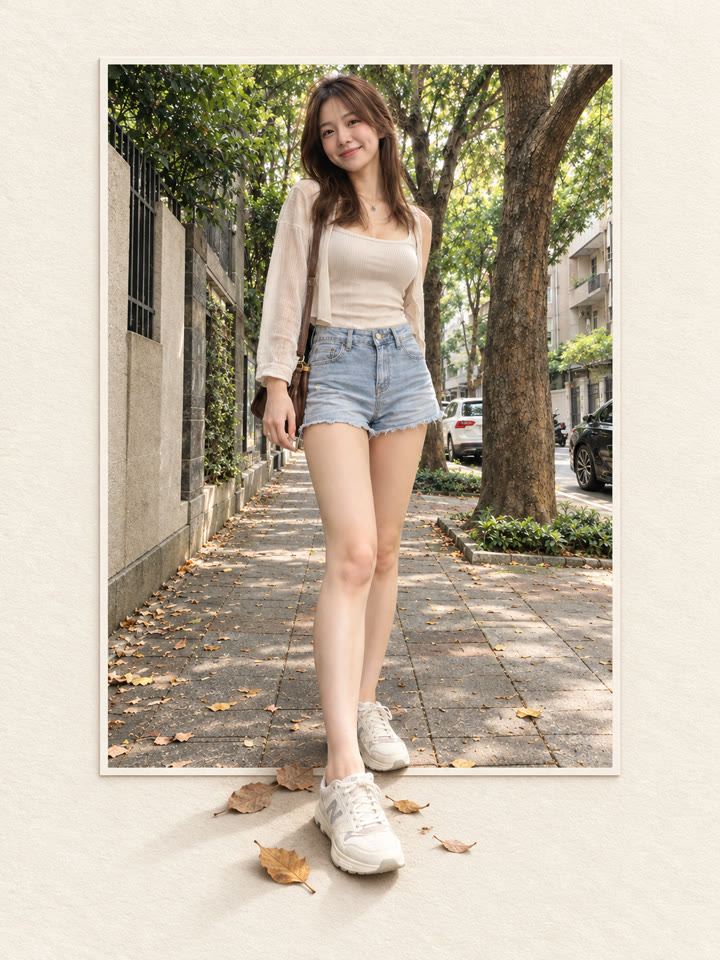
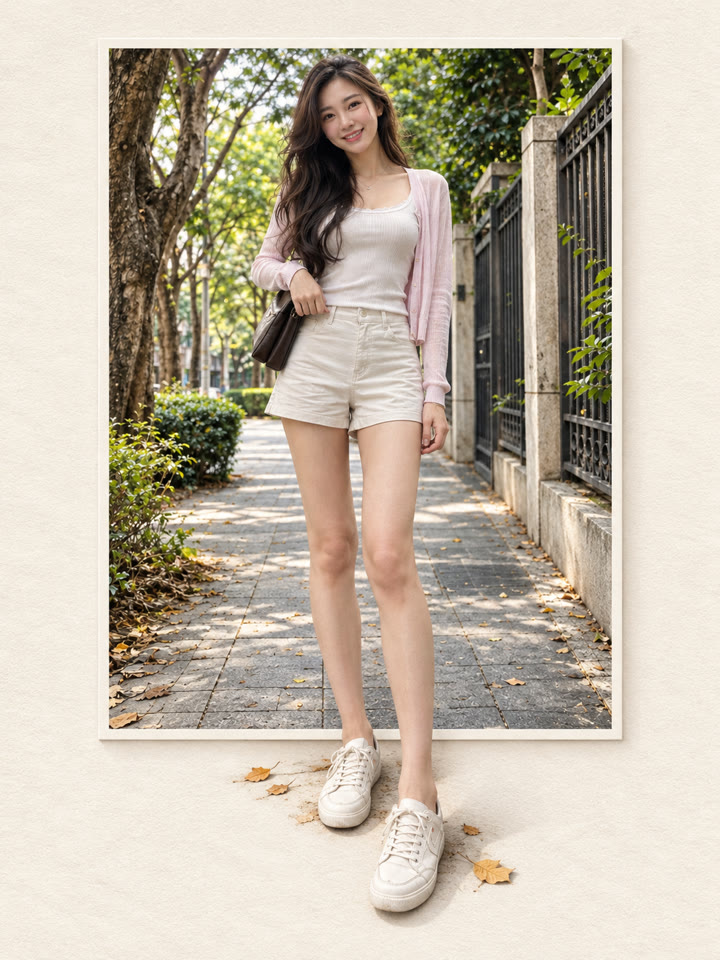
把照片放進暖象牙白紙感背景,讓鞋子、花束或寵物腳掌自然延伸出畫框,做出有層次的立體照片。上傳照片、貼上提示詞就完成。
完成後的畫面感
暖象牙白紙感前景自然出框簡約韓系氛圍
範例由 AI 生成。結果會因輸入照片、模型與設定而異,提示詞不保證產生完全相同的結果。
怎麼用
- 打開 ChatGPT
- 上傳一張照片
- 貼上提示詞,按送出
提示詞(Prompt)
PROMPT · EN
Turn the uploaded photo into a high-end photorealistic frame-break artwork. Use the uploaded photo as the only source. Preserve the exact person, face, hairstyle, outfit, pose, proportions, number of people or animals, and the original scene. Place the photo as a clean rectangular print centered on a warm ivory textured paper background. Keep the top and side edges crisp and clearly visible. Create a strong frame-break effect mainly from the bottom edge: extend only the most suitable foreground elements from the original photo naturally outside the frame, such as legs, shoes, flowers, grass, rocks, paws, or nearby objects. Make them connect seamlessly with the image inside the frame, with realistic perspective, natural shadows, and clean detailed edges. Keep most of the photo inside the rectangle. Only 1–3 foreground elements should break out clearly. The result should feel elegant, minimal, premium, and realistic, like a Taiwanese Pinterest editorial photo artwork. High detail, clean composition, subtle paper texture, soft natural light, realistic skin and textures, polished but natural. No text, no logo, no watermark, no extra people, no extra limbs, no duplicated body parts, no face change, no outfit change, no cartoon effect, no messy cutout, no excessive 3D CGI, no blurry edges.
提示詞請直接貼英文原文,效果最好;聊天用中文也沒關係。
再領 5 種提示詞變化版
留下 Email,領取這組提示詞的 5 種變化版,每週再收到精選實用提示詞。
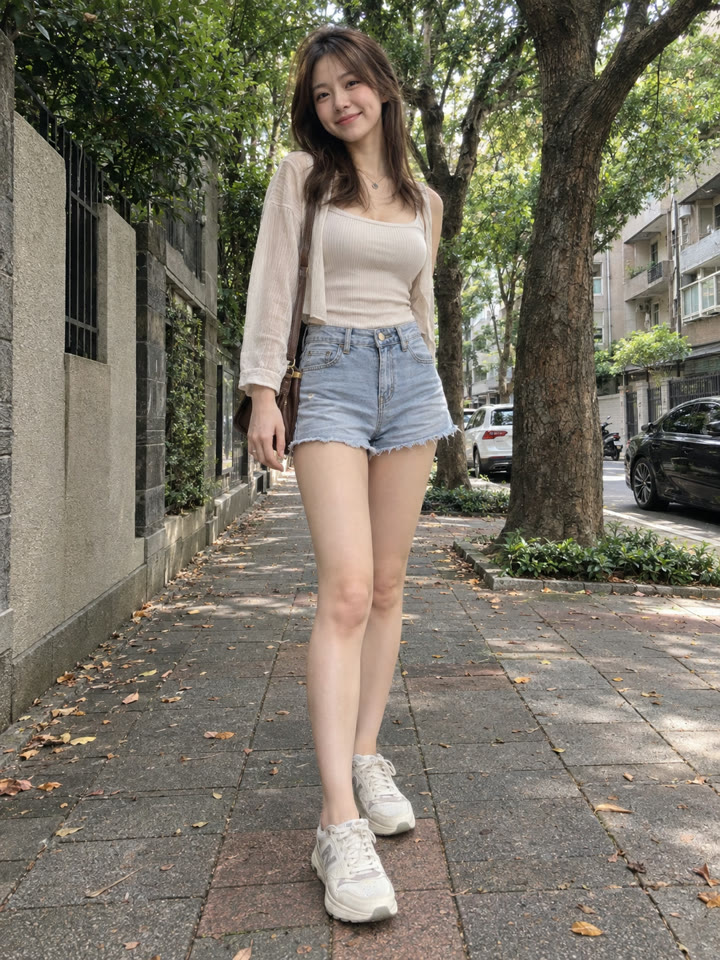
實際效果
長按照片可以看原圖滑鼠移到照片上可以看原圖
 AFTER
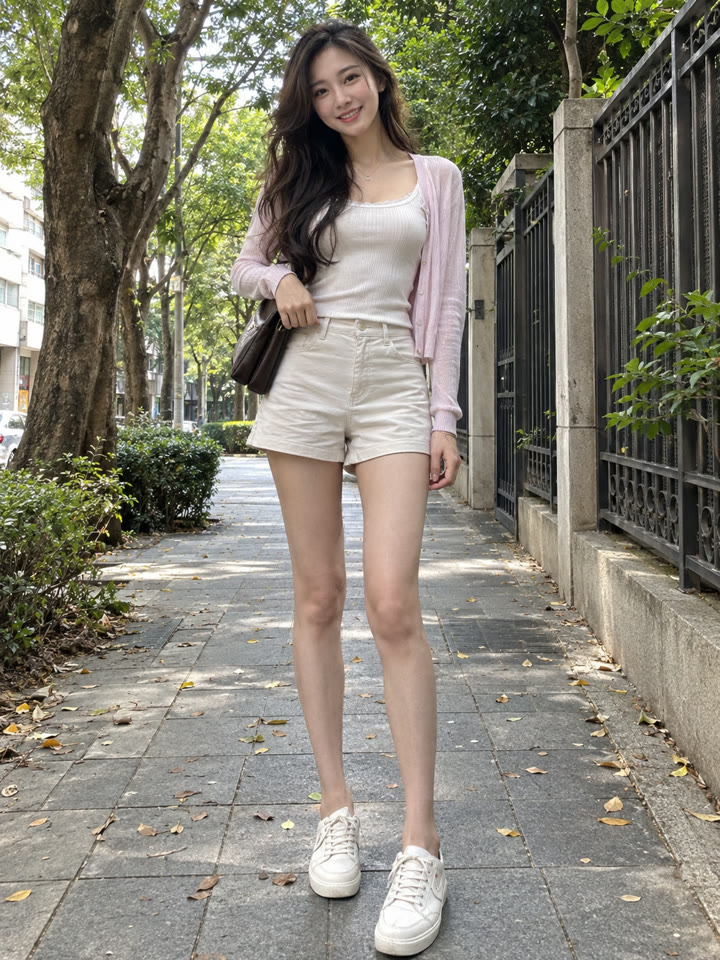 AFTER
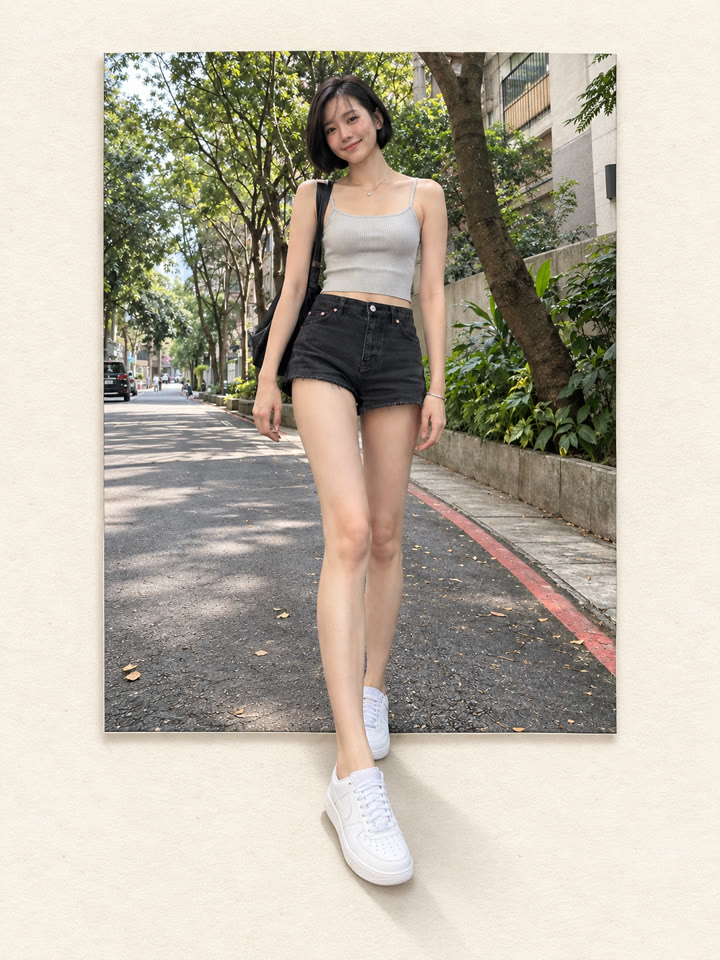
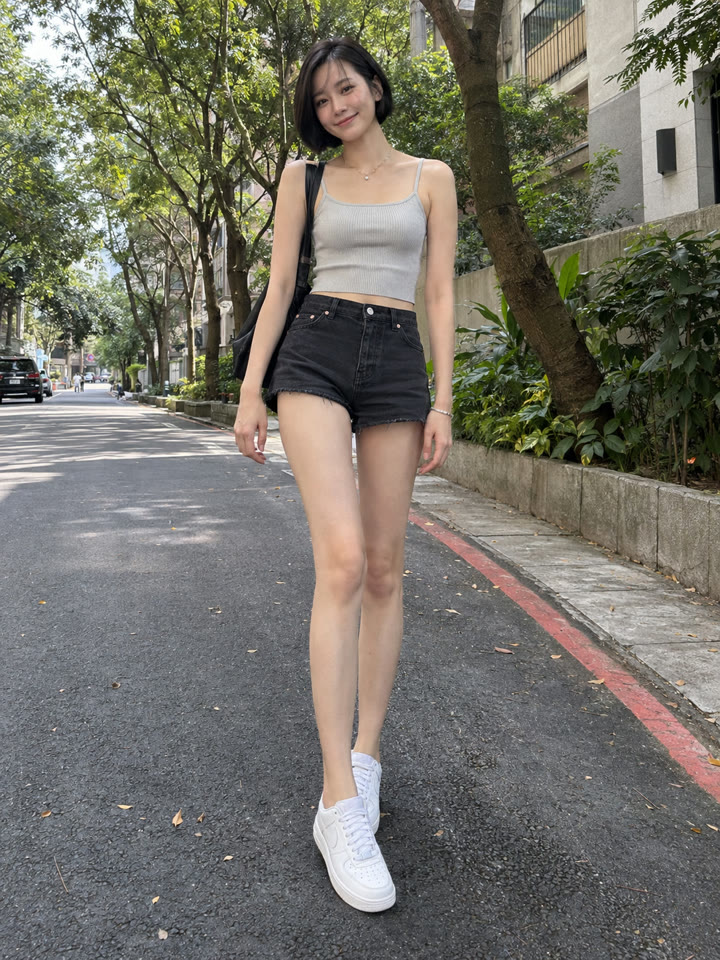 AFTER
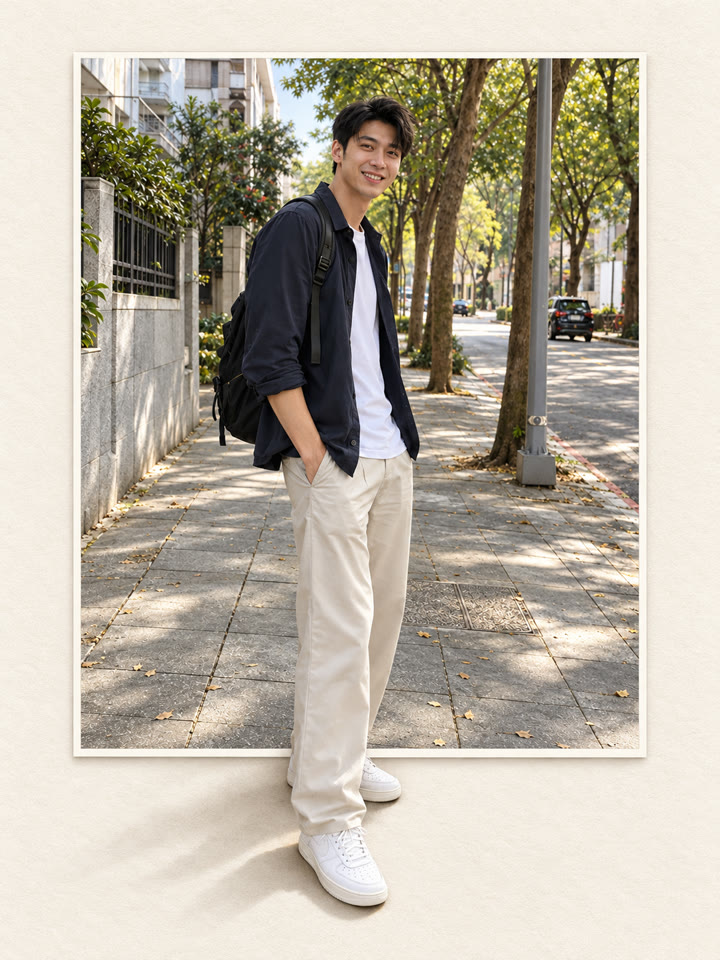
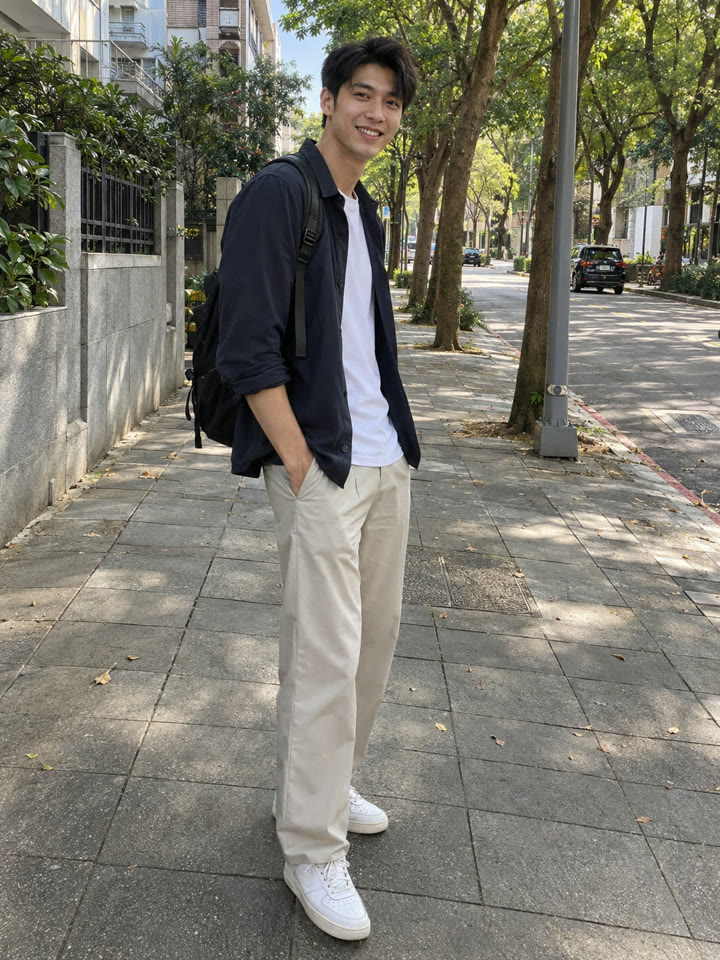 AFTER
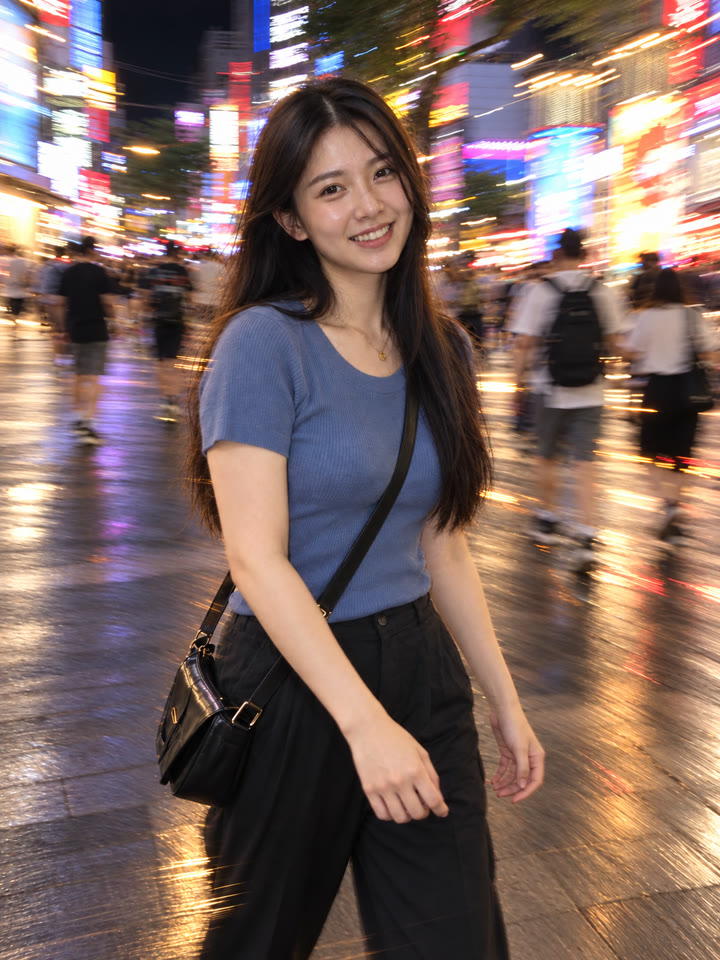 下一個提示詞ChatGPT 慢門閃燈修圖|一張照片變夜拍氛圍照看下一個提示詞 →
效果更好的小技巧
- 選腿和鞋子完整入鏡的照片,或下方有花草、石頭、寵物腳掌的畫面,前景比較容易自然延伸。
- 讓大部分照片留在矩形裡,只讓 1~3 個前景元素出框,畫面更俐落。
- 提示詞請直接貼英文原文,效果最好;聊天用中文也沒關係。
- 效果會隨原圖而異,完成後檢查臉、手腳與物件邊緣;如果銜接不自然,可以用同一張照片重新生成。
每天更新馬上能用的提示詞
在 IG 打開 @_ai.tip.zh