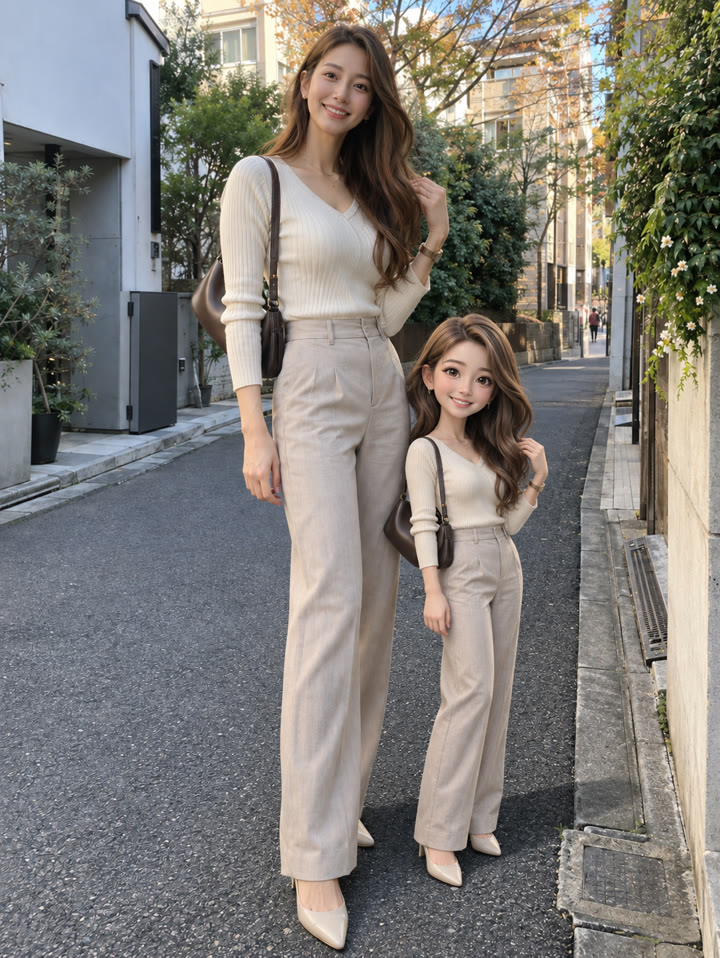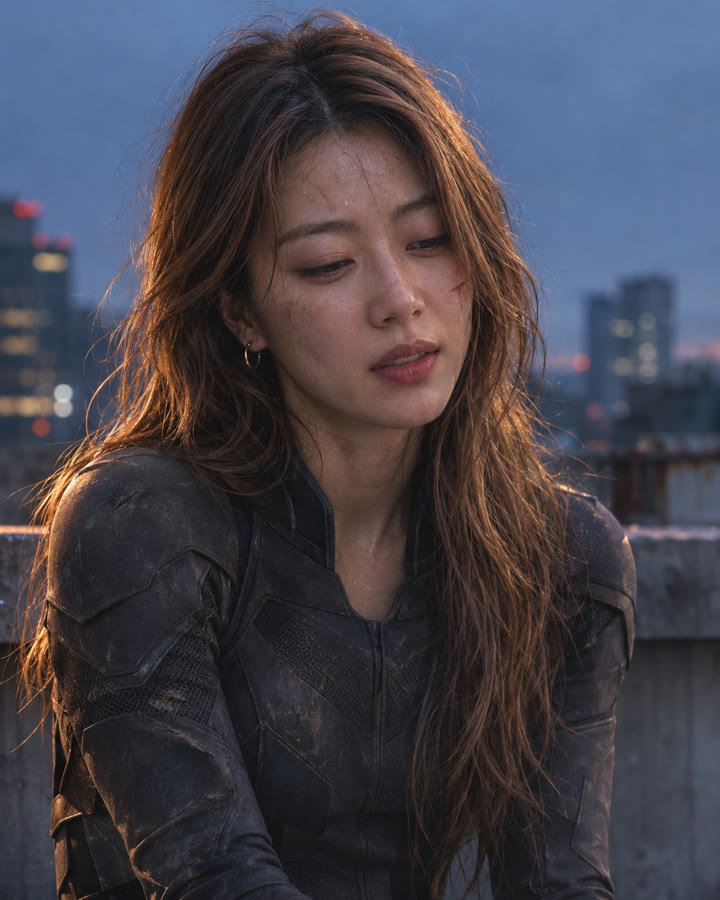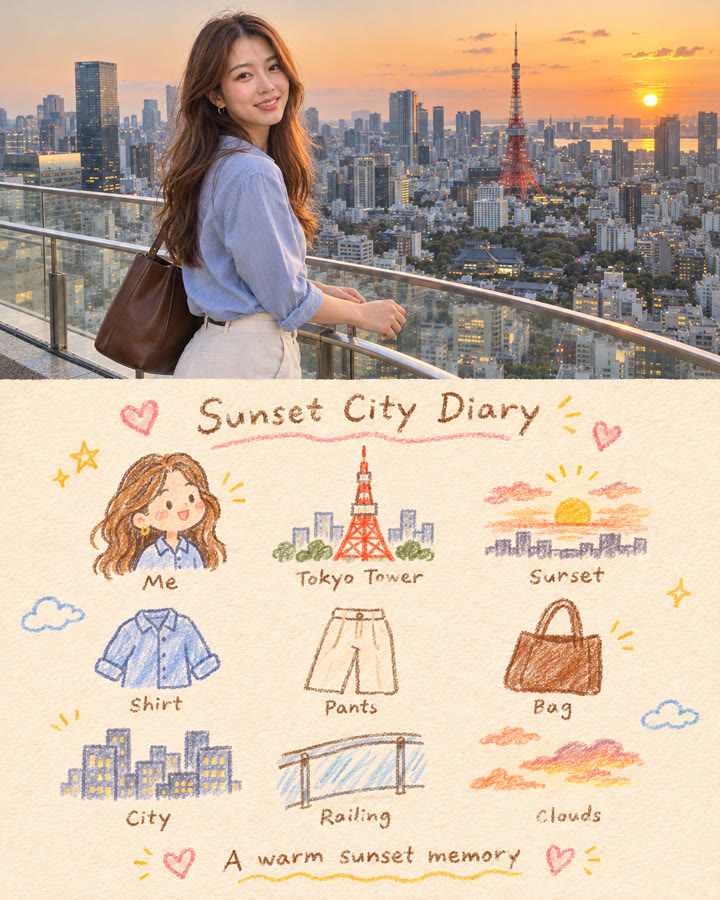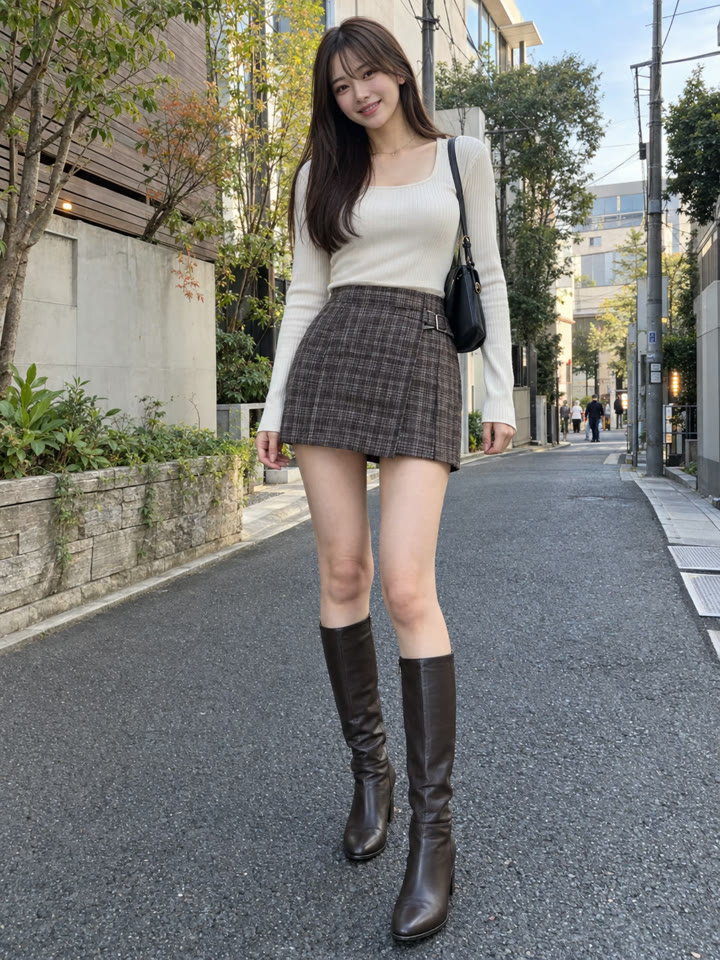
 BEFOREAFTER
スライドして比べる
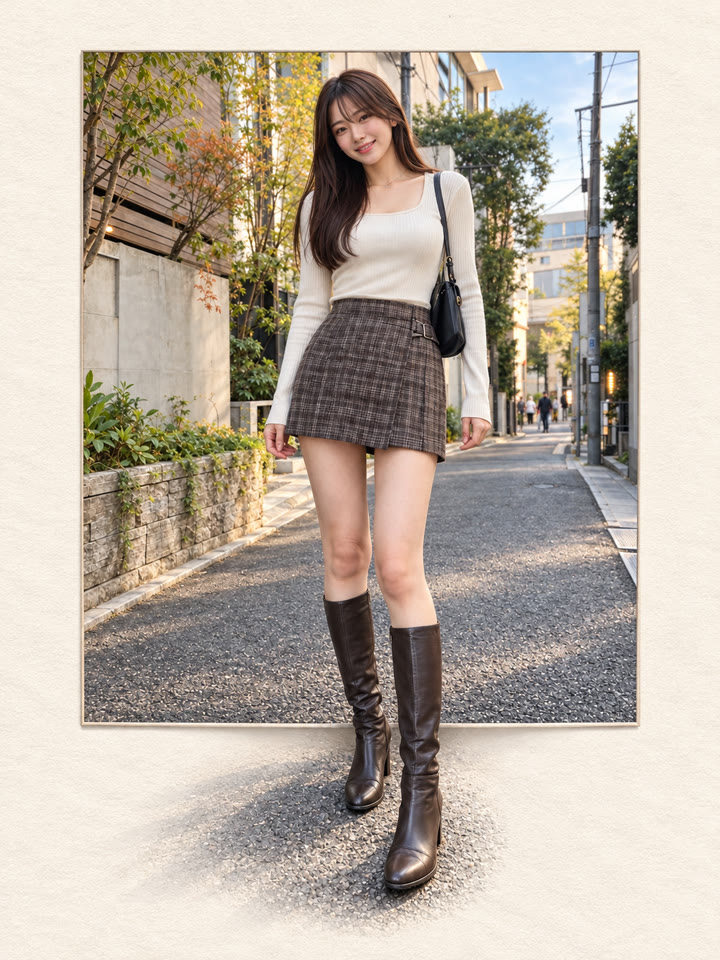
写真が飛び出す「フレームブレイク」アートの作り方
ChatGPTで、写真の一部がフレームの外へ自然につながるフォトアートを作れます。写真を1枚アップして、下のプロンプトを英語のままコピペするだけで試せます。
こんな雰囲気に仕上がります
フレームを越える立体感アイボリーの紙質感やわらかな自然光
作例はAI生成です。入力写真、モデル、設定によって結果は異なり、同じ仕上がりを保証するものではありません。
使い方
- ChatGPTを開きます
- 加工したい写真を1枚アップします
- 下のプロンプトを英語のまま貼り付けて送信します
プロンプト
PROMPT · EN
Turn the uploaded photo into a high-end photorealistic frame-break artwork. Use the uploaded photo as the only source. Preserve the exact person, face, hairstyle, outfit, pose, proportions, number of people or animals, and the original scene. Place the photo as a clean rectangular print centered on a warm ivory textured paper background. Keep the top and side edges crisp and clearly visible. Create a strong frame-break effect mainly from the bottom edge: extend only the most suitable foreground elements from the original photo naturally outside the frame, such as legs, shoes, flowers, grass, rocks, paws, or nearby objects. Make them connect seamlessly with the image inside the frame, with realistic perspective, natural shadows, and clean detailed edges. Keep most of the photo inside the rectangle. Only 1–3 foreground elements should break out clearly. The result should feel elegant, minimal, premium, and realistic, like a Japanese Pinterest editorial photo artwork. High detail, clean composition, subtle paper texture, soft natural light, realistic skin and textures, polished but natural. No text, no logo, no watermark, no extra people, no extra limbs, no duplicated body parts, no face change, no outfit change, no cartoon effect, no messy cutout, no excessive 3D CGI, no blurry edges.
英語のまま貼り付けるのがいちばんきれいに仕上がります(やりとりは日本語でOK)。
メール登録で、アレンジ5種類も
メール登録で、このプロンプトのアレンジ5種類をお届けします。毎週、おすすめのプロンプトもまとめて受け取れます。 人物はAIで生成した架空の人物です
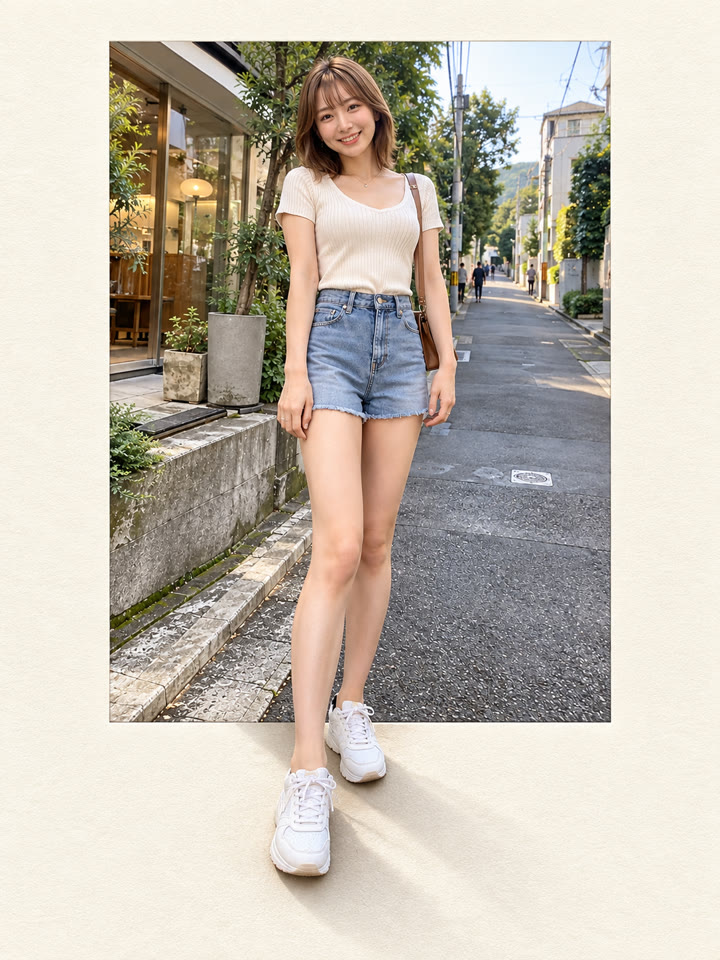
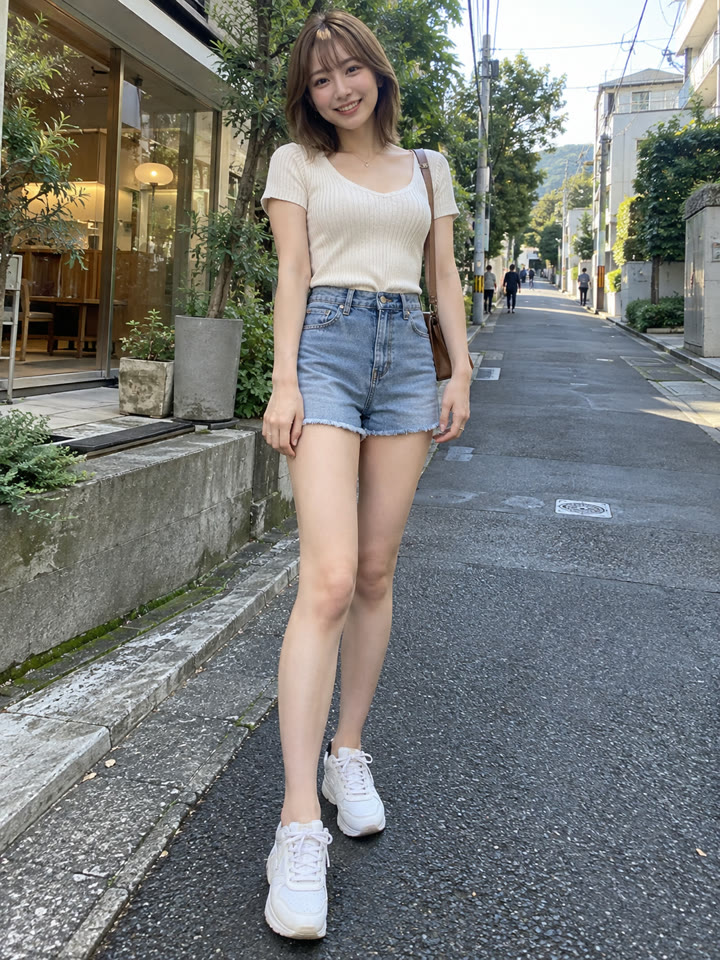
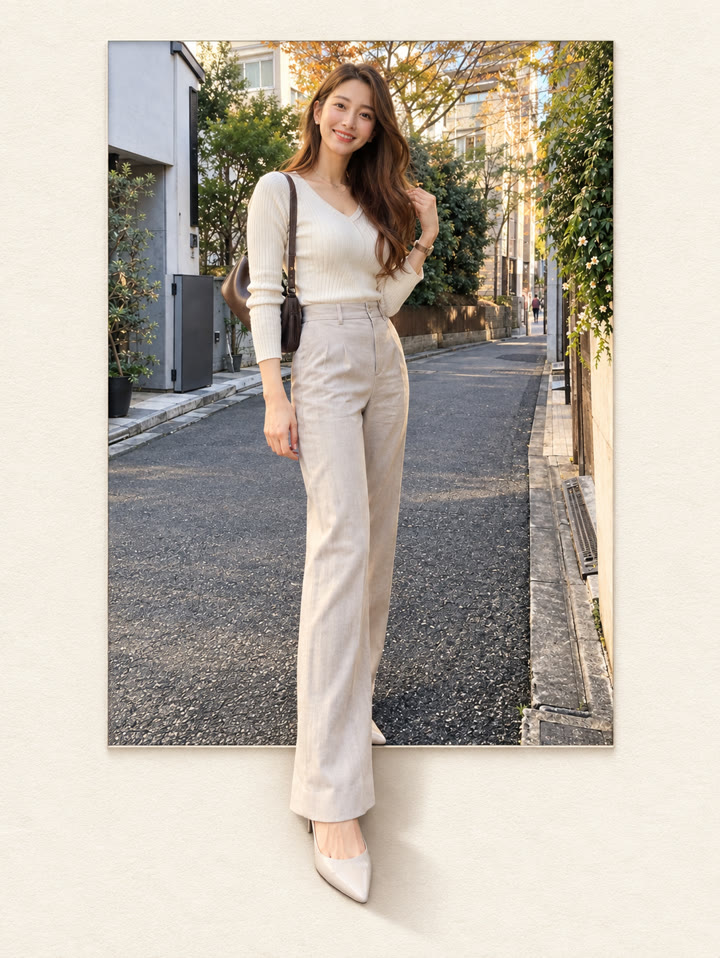
作例
写真を長押しすると元の写真が見られます写真にカーソルを合わせると元の写真が見られます
 AFTER
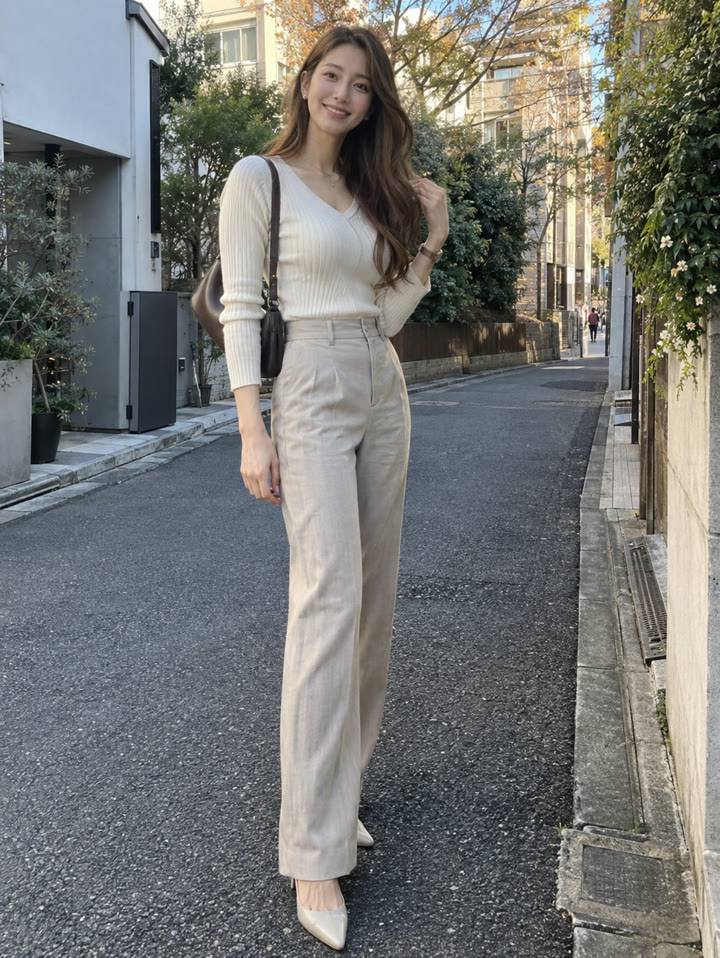 AFTER
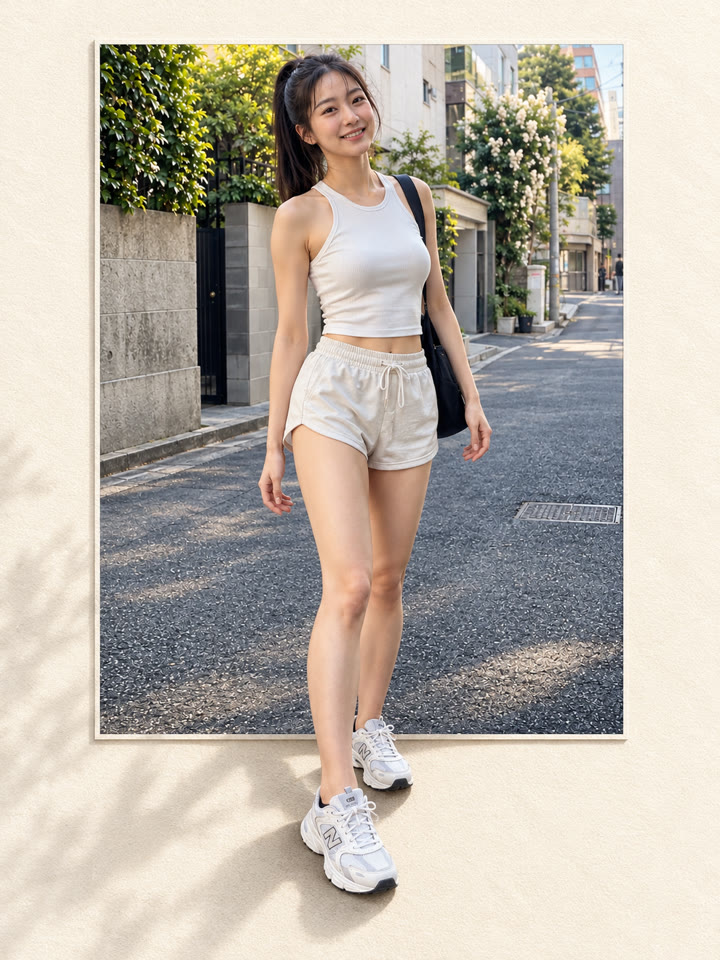
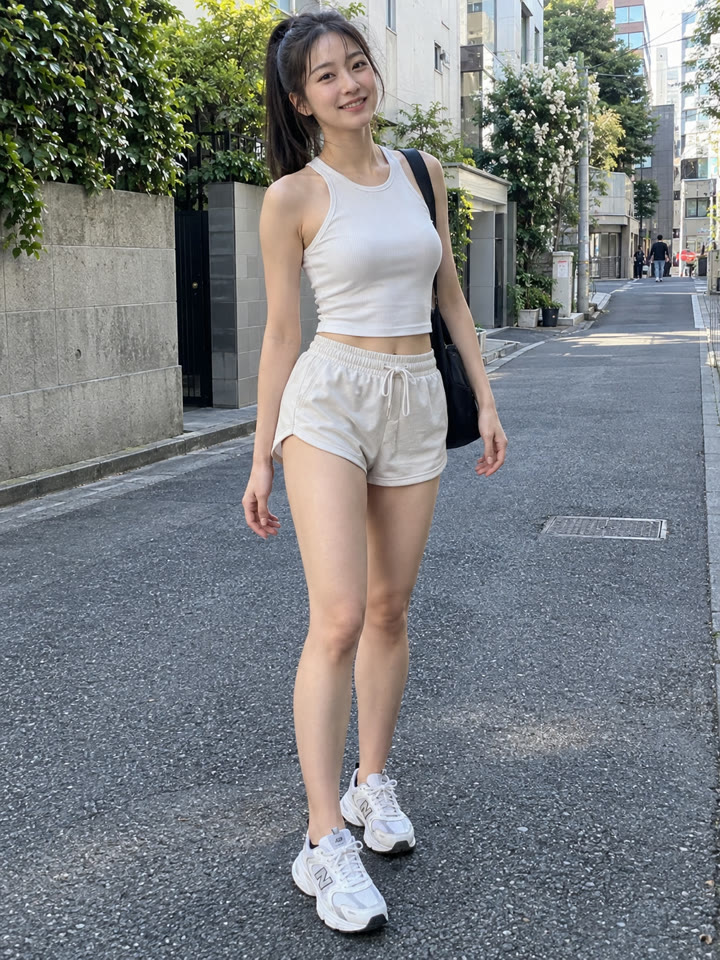 AFTER
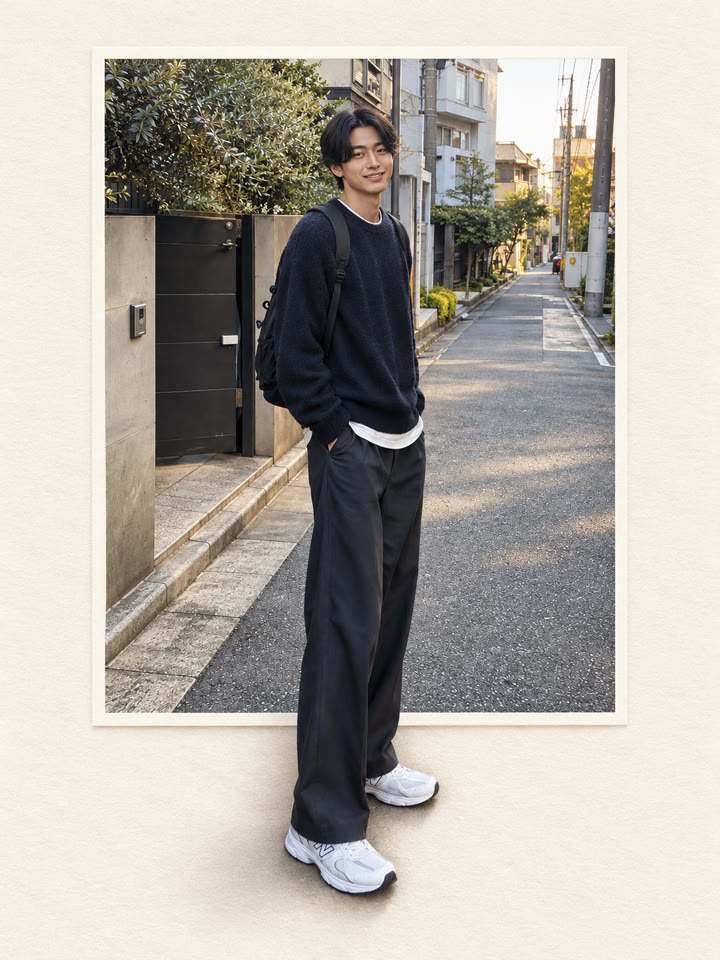
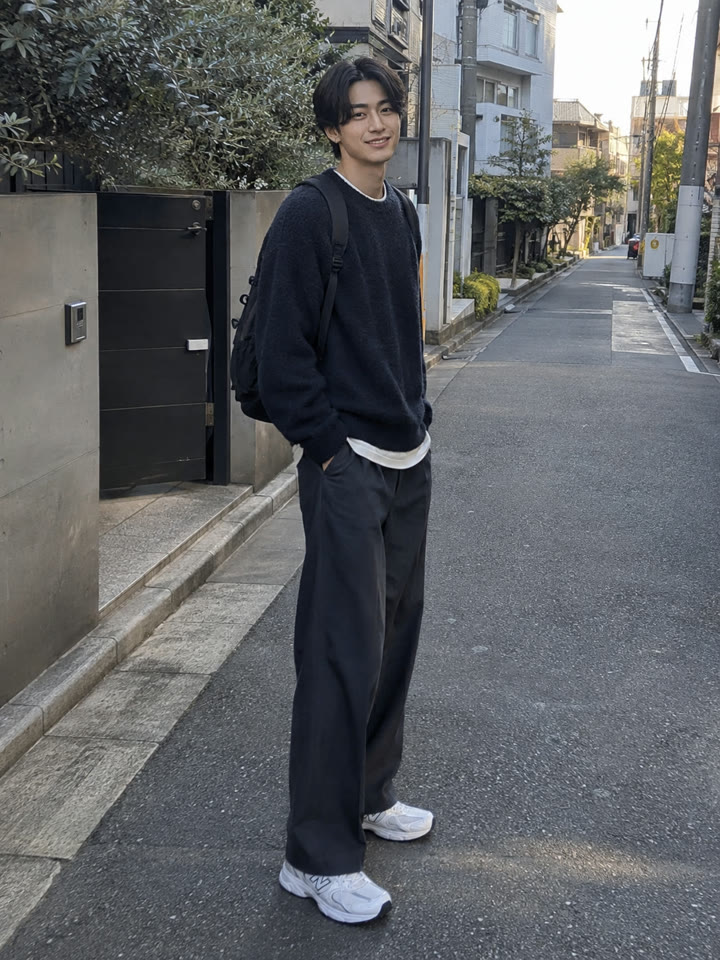 AFTER
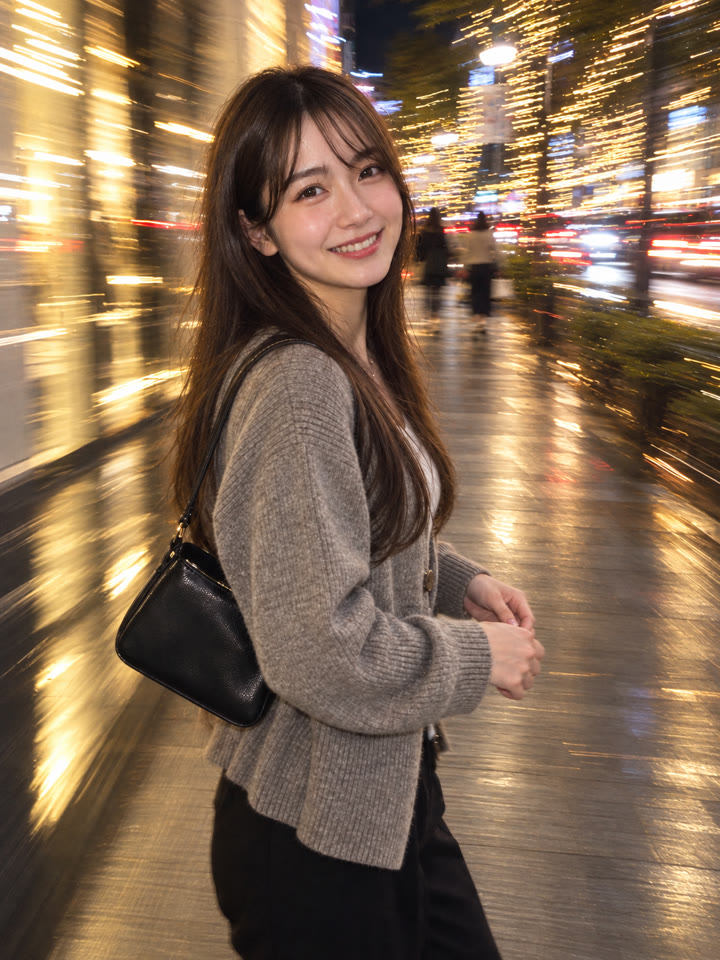 次のプロンプト写真1枚で、フラッシュ風のエモい夜スナップに次のプロンプトへ →
きれいに仕上げるコツ
- 足元まで写った全身写真がおすすめです。靴や脚が写真の下側に見えていると、外へ続く表現になじみやすいです。
- 花・草・岩・ペットの足など、手前のものが下側に写った写真でも試せます。
- 写真の大部分を四角い枠の中に残し、飛び出す要素を1〜3か所に絞ると、すっきりした印象に仕上がります。
- 仕上がりはAIや元の写真によって変わります。保存前に顔・手足・人数・服などを確認し、不自然な部分があれば同じ写真で再生成するのもおすすめです。
コピペで使えるAI写真ワザを毎日更新中
インスタで @_ai.tip.jp を開く