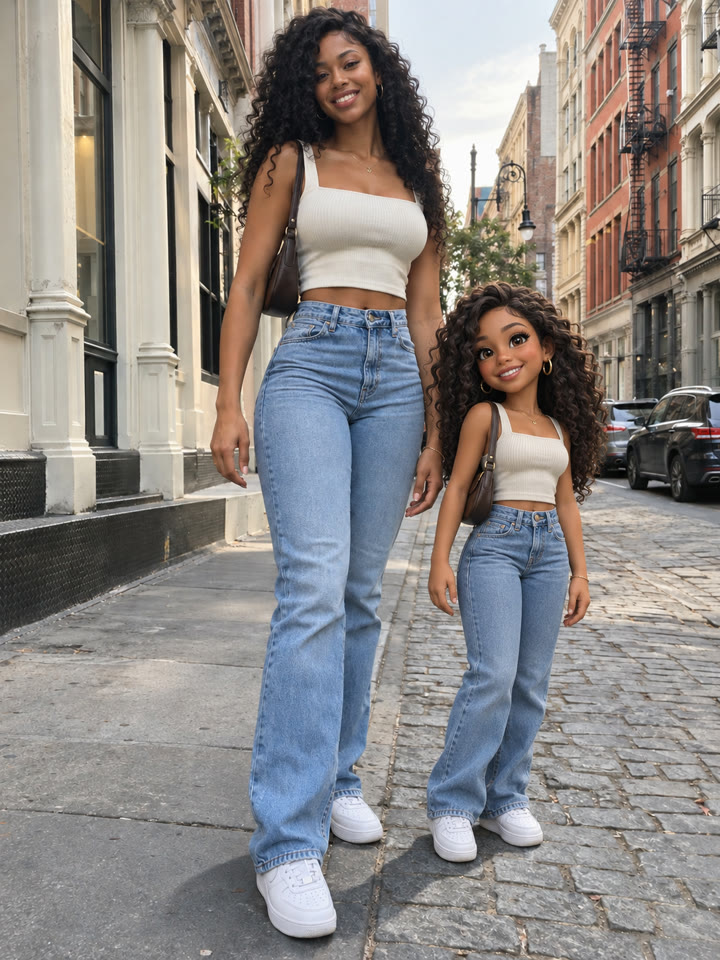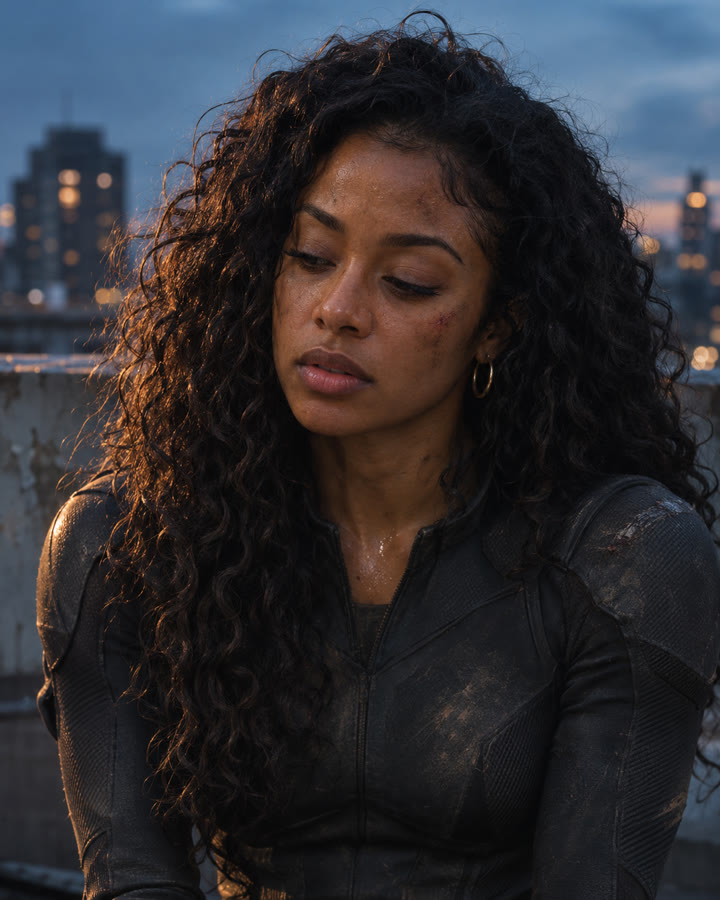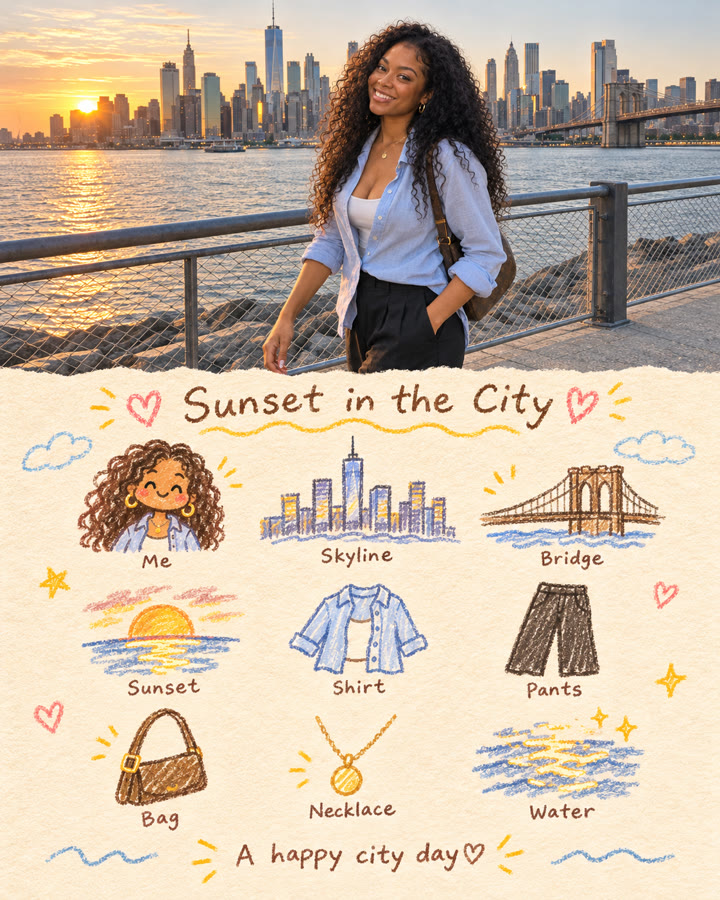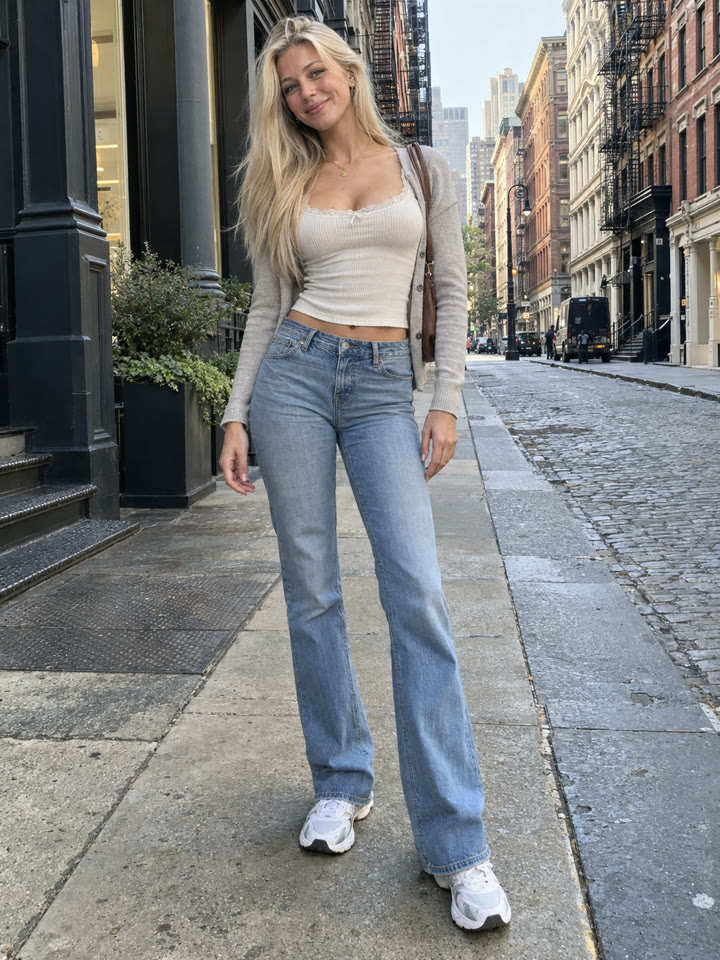
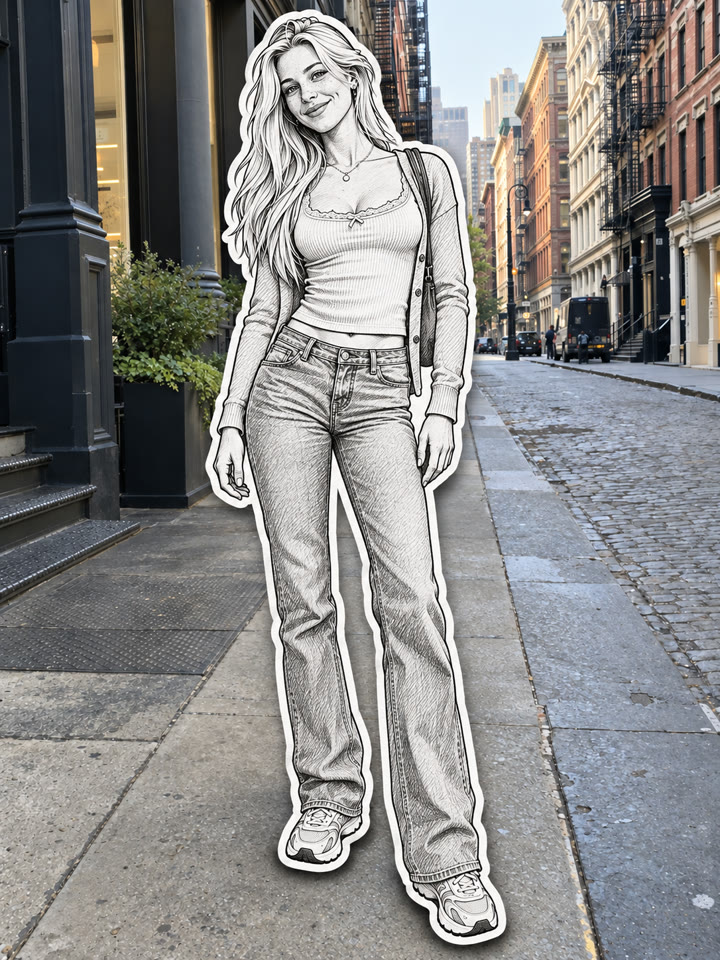
 BEFOREAFTER
Drag to compare
Turn the People in Your Photo Into Paper Stickers
Upload one photo to ChatGPT and use this copy-paste prompt to give the people a black-and-white paper sticker look. The prompt asks ChatGPT to preserve their features, outfits, and poses while keeping the original background unchanged.
The look
Black-and-white line artThick white bordersSoft paper shadows
These are AI-generated examples. Results can vary with the input photo, model and settings; the prompt does not guarantee an identical result.
How to use it
- Open ChatGPT.
- Upload one photo with clearly visible people.
- Copy the prompt below, paste it into the chat, and send.
The prompt
PROMPT · EN
Transform the uploaded photo into a realistic paper sticker effect. Keep the original background fully photorealistic and unchanged. Convert all visible people into black-and-white hand-drawn paper sticker illustrations, while preserving the exact number of people, each person’s identity, face, hairstyle, outfit, accessories, pose, position, body proportions, and framing. Use clean black ink line art, subtle sketch shading, a thick white cutout border, and a soft natural drop shadow around each person so they look like physical paper stickers placed over the real photograph. Important: output only the final transformed image. Do not include the original photo as an inset, thumbnail, before-image, comparison image, collage, split screen, or picture-in-picture. Do not add or remove people, change clothes or poses, alter the background, add extra objects, text, logos, or watermarks.
Paste it in English exactly as written. It works best that way, even if you chat in another language.
Get 5 more ways to try this look
Sign up by email for 5 variations of this prompt, plus the week's best prompts delivered every week.
Results
Press and hold a photo to see the originalHover a photo to see the original
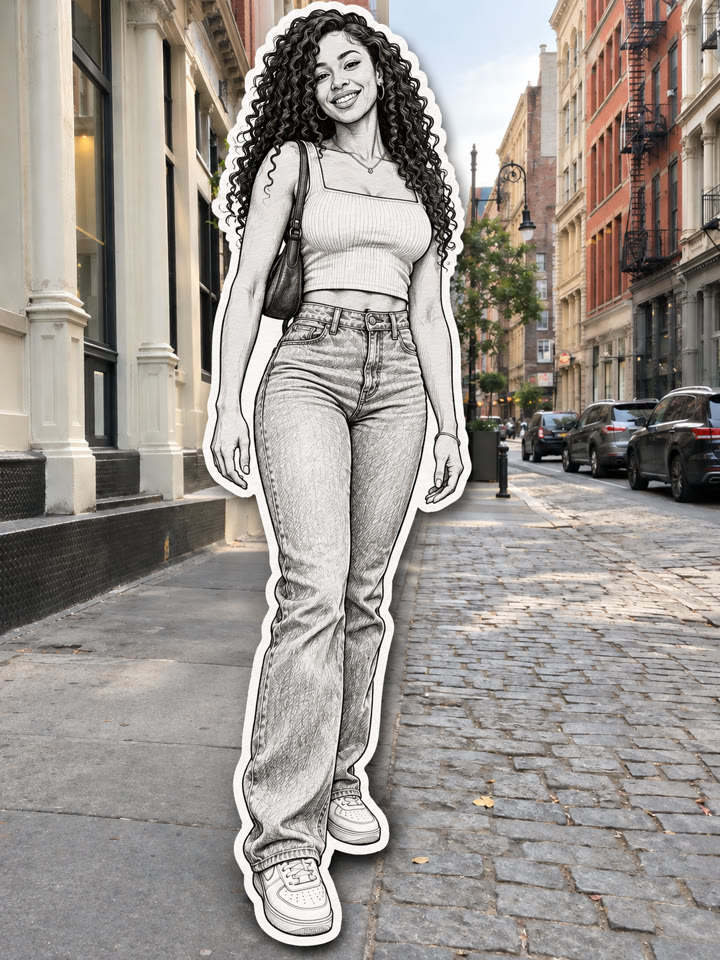
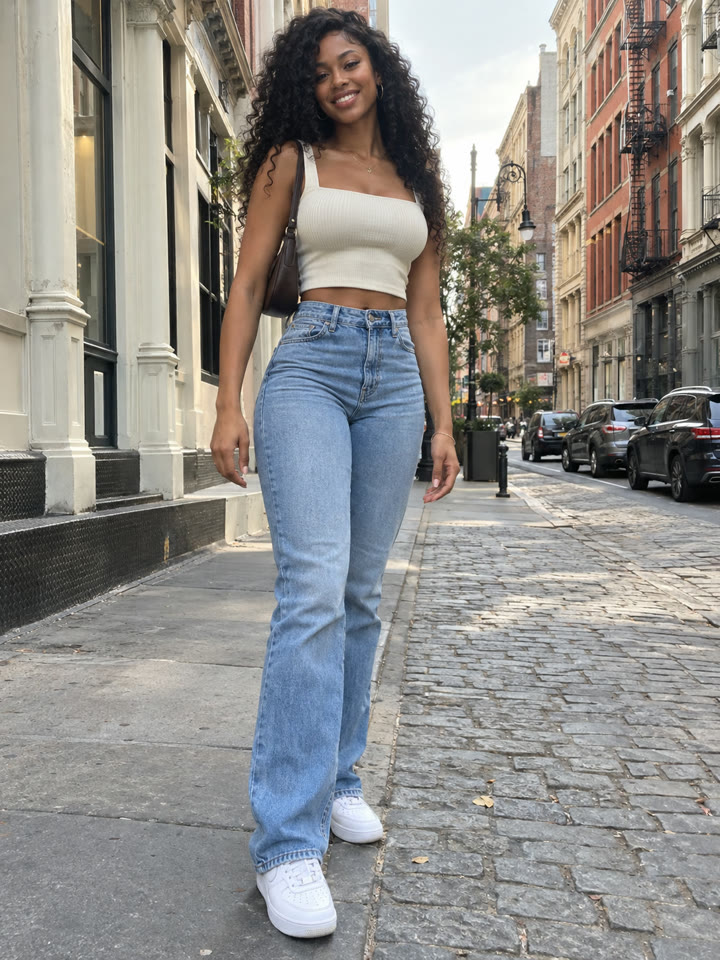 AFTER
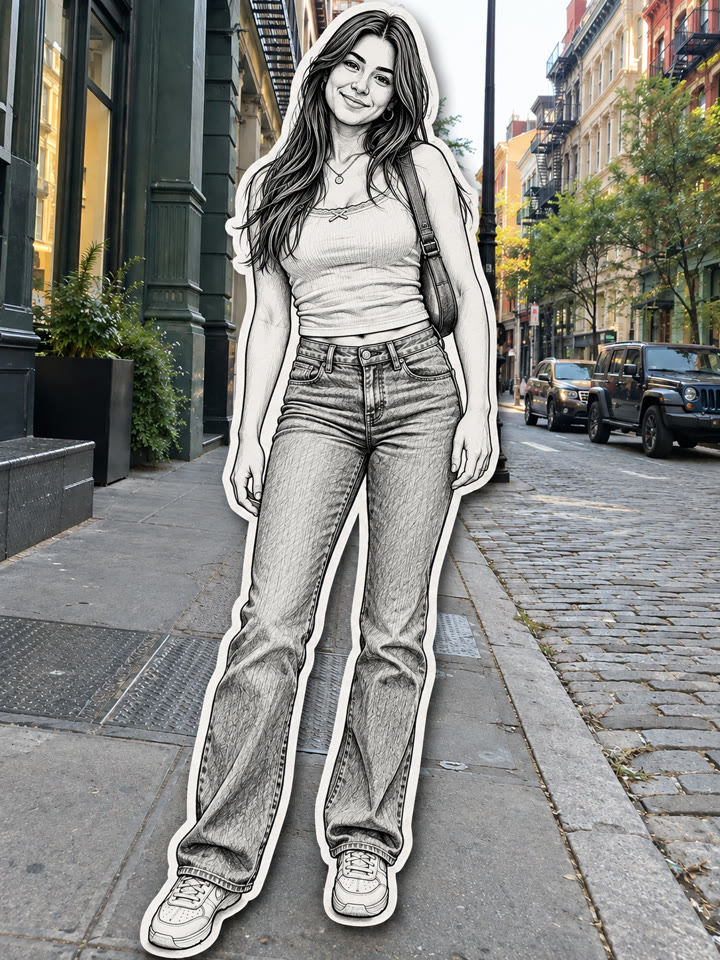
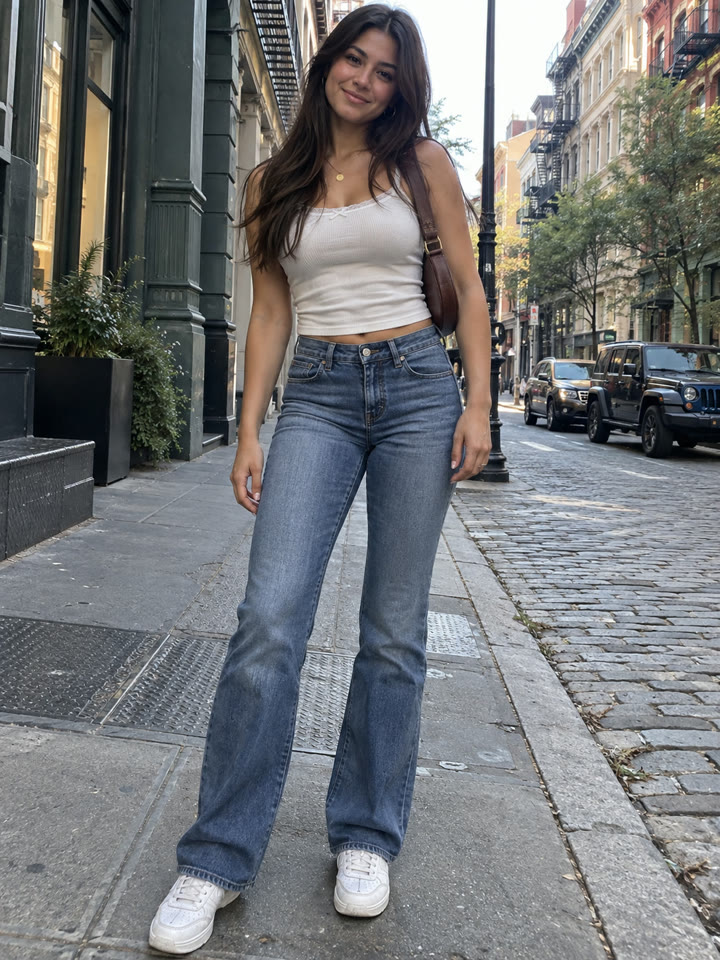 AFTER
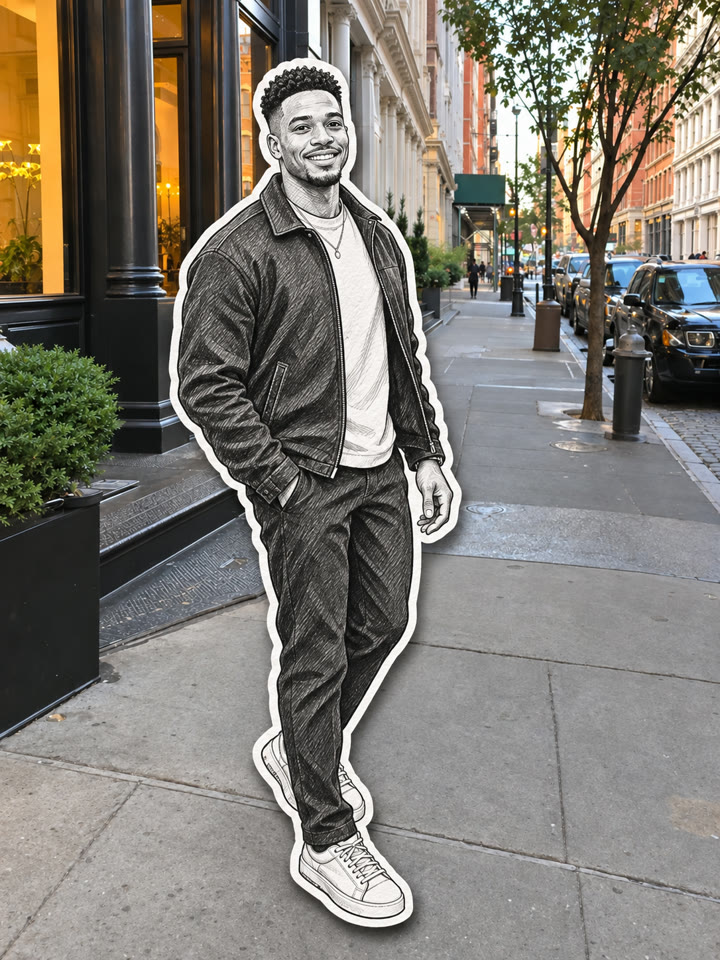
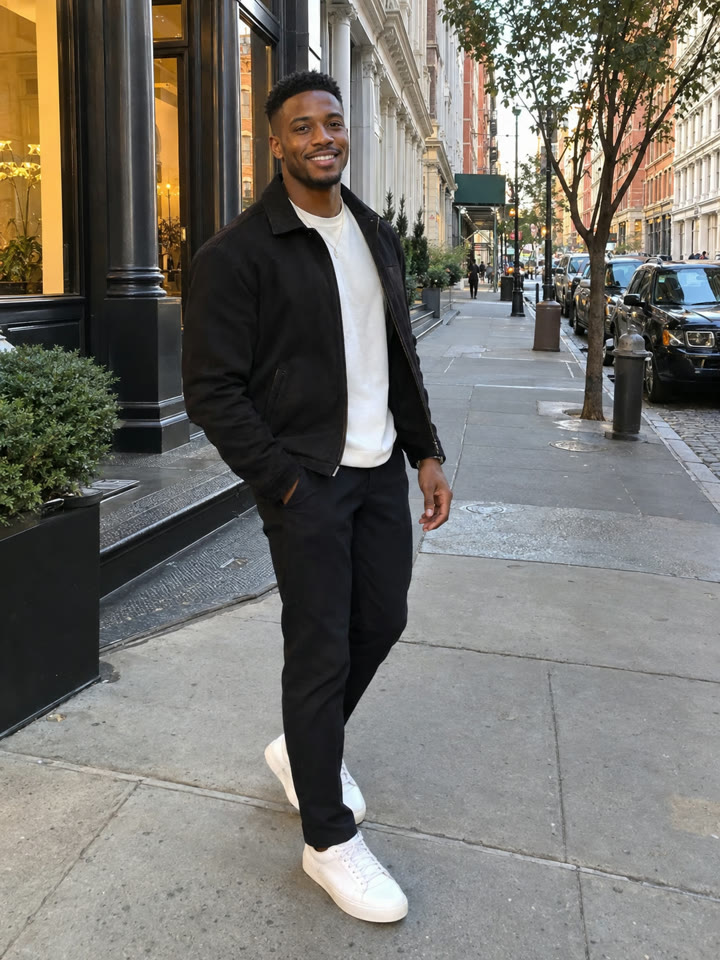 AFTER
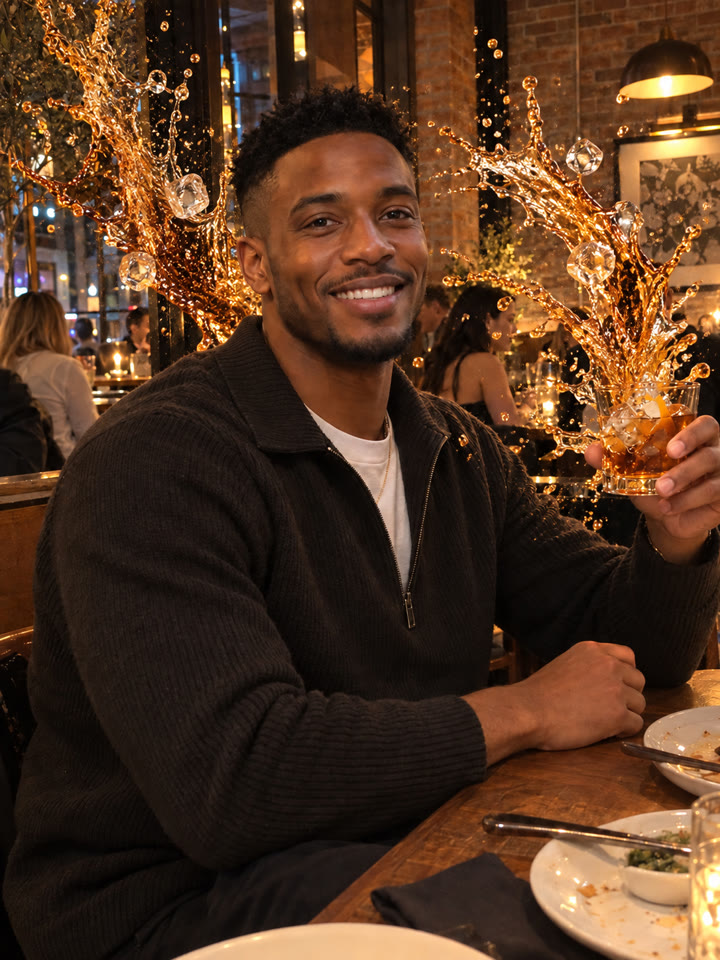 Up nextTurn Your Cafe Photo Into a Dramatic Drink SplashNext prompt →
Tips for the best result
- Start with one person whose face, clothes, and pose are easy to see.
- Try a full-body or three-quarter photo with clear separation between the person and the background.
- For group photos with overlapping people or busy scenes, generate 2–3 versions and pick the most natural result.
- Results vary by AI model and photo quality. Check faces, outfits, and the background before saving.
A new copy-paste photo prompt every day
Open @_ai.tip on Instagram