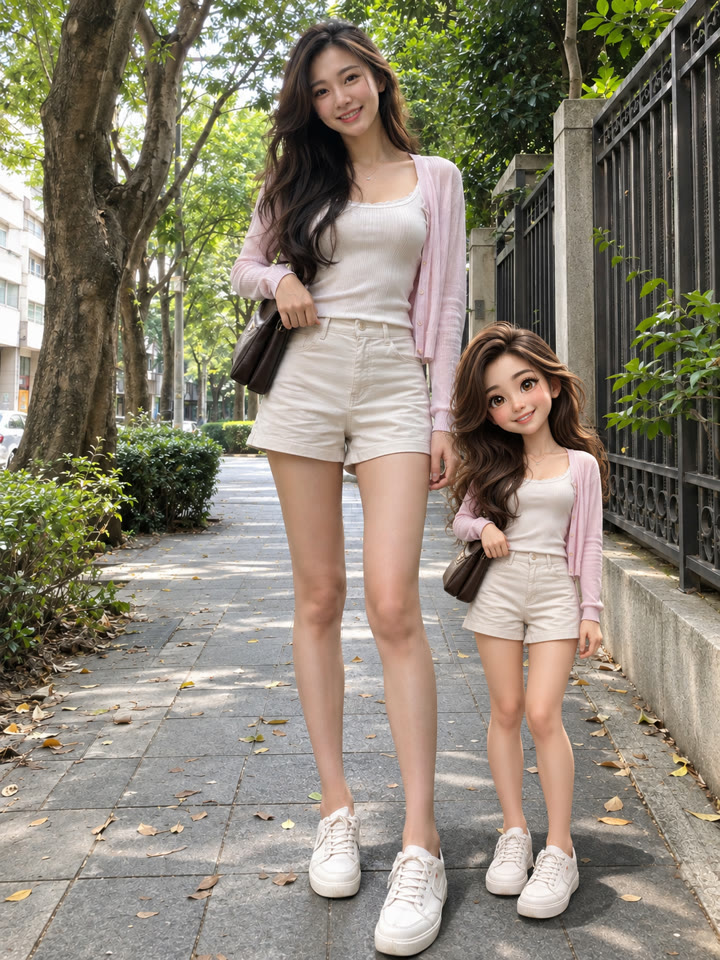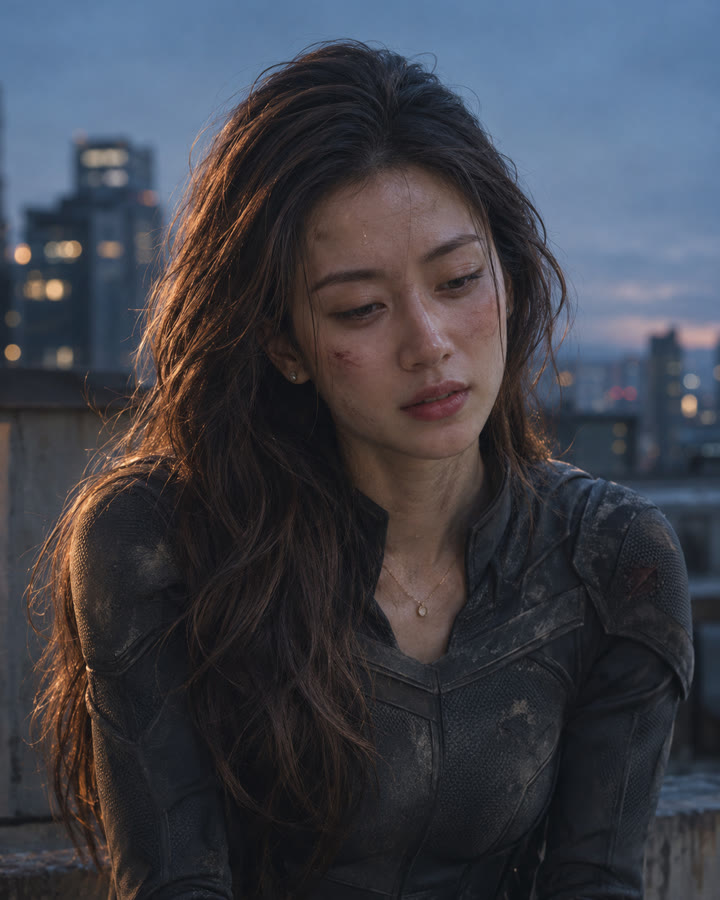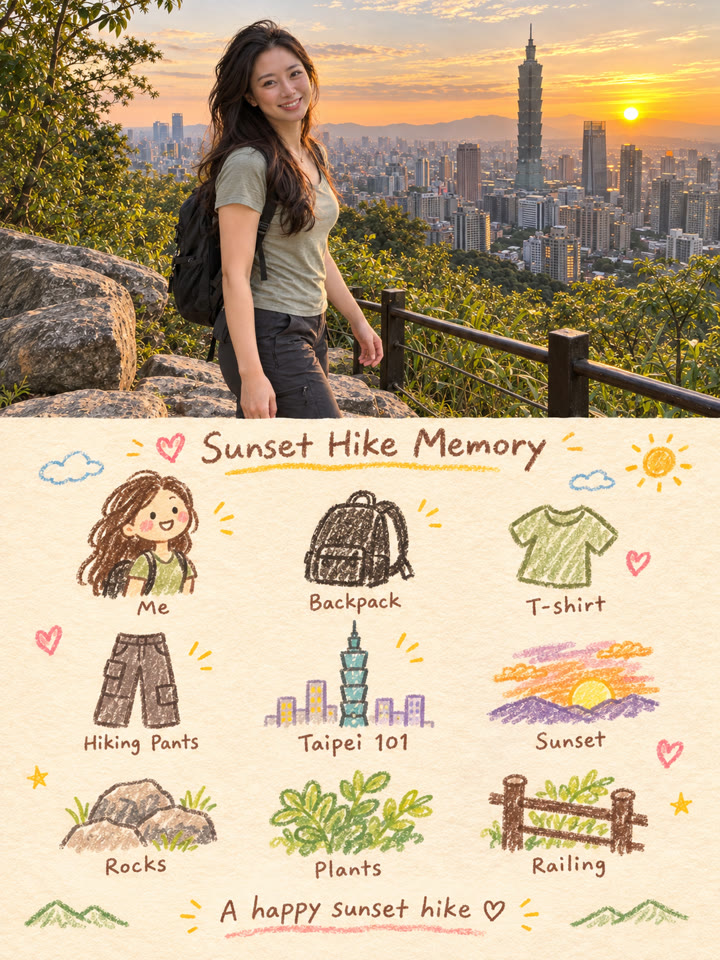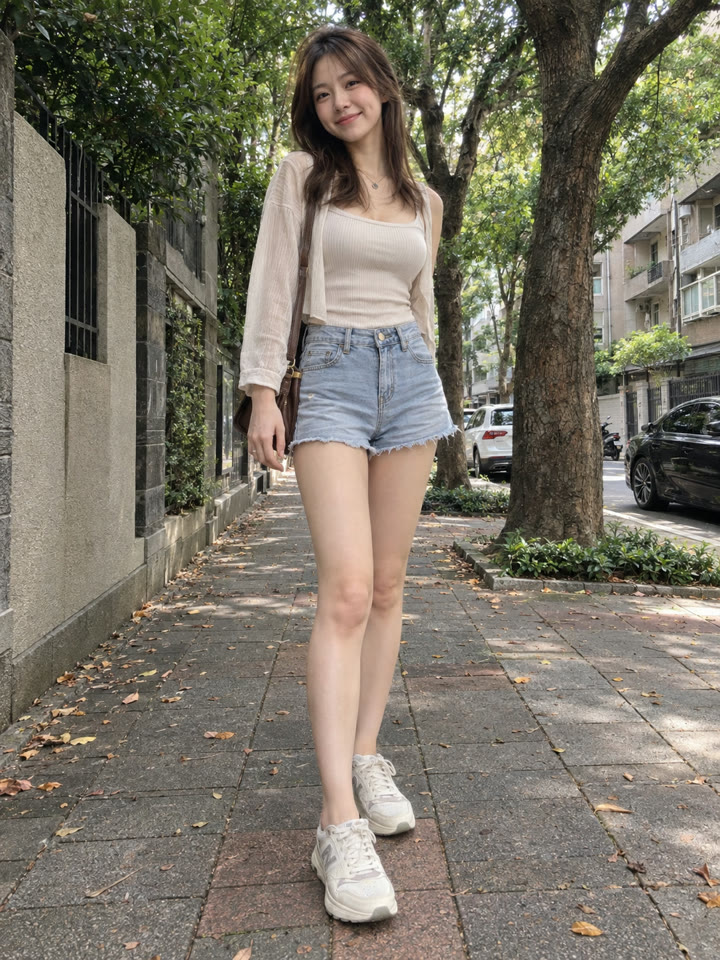
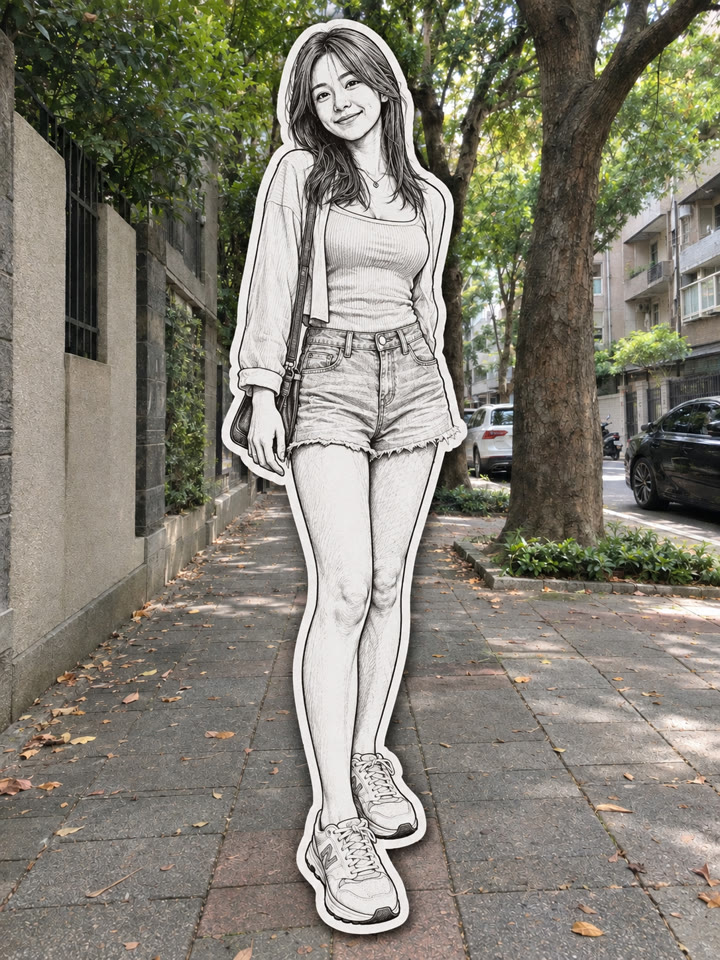
 BEFOREAFTER
左右滑動比較
把照片裡的人變成黑白紙貼紙,一張照片就能試
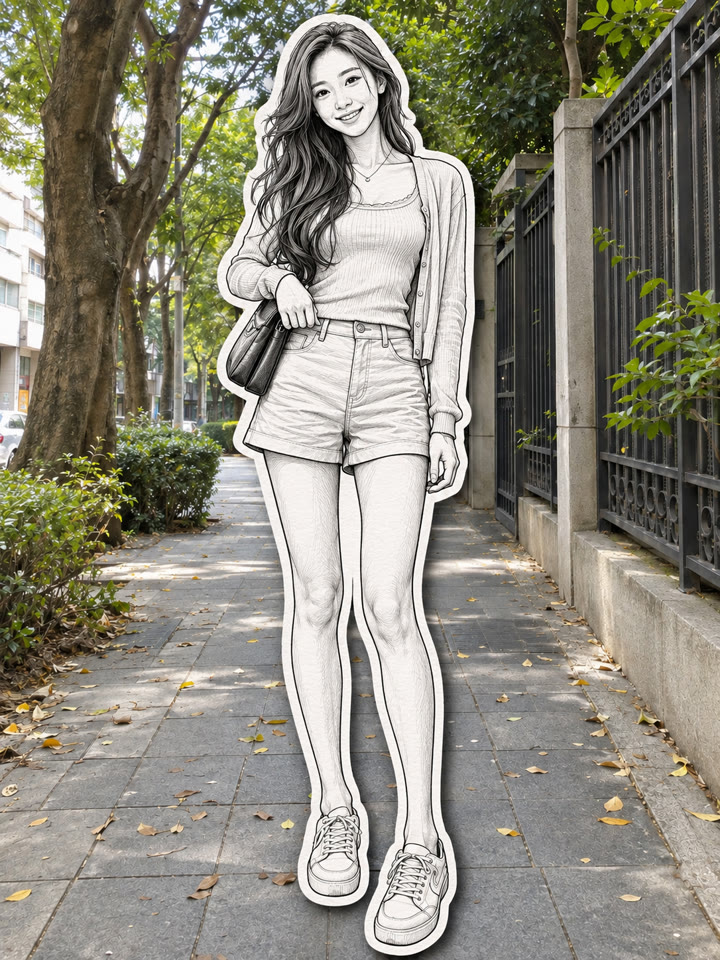
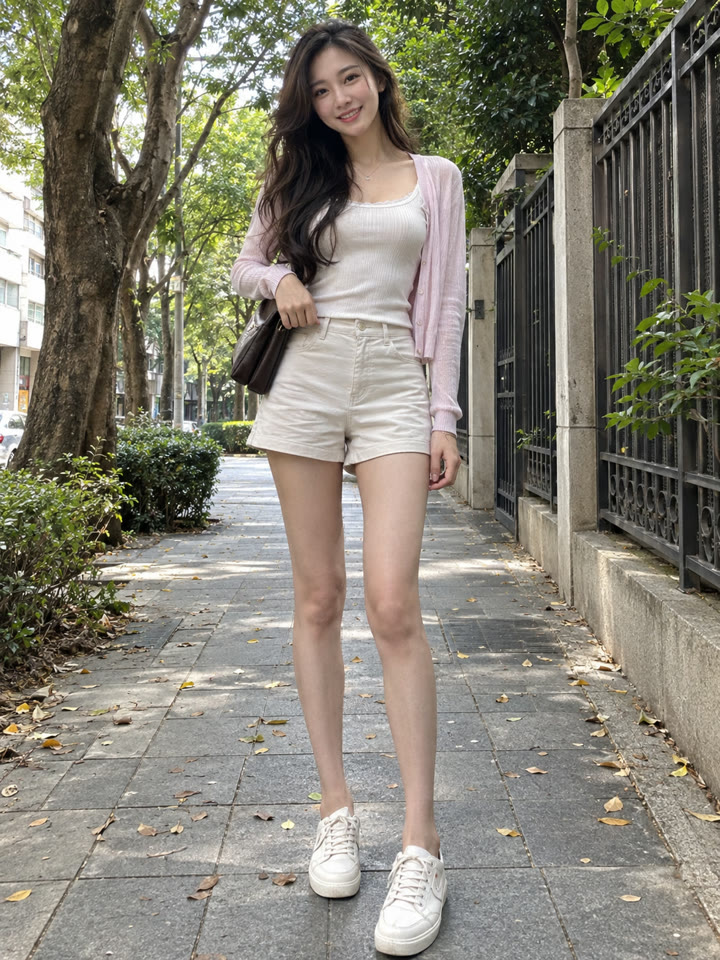
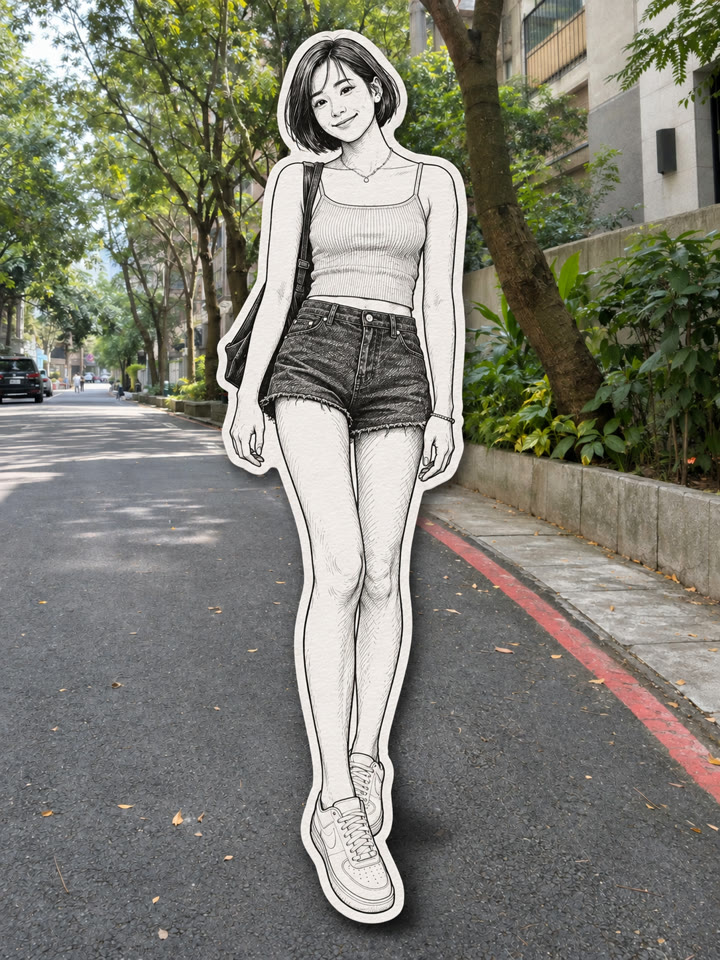
保留原照的實拍背景,把人物換成黑白手繪,加上厚白邊和柔和陰影,像把紙貼紙貼進照片裡。打開 ChatGPT,上傳照片、貼上提示詞就完成。
完成後的感覺
實拍背景黑白手繪人物厚白邊+柔和陰影
範例由 AI 生成。結果會因輸入照片、模型與設定而異,提示詞不保證產生完全相同的結果。
怎麼用
- 打開 ChatGPT
- 上傳一張人物照片
- 貼上英文提示詞,按送出
提示詞(Prompt)
PROMPT · EN
Transform the uploaded photo into a realistic paper sticker effect. Keep the original background fully photorealistic and unchanged. Convert all visible people into black-and-white hand-drawn paper sticker illustrations, while preserving the exact number of people, each person’s identity, face, hairstyle, outfit, accessories, pose, position, body proportions, and framing. Use clean black ink line art, subtle sketch shading, a thick white cutout border, and a soft natural drop shadow around each person so they look like physical paper stickers placed over the real photograph. Important: output only the final transformed image. Do not include the original photo as an inset, thumbnail, before-image, comparison image, collage, split screen, or picture-in-picture. Do not add or remove people, change clothes or poses, alter the background, add extra objects, text, logos, or watermarks.
提示詞請直接貼英文原文,效果最好;聊天用中文也沒關係。
再收 5 款紙貼紙變化版
留下 Email,領取這段提示詞的 5 款變化版,也能每週收到精選提示詞,下次想換照片風格就有靈感。
實際效果
長按照片可以看原圖滑鼠移到照片上可以看原圖
 AFTER
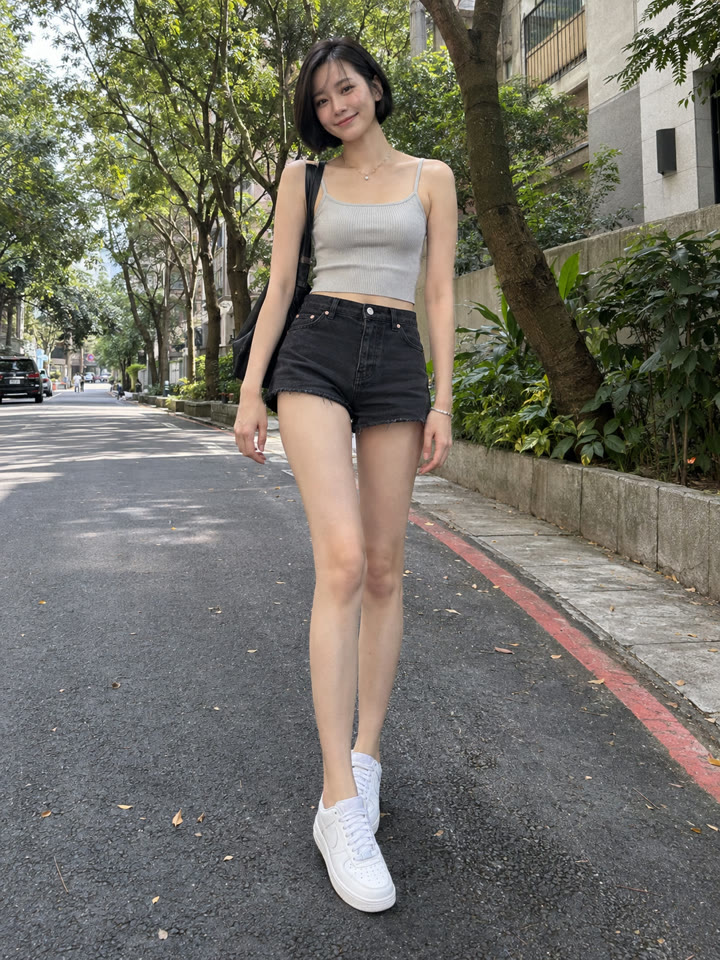 AFTER
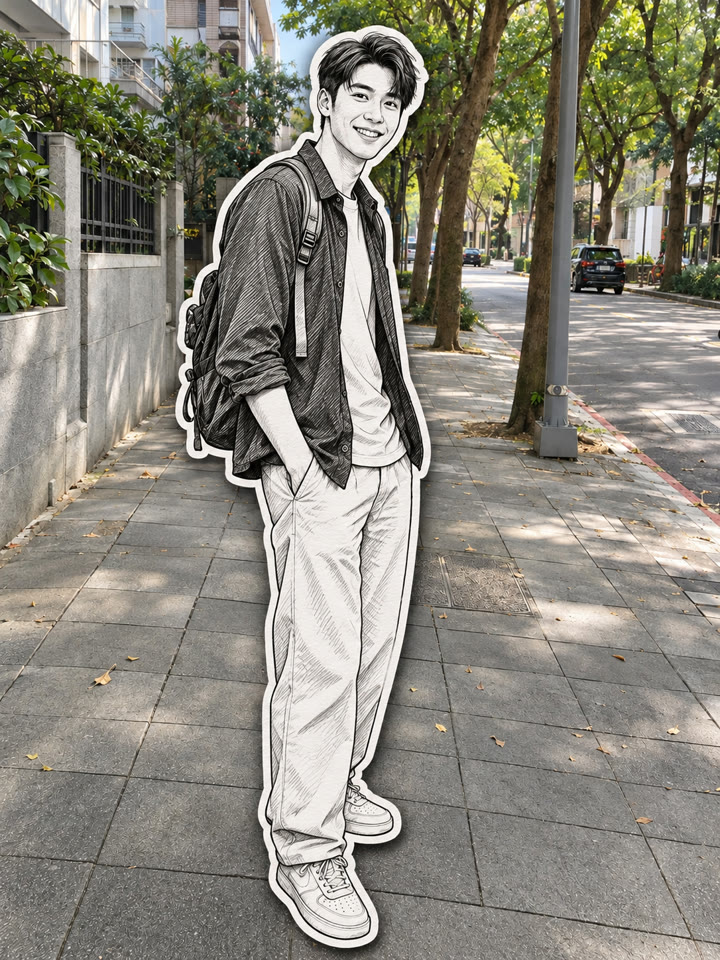
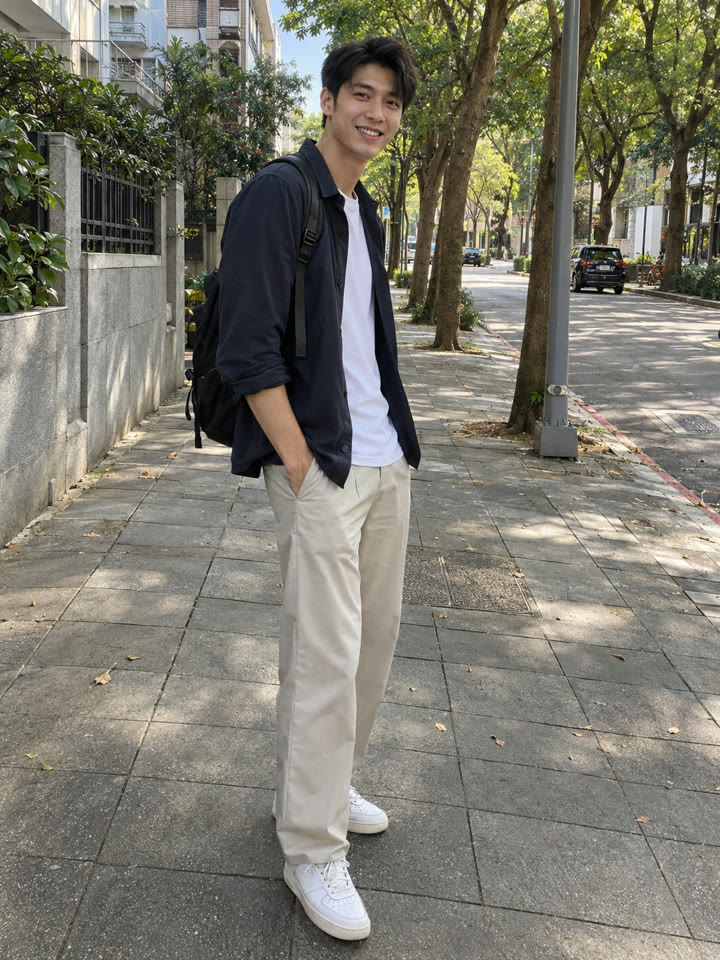 AFTER
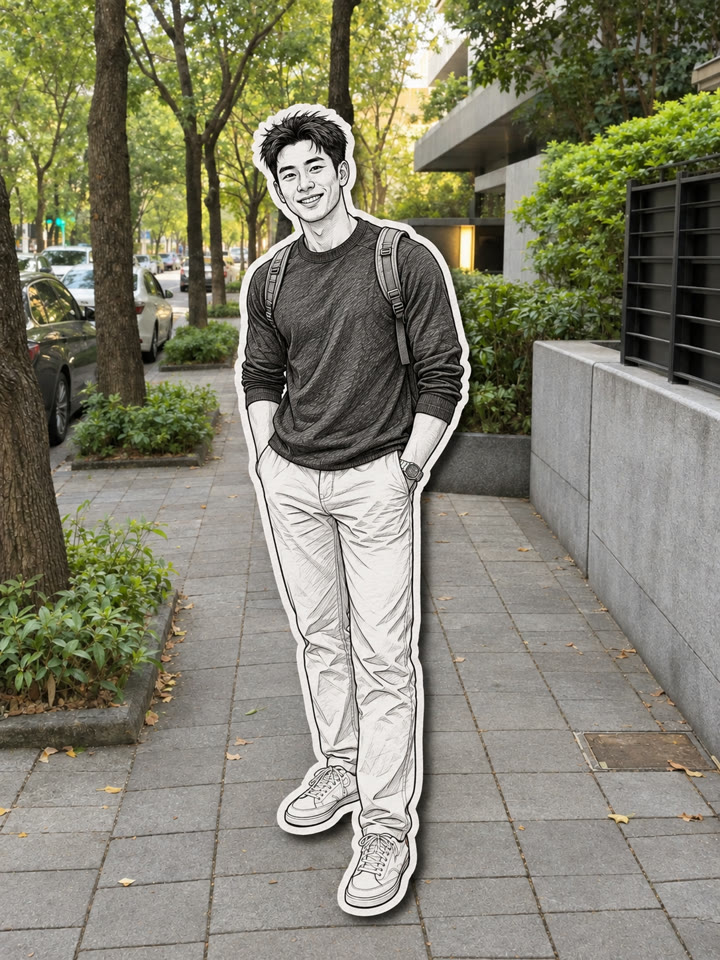
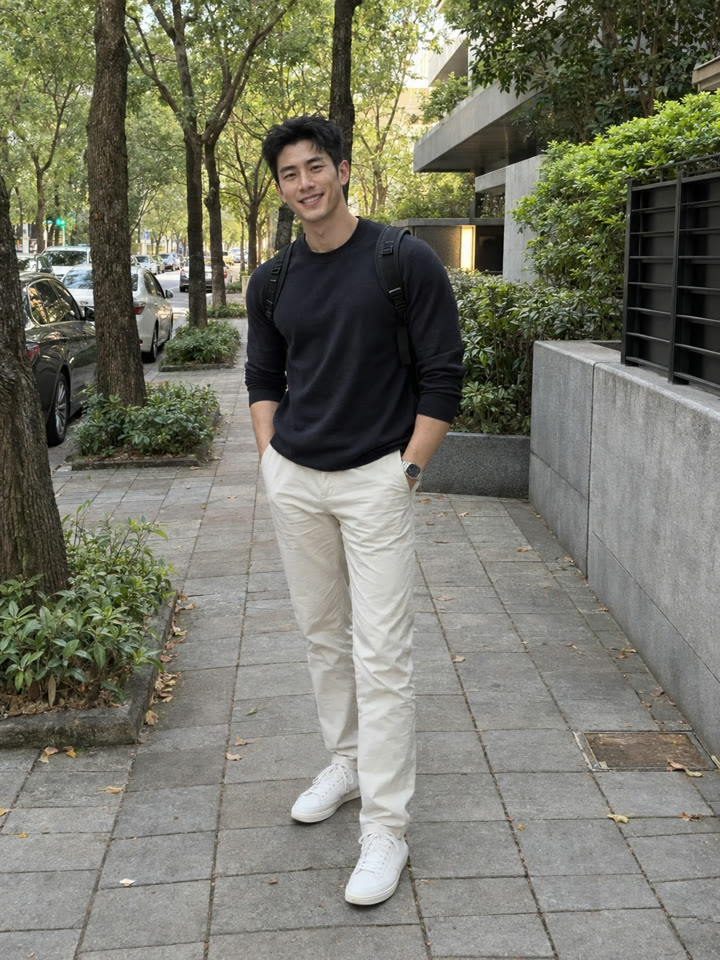 AFTER
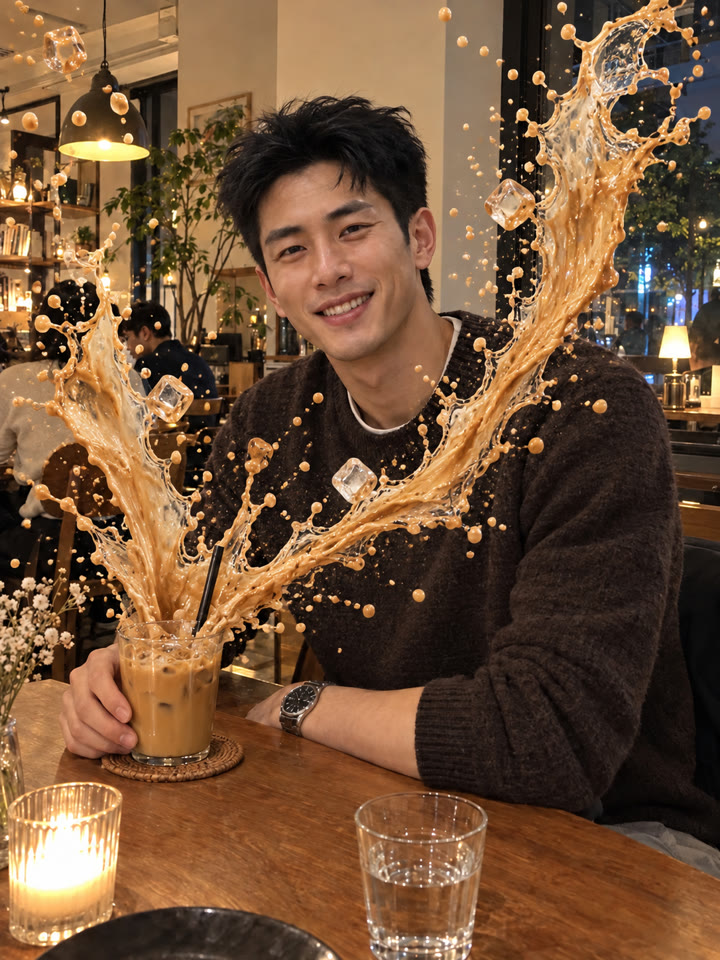 下一個提示詞用 ChatGPT 把咖啡廳照片變成飲料飛濺大片看下一個提示詞 →
效果更好的小技巧
- 先選人物大小適中、臉和穿搭清楚的照片,全身或四分之三身照都適合。
- 挑人物和背景容易區分的照片,第一次可以先用單人照試試。
- 多人照也能用;人物重疊或畫面複雜時,可生成 2~3 次,挑最自然的一張。
- 提示詞請直接貼英文原文;聊天用中文也沒關係。結果會隨模型與原圖而異,完成後記得檢查人數、臉部和背景細節。
每天更新馬上能用的提示詞
在 IG 打開 @_ai.tip.zh