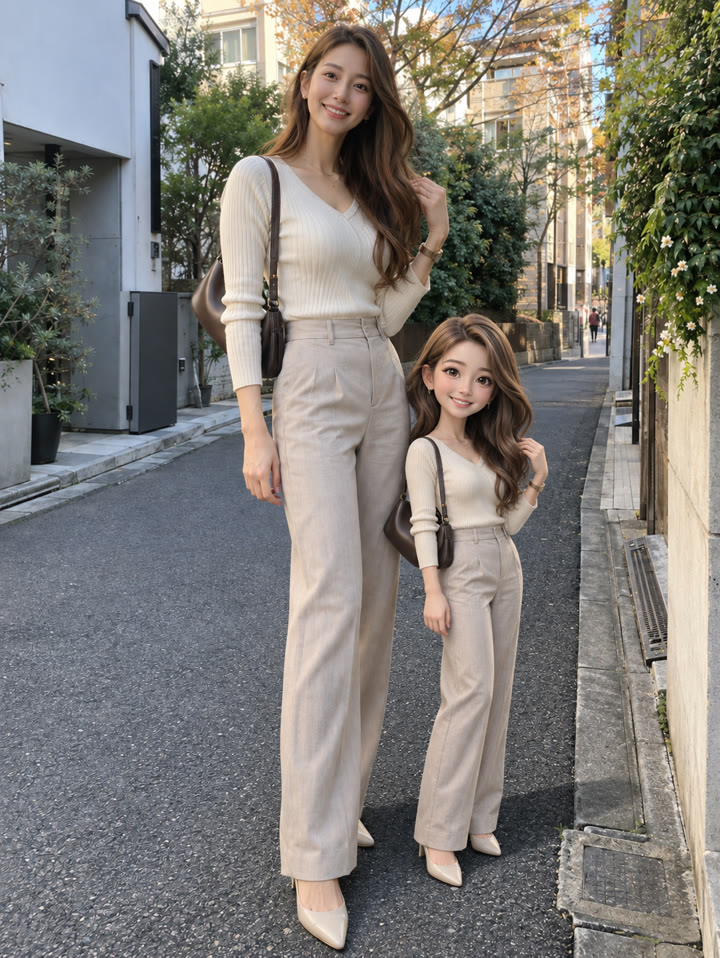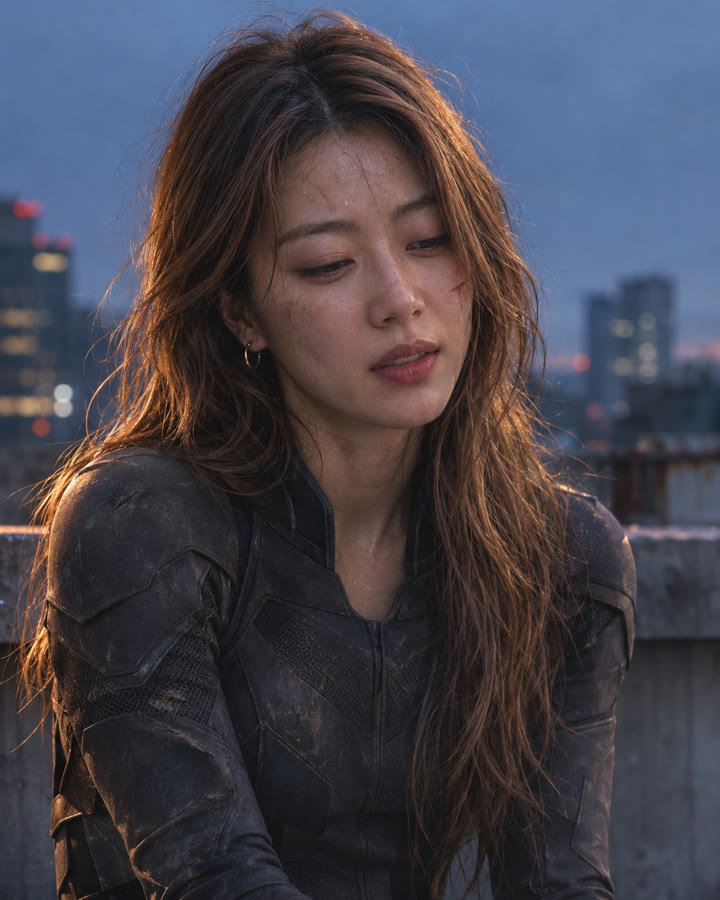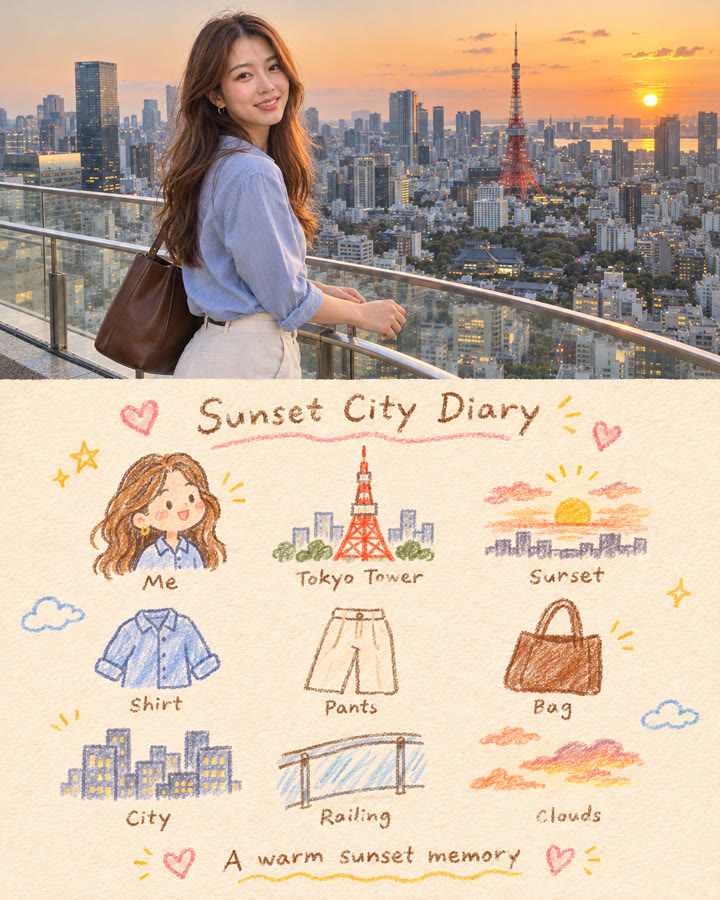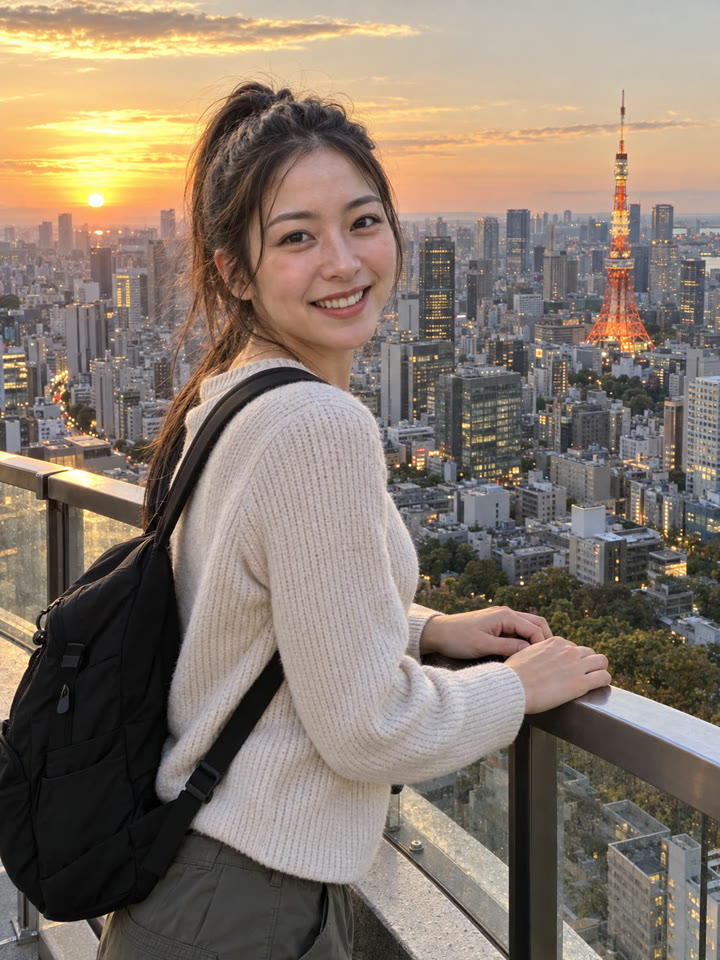
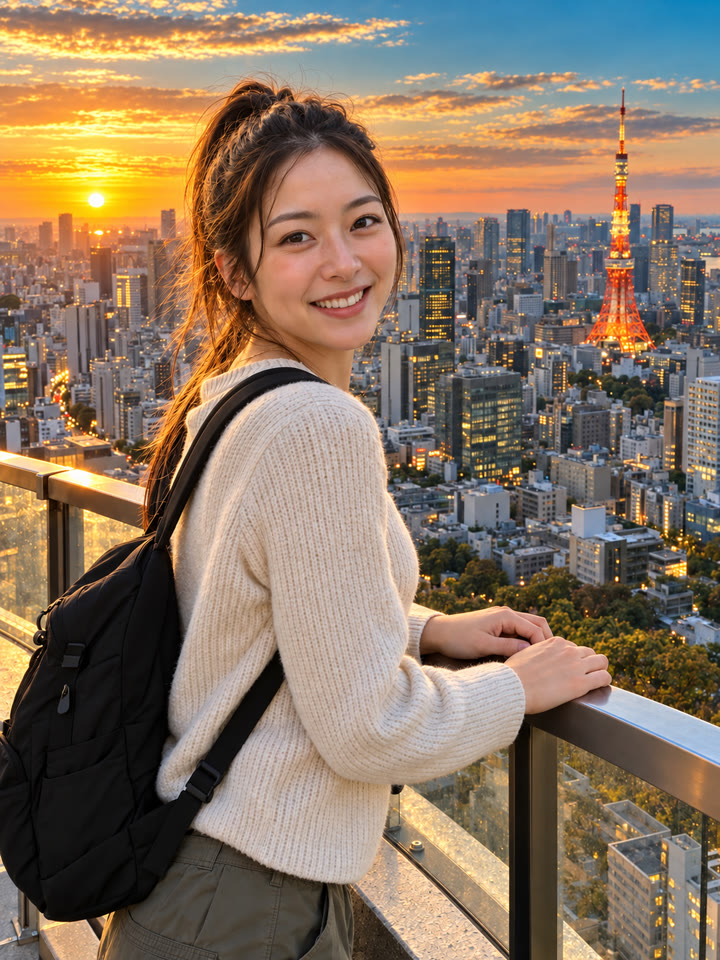
 BEFOREAFTER
スライドして比べる
ChatGPTで、写真を映画のような色と光に仕上げる方法
ChatGPTで、手持ちの写真に深いブルーと暖かな日差しを加え、映画のワンシーンのような雰囲気に整えます。写真を1枚アップして、下のプロンプトを英語のまま貼り付けて送るだけで試せます。
目指す仕上がりはこちらです
深く澄んだブルー暖かな日差し自然な立体感
作例はAI生成です。入力写真、モデル、設定によって結果は異なり、同じ仕上がりを保証するものではありません。
使い方
- ChatGPTを開きます
- 加工したい写真を1枚アップロードします
- 下のプロンプトを英語のまま貼り付けて送信します
プロンプト
PROMPT · EN
Edit the uploaded image with professional cinematic color grading while preserving the original photo exactly. Keep the same person, face, body, pose, hair, clothing, hands, objects, background, composition, framing, perspective, and camera angle unchanged. Do not add, remove, replace, or redesign anything in the image. Improve only the color, lighting, contrast, and atmosphere. Make it look like a beautifully color-graded travel or lifestyle photo, similar to a premium before-and-after edit. Apply these color grading changes: - richer and cleaner colors - deeper blue and teal tones in the sky and water - warm golden sunlight or soft golden-hour glow - slightly warmer highlights and balanced skin tones - clearer contrast with gentle shadow depth - brighter, cleaner midtones - subtle crispness and definition - a polished Pinterest-worthy travel photo mood - natural but elevated saturation - realistic cinematic atmosphere without looking fake The result should feel like the exact same photo, but professionally enhanced: brighter, warmer, more vivid, more dimensional, and more visually striking, while still looking realistic and natural. Important rules: - preserve the original subject and scene exactly - no change to facial identity or body shape - no change to pose or object placement - no new props, no new scenery, no fake dramatic replacements - no overediting, no HDR look, no heavy orange filter, no unrealistic neon colors - no text, no watermark, no logo Make the before-and-after difference clearly noticeable, with a stronger improvement in warmth, depth, sky color, water color, and overall cinematic polish, while still keeping the photo realistic.
英語のまま貼り付けるのがいちばんきれいに仕上がります(やりとりは日本語でOK)。
色と光を楽しむ、5つのアレンジも
メール登録で、このプロンプトのアレンジ5種類をお届けします。毎週おすすめのプロンプトも届くので、次に試すアイデア探しに役立ちます。
作例
写真を長押しすると元の写真が見られます写真にカーソルを合わせると元の写真が見られます
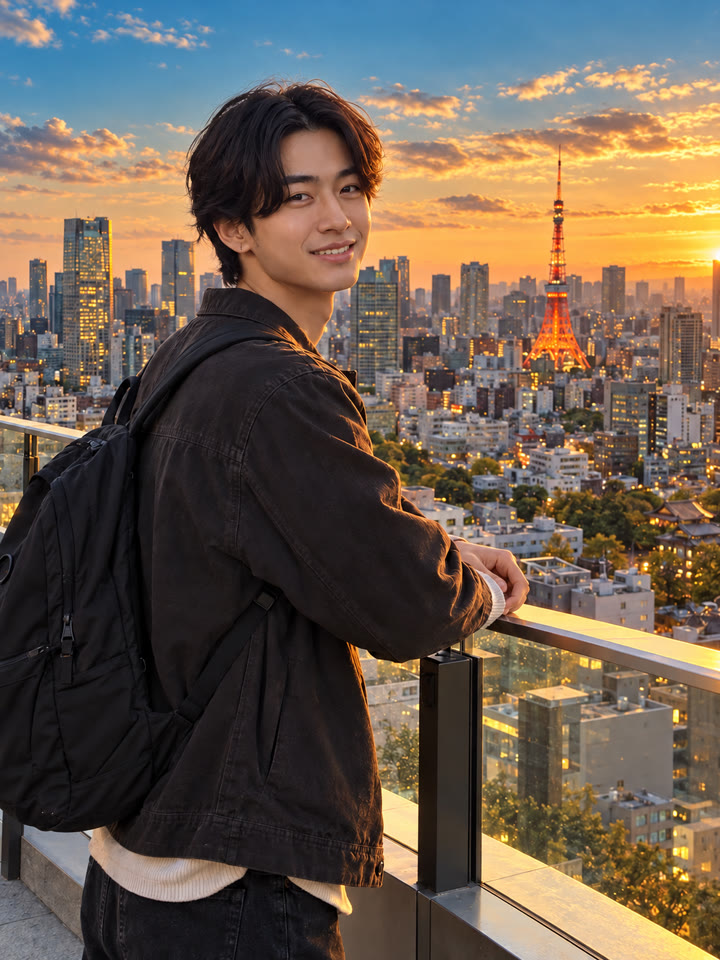
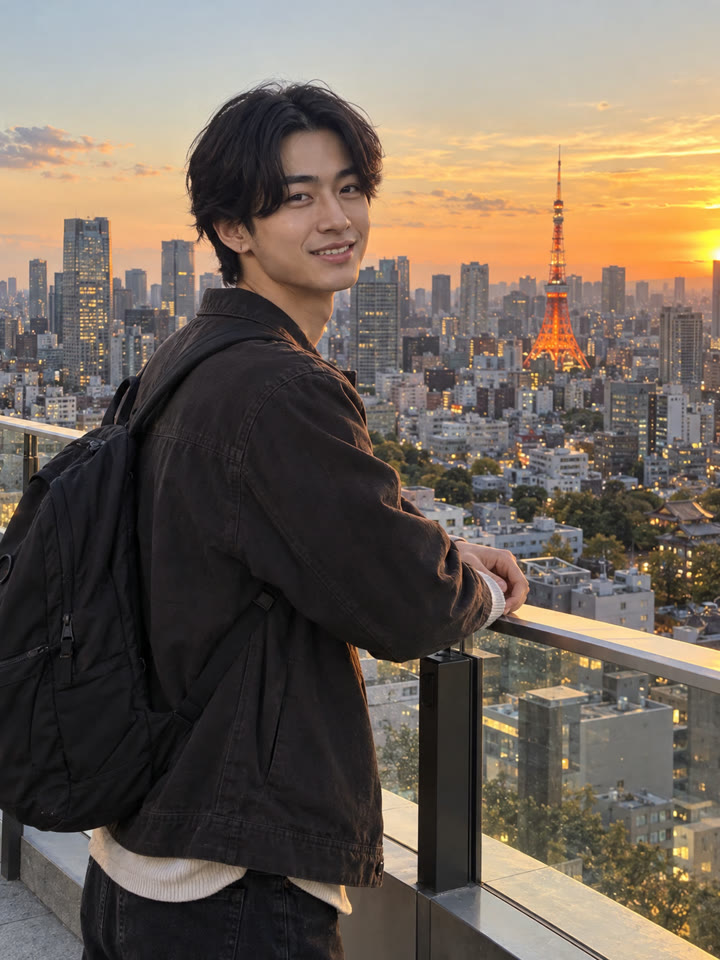 AFTER
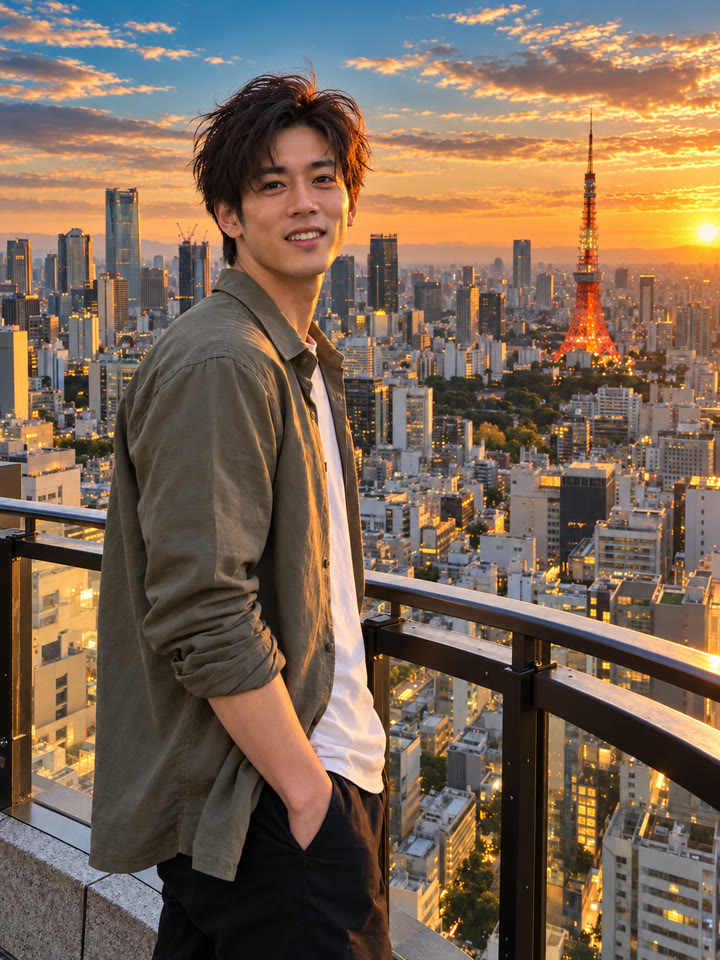
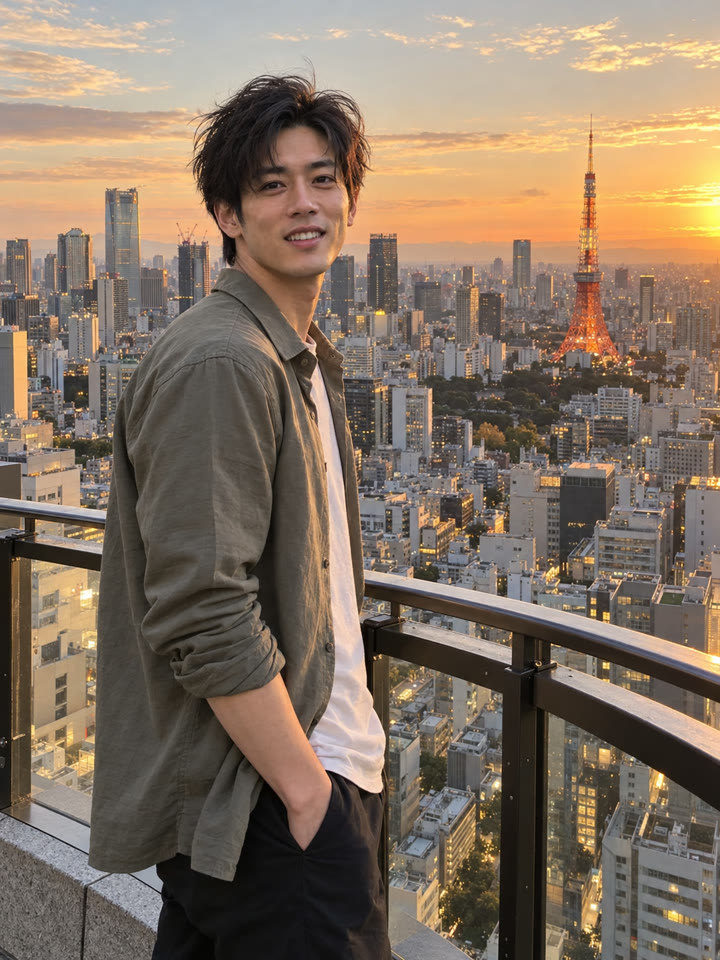 AFTER
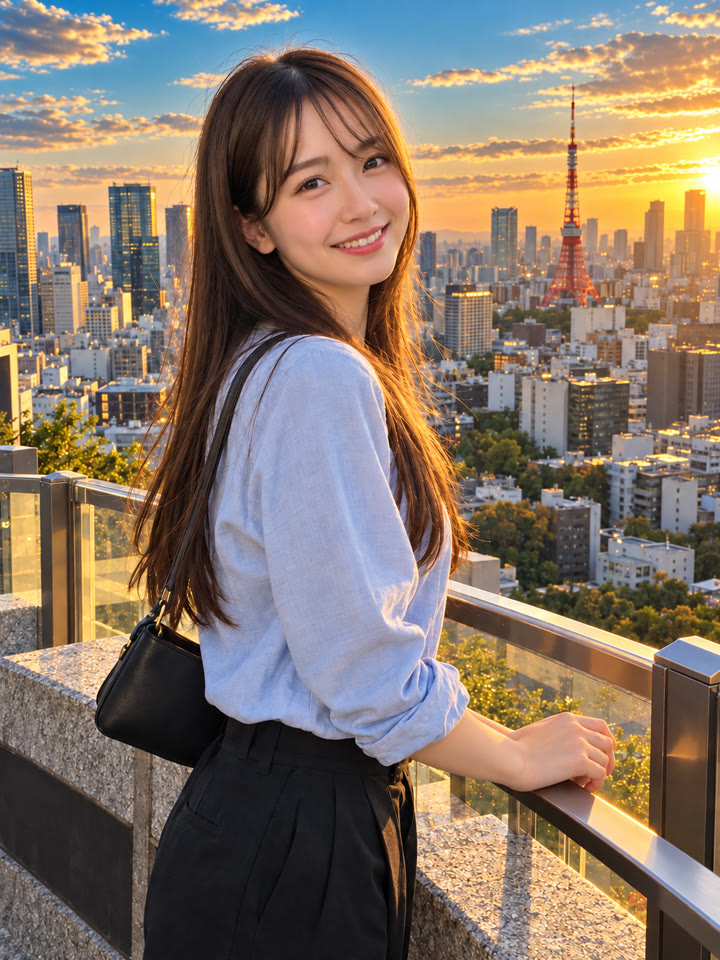
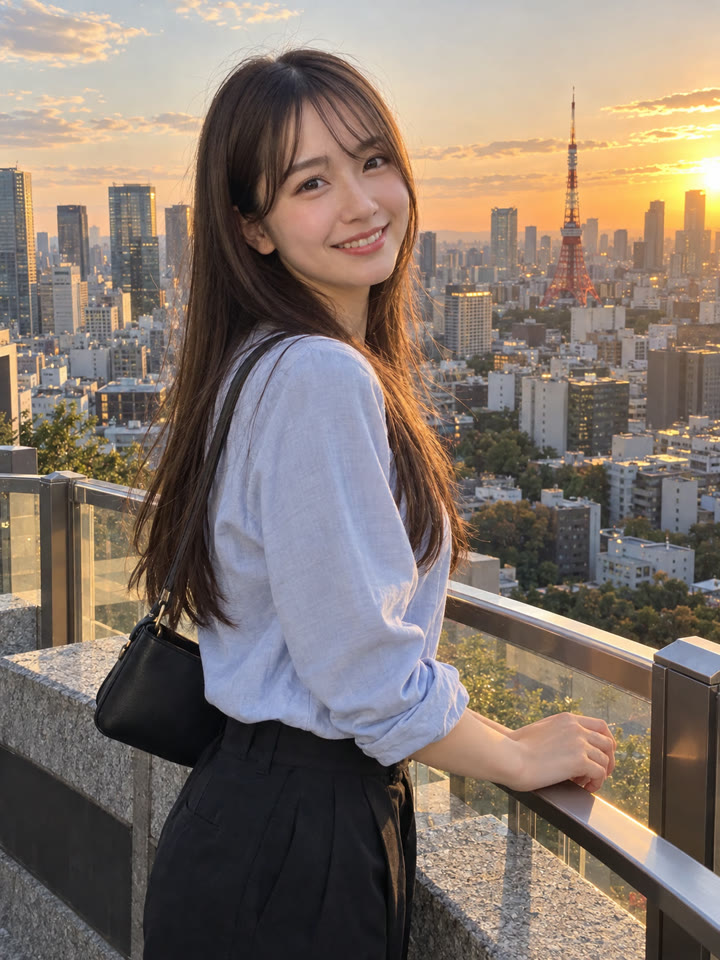 AFTER
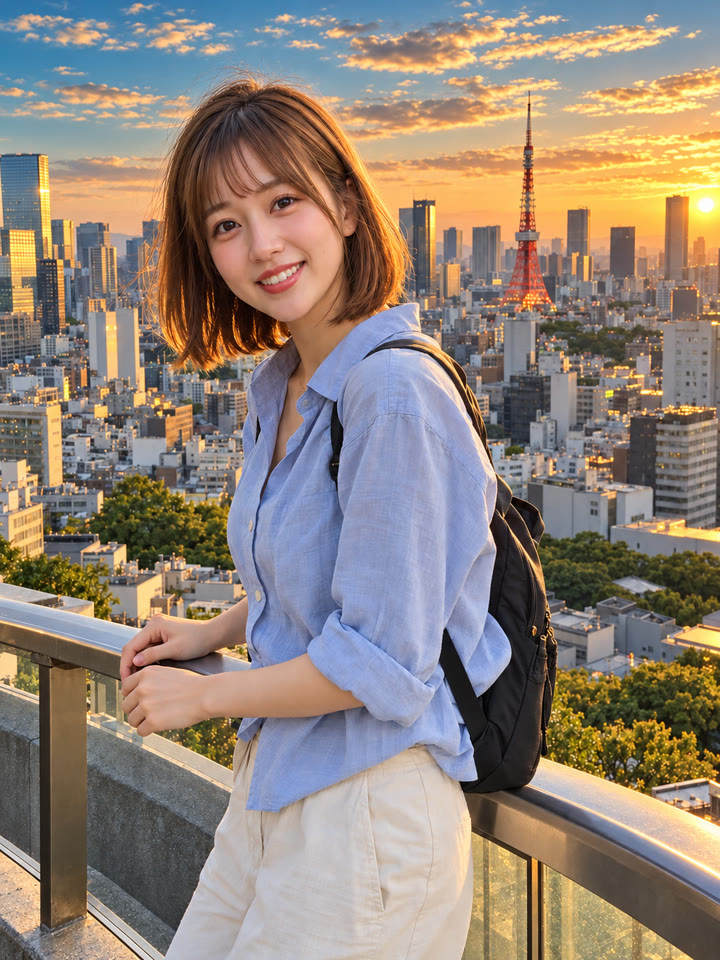
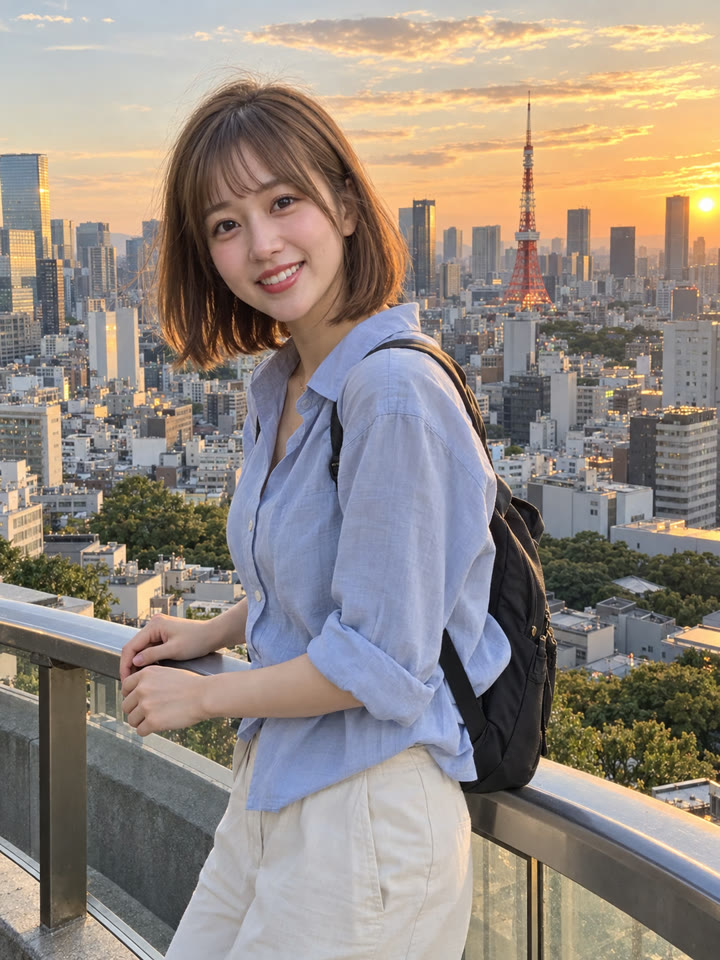 AFTER
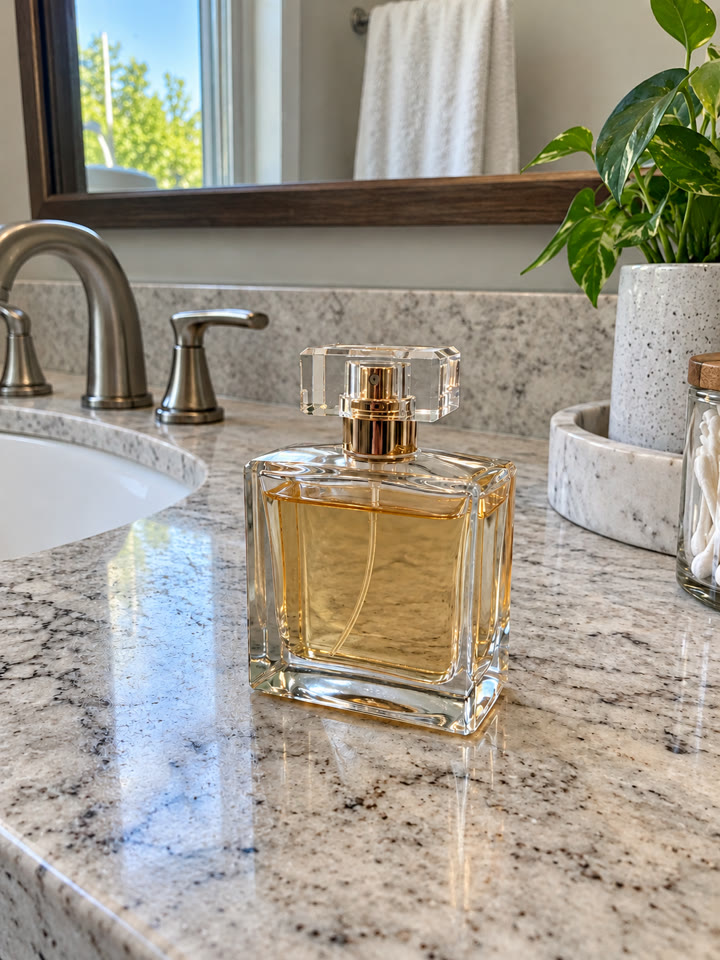 次のプロンプト写真1枚で試せる、ChatGPTの画質改善次のプロンプトへ →
きれいに仕上げるコツ
- プロンプトは英語のままコピペでOKです。追加の希望は日本語で伝えられます。
- 空や海が写った旅行写真、カフェ、自然光の入るポートレートがおすすめです。
- 原本の人物や構図を保つように指示していますが、細部が変わる場合があります。顔・手・小物も元写真と見比べて確認するのがおすすめです。
- 仕上がりはAIモデル・利用プラン・元写真によって変わります。色が強すぎる場合は「彩度と暖色を少し控えめに」と追加で伝えるのがおすすめです。
コピペで使えるAI写真ワザを毎日更新中
インスタで @_ai.tip.jp を開く