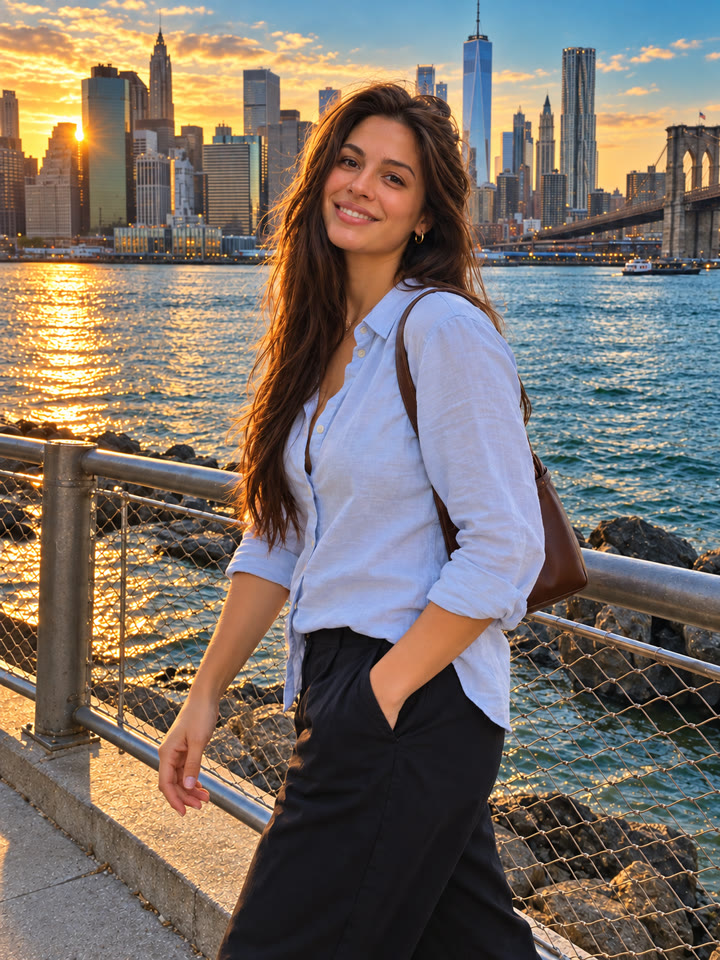
 BEFOREAFTER
Drag to compare
Give Your Photo a Cinematic Color Grade
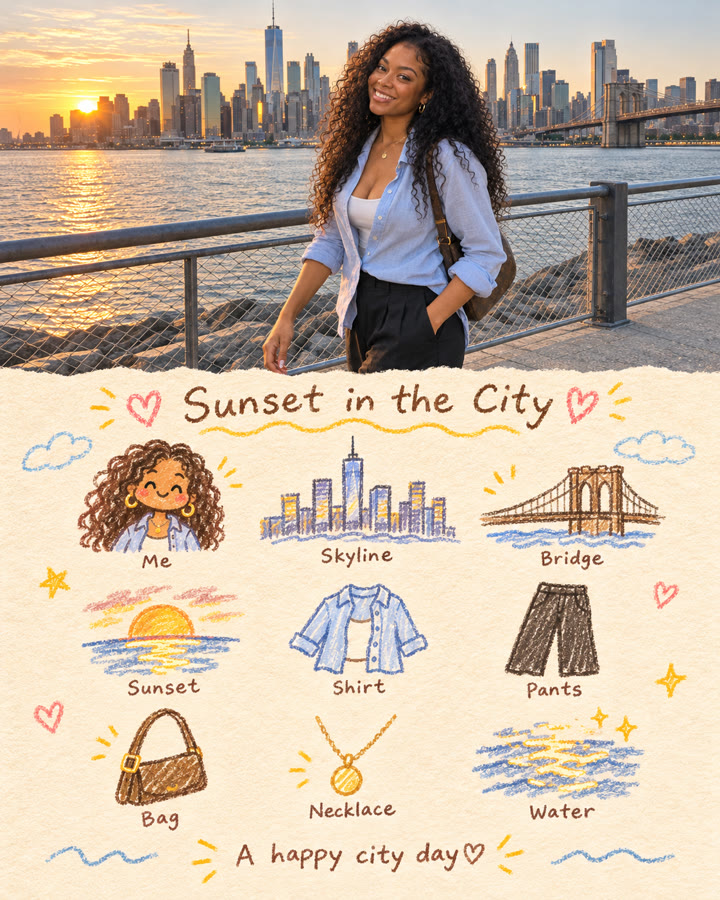
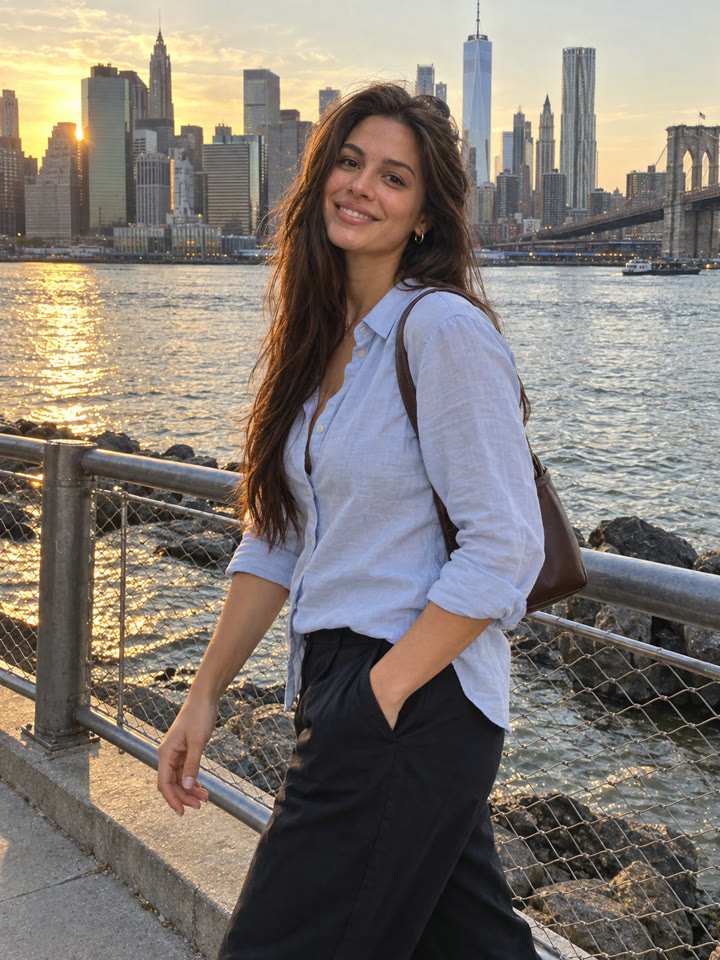
Bring out richer blues, warmer highlights, and more depth in a photo you already love. This copy-paste prompt asks ChatGPT to refine color and light while preserving the original subject and scene.
The look
Deep bluesGolden lightNatural contrast
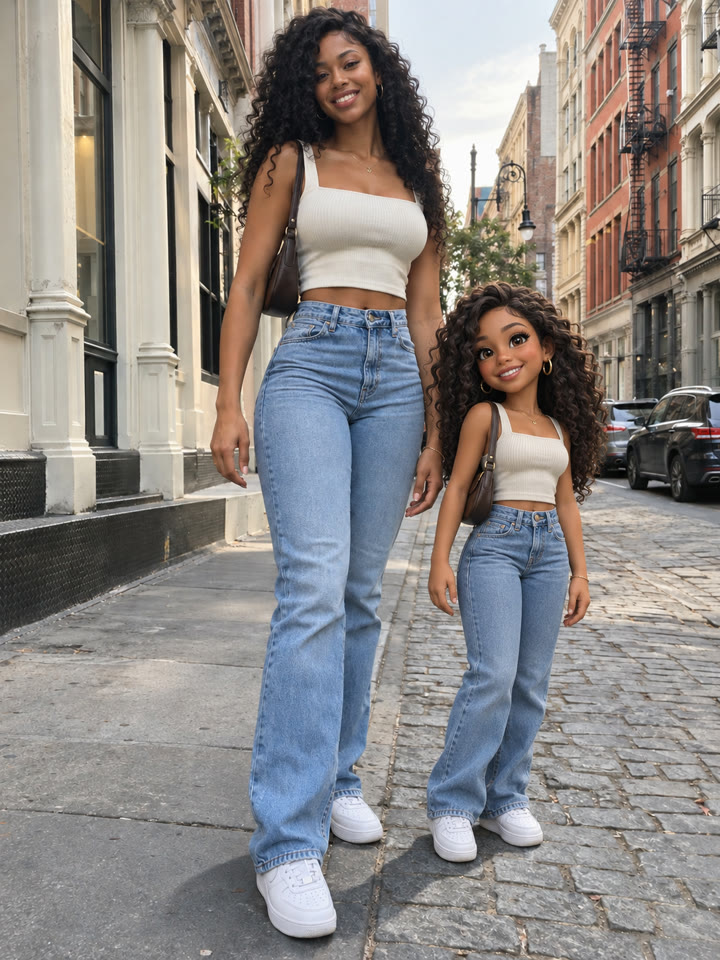
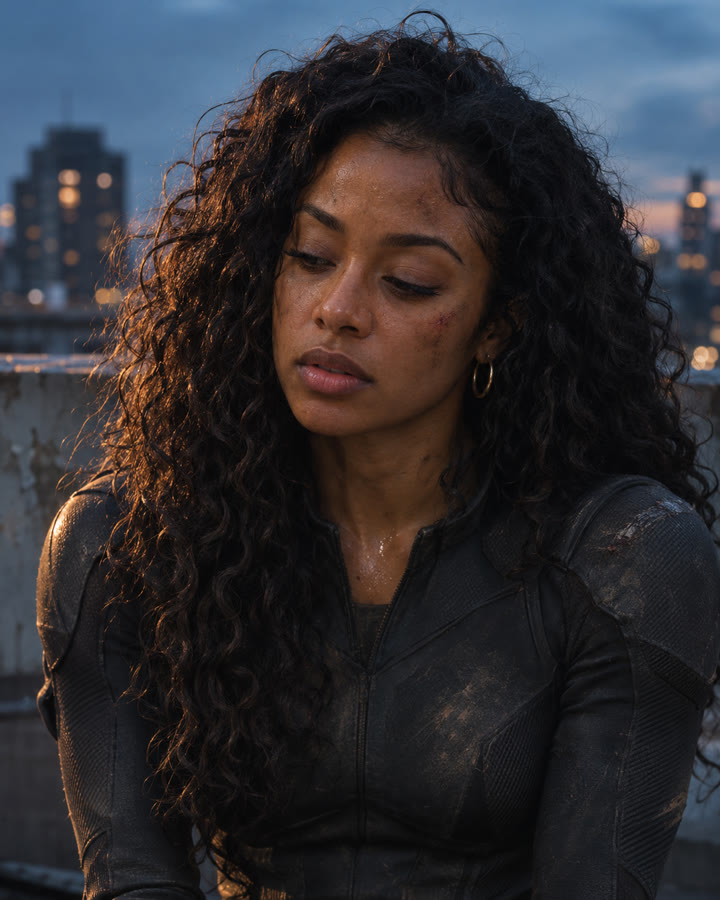
These are AI-generated examples. Results can vary with the input photo, model and settings; the prompt does not guarantee an identical result.
How to use it
- Open ChatGPT.
- Upload one photo you want to edit.
- Copy the prompt below, paste it into the chat, and send.
The prompt
PROMPT · EN
Edit the uploaded image with professional cinematic color grading while preserving the original photo exactly. Keep the same person, face, body, pose, hair, clothing, hands, objects, background, composition, framing, perspective, and camera angle unchanged. Do not add, remove, replace, or redesign anything in the image. Improve only the color, lighting, contrast, and atmosphere. Make it look like a beautifully color-graded travel or lifestyle photo, similar to a premium before-and-after edit. Apply these color grading changes: - richer and cleaner colors - deeper blue and teal tones in the sky and water - warm golden sunlight or soft golden-hour glow - slightly warmer highlights and balanced skin tones - clearer contrast with gentle shadow depth - brighter, cleaner midtones - subtle crispness and definition - a polished Pinterest-worthy travel photo mood - natural but elevated saturation - realistic cinematic atmosphere without looking fake The result should feel like the exact same photo, but professionally enhanced: brighter, warmer, more vivid, more dimensional, and more visually striking, while still looking realistic and natural. Important rules: - preserve the original subject and scene exactly - no change to facial identity or body shape - no change to pose or object placement - no new props, no new scenery, no fake dramatic replacements - no overediting, no HDR look, no heavy orange filter, no unrealistic neon colors - no text, no watermark, no logo Make the before-and-after difference clearly noticeable, with a stronger improvement in warmth, depth, sky color, water color, and overall cinematic polish, while still keeping the photo realistic.
Paste it in English exactly as written. It works best that way, even if you chat in another language.
Get 5 More Ways to Grade Your Photos
Sign up by email for five variations of this prompt, plus our best prompts each week.
Results
Press and hold a photo to see the originalHover a photo to see the original

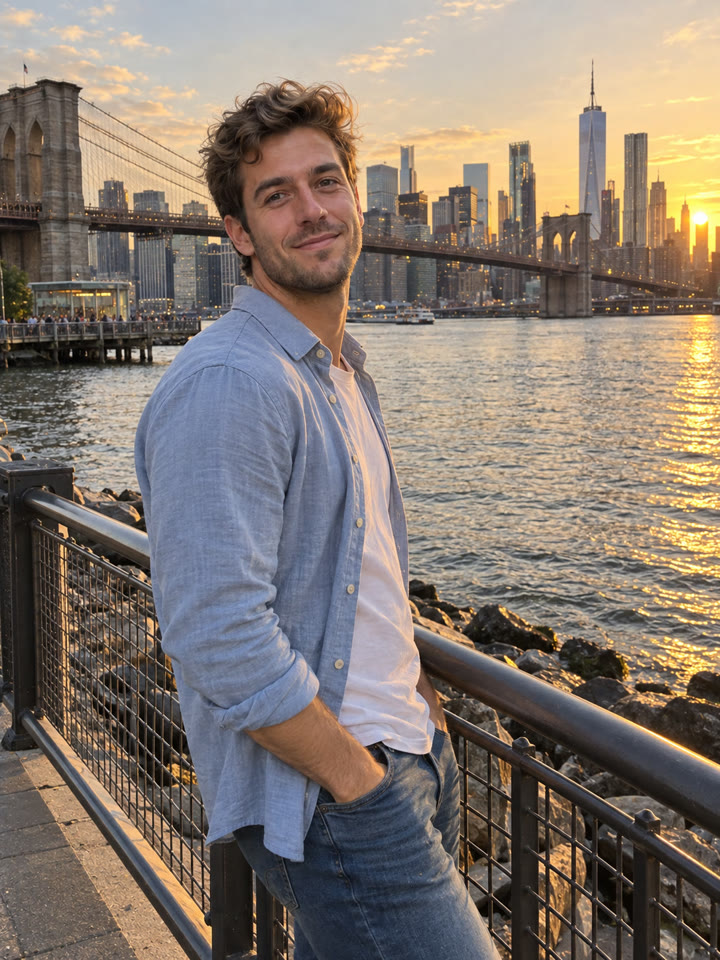 AFTER
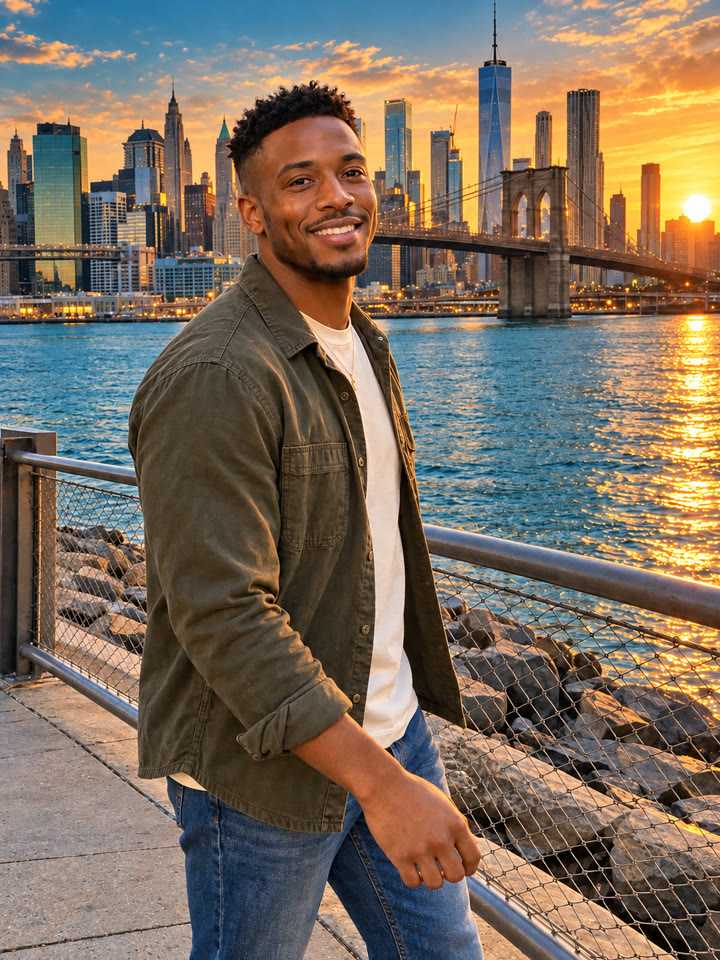
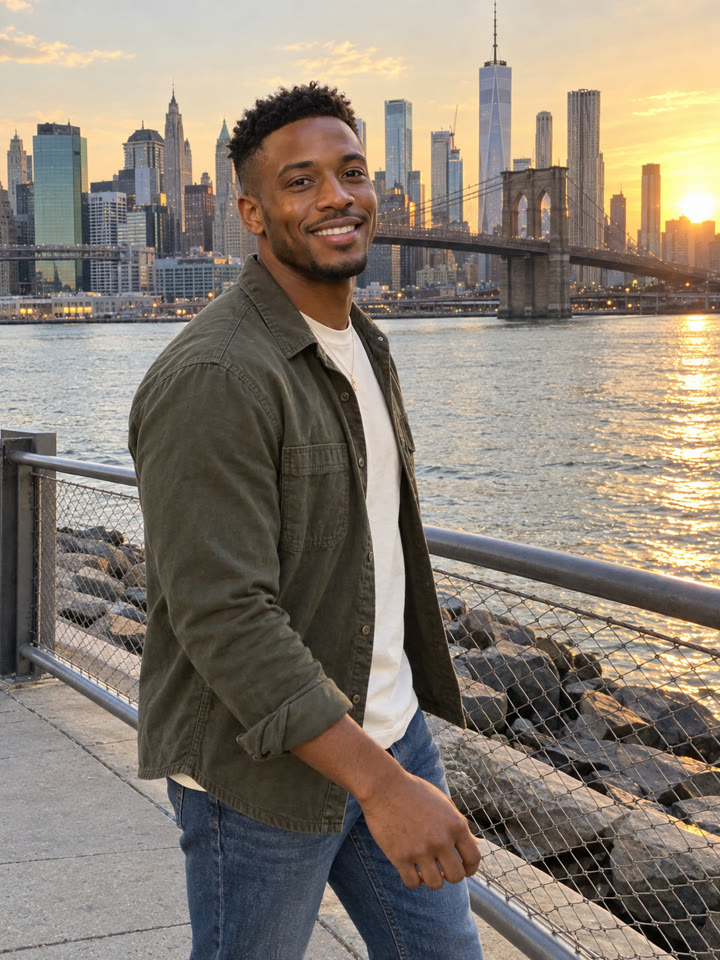 AFTER
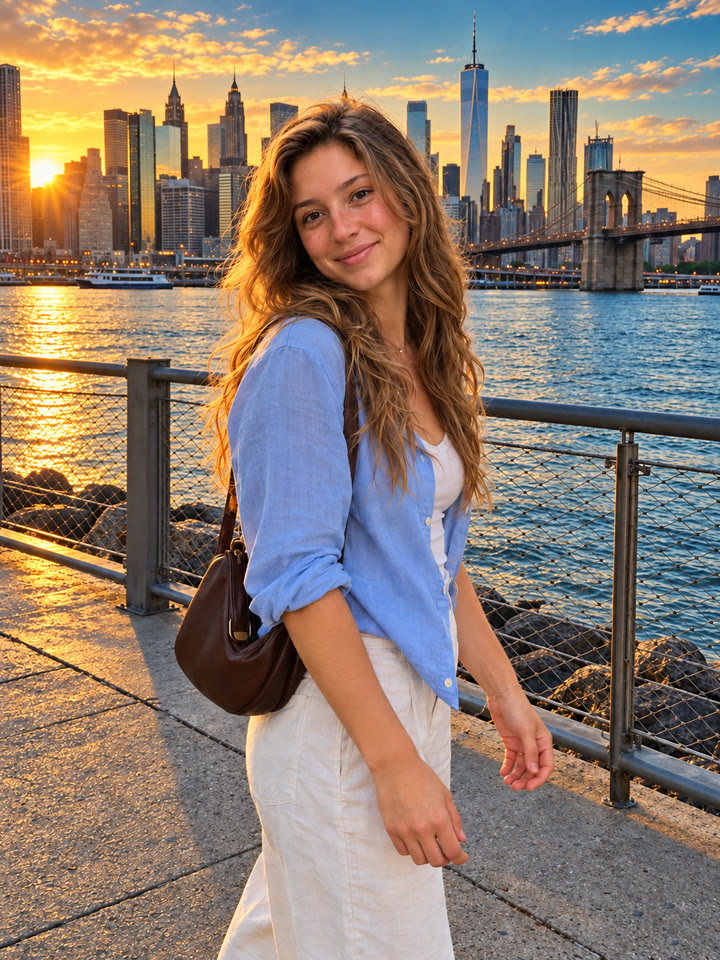
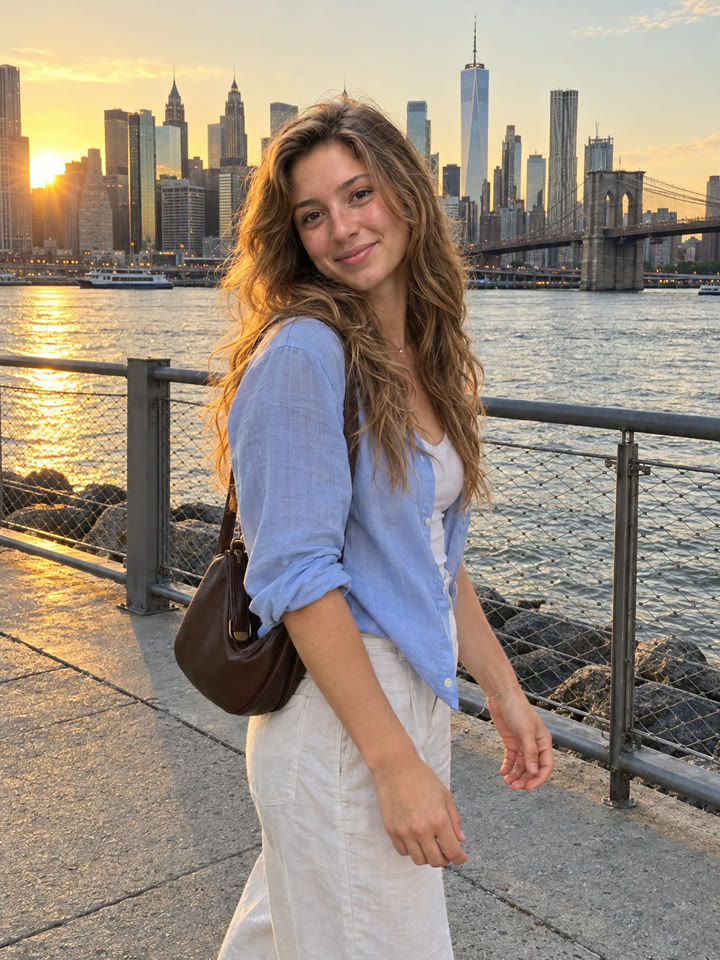 AFTER
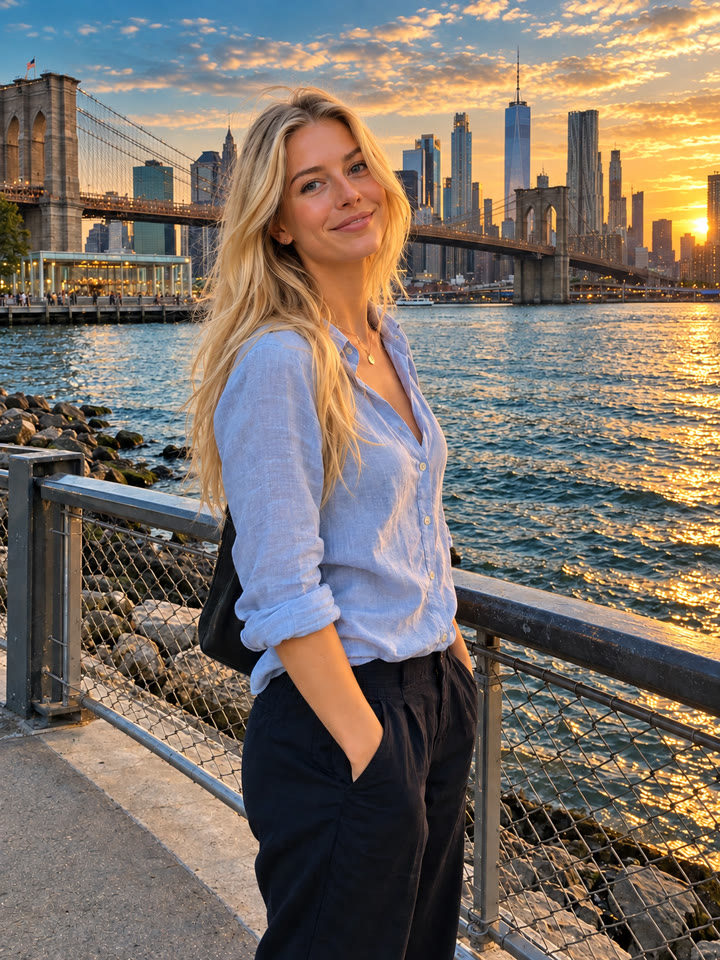
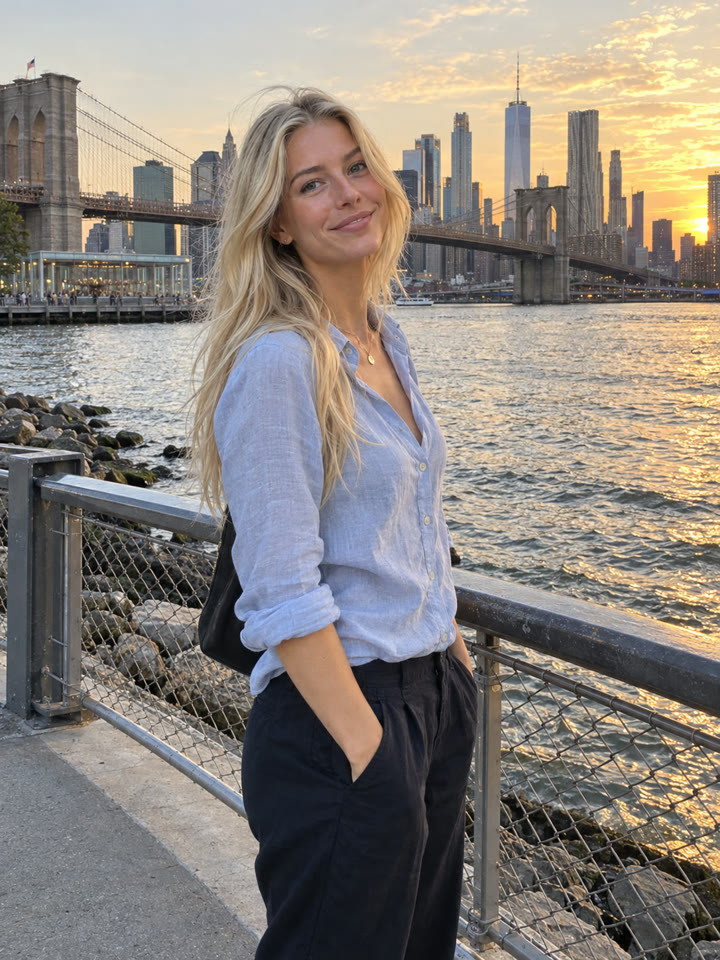 AFTER
 Up nextOne-Photo AI Transformations: Natural Photo CleanupNext prompt →
Tips for the best result
- Start with a clear photo; the original image quality affects the result.
- Try skies, water, café scenes, or naturally lit portraits to see the color shifts.
- Compare the result with your original, especially faces, hands, and object placement. Preservation isn't guaranteed.
- Results vary by model and plan. If the grade feels too strong, ask for less warmth and saturation.
A new copy-paste photo prompt every day
Open @_ai.tip on Instagram