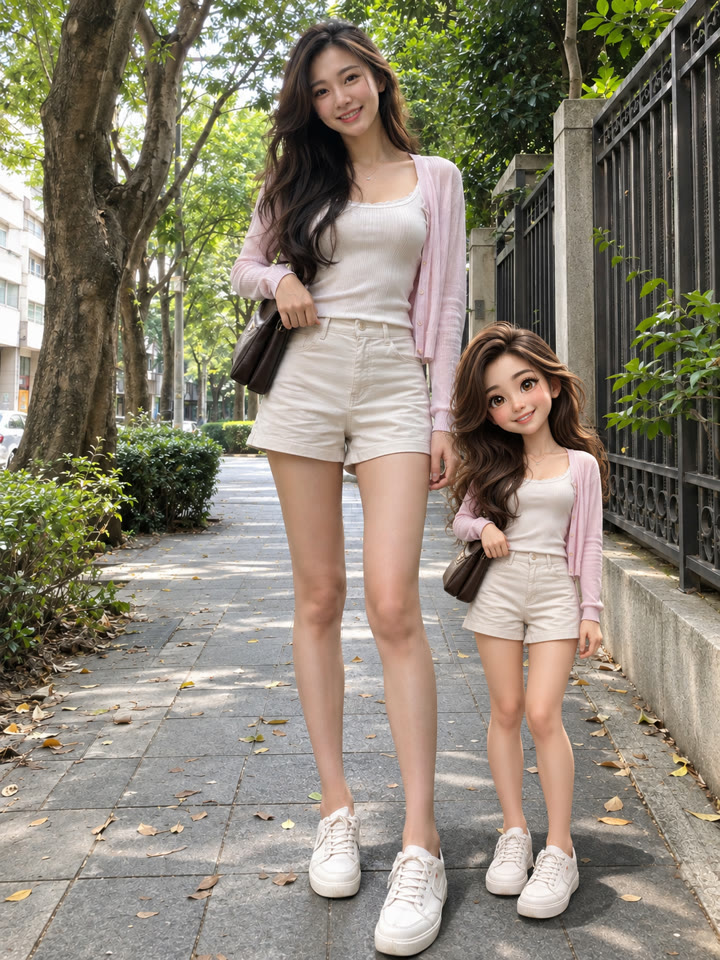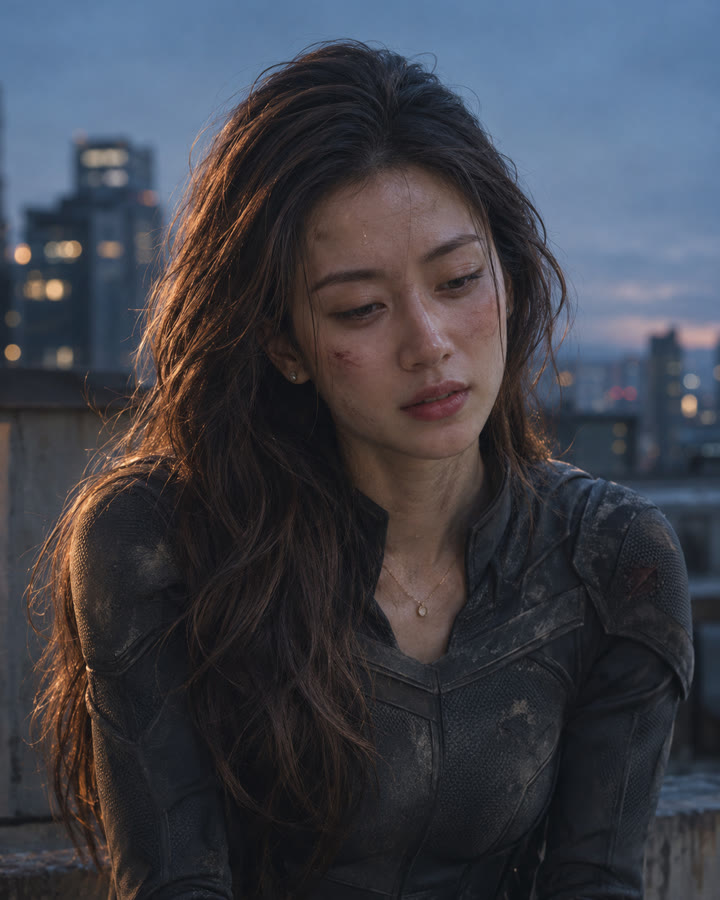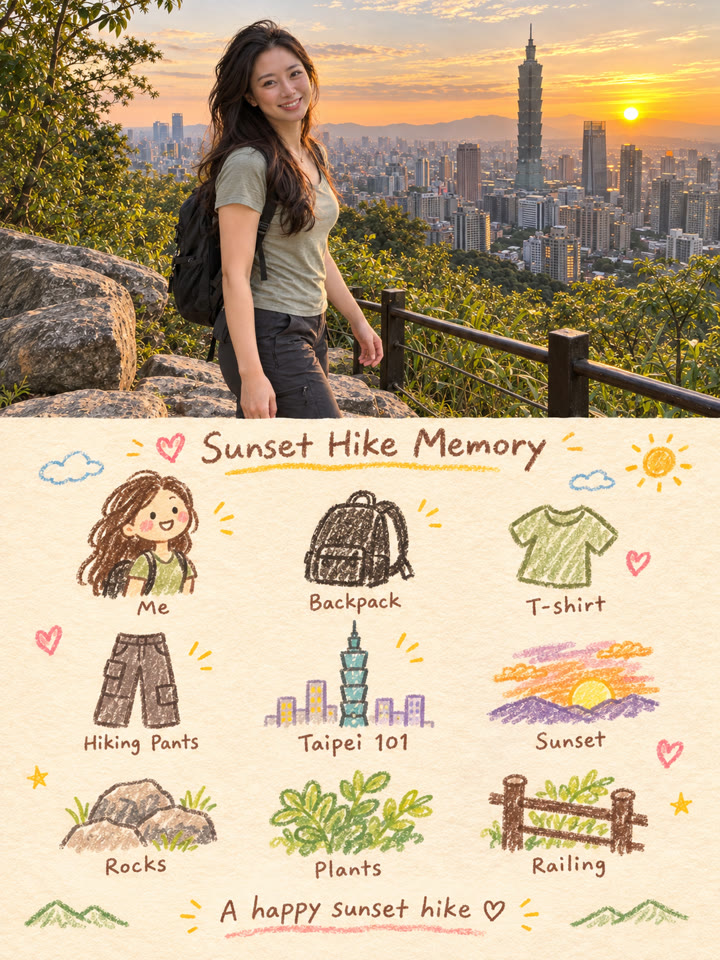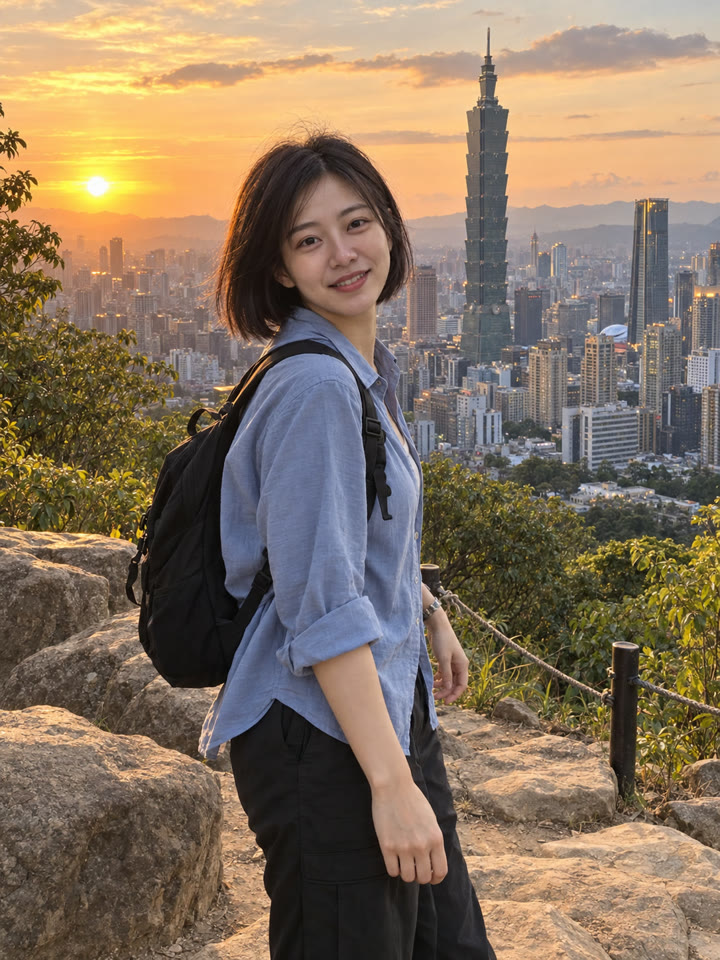
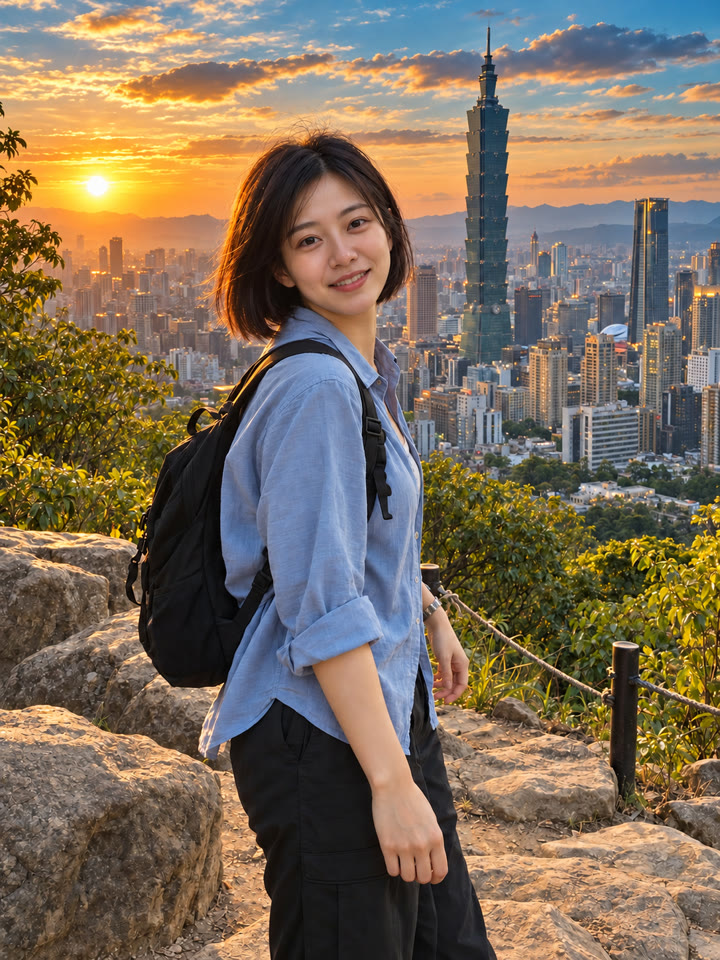
 BEFOREAFTER
左右滑動比較
範例由 AI 生成。結果會因輸入照片、模型與設定而異,提示詞不保證產生完全相同的結果。
怎麼用
- 打開 ChatGPT
- 上傳一張照片
- 貼上英文提示詞,按送出
提示詞(Prompt)
PROMPT · EN
Edit the uploaded image with professional cinematic color grading while preserving the original photo exactly. Keep the same person, face, body, pose, hair, clothing, hands, objects, background, composition, framing, perspective, and camera angle unchanged. Do not add, remove, replace, or redesign anything in the image. Improve only the color, lighting, contrast, and atmosphere. Make it look like a beautifully color-graded travel or lifestyle photo, similar to a premium before-and-after edit. Apply these color grading changes: - richer and cleaner colors - deeper blue and teal tones in the sky and water - warm golden sunlight or soft golden-hour glow - slightly warmer highlights and balanced skin tones - clearer contrast with gentle shadow depth - brighter, cleaner midtones - subtle crispness and definition - a polished Pinterest-worthy travel photo mood - natural but elevated saturation - realistic cinematic atmosphere without looking fake The result should feel like the exact same photo, but professionally enhanced: brighter, warmer, more vivid, more dimensional, and more visually striking, while still looking realistic and natural. Important rules: - preserve the original subject and scene exactly - no change to facial identity or body shape - no change to pose or object placement - no new props, no new scenery, no fake dramatic replacements - no overediting, no HDR look, no heavy orange filter, no unrealistic neon colors - no text, no watermark, no logo Make the before-and-after difference clearly noticeable, with a stronger improvement in warmth, depth, sky color, water color, and overall cinematic polish, while still keeping the photo realistic.
提示詞請直接貼英文原文,效果最好;聊天用中文也沒關係。
再收 5 種調色變化
留下 Email,領取這組提示詞的 5 種變化版本,之後每週再收到精選實用提示詞。
實際效果
長按照片可以看原圖滑鼠移到照片上可以看原圖
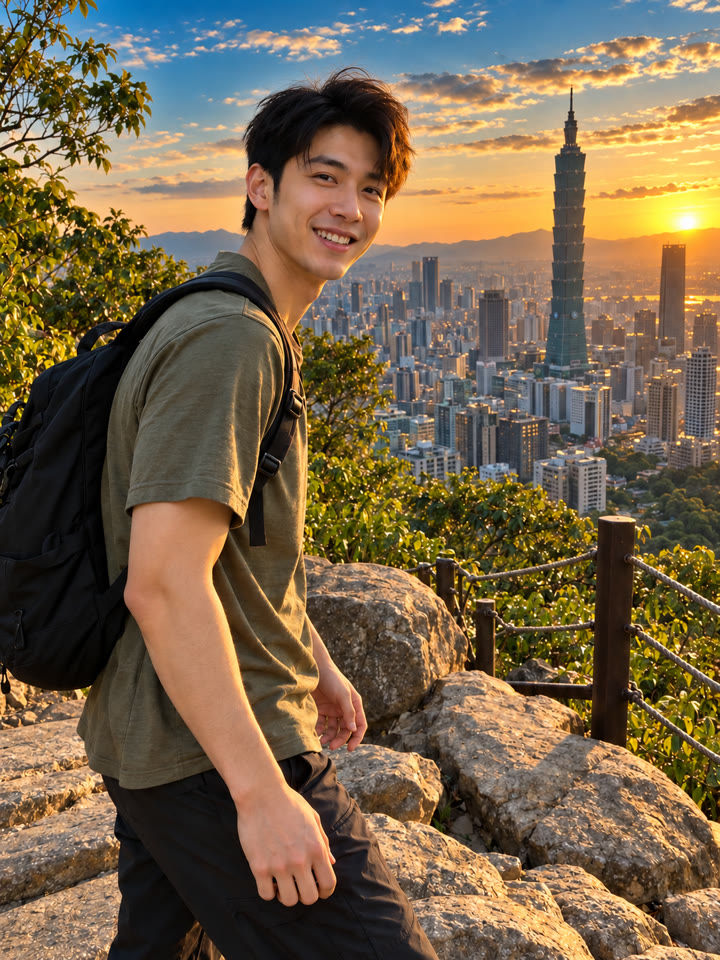
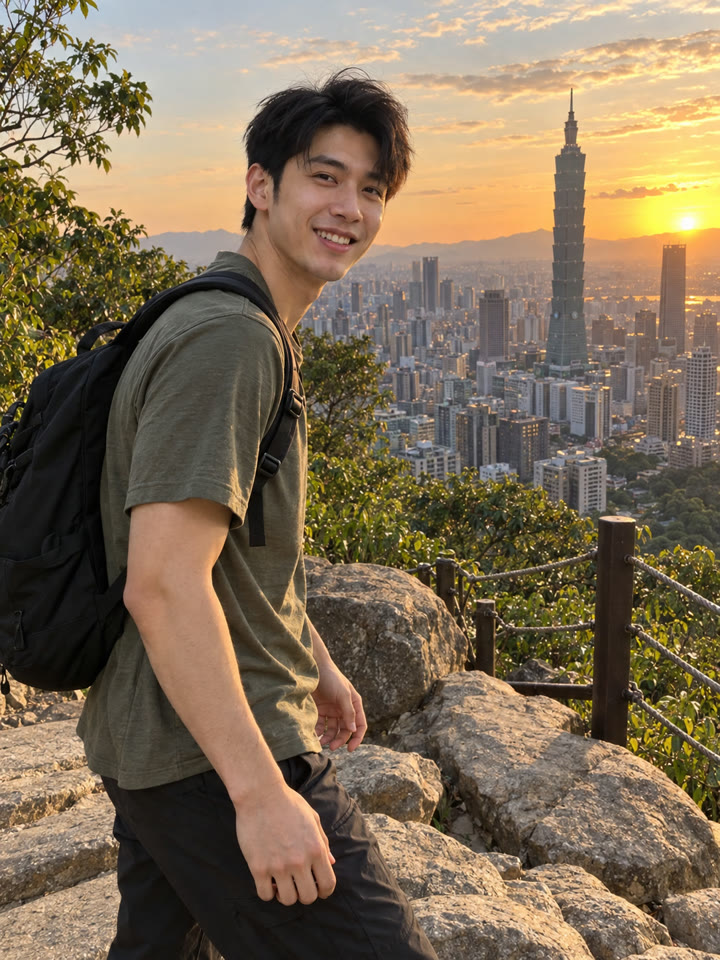 AFTER
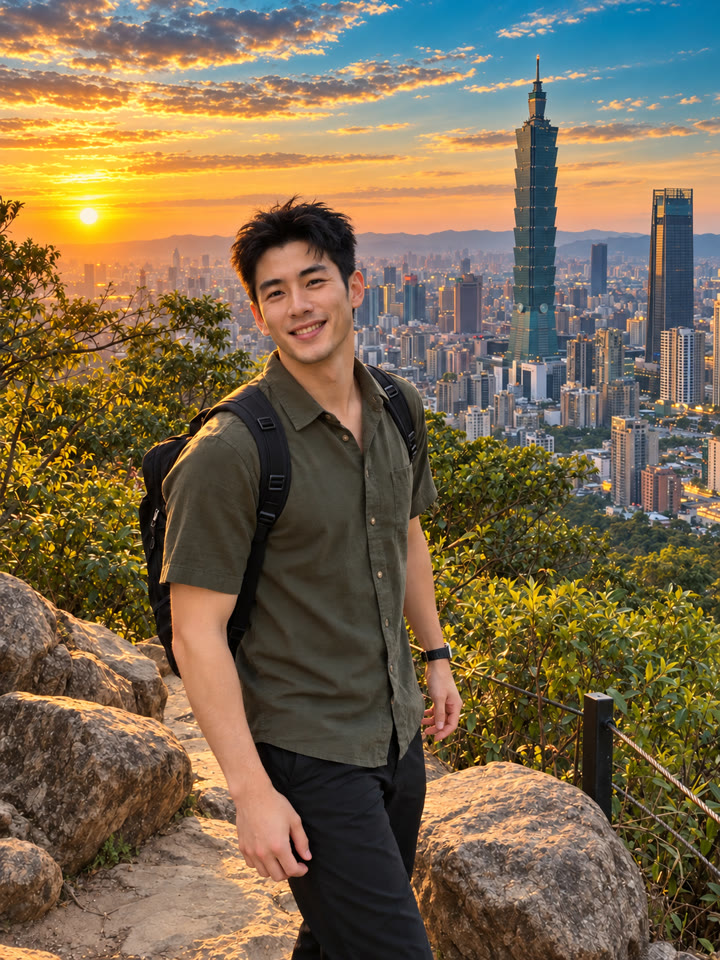
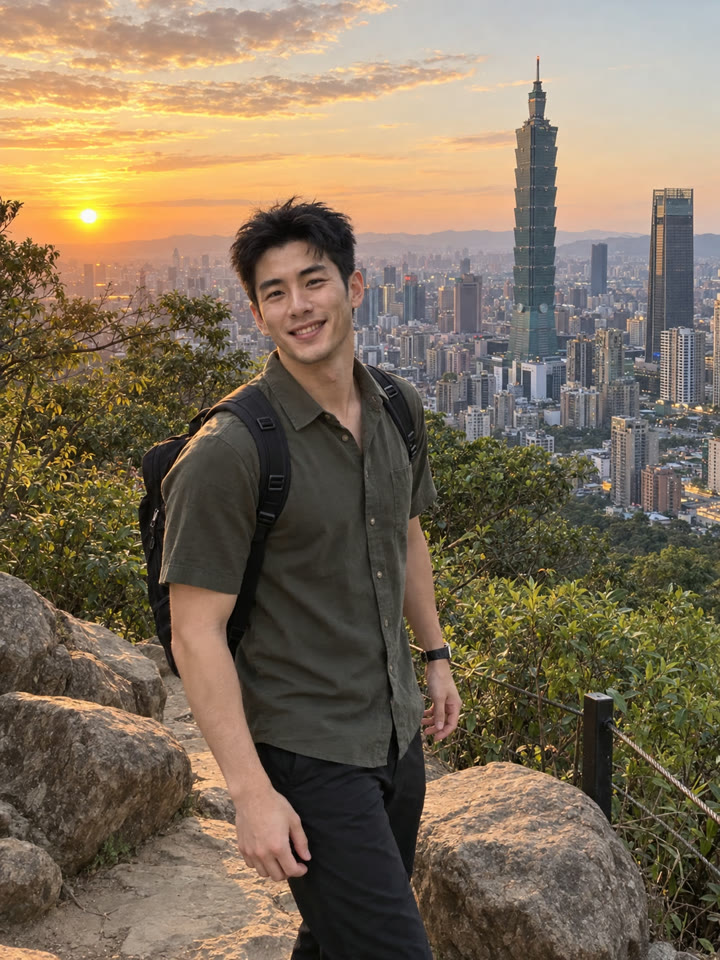 AFTER
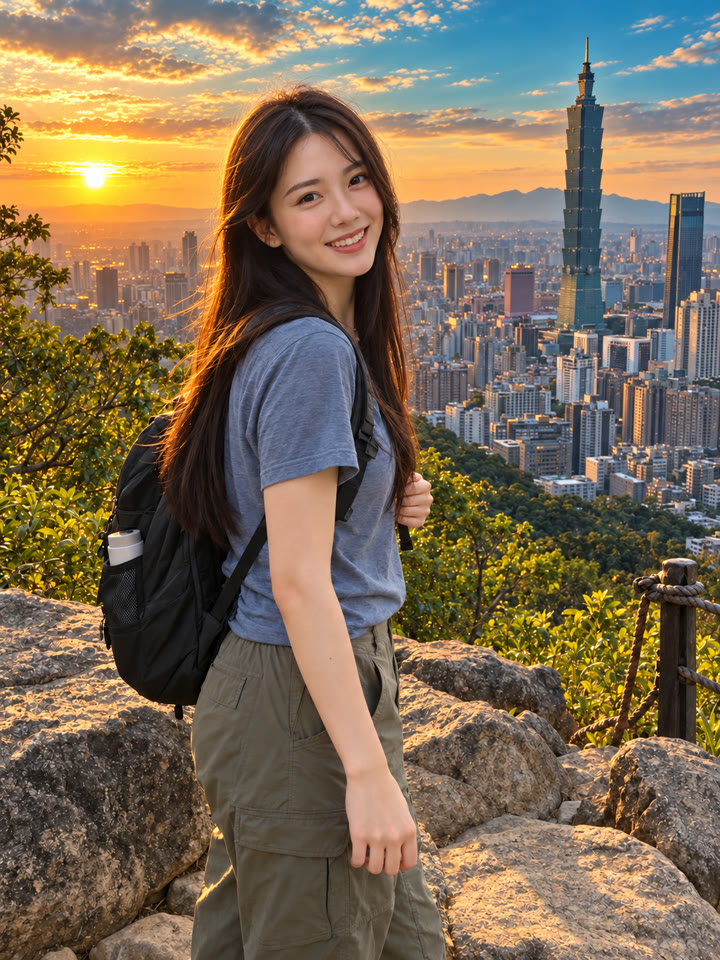
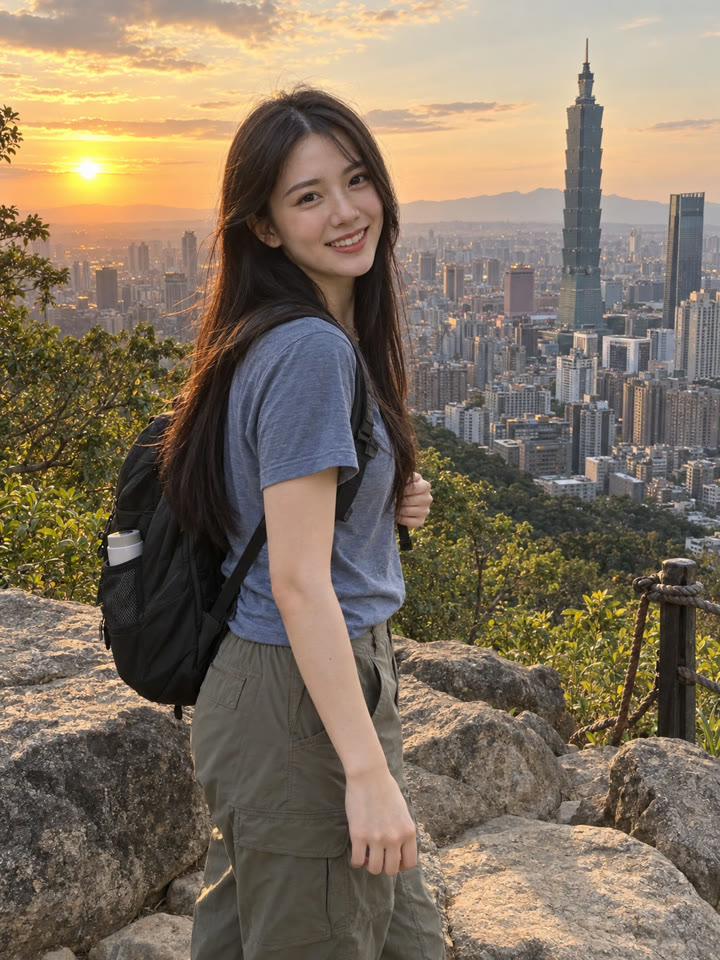 AFTER
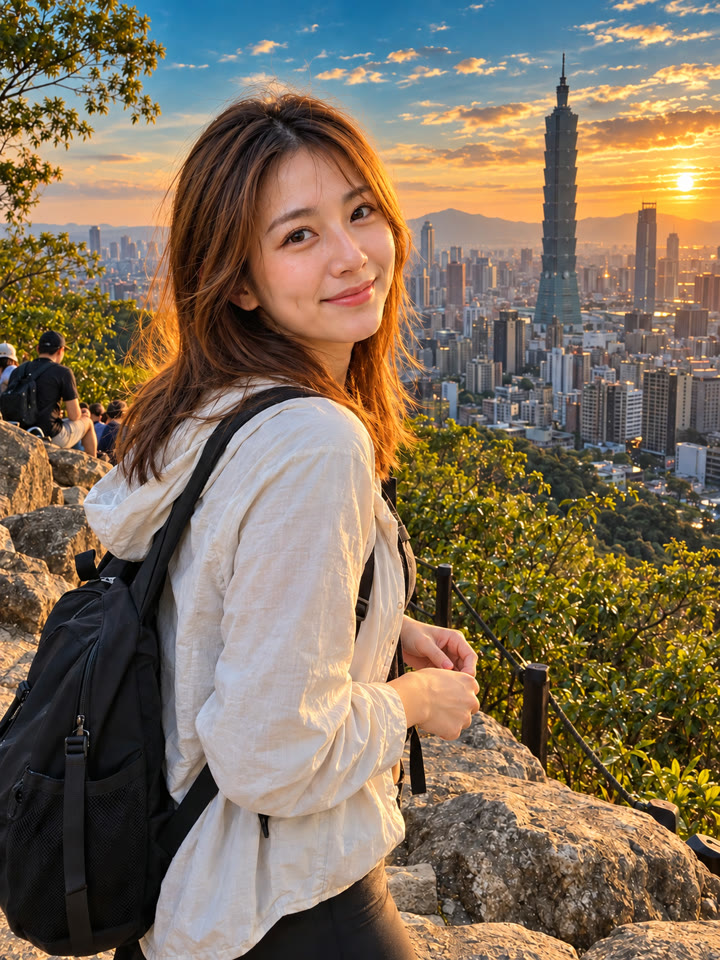
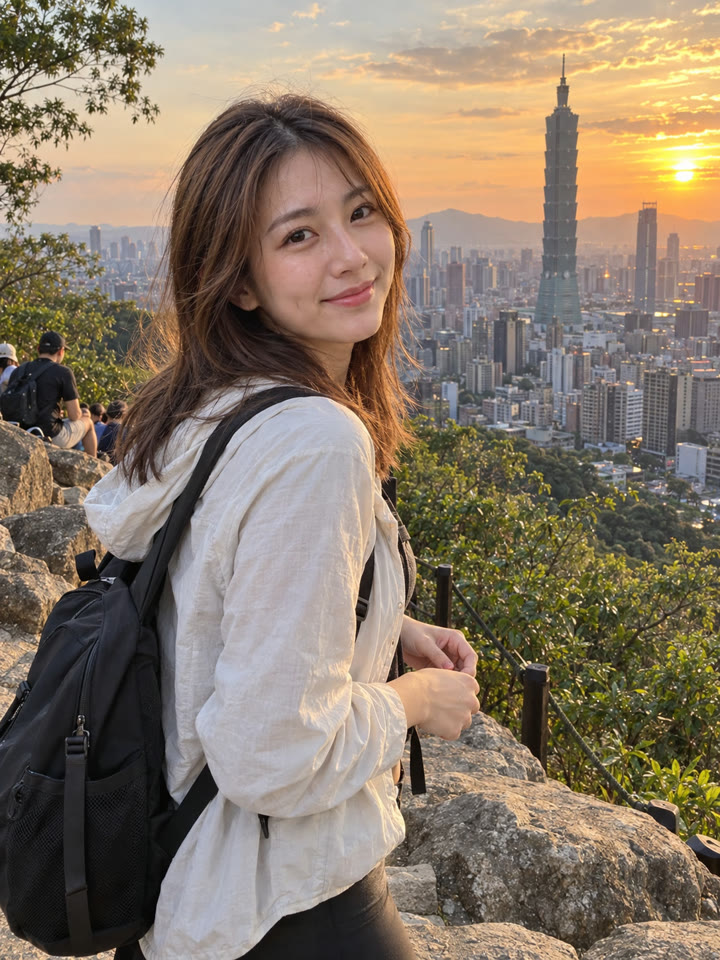 AFTER
 下一個提示詞一張照片+一段提示詞,用 ChatGPT 改善畫質看下一個提示詞 →
效果更好的小技巧
- 先選主體清楚、畫質好的原圖,避免使用反覆壓縮的照片。
- 海天景色、旅行隨拍、咖啡廳與自然光人像,都適合試試這組色調。
- 提示詞請直接貼英文原文;聊天用中文也沒關係。
- 結果會因模型、方案與原圖而異;完成後放大檢查臉、手與背景,確認細節是否改動。
每天更新馬上能用的提示詞
在 IG 打開 @_ai.tip.zh